



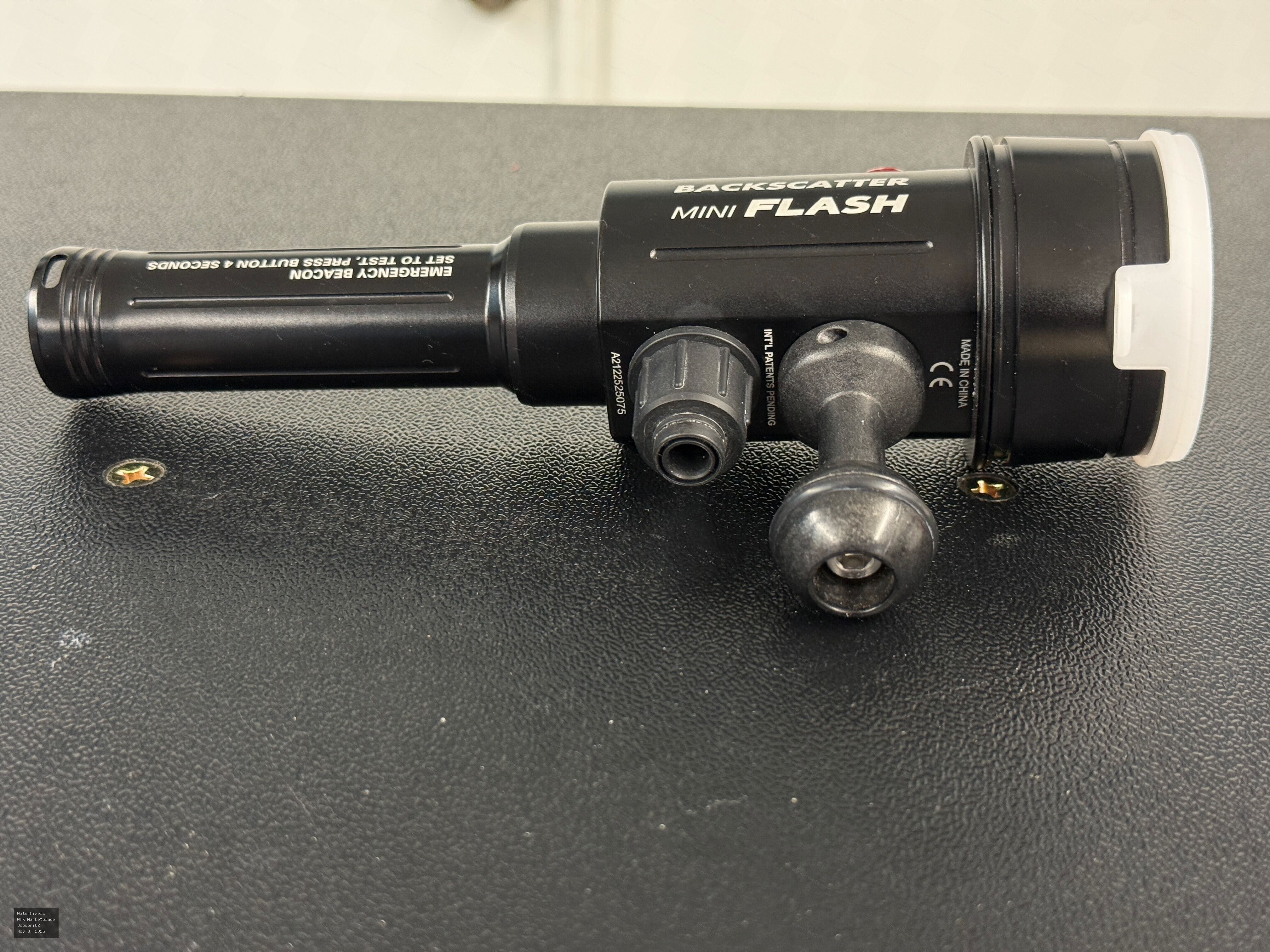
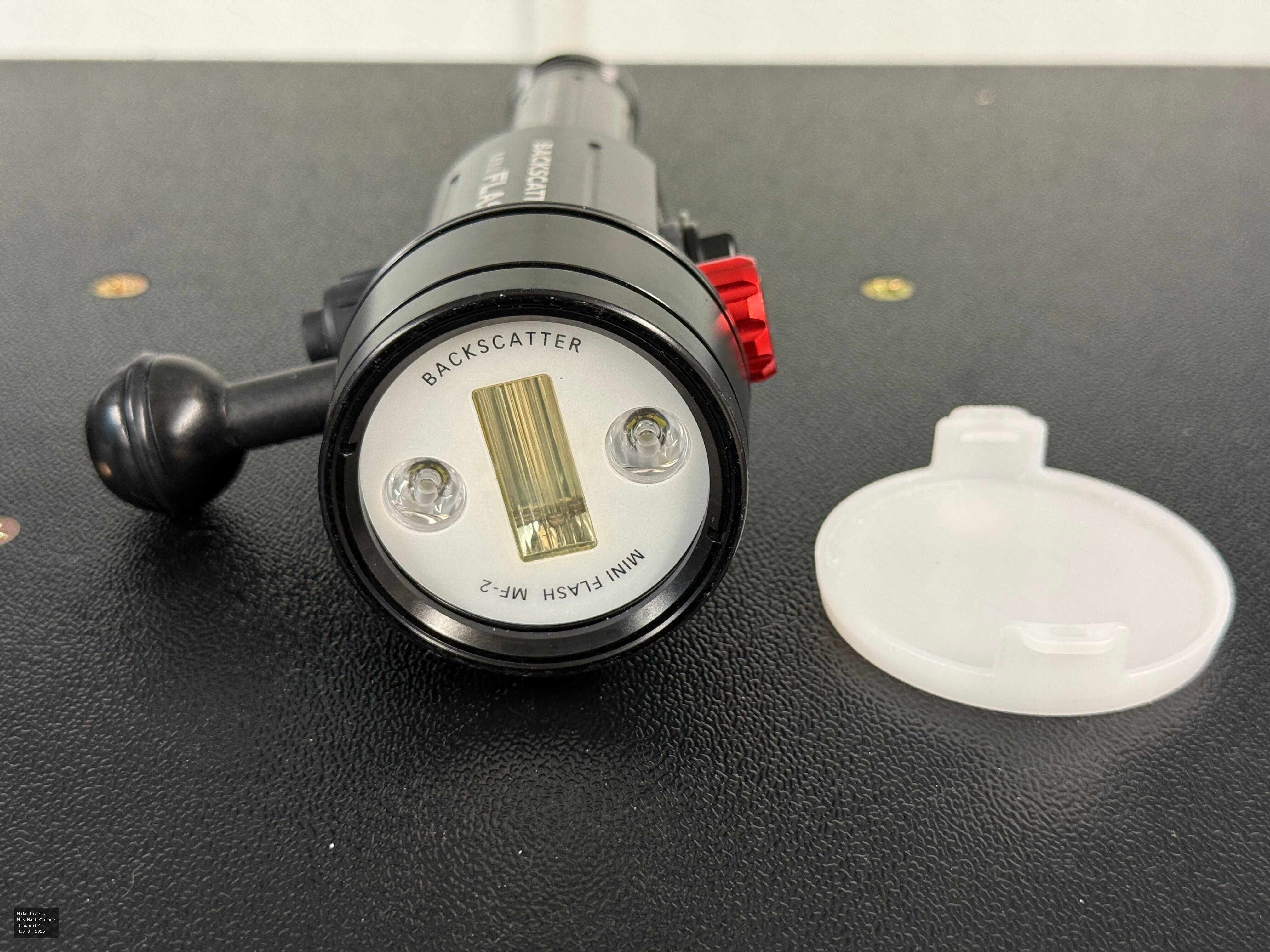
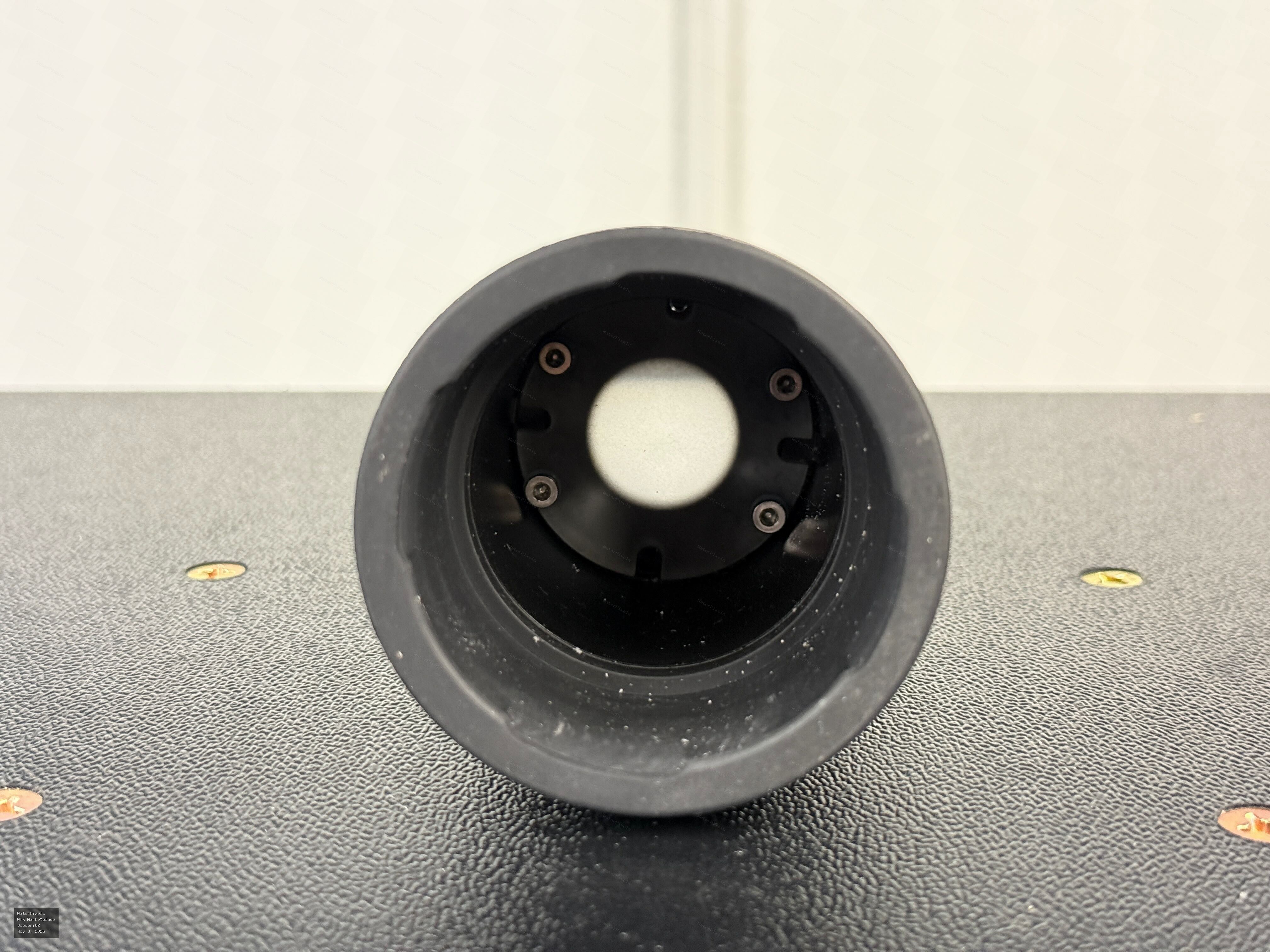
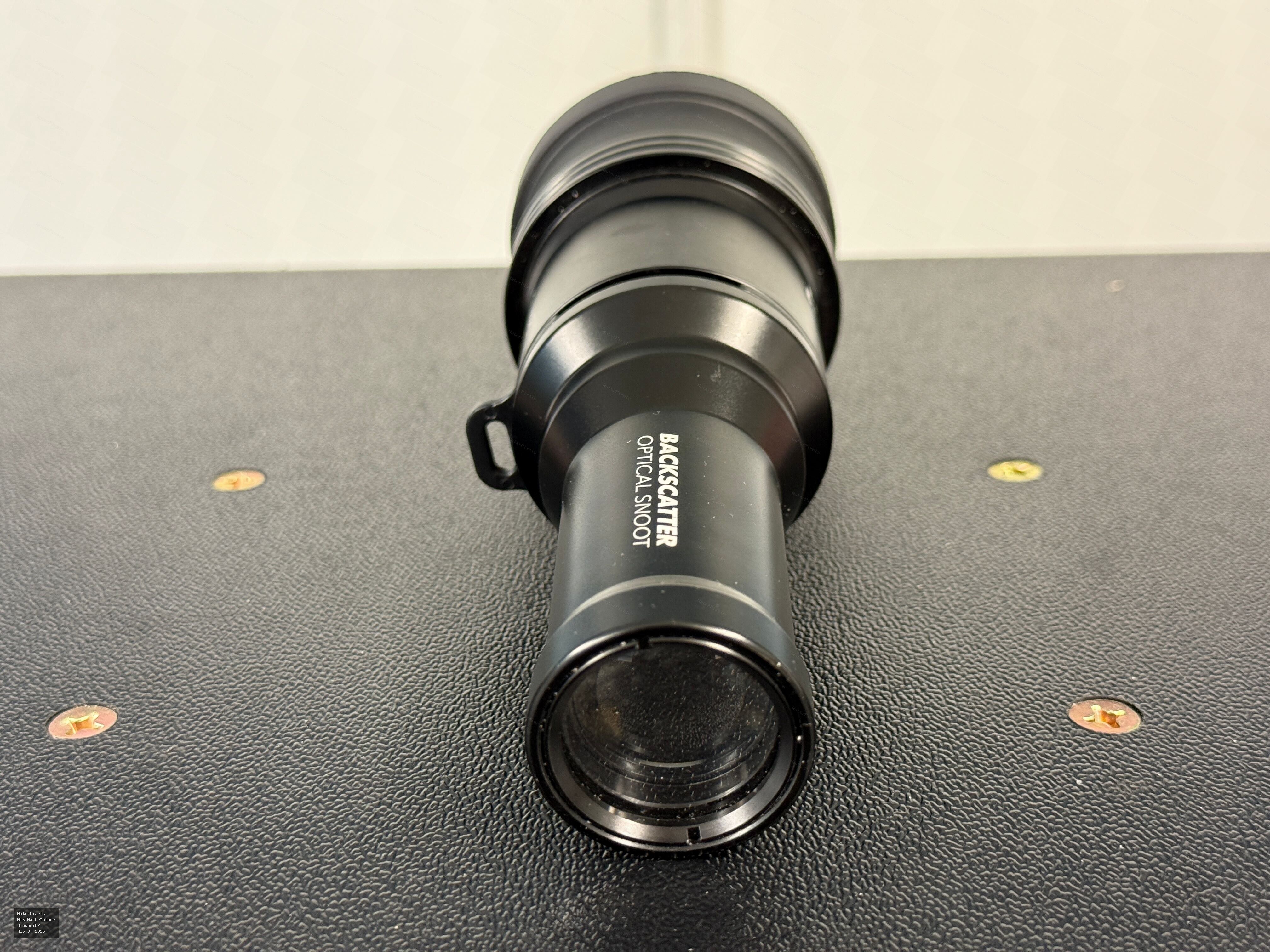
Backscatter Mini Flash 2 + Optical Snoot OS-1 – Complete Package
Description
Backscatter Mini Flash 2 Underwater Strobe + Optical Snoot OS-1 – Complete Macro Lighting Package
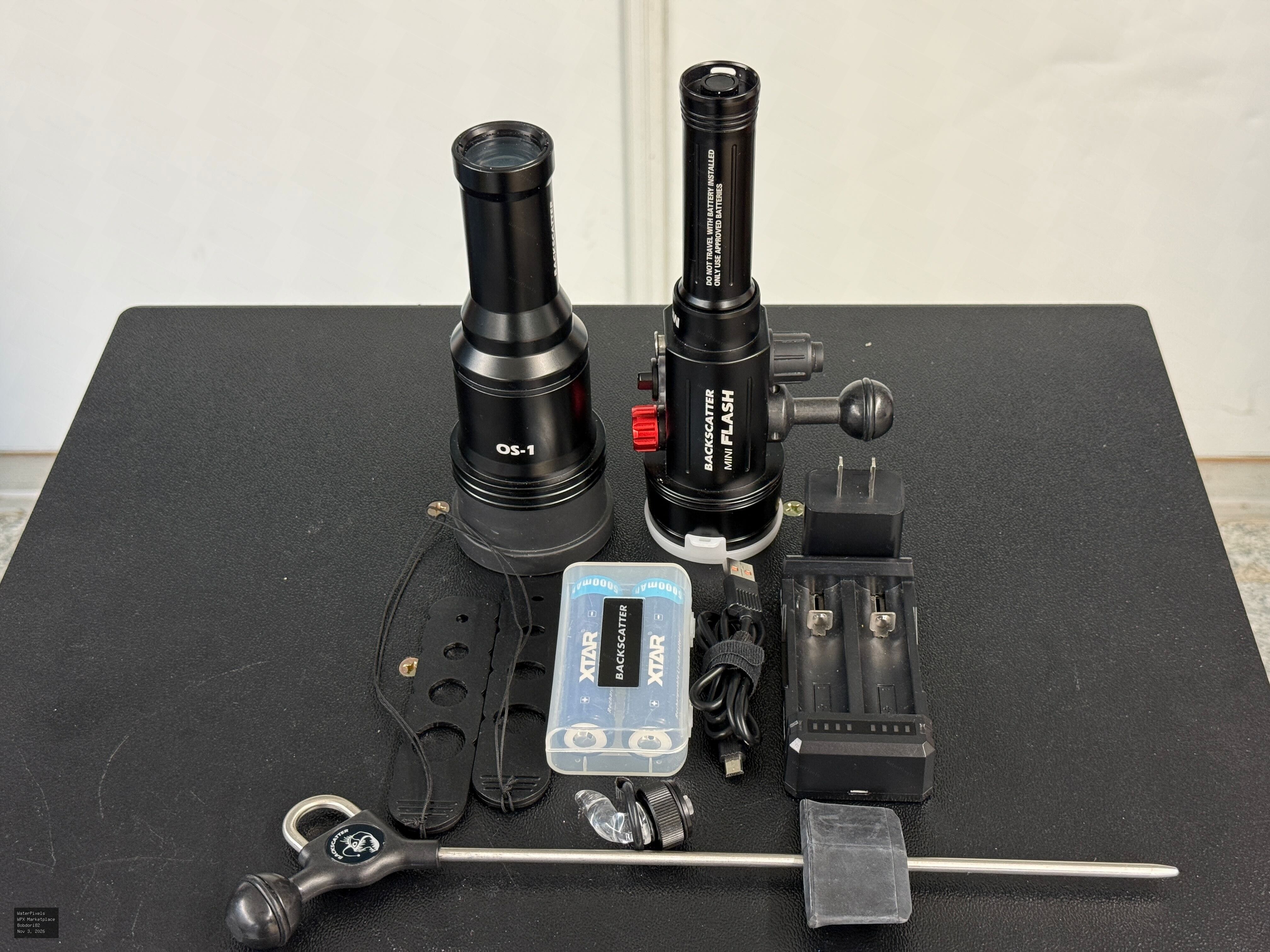
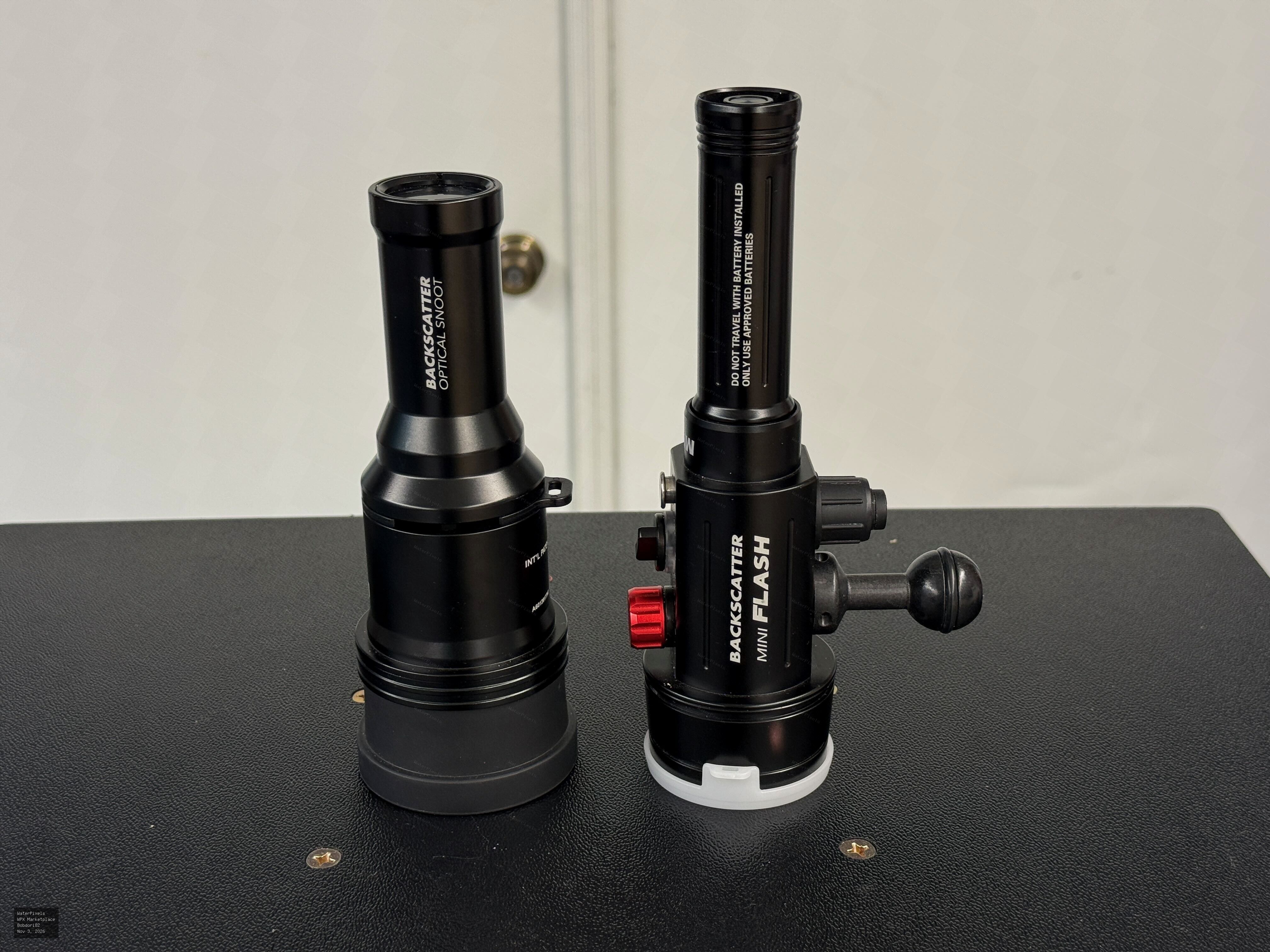
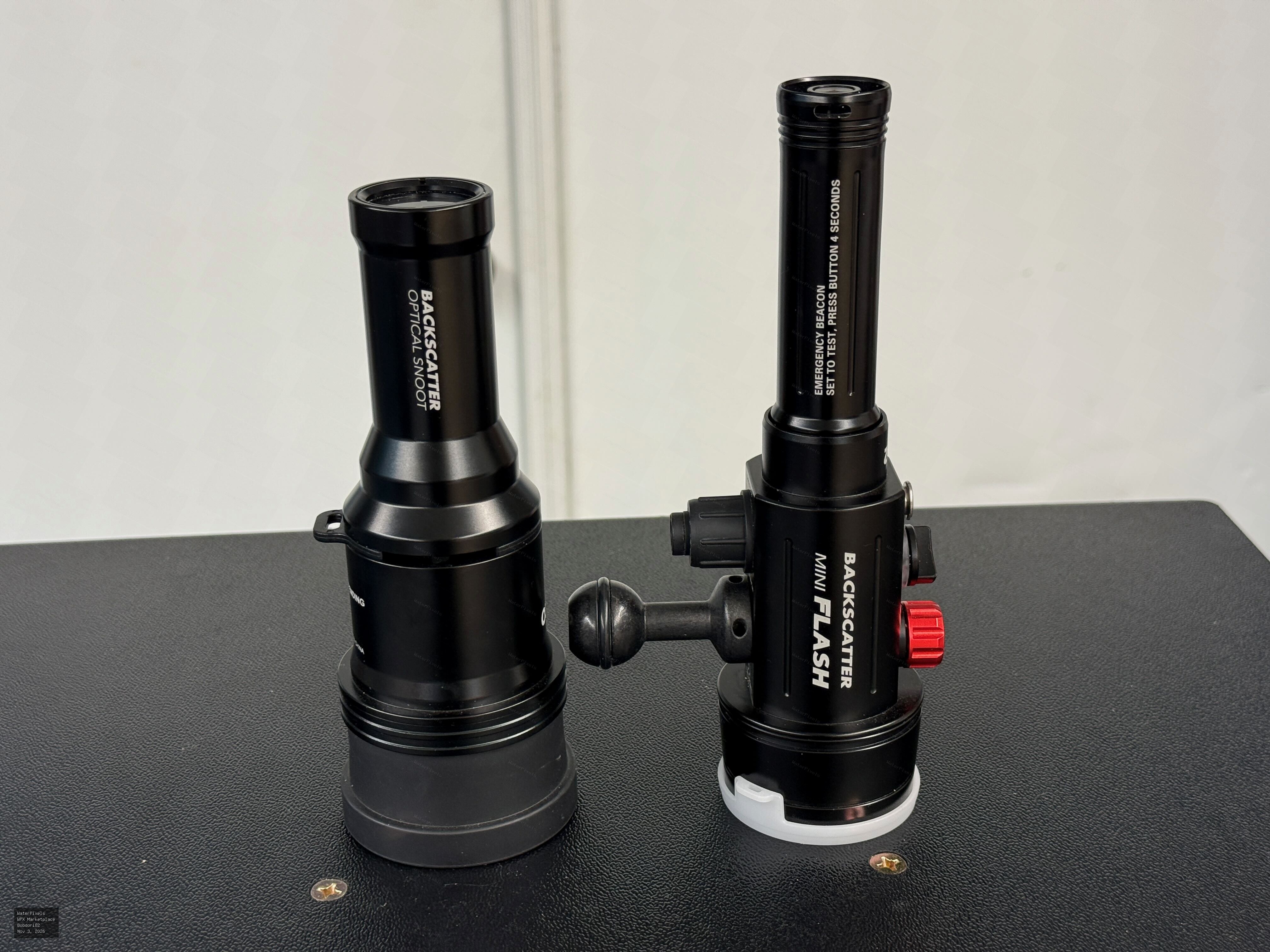
Selling my Backscatter Mini Flash 2 underwater strobe together with the Backscatter Optical Snoot OS-1 and several useful accessories.
This is an excellent compact underwater macro lighting setup, particularly for creative snoot photography, super macro subjects, and travel.
Condition:
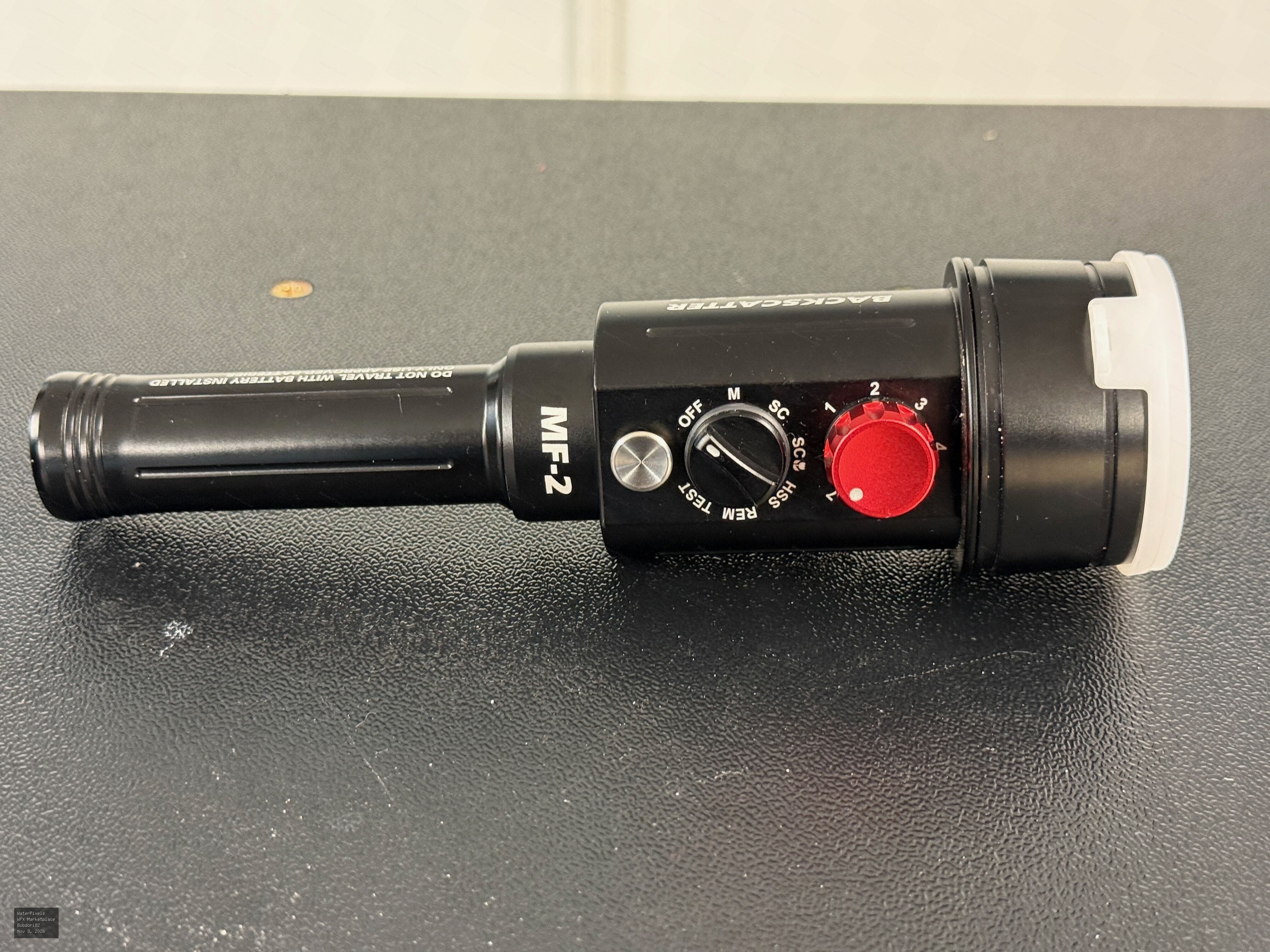
Both the strobe and snoot are in excellent condition, with minimal use on just a handful of dives. Always rinsed and carefully maintained. Everything works properly.
Included:
Backscatter Mini Flash 2 underwater strobe
Backscatter Optical Snoot OS-1
Backscatter Remote Lighting Muck Stick
(2) XTAR Dual 21700 Battery & Dual USB Charger Packages
Mounting accessories and diffuser
Highlights:
Compact, lightweight underwater strobe
Excellent for macro and super macro photography
OS-1 snoot provides precise, creative lighting control
Remote Lighting Muck Stick adds flexibility for off-camera lighting
Complete package with batteries, chargers, and accessories
Price: $495 for the complete package. Reasonable offers considered.
Located in Dubuque, Iowa. Local pickup available, or shipping within the continental United States at the buyer's expense.
Please contact me with any questions or requests for additional photographs.
Location
Dubuque, Iowa




Comments (0)