



-
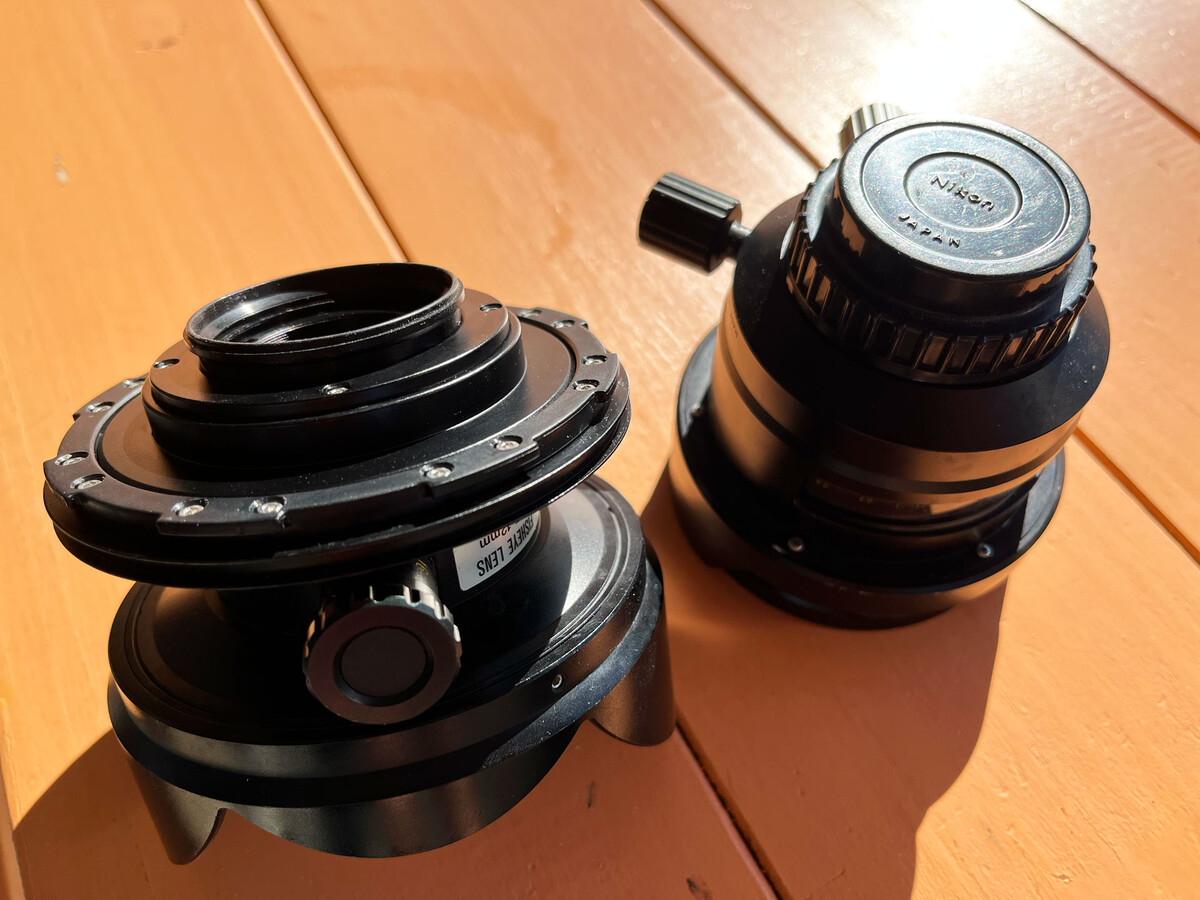
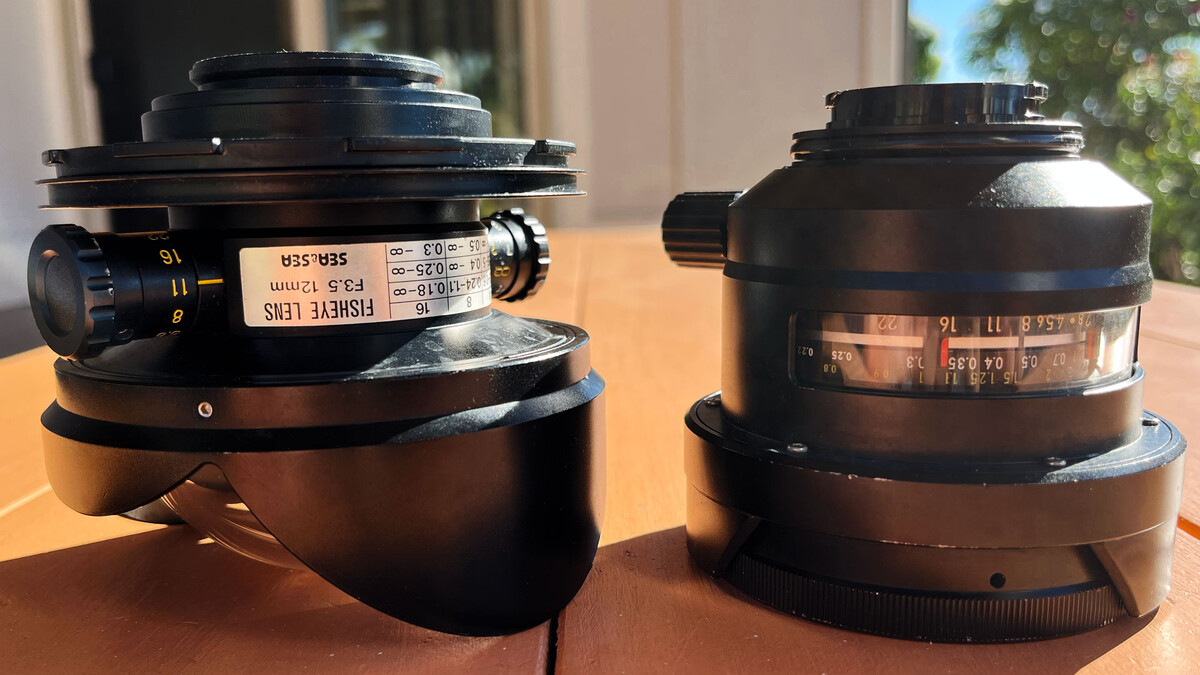
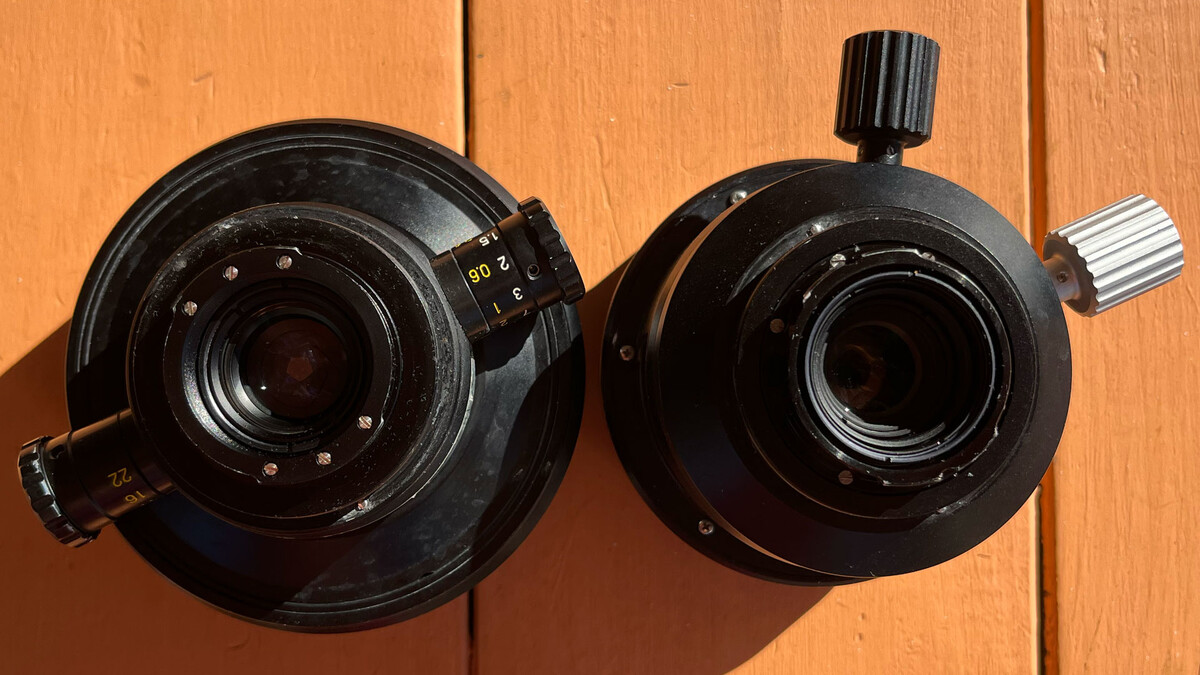
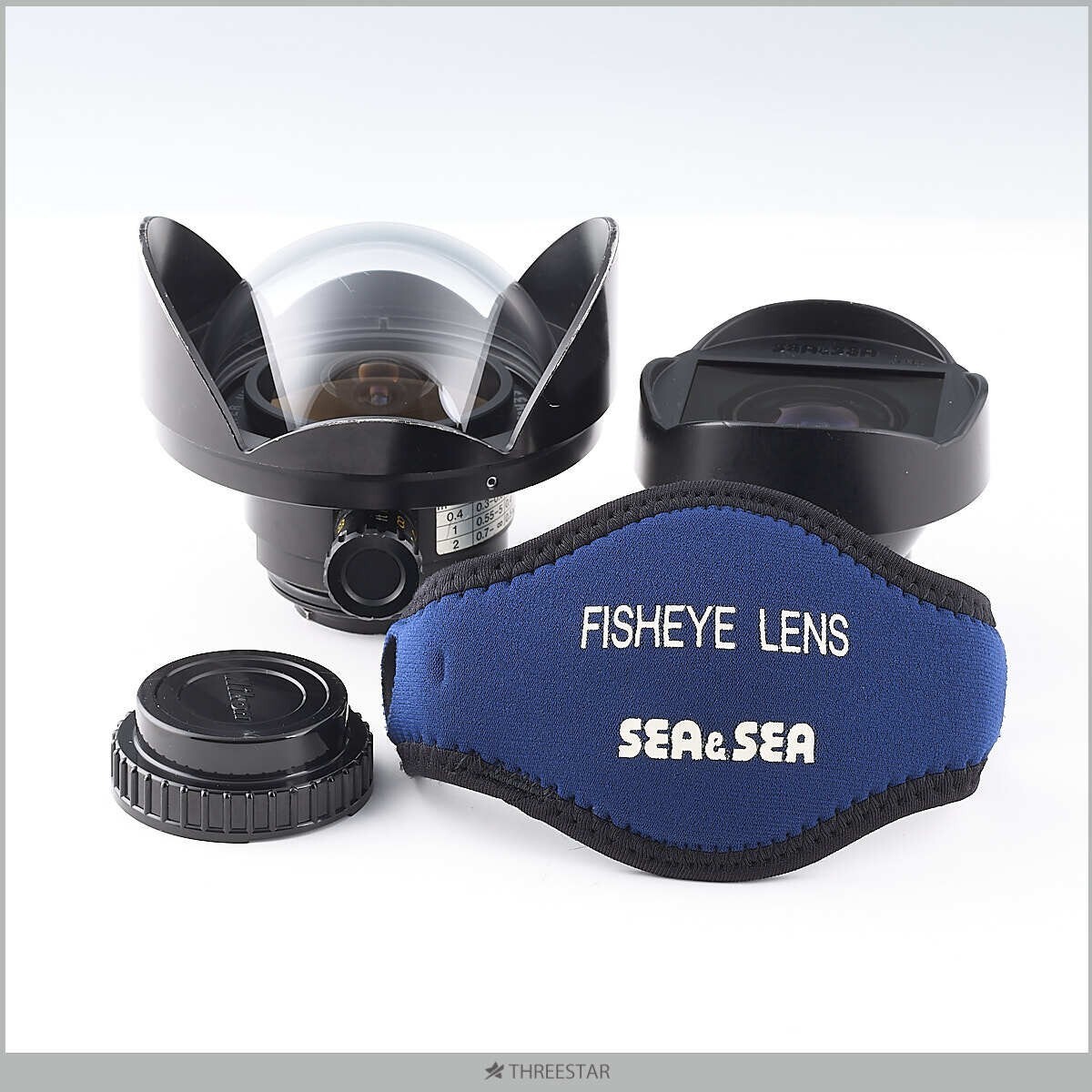
@waterpixel I thought I might as well address your questions for the rest of the community. I suspect that there is very little awareness or information about the Sea & Sea 12mm out there, so I'm happy to help with my extensive experience depending on it exclusively for several years. Do you use focus peaking? One of my biggest reasons for depending on the Sea & Sea 12mm instead of Nikonos 15mm is that critical focus isn't nearly as much a concern, on account of the 12mm being a fisheye while the Nikonos is not. The wider the FOV, the bigger the depth of field in general with lenses. As a freediving and wide angle shooter, as opposed to a SCUBA-equipped macro shooter, it was important to me to not have to worry about critical focus. So I simply shot at smaller apertures, f/8 - 11 mostly, to ensure that my depth of field was so large that everything in my composition was in focus. I could do small aperture with the Nikonos 15mm too, but the fisheye FOV of the 12mm still provided significantly more focus dependability. That said, if you've got the time while underwater (I was on breath-hold), you certainly could take advantage of the focus peaking feature. I would consider it if I had to shoot at larger aperture due to ambient light constraint, or if subject especially close to camera, but I didn't have to worry about it for most everything I shot. Everything was simply in focus all the time. This was also important to me for video, where adjusting focus while filming wouldn't be ideal. How far behind the mount does the lens element extend? The element doesn't extend behind the mount at all. In the first two attached images I have the Nauticam mount on the Sea & Sea 12mm (left; right lens is Nikonos 15mm; wanted to show how comparable in size they are; identical height, 12mm just 0.5" wider). The only thing extending behind the mount is the built-in silicone flange that sits perfectly in front of the camera lens opening. The Sea & Sea 12mm is identical to the Nikonos 15mm (and other Nikonos lenses) as far as the mount and compatibility. The godfather of Nikonos lenses, Pawel Achtel (who devised the 3D UW filming solution for Avatar 2), lists those here (https://achtel.com/3deep/, https://www.facebook.com/share/p/17fZ8A5vKT/). With the Nauticam adapter you can use any of these lenses. Achtel is just as much a fan of the Sea & Sea 12mm as the Nikonos 15mm (https://www.facebook.com/share/17afUA2CPd/, https://www.facebook.com/share/v/1XT3qT2zG3/, https://www.facebook.com/share/p/17FSRFEyWL/). Want to add the Sea & Sea 12mm to your wet lens quiver, and see why I preferred it over the Nikonos 15mm? I've got one or two for sale! $600. 😃
-
@waterpixel Sorry for not replying until now, did not see any notification. The Sea & Sea wet lenses share the same Nikonos mount, so they work with the Nikonos adapter. I started with the Nikonos 15mm, but once I learned about the wider Sea & Sea 13mm I used it exclusively (such as for the shots I shared above). I actually bought several in great condition from the Japanese resell market since they are so rare (~$700). But I would happy to share them with any of you, as they are just sitting around.
-
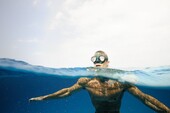
OlDirtyDiver changed their profile photo+1 for using the Nikonos-fitting wet lenses on modern cameras. I feel like it's some sort of secret. My preferred lens is the Sea & Sea 12mm f/3.5 fisheye, over the Nikonos 15mm. The 12mm is much more rare, hard to find. I stockpiled a few because of this, but I am happy to spare one (or a few) for anyone who wants it. Everything I shot for nearly the last decade, both photos and video, was with the 12mm on a Sony a7 series with Nauticam housing and Nikonos adapter. Manual focus wasn't much of a concern because it's a fisheye. @chambersbelow
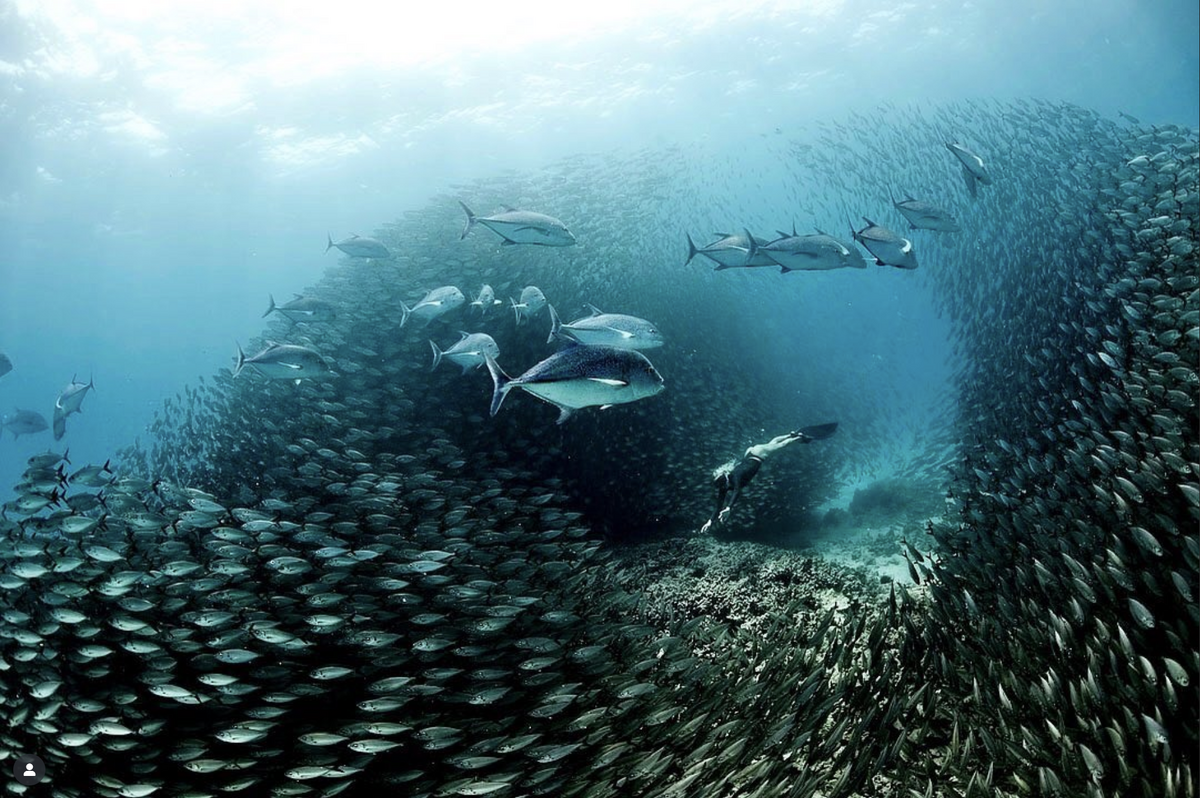
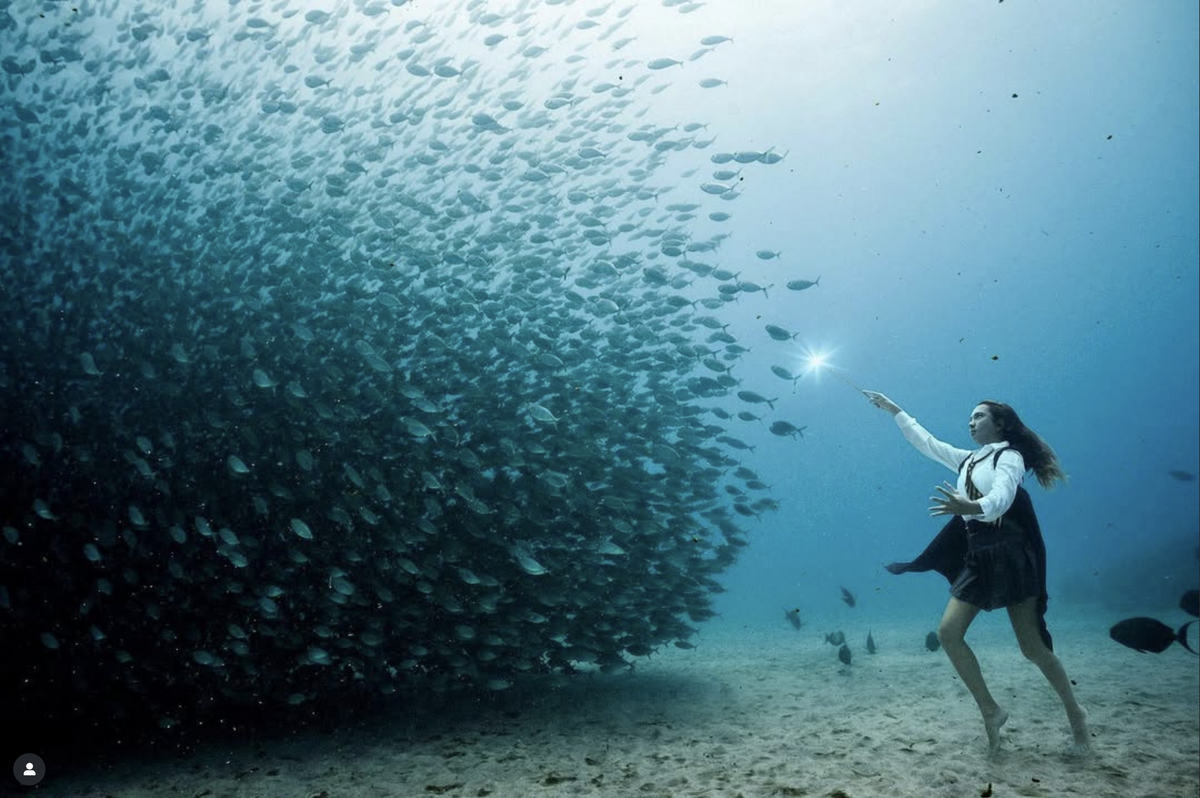
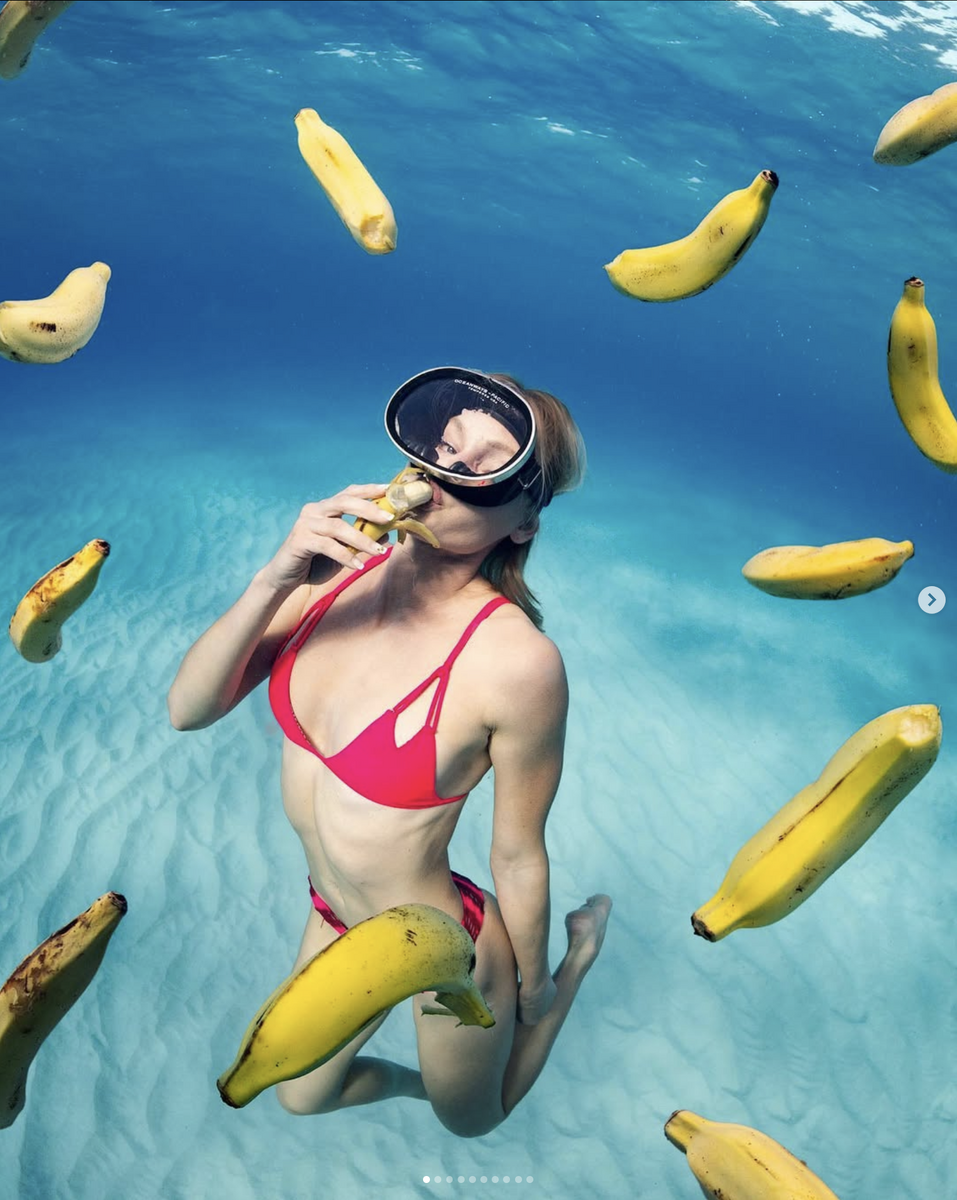
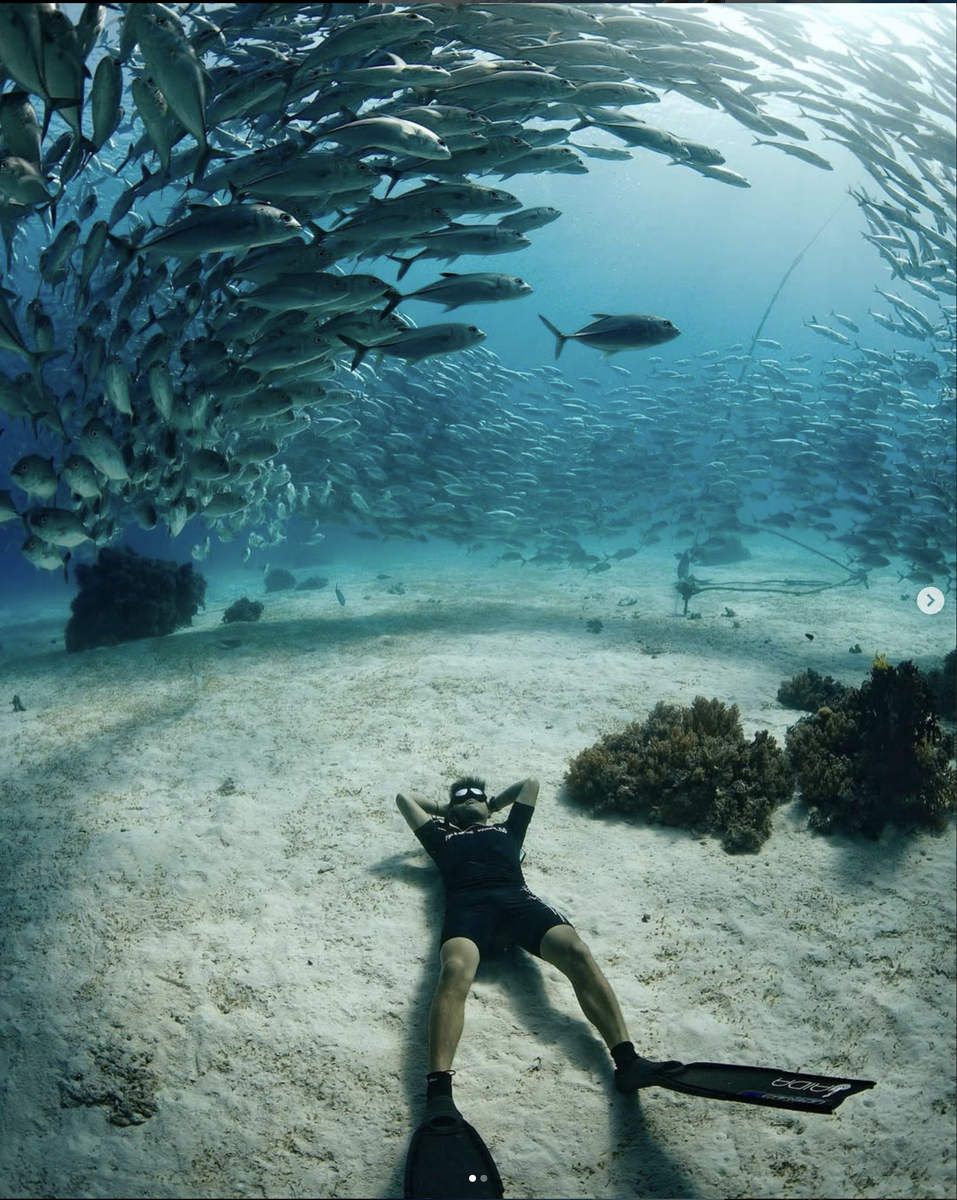 Hello, Any other freediving photographers in here? And anyone using old Nikonos wet lenses with modern housings/cameras? These two traits might distinguish me a bit. All recent work on Instagram. Thanks, Kurt @chambersbelow




Important Information
Terms of Use Privacy Policy Guidelines We have placed cookies on your device to help make this website better. You can adjust your cookie settings, otherwise we'll assume you're okay to continue.