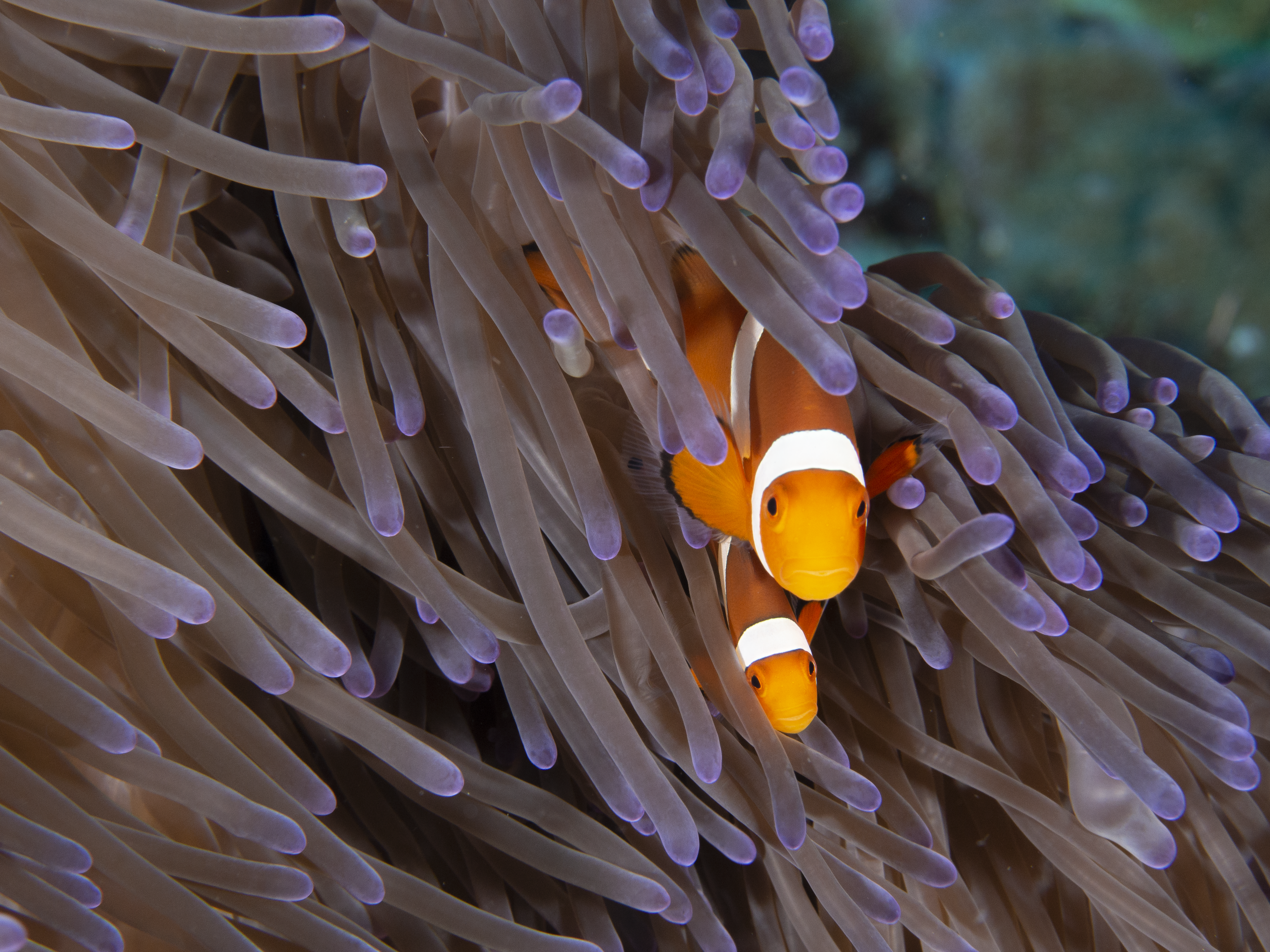
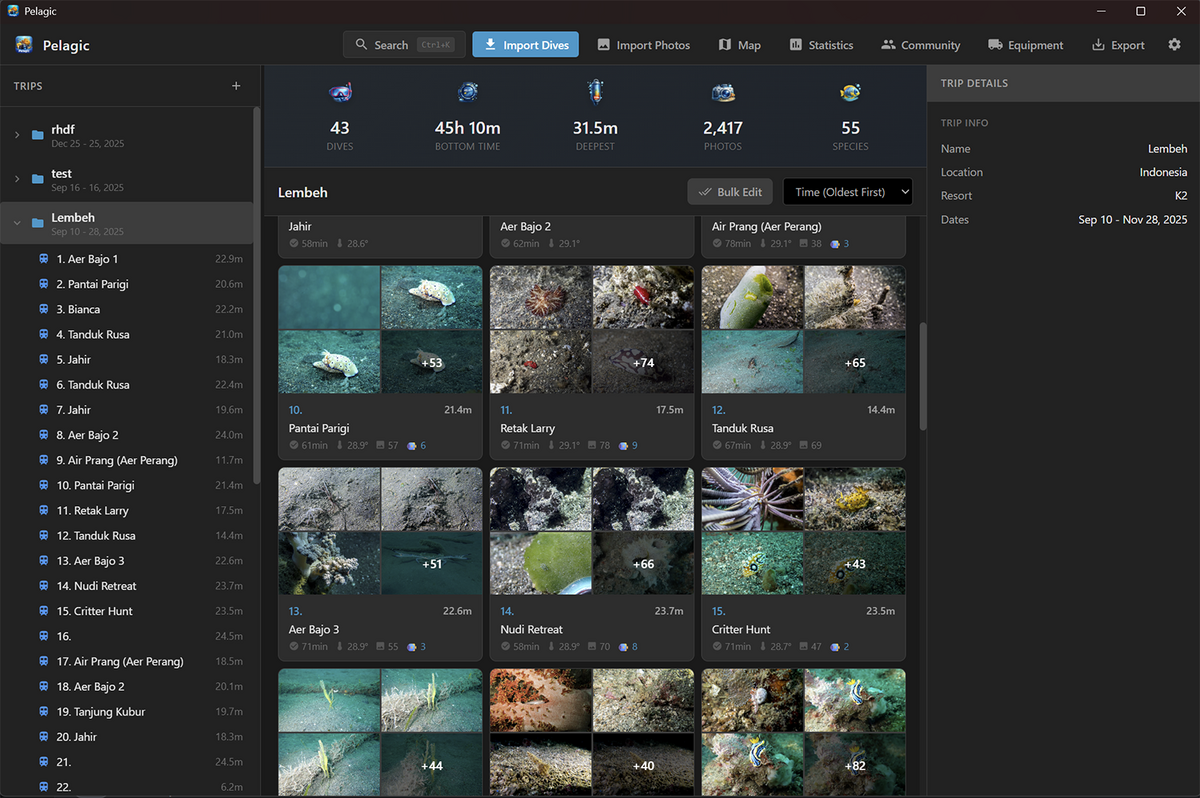
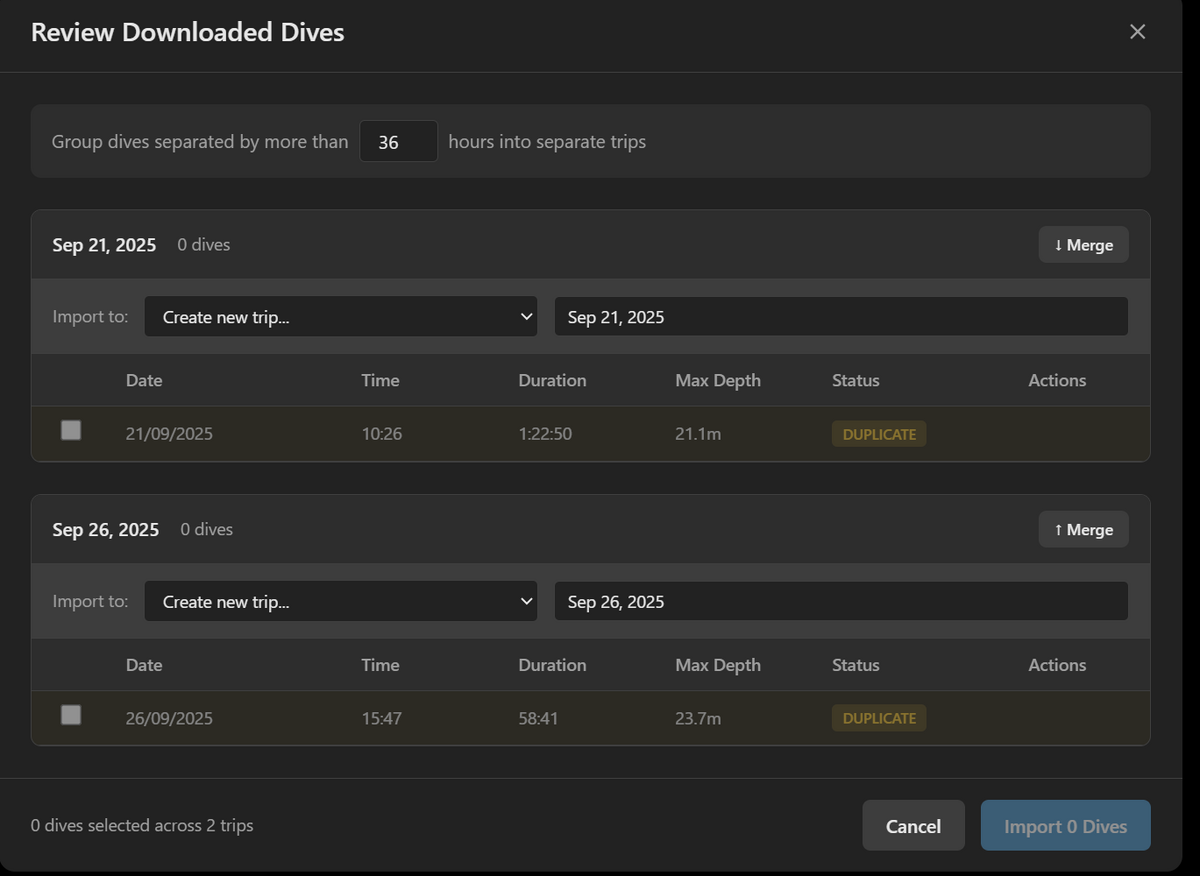
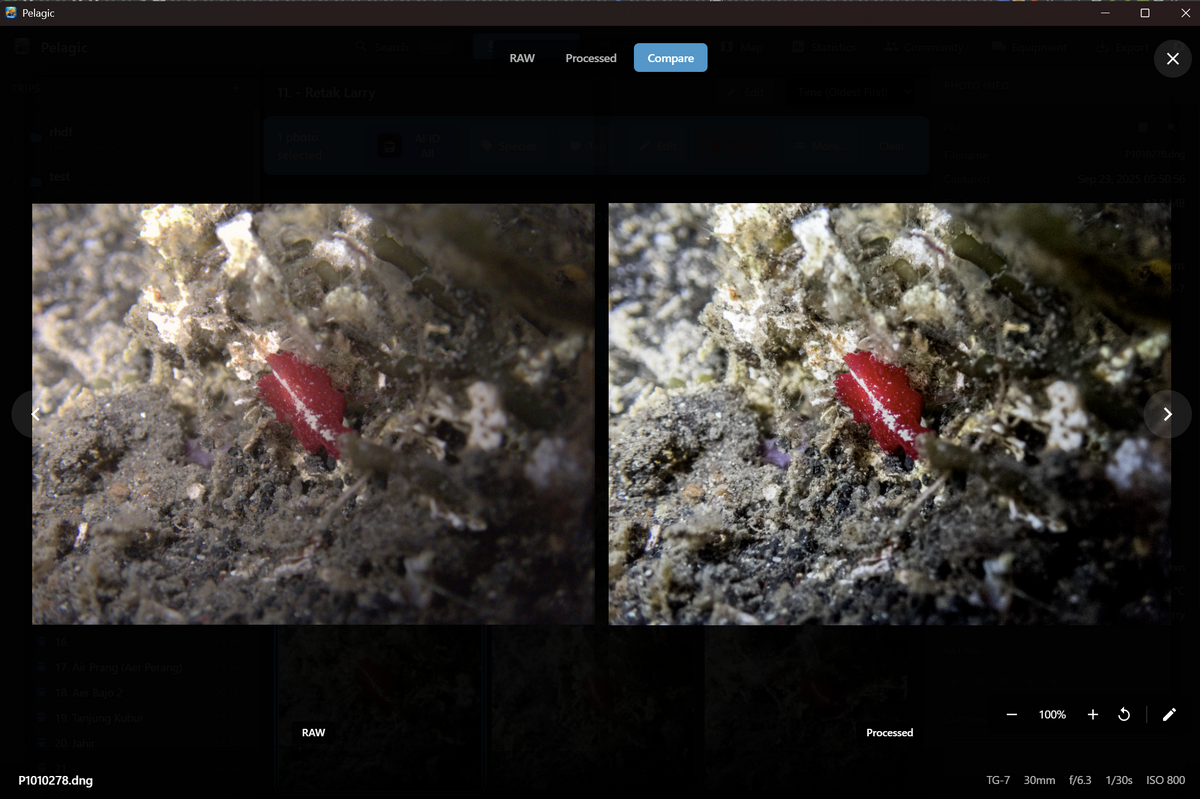
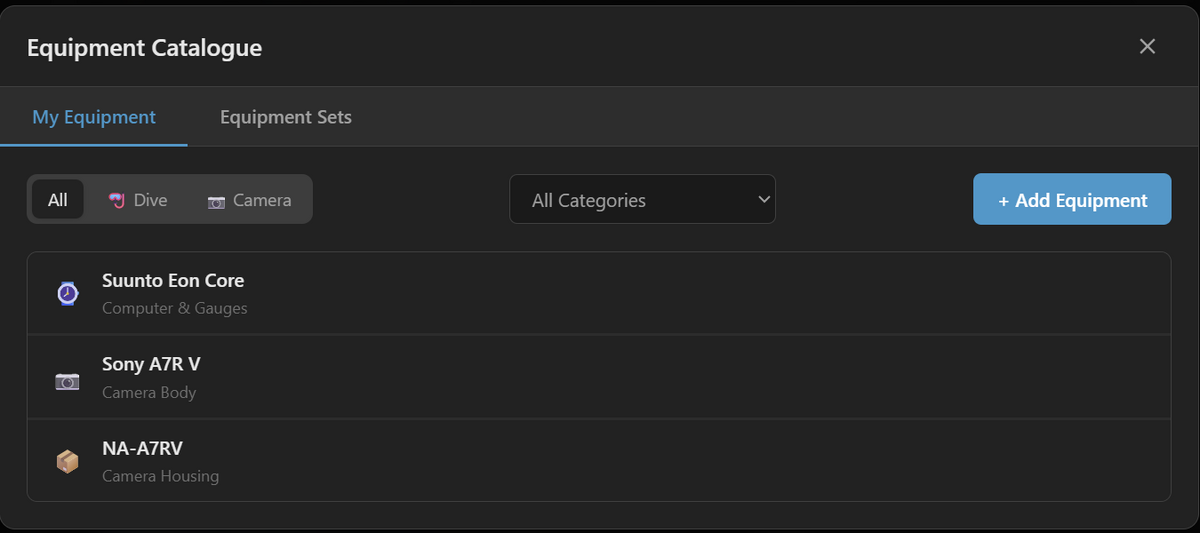
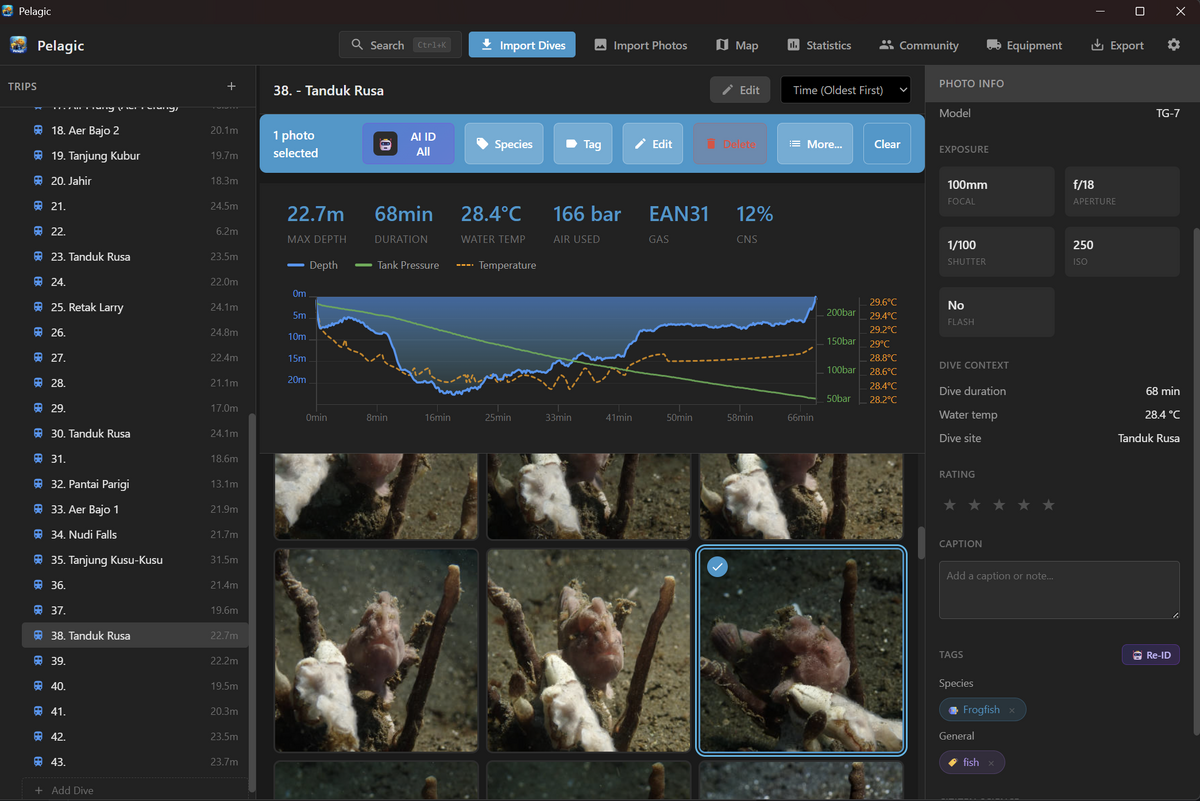
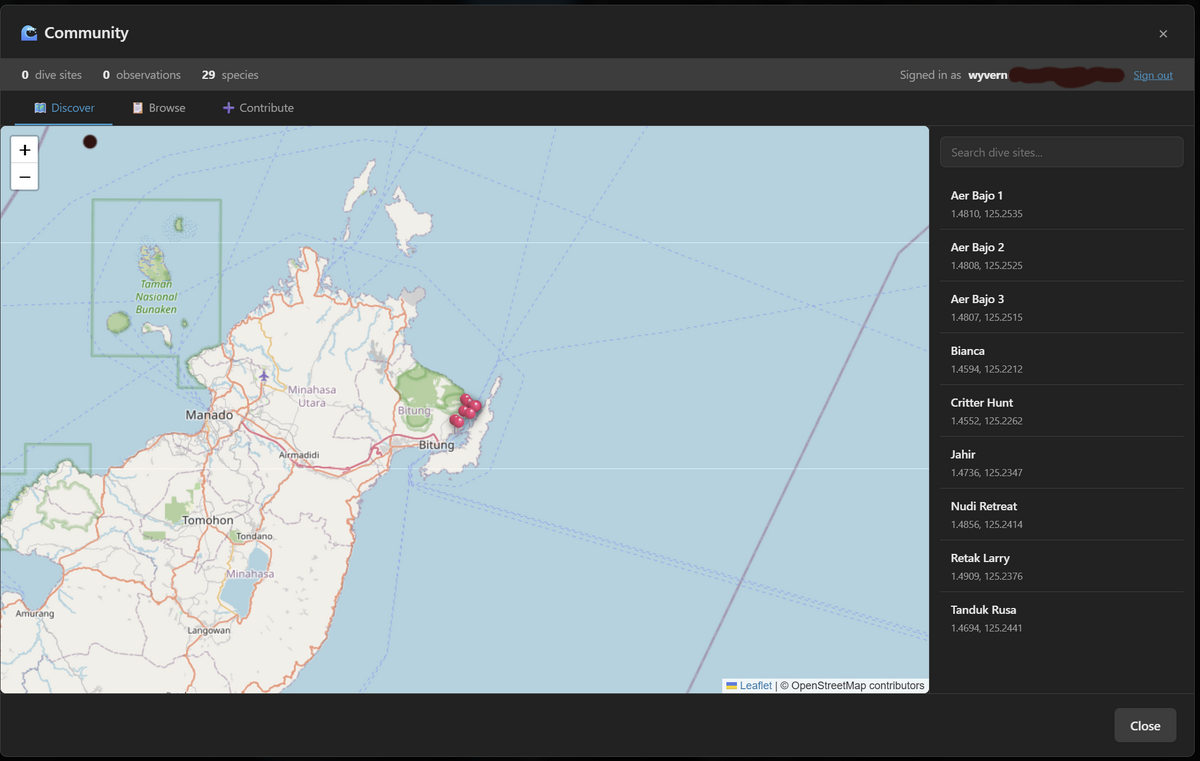
Hello! I'm new to the forums and a diver and underwater photographer, and I've been building a desktop app called Pelagic, basically a dive logbook and photo organiser rolled into one, with a few bells and whistles attached. The idea came from being frustrated with having dive logs in one place, photos in another, and species IDs scattered across notes etc. So in theory it connects to 60+ dive computers (Shearwater, Suunto, Garmin, Scubapro, Mares, etc.) using the open source libdivecomputer library although I've only managed to test my Suunto eon core and garmin files so far. Once you've imported your dives and added them to a trip, you can add your photos and as long as your dive computer time/date and your camera's are somewhat synced up it will automatically sort your photos into the imported dives. Once imported to your photo library you can tag species with common and scientific names, add a google gemini API key for AI ID, and writes all the metadata back to your images as XMP so it survives into Lightroom or whatever your editing workflow is, speaking of which you can launch your preferred editor directly from the app. Once edited Pelagic will track the edited file and import it back into the app enabling you to side by side compare the raw and edited versions. There's also a built-in community map, a global database of dive sites contributed by Pelagic users. All data is anonymous so no usernames or personal info are attached to submissions. You can browse dive sites, see what species have been spotted there, and check depth ranges where sightings occurred. It's the kind of thing that's genuinely useful for trip planning or if you're heading to a new area you can pull up nearby sites and see recent observations. It works the other way too, after your dives, your species tags feed back into the database so the next person planning a trip benefits from your data. The whole thing runs on the idea that shared, anonymous sighting data makes everyone's diving better. There's also an equipment tracking system, you can catalog all your dive and camera gear with brand, model, serial numbers, and purchase dates. You can group items into equipment sets (like your cold water kit vs. tropical setup, or your macro rig vs. wide angle), so you've got a quick record of what you took on each trip and it all stays in the log history. Handy for insurance purposes, keeping track of service intervals. Still actively developing it and there's a ton more features I haven't covered here. Always looking for feedback from other UW shooters on what would actually be useful and what you find easy/hard, intuitive/unintuitive etc. It's completely open source and free, the code is here https://github.com/wyvernp/pelagic and can be downloaded from https://github.com/wyvernp/pelagic/releases. Anyway, looking hearing any feedback and being part of the community. Cheers!