




-
Here's a link to make it easier to look up my ebay history and feedback. https://www.ebay.com/usr/$$$highbid?_tab=feedback I have 621 feedbacks, but I havn't sold anything for the last year, but will start up again soon. Thanks
-
I've not sold much u/w equiptment, but I'd like to share my ebay account so you can see my history and rating. $$$highbid
-
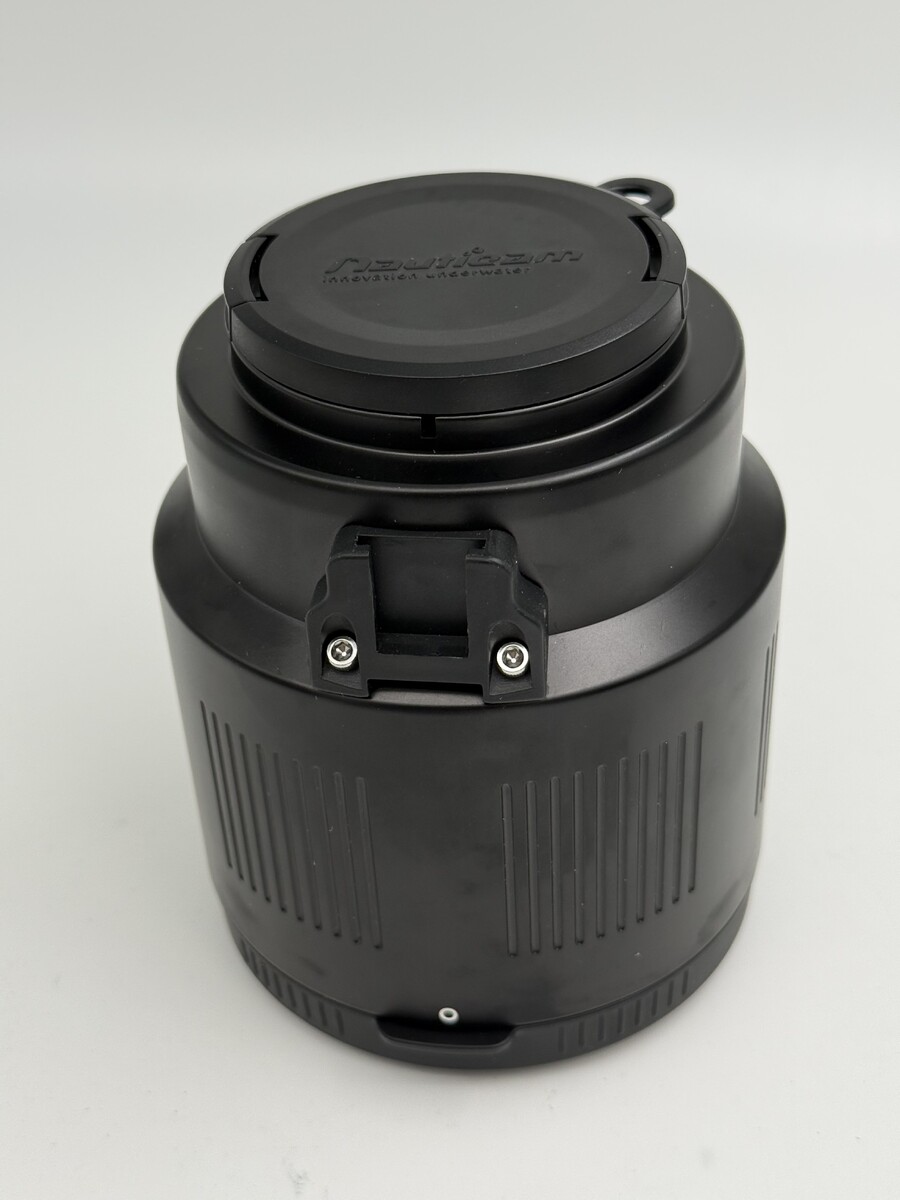
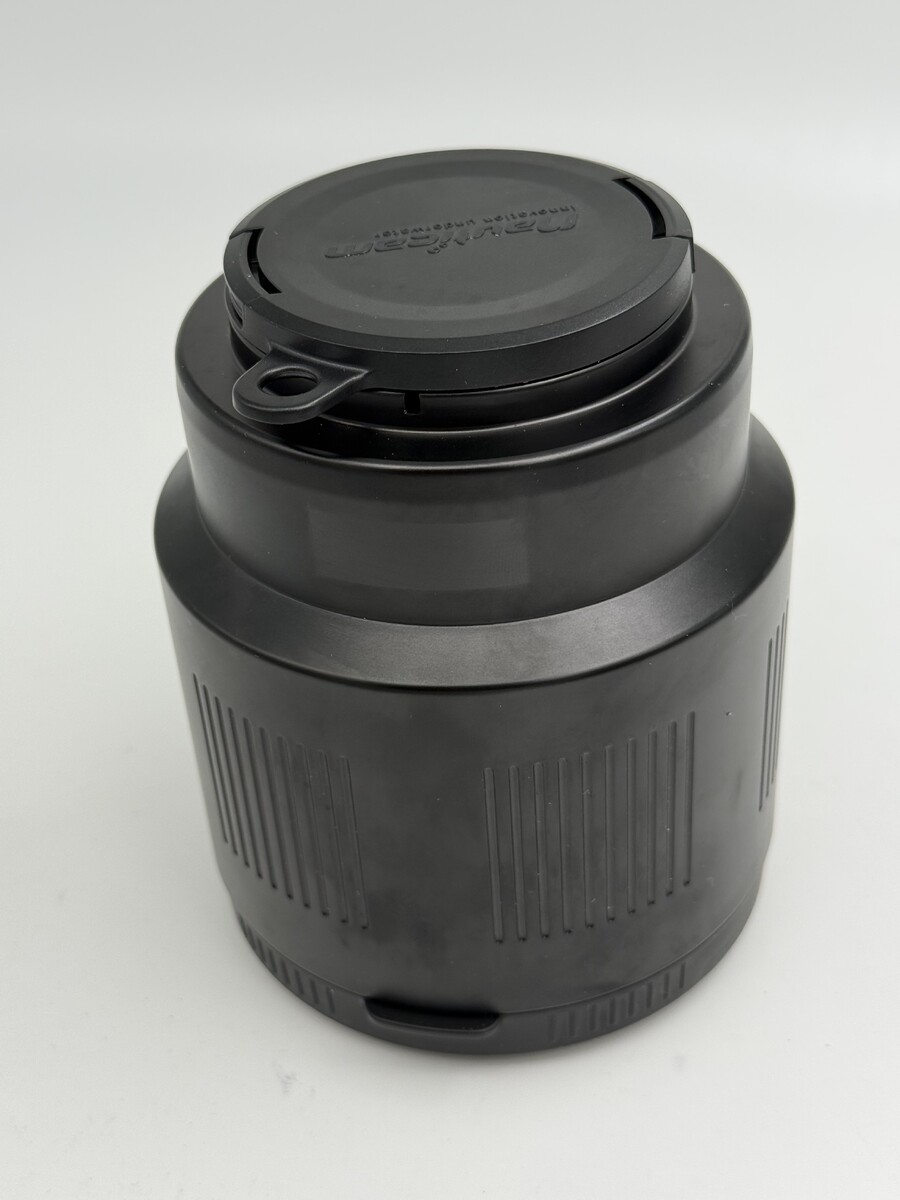
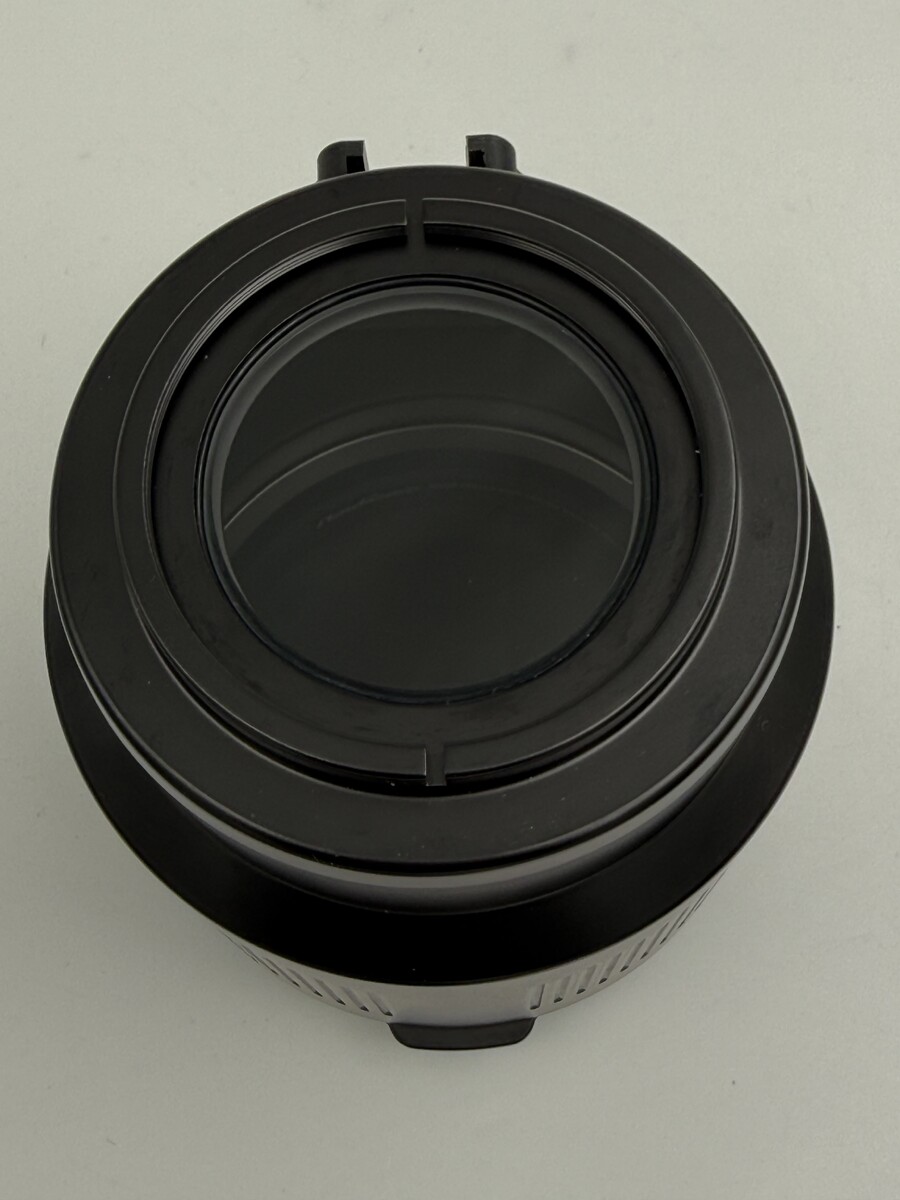
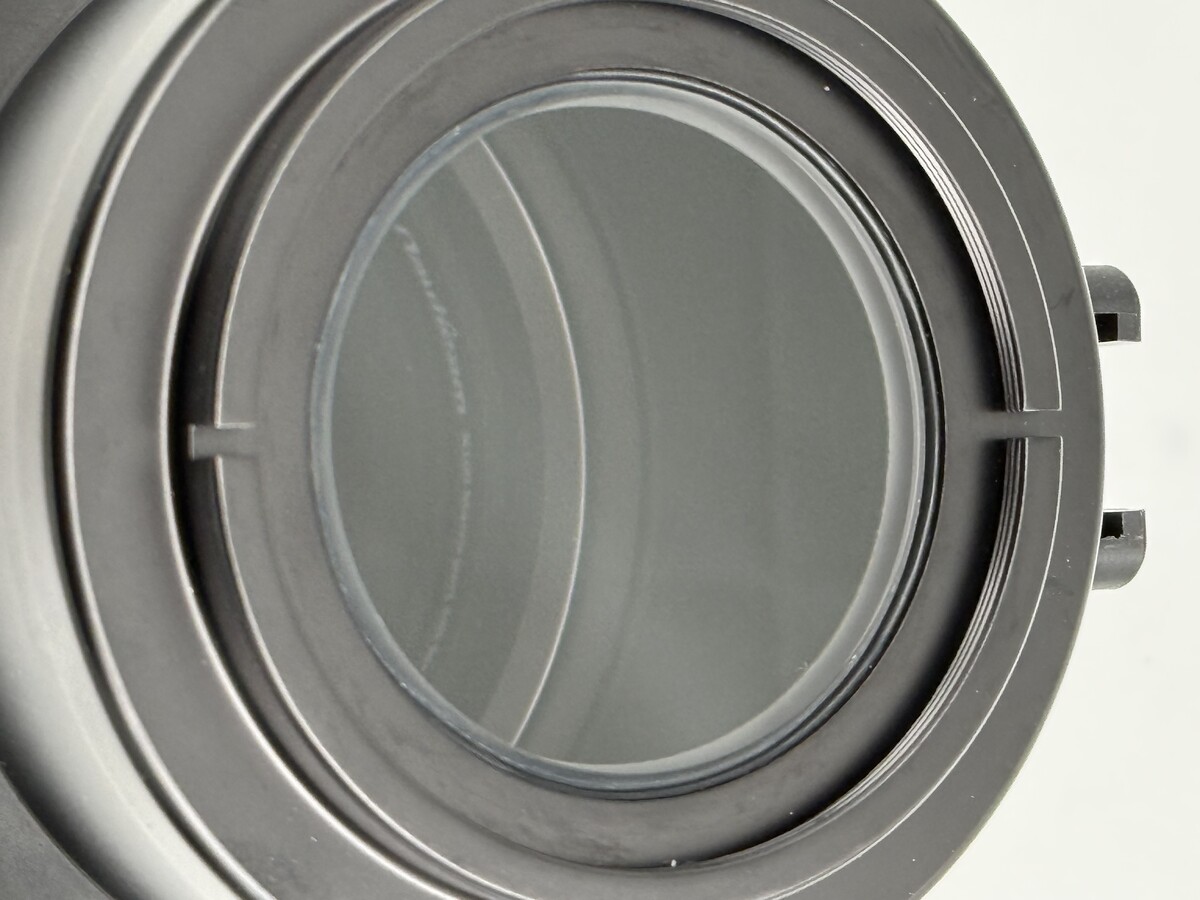
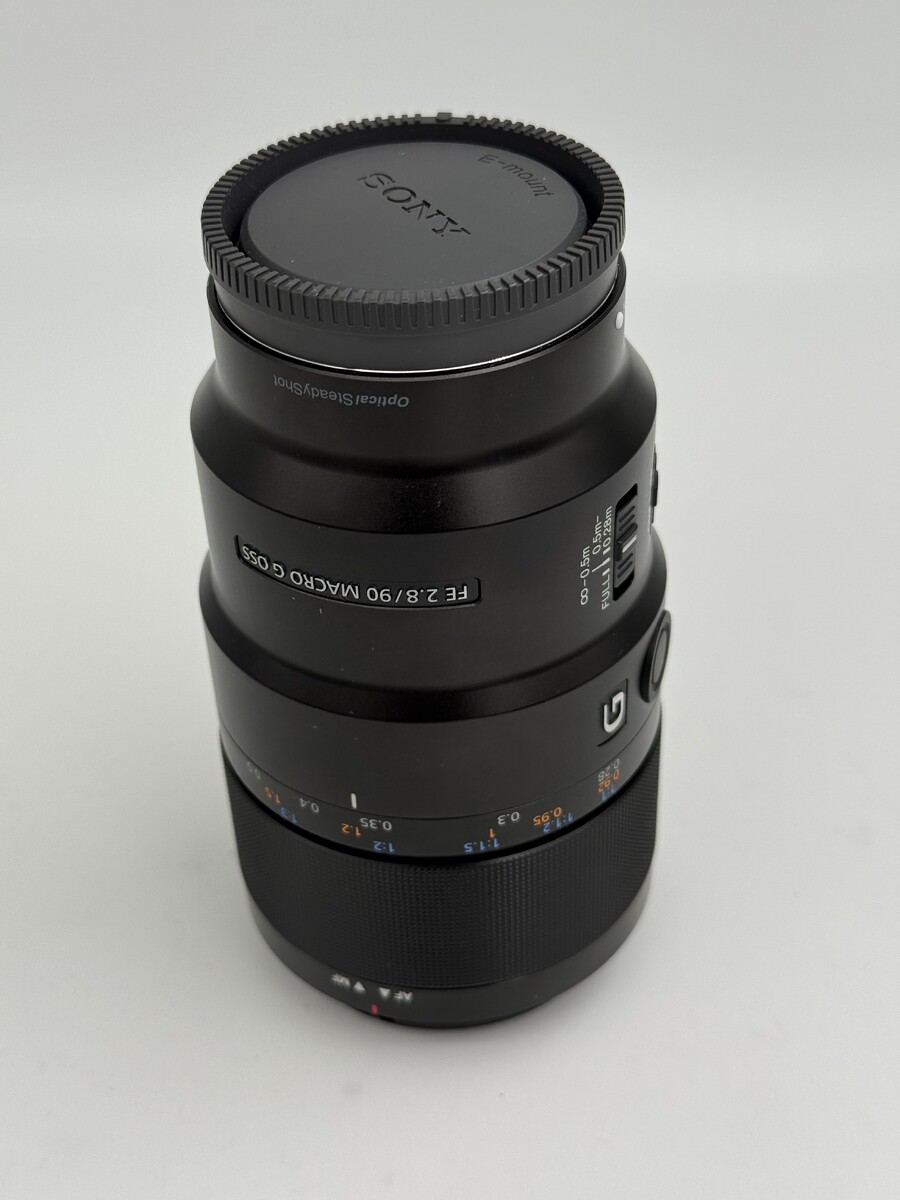
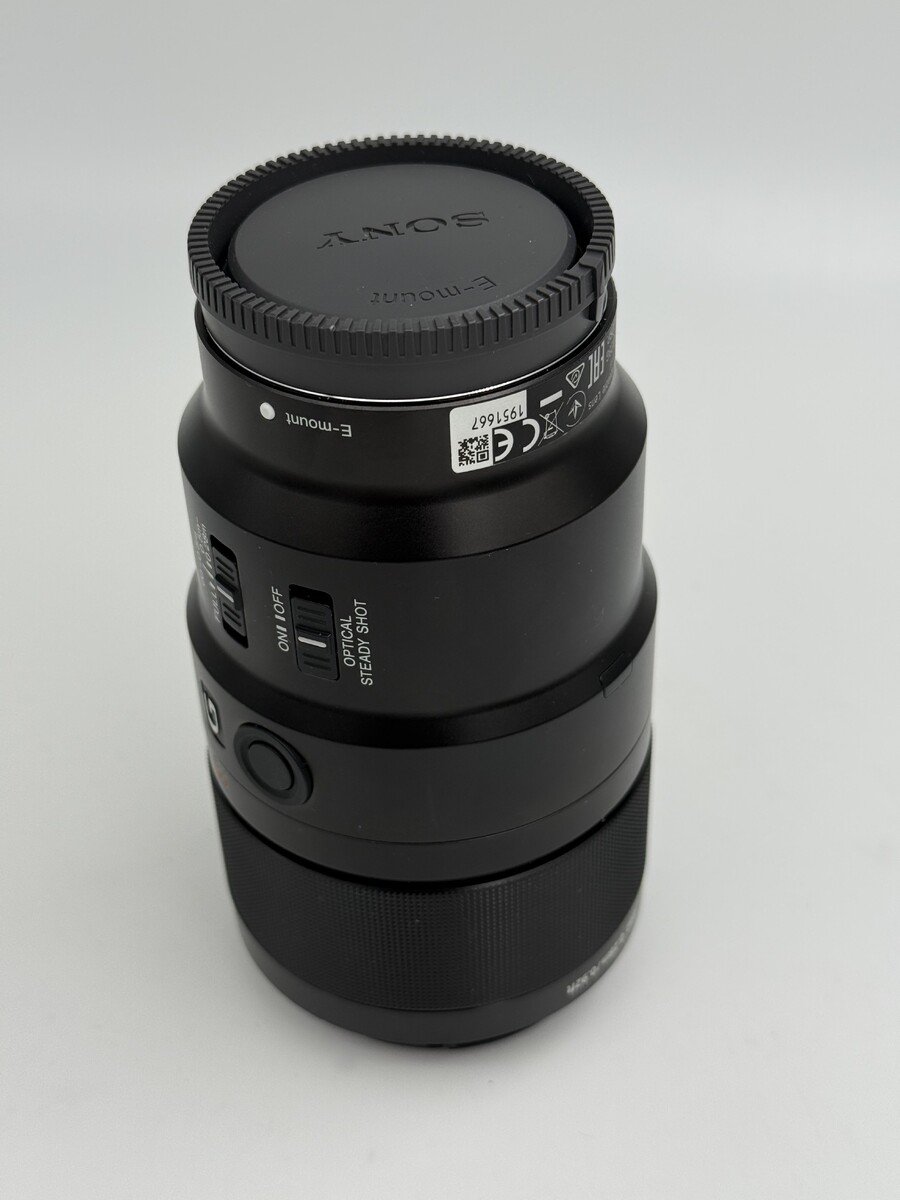
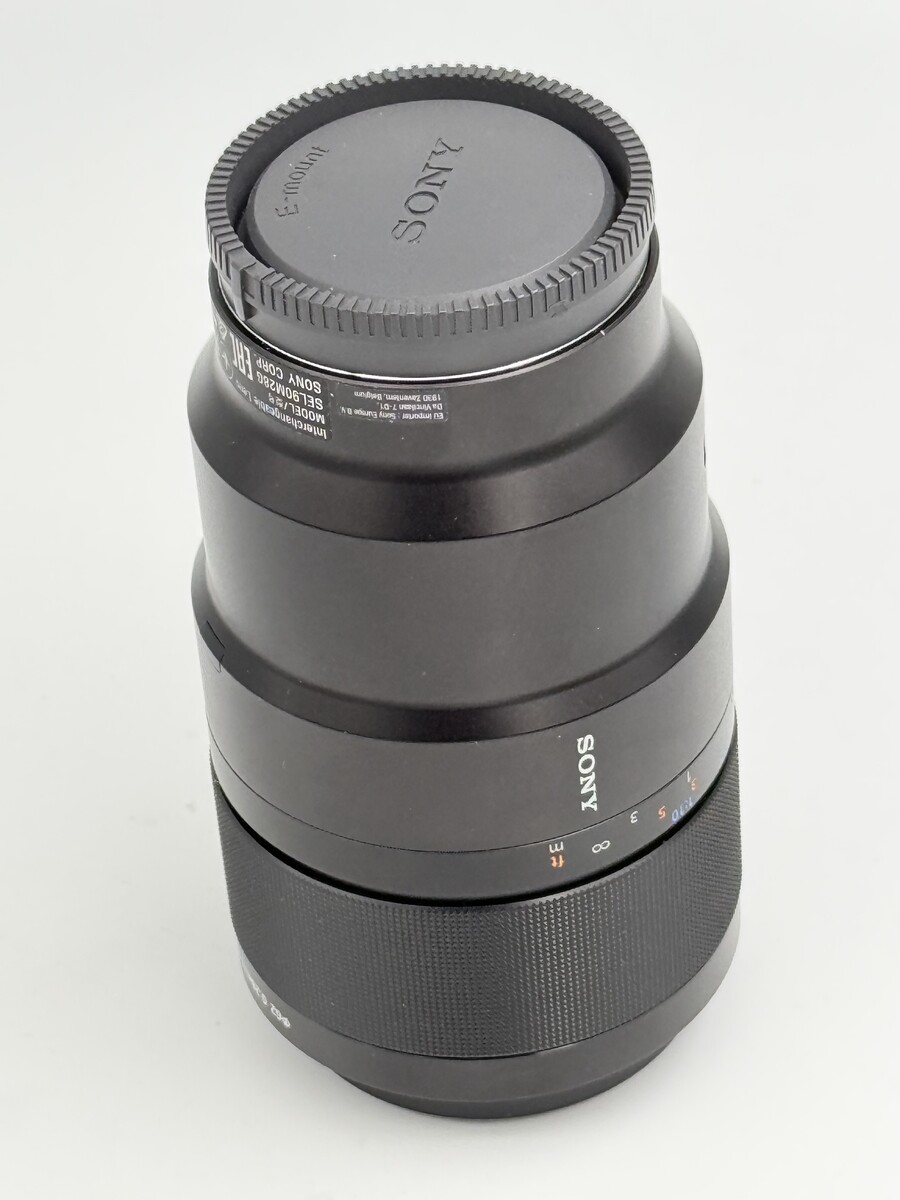
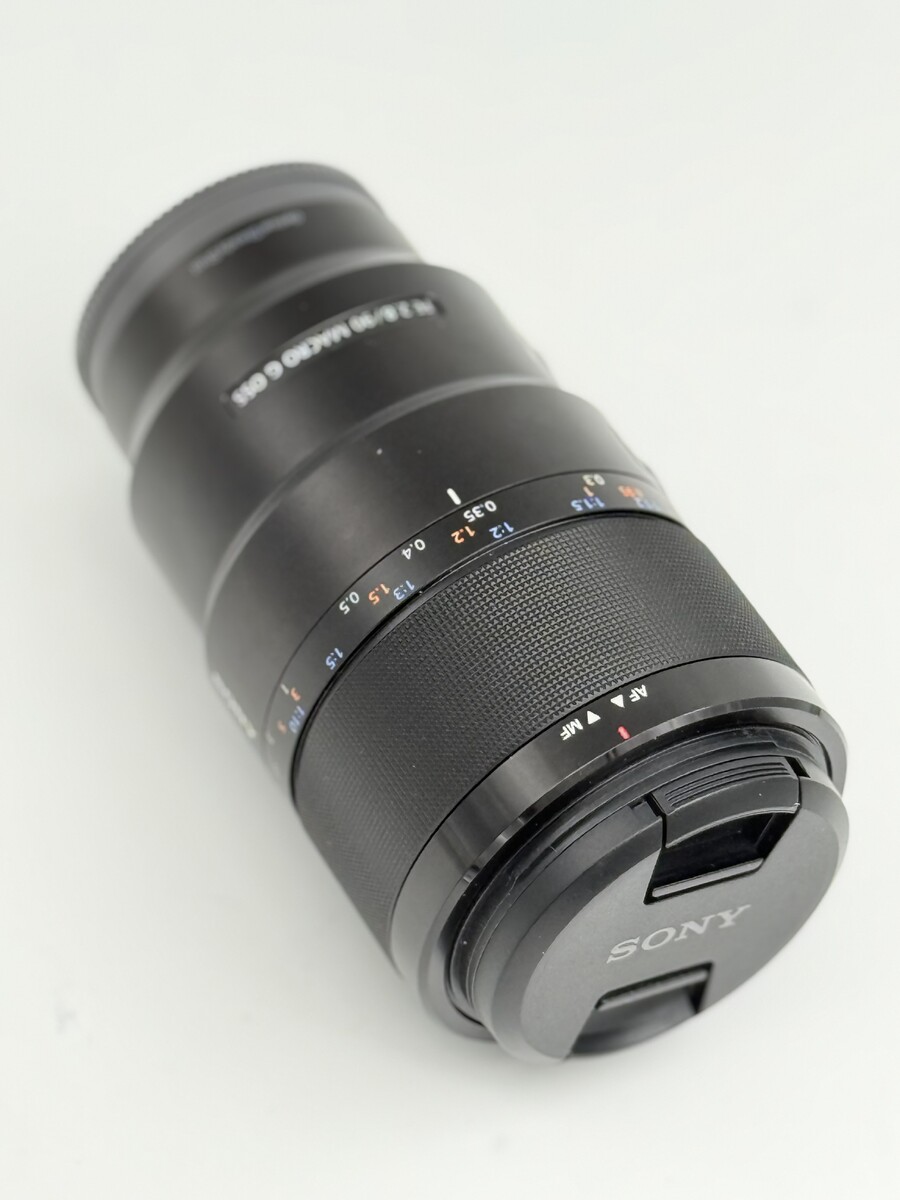
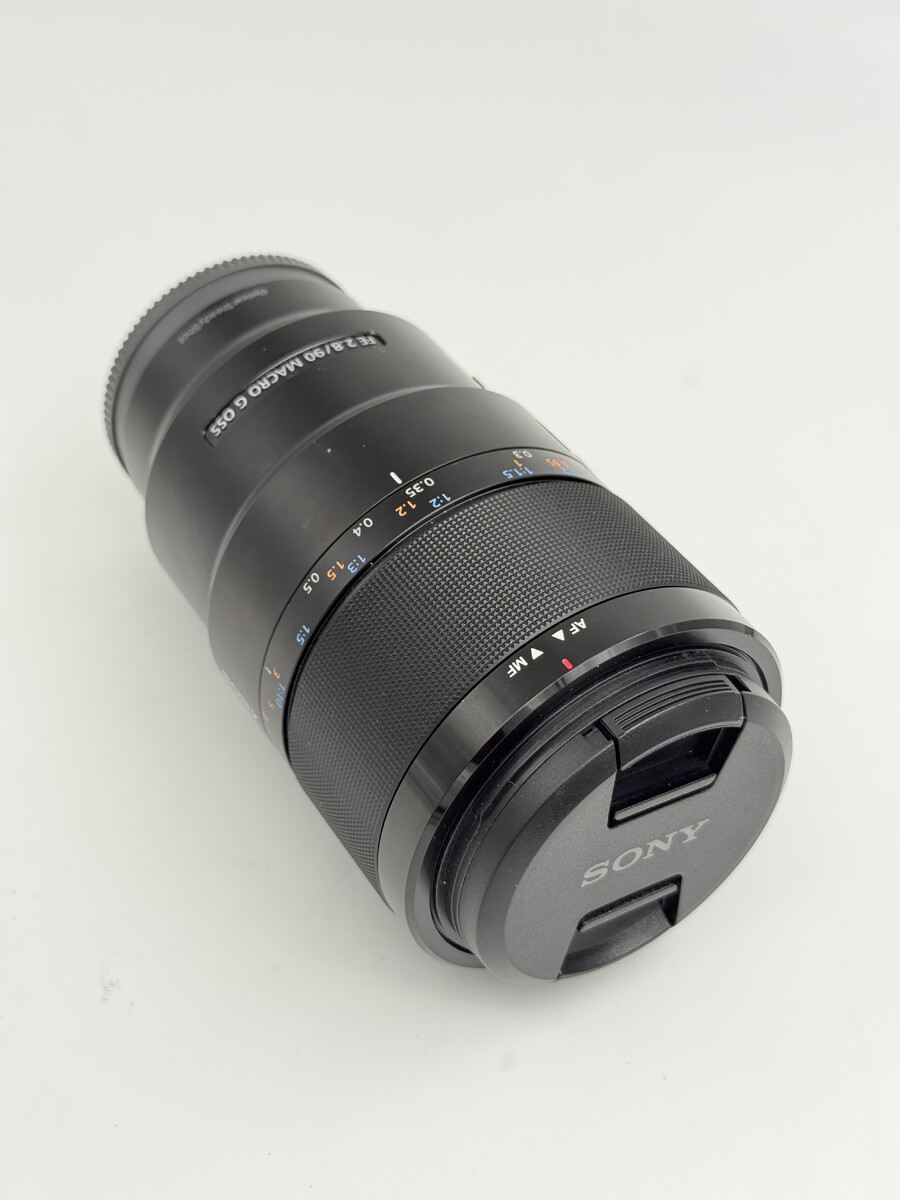
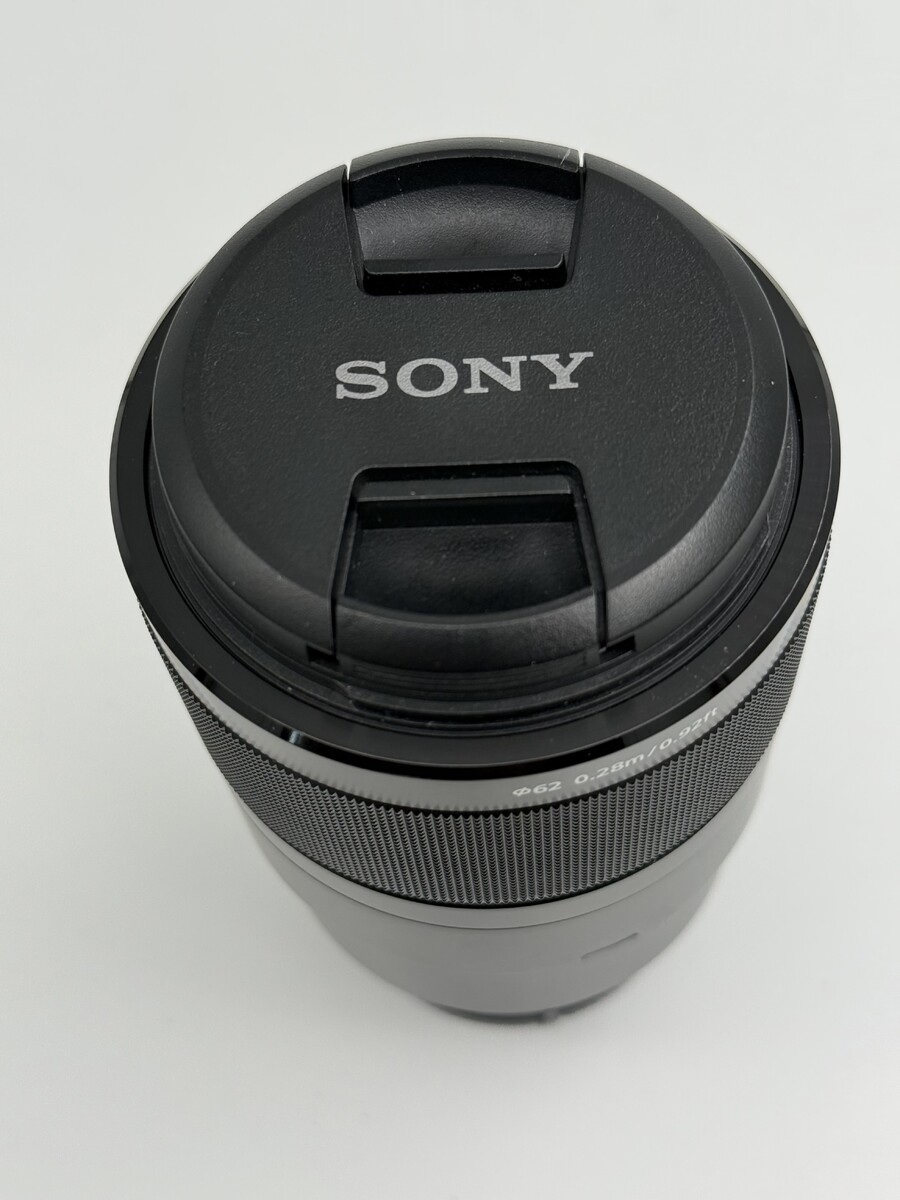
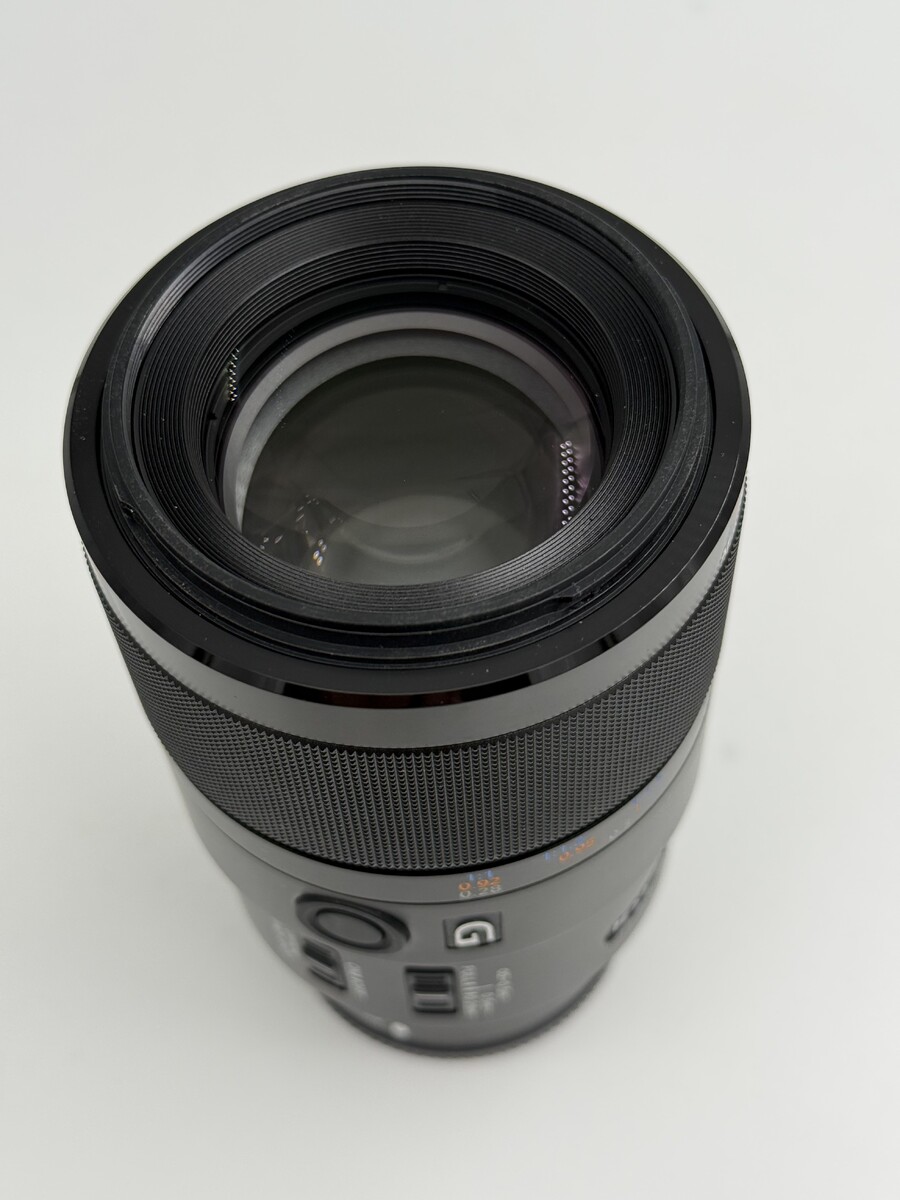
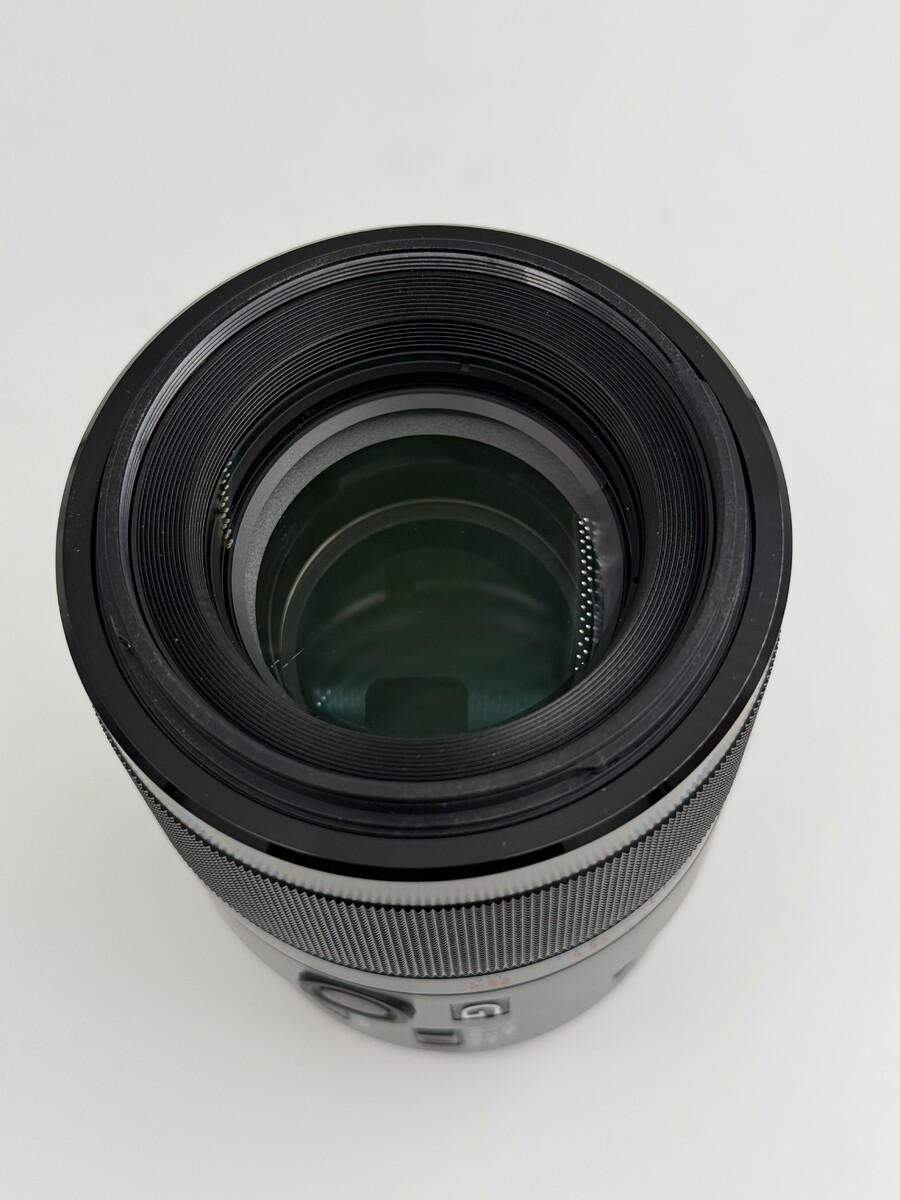
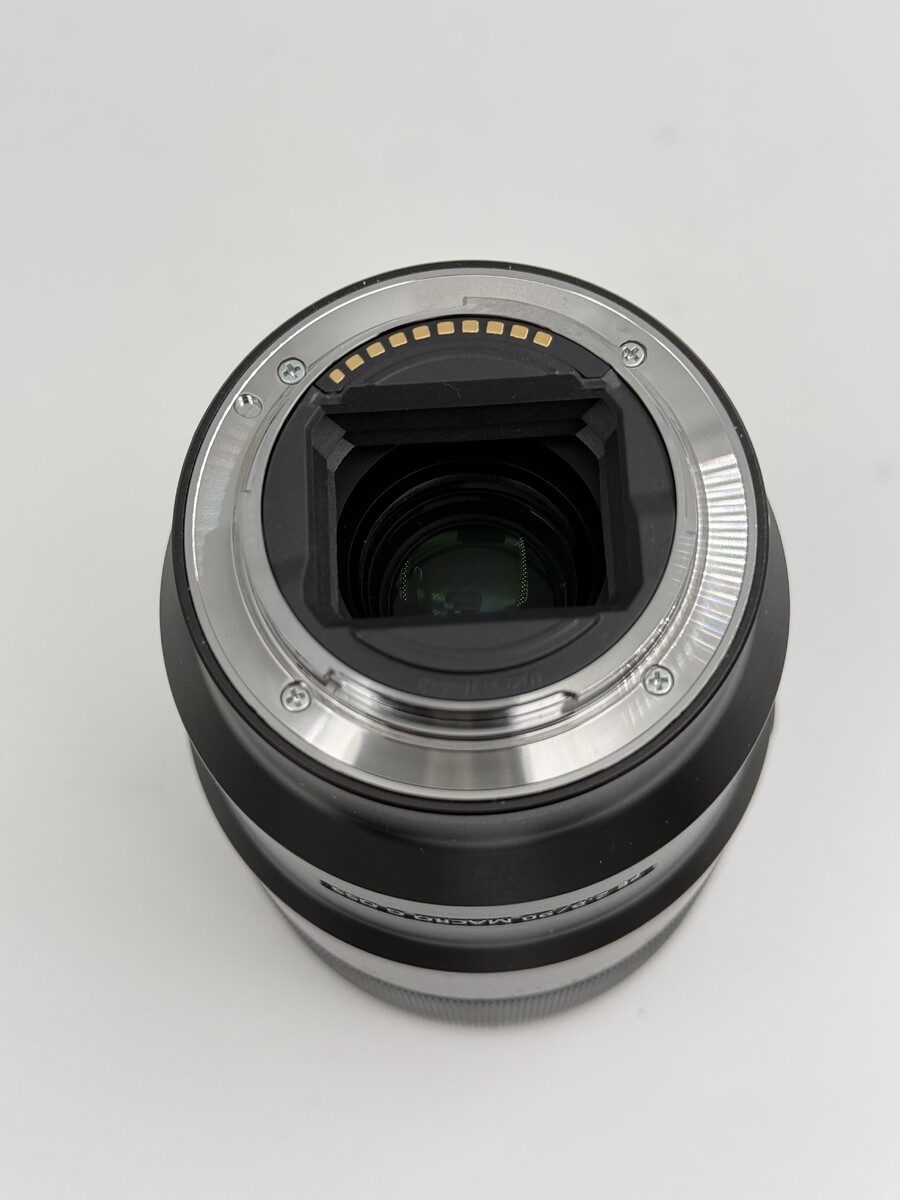
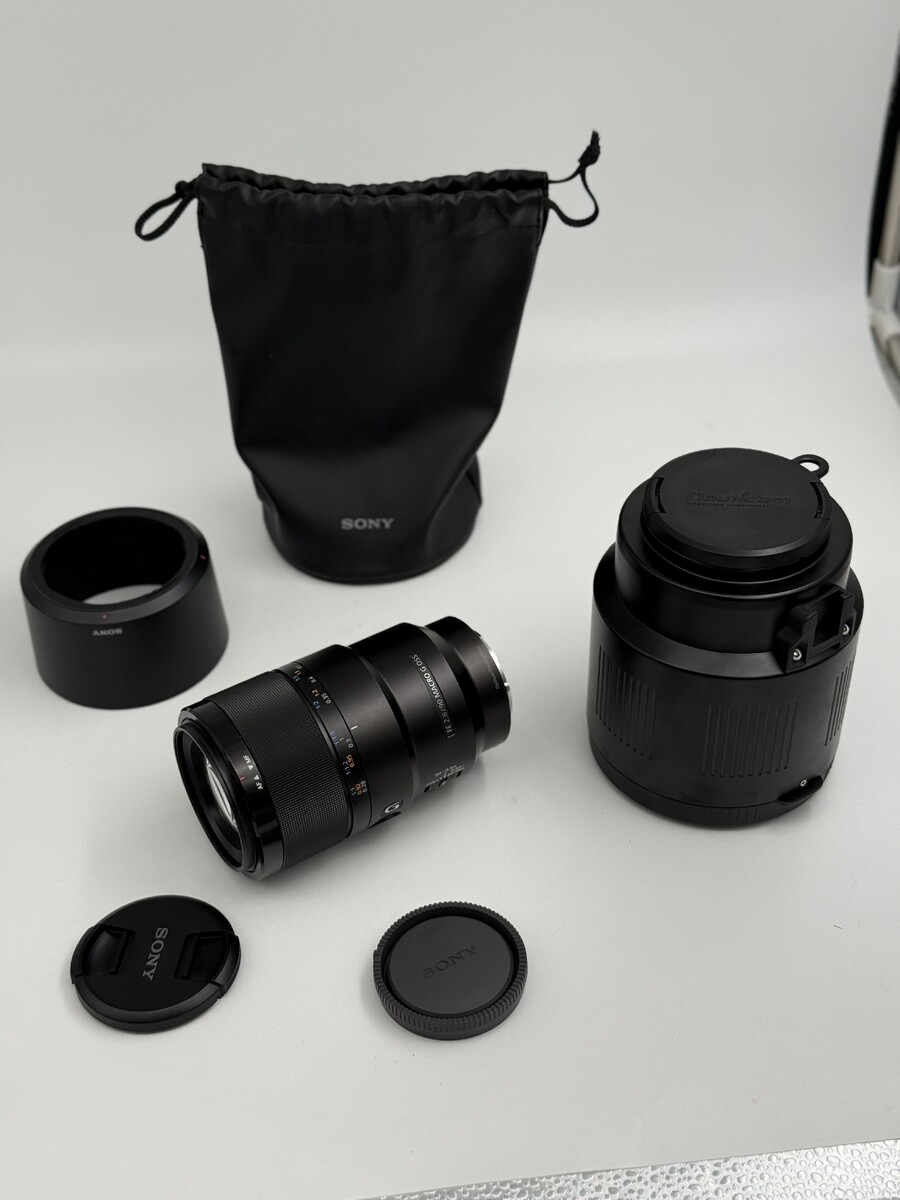
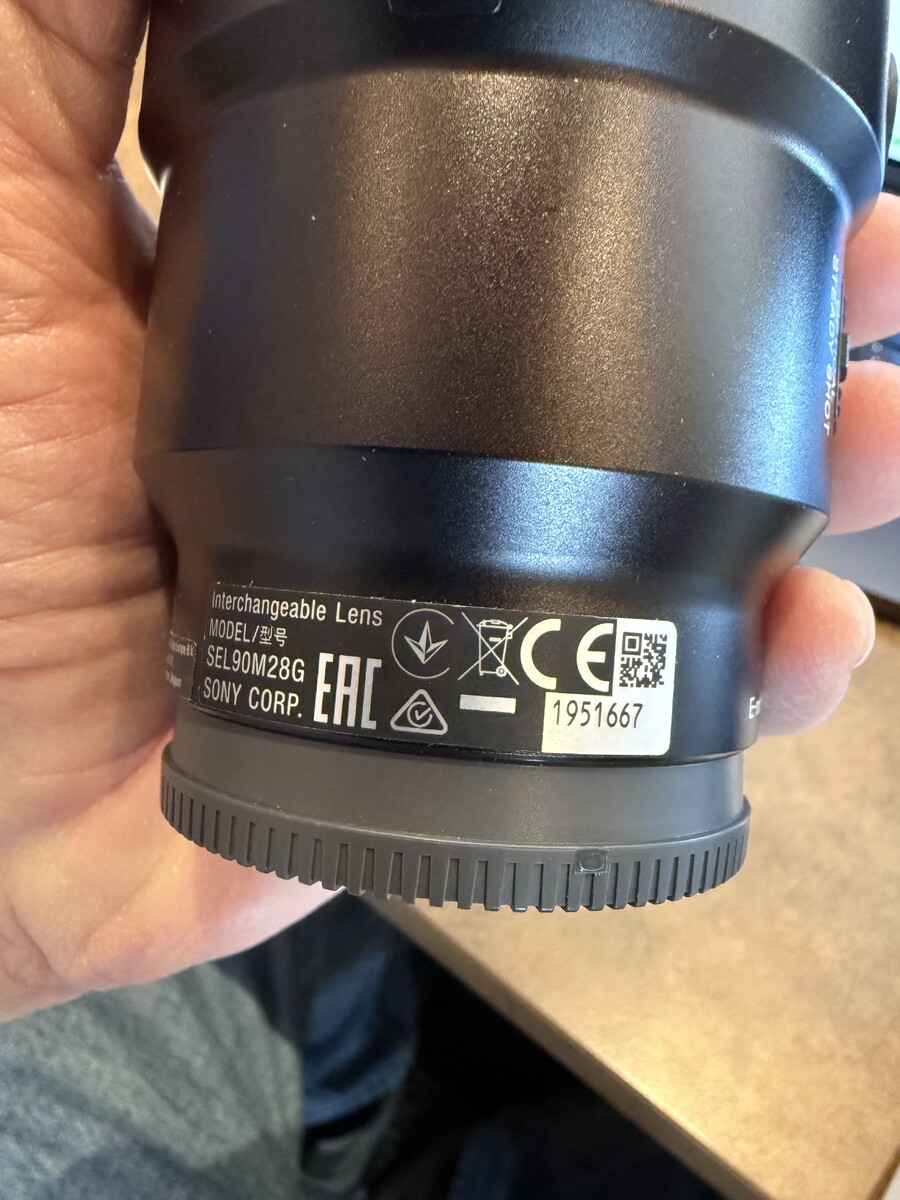
Both the Sony FE 90mm f/2.8 Macro G OSS and Nauticam N100 Macro Port 105 are in like-new condition. This setup was used on one liveaboard trip only and has been carefully handled and maintained. There are no scratches, marks, or signs of wear on either the lens or port. Includes: Sony FE 90mm f/2.8 Macro G OSS Full-frame E-mount Autofocus Optical SteadyShot (OSS) Includes original Sony front & rear caps, lens hood, and Sony soft bag Nauticam N100 Macro Port 105 Serial number: A636369 Excellent / like-new condition Includes original Nauticam port caps This is a proven, high-performance macro combination and a popular choice for Sony full-frame underwater shooters. Everything functions exactly as it should and is ready to dive or shoot topside immediately. I'm happy to anwser any questions, additional photos are available upon request. Shipping from Nevada USA. Price $1000.00 dollars plus shipping and insurance fee's. Thank you for your interest.
-
Hello All, I'm looking forward to learning and asking travel diving questions. I was certified in 1979 (Old Fart yes), I enjoying underwater photography and struggle with post processing. I shoot a Sony A7rv. I like live-a-boards, wood working, black smithing and the Banjo. Yes I'm an Geek.


Important Information
Terms of Use Privacy Policy Guidelines We have placed cookies on your device to help make this website better. You can adjust your cookie settings, otherwise we'll assume you're okay to continue.