



Hi...
I am thinking of buying Canon's Digital Rebel xt with Ikelite housing...
so can you guys give me you feedbacks on this combination..
Thanks
Read-only discussion
Hi...
I am thinking of buying Canon's Digital Rebel xt with Ikelite housing...
so can you guys give me you feedbacks on this combination..
Thanks
well, no real Canon experience here, so at least let me say Welcome!
You will get plenty of the Canon guys to respond shortly!
I purchased the same rig you are considering earlier this year. Canon Digital Rebel with the 8" dome port. I have only had one dive trip with the new rig back in April of this year. You can see some underwater photos form that trip at http://www.gordalder.com/Vacations/Florida...2006/index.html
I didn't get a strobe, instead I purchased a Magic Filter http://www.magic-filters.com/ and I was very pleased with the results.
With the money I saved on not purchasing the strobe, I purchased the Canon 10-22 zoom. I just love the lens, and that is the one I used on the all dives.
The only other piece of advice I would give, is that the kit lens that comes with the camera should be replaced. This is based on web research, I got the kit lens and it is fine for my purposes.
i use canon 350D with ikelite housing, macro is canon 100, sigma 10-20mm, sea and sea ys-90auto
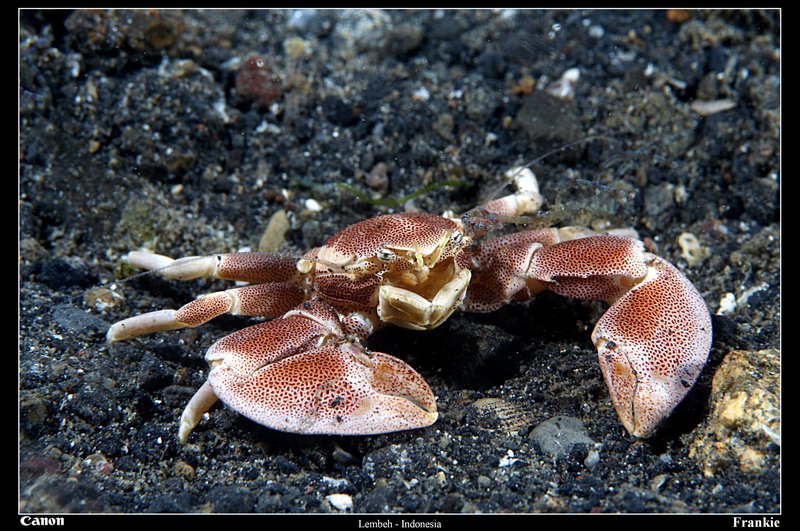
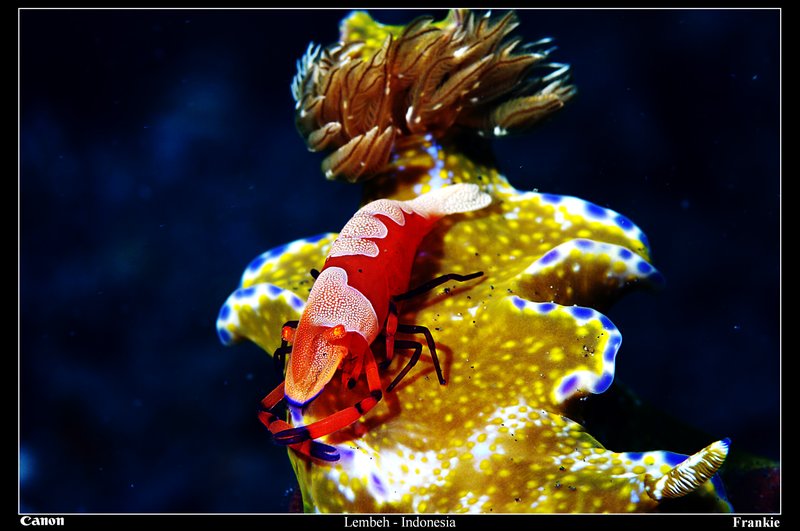
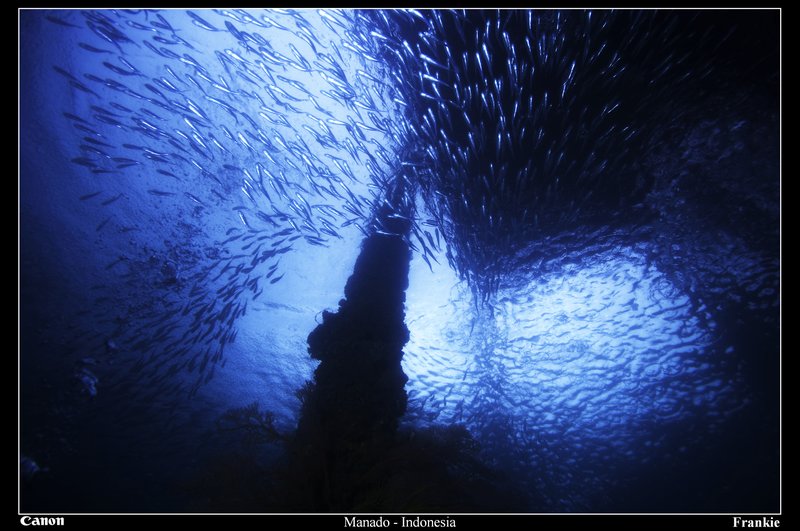
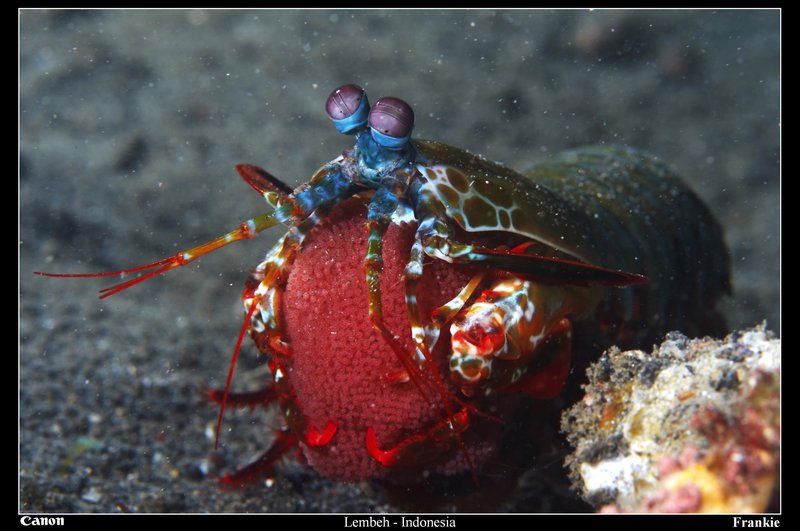
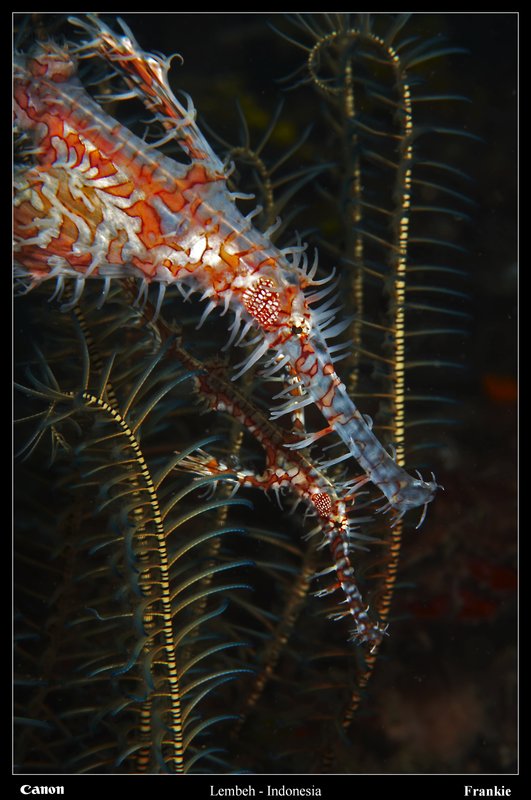
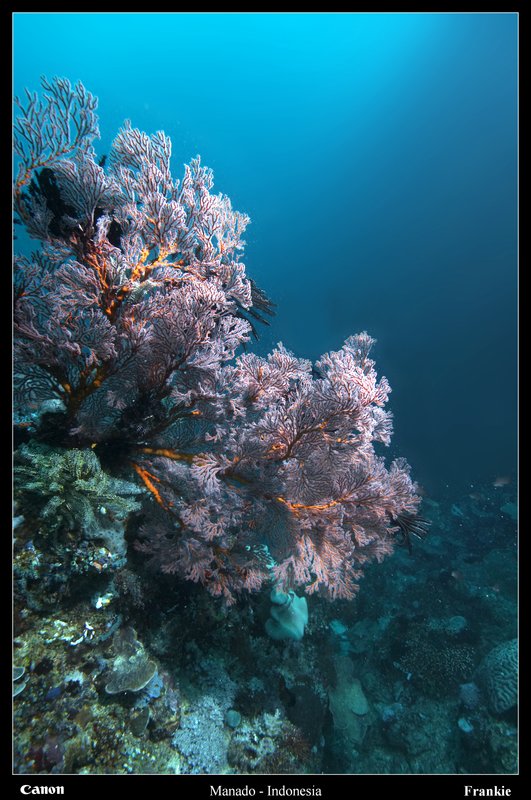
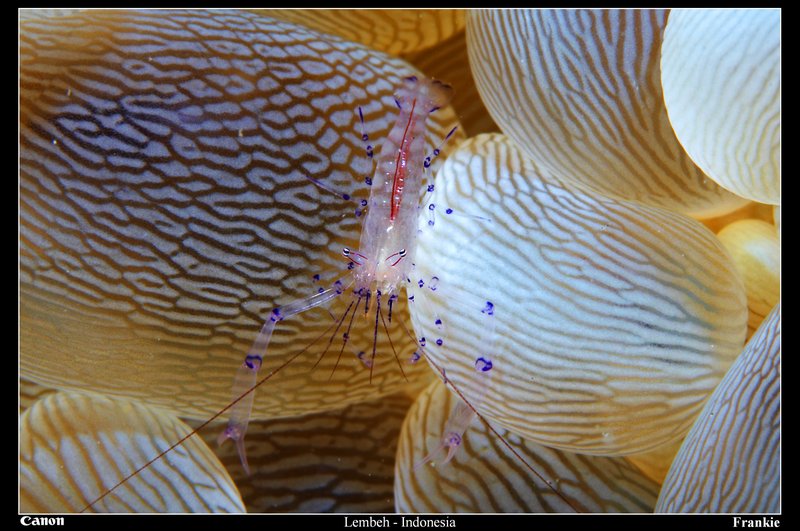
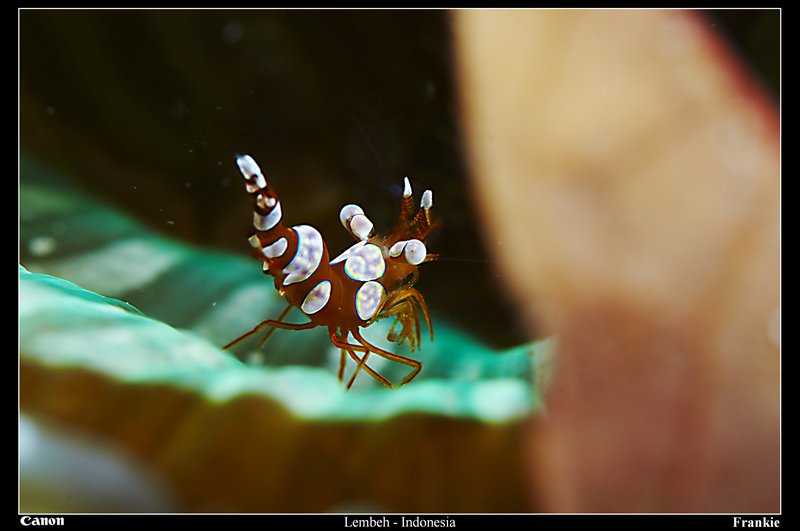
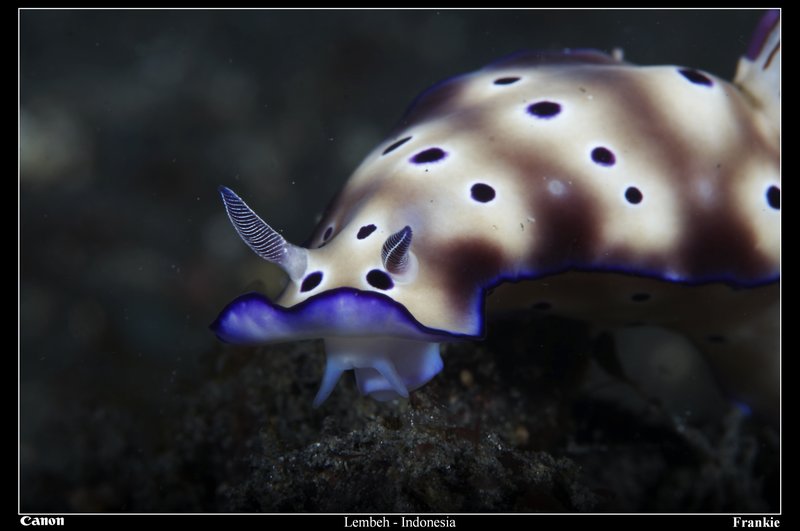
I've a Canon 350D/Rebel Xt with Ikelitehousing and Canon glass. I've been very happy with my choice, however if investing from scratch again right now, I'd probably look at a Nikon D200 or this new D80/90? that is soon to be released.
Make sure you get the 8" Ikelite dome, which ever way you go.

Terms of Use Privacy Policy Guidelines We have placed cookies on your device to help make this website better. You can adjust your cookie settings, otherwise we'll assume you're okay to continue.

A worldwide community for underwater imaging.