Skip to content

Photo / Video Showcase / Archived topic

I'm fairly new to all this...

Started by Erios513 ·

  • 3Posts
  • 3Replies

Read-only discussion

I'm fairly new to all this...

3 posts
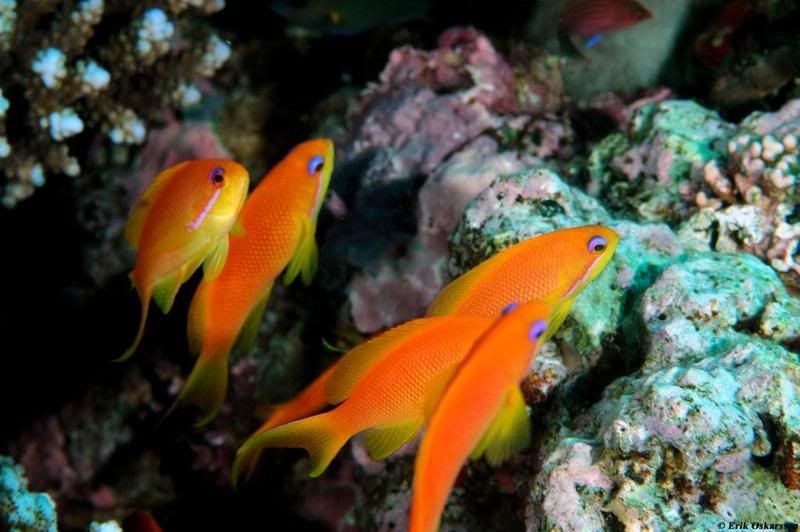
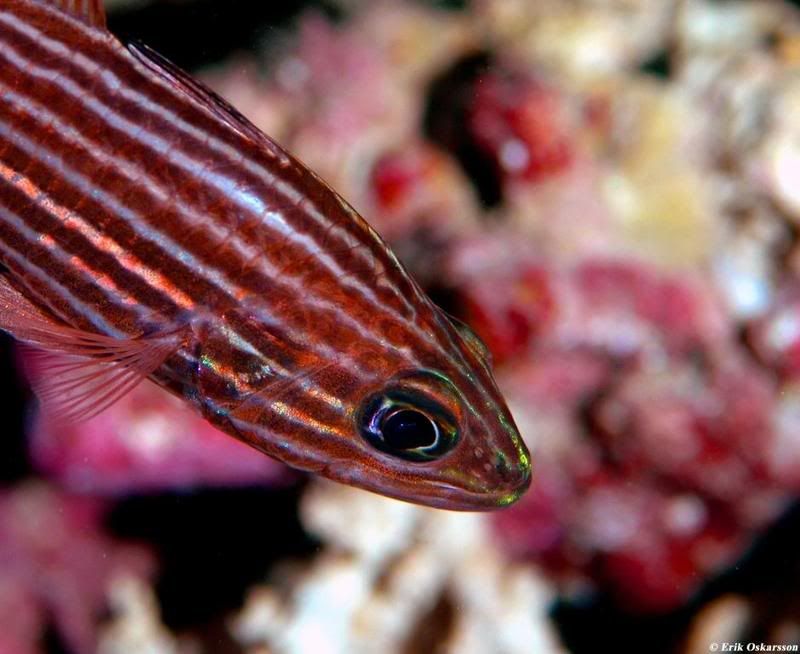
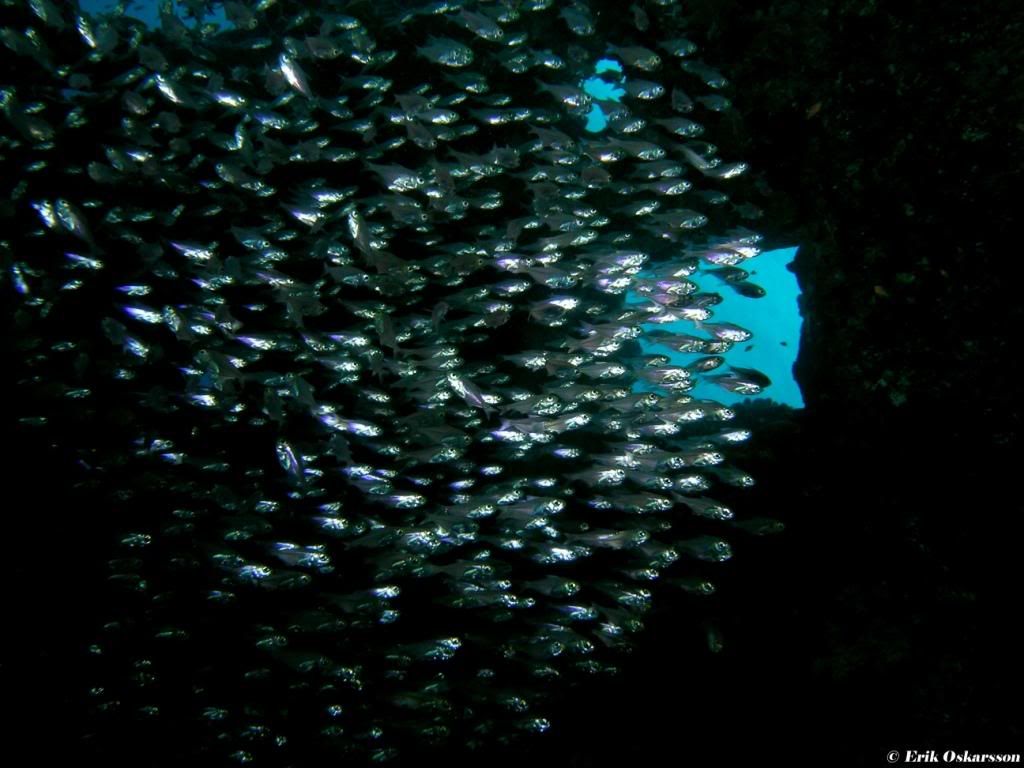
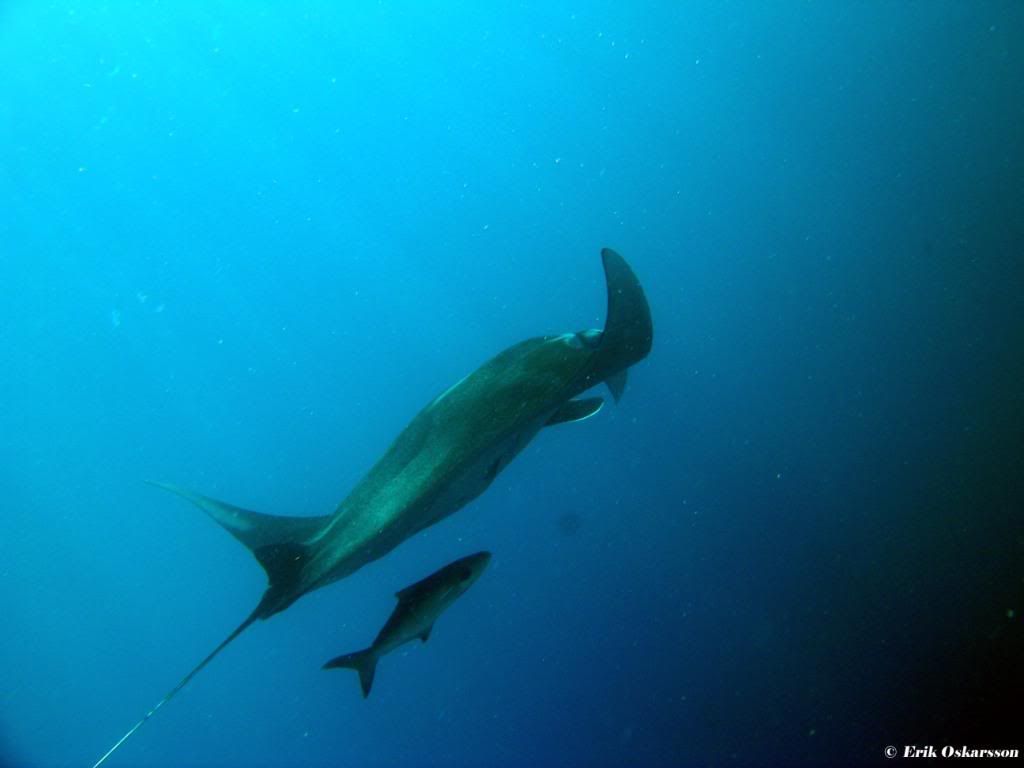
  1. This is some of my best shots, hardly in class with many of you guys... Anyway, do feel free to give me some feed back, so that I can improve.


    I've just recently bought a Sea&sea housing to my D70, so some of the pictures below are taken with my old Nikon 5400 in a Ikelite housing, and some are taken not so long ago with my new gear. I've so far only used a 105mm macro lens but about to add a wide angle lens within a couple of months.
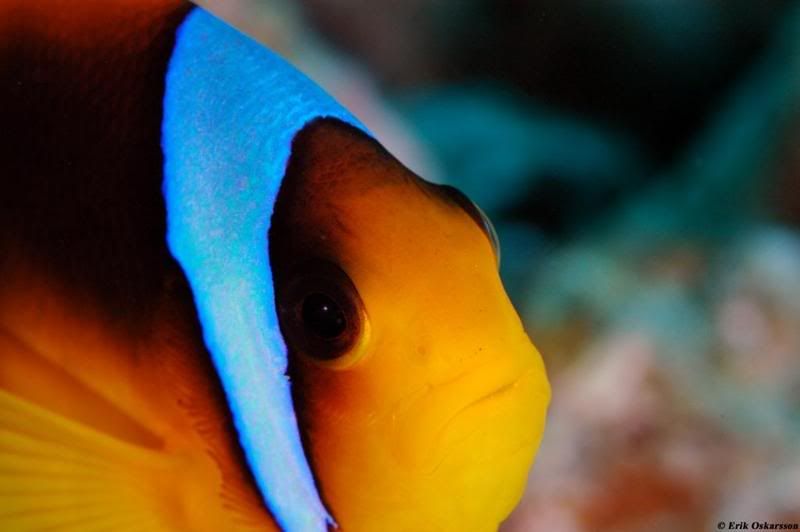
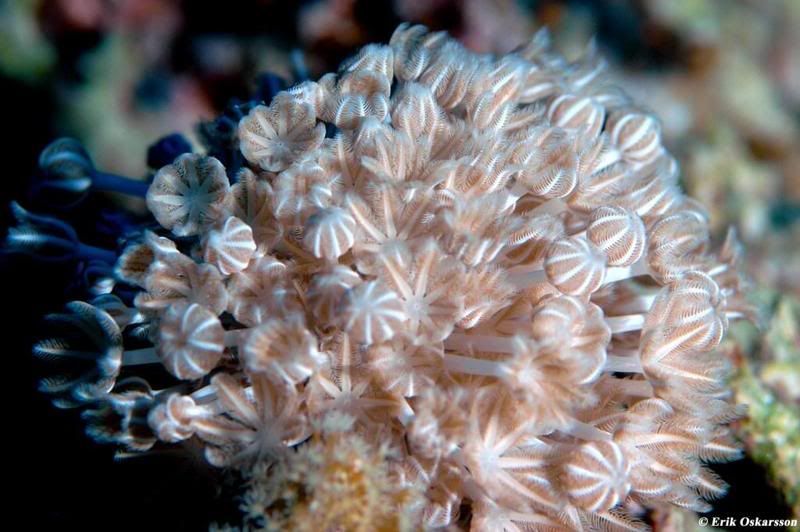
     

    Redseaanemonefish-1.jpg


    LeatherCoral.jpg


    Jewelfairybasselet.jpg


    Arabiancardinalfish.jpg


    Brnnmanet3-1.jpg


    GlasfishinsidetheCarnatic2.jpg


    Marulk3.jpg


    SoftPurpleCoral-1.jpg


    Mantaray.jpg


    I've clearly have issues regarding the fish not willing to stay in the picture, any magical hints? It's a bit tricky the plan a picture if the fish isn't that interested in being in it!! :)


    Regards


    Erik

  2. Love that shot of the Jelly fish.


    As for getting fish to sit still no hope. What I do find though is with macro shots on night dives the fish are more sedated and you get more subjects.


    You seem to have good depth of field with the Macro lense what aperature are you using. I'm still learning myself and found betweeen 7 and 11 f stop and about 60 speed on a night dive with a 100mm gave me good results.


    But don't take my word for it just play around that is what is working for me at the moment.


    Cheers

  3. Nice jelly, hang that one on the wall.


    Paul C

Kraken Sports

Account

Navigation

Search

Search

Configure browser push notifications

Chrome (Android)
  1. Tap the lock icon next to the address bar.
  2. Tap Permissions → Notifications.
  3. Adjust your preference.
Chrome (Desktop)
  1. Click the padlock icon in the address bar.
  2. Select Site settings.
  3. Find Notifications and adjust your preference.