Hi all,
Along with the new version of Lightroom (2.0) released this week Adobe has beta released new Camera profiles that I think greatly improve the color rendition of the Raw files. The profile seems to have the biggest effect in the yellows and reds. They are called "DNG profiles" (just to confuse us  ) but you don't have to use the DNG format to gain the improvement. They worked very well with my Canon 40D raw files. Once installed the new profiles show up in the Lightroom Camera Calibration menu. You will see the new Adobe Standard profile and your camera specific profiles. LR reads the metadata and offers the correct camera options. Just select one of them from the pull down instead of the old ACR 4.4 and your done. The Adobe page that describes the new profiles and how to get them is the Adobe labs site linked here.
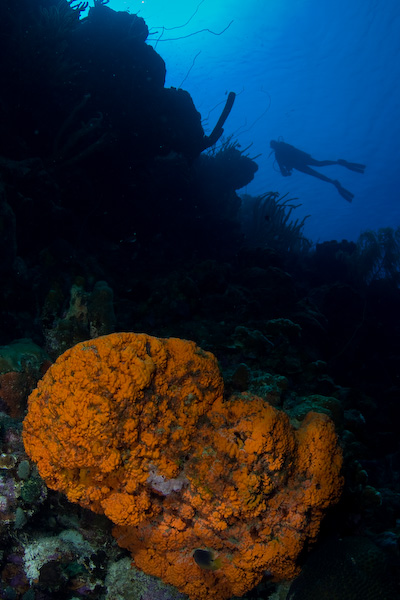
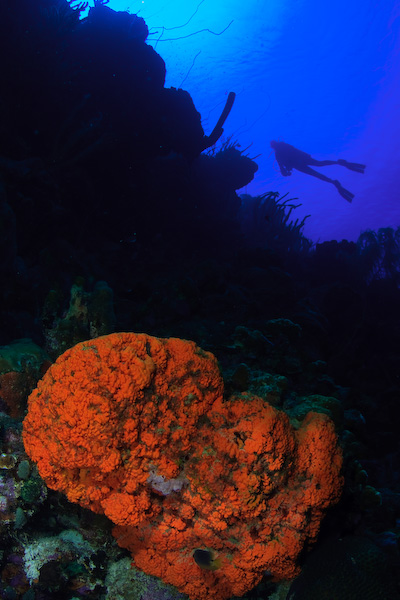
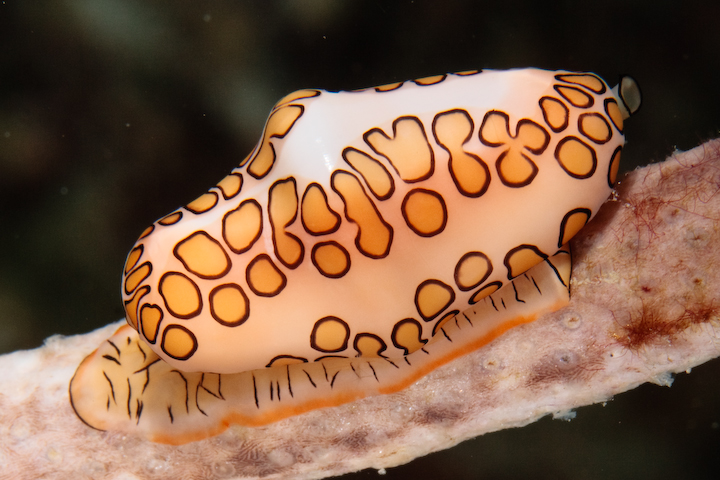
The new camera specific profiles are so far only released for the Canon and Nikon cameras. I'm far from an expert but I'm loving the new Lightroom 2.0. In theory the new profiles will more accurately represent the intention of the camera design team, we get to take it from there. Here are three versions of a flamingo tongue image from Bonaire last month. Jeff took this one using the 400D and his dual 110's. After slight adjustments for exposure on the baseline image I selected two other profiles; the new Adobe Standard beta 1, and the Camera faithful beta 1. ( the Nikon names will be different, they match the photo styles...landscape portrait, etc. for each manufacturer ) I see a marked difference on my screen. I believe this will make it much easier for the rookies like me to get better images from the raw files without having to resort to a lot of work in curves, etc. Let me know what you think.
The baseline image Canon 400D - 60mm, ISO 200, f18, 1/125s
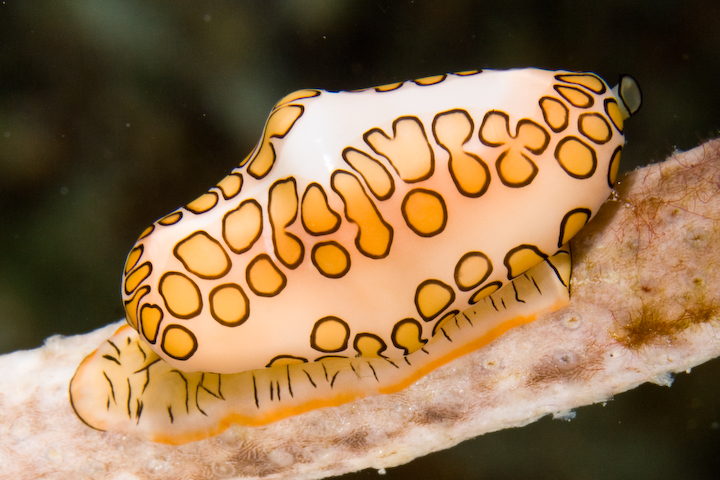
The Adobe standard profile
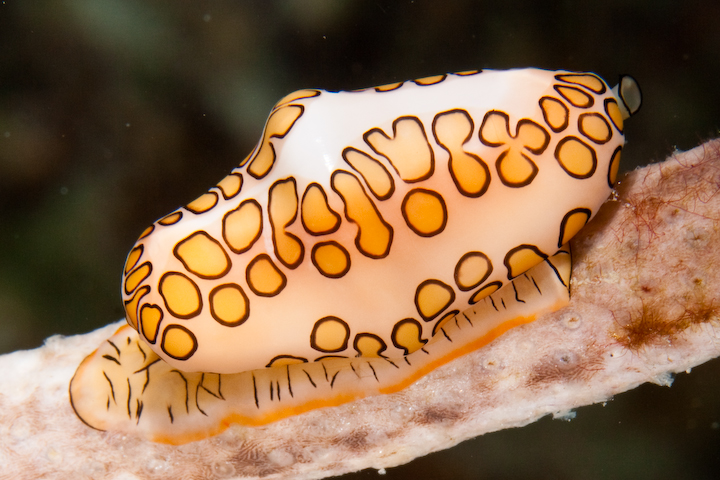
The Camera faithful profile
Have fun!
Steve