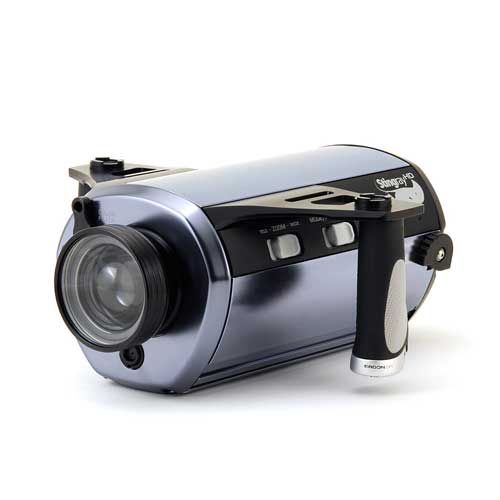
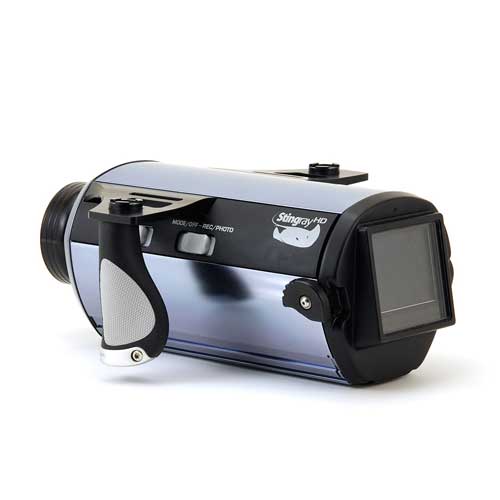
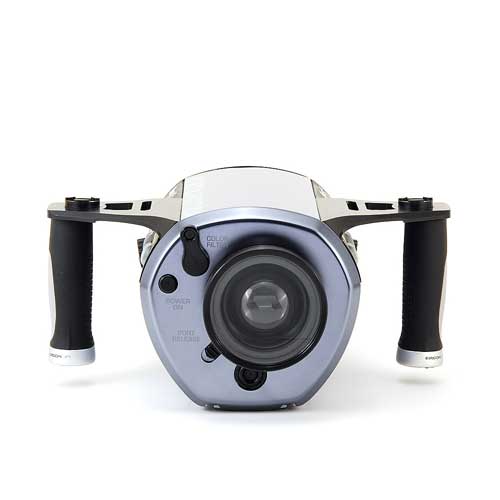
While waiting for a more pricey Bluefin SR12 housing I used a L&M Stingray HD for one dive trip. The housing is in excellent condition, worked perfectly, but must go. Extremely well cared-for.
This housing accepts a wide range of HD cameras using a set of interchangeable base plate hardware (included). Forward compatible with new cameras as well! Full specs and photos can be found HERE.
This package includes:
Housing with monitor back
Standard zoom-macro port
Mounting hardware for all compatible cameras
Pelican 1520 case w/ fitted foam for housing and accessories
All manuals, registration card, etc.
Extra o-rings, grease, etc.
Suggested retail price is $2399 without the case. Any reasonable offer will be considered...
Kris Wilk
Since no one seems to want to make an offer, I'll start with an asking price of $1750 including shipping anywhere in the US/Canada.
Kris
still for sale? I'm interested and will drop you a private message soon
still for sale? I'm interested and will drop you a private message soon
Yes, it's still available. PM sent.
Kris
Is this housing still available?
Is this housing still available?
Yes, still available. Feel free to call (1-888-819-7333) or email me directly (wilk AT reefnet DOT ca) with any questions.