



Hi Pavamo, just curious how you shot that, very cool. Scott
Photo / Video Showcase / Archived topic
How did you do that? awesome. Photo of the week Faces
Started by scott_nielsen ·
- 19Posts
- 19Replies
Read-only discussion
How did you do that? awesome. Photo of the week Faces
19 posts
-
-
Hi Pavamo, just curious how you shot that, very cool. Scott
Would imagine something like 'shooting on a low shutter speed while zooming'???
Is this possiple??
If that is the case how did you hold the camera so steady??
Otherwise digital manipulation???
Either way its a fantastic image Pavmo- well done!!!
Go on- tell us the secret!

-
I may be mistaken but it looks very much like the zoom special effect in Photoshop.
-
I would make a feathered selection of the face so that is not affected and try the motion blur / zoom tool in Photoshop.
Great picture and effect BTW.
Paul C
-
The zoom effect can be achieved using Photoshop.
I use CS3
Here's how I do mine
original image jpg.
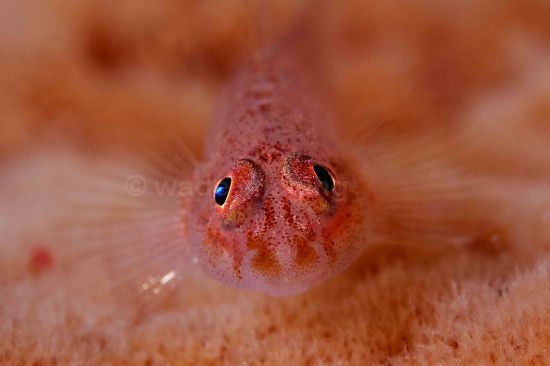
select > Filter > Blur > Radial blur > Zoom > set amount to 80 or more
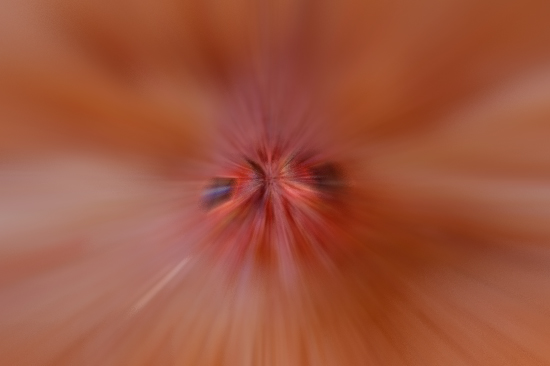
Use the history brush to restore the face and VOILA!!
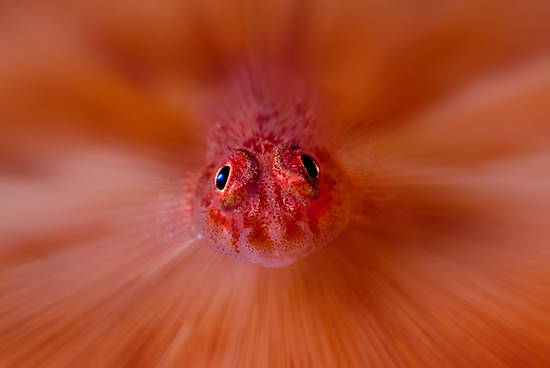
Hope this is of help
Nige Wade
-
Very cool. Thanks for the tip.
-
Just had a PM from Ralphy asking about the history brush tool on Photoshop CS3, it's really easy to use but quite difficult to explain.
I found this link which shows how its done so rather than PM Ralphy back I thought it best to share with you all.
I hope this is of use and would love to see your resulting images.
Nige.
-
thanks guys for all the cool info, I only have elements 6.0 so I don't think I have the history brush. Was able to do the blur just fine...Maybe I can try it at work. Thanks again. Scott
-
Just had a PM from Ralphy asking about the history brush tool on Photoshop CS3, it's really easy to use but quite difficult to explain.
I found this link which shows how its done so rather than PM Ralphy back I thought it best to share with you all.
I hope this is of use and would love to see your resulting images.
Nige.
That's great; thanks for posting it!
I look forward to having a go soon.
R
-
That's great; thanks for posting it!
I look forward to having a go soon.
R
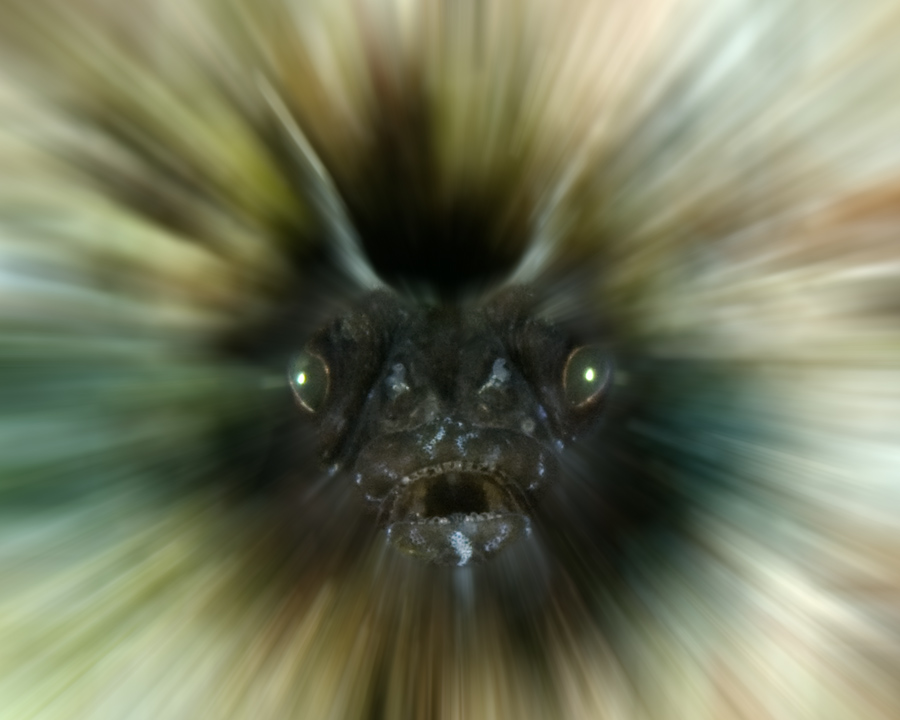
great tip, thanks
-
Hi,
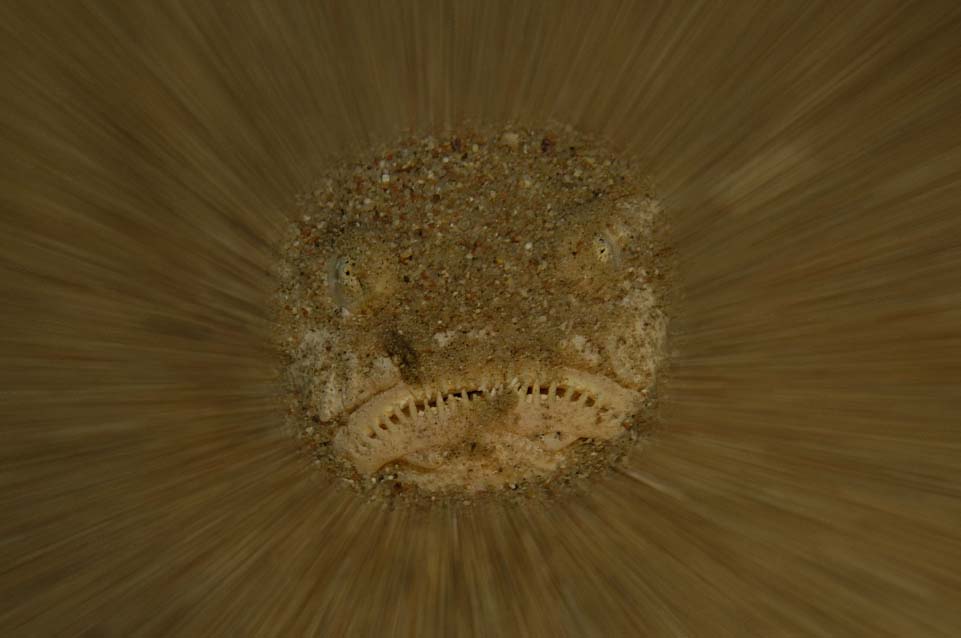
I couldn't resist to give it a try

Thanks for the tip !
-
Really cool shots Guys.
This technique is just the job to salvage those shots with a sharp subject and poor negative space which would have ended up in the bin.
Try the Radial Blur it gives interesting results.
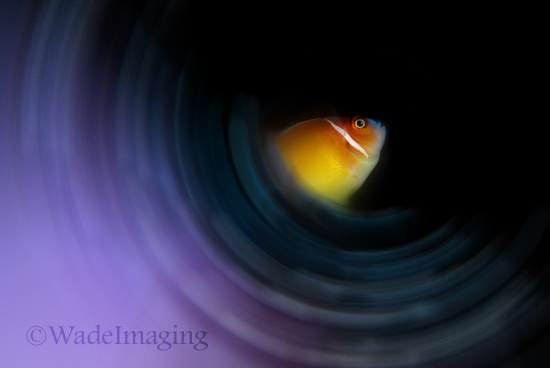
Lets see some more
Nige
-
I sooo love these ideas. Thanks!!!
-
Nige, I really like yours....
my first attempt...had a few extra minutes at work today. Scott ps. thanks you all

here's number two...down the drain!

-
Nice job scott. I gotta try that.
-
Wow Scott just love the images especially the Angel fish, that really is a cool effect

Lets see some more!!

Nige
-
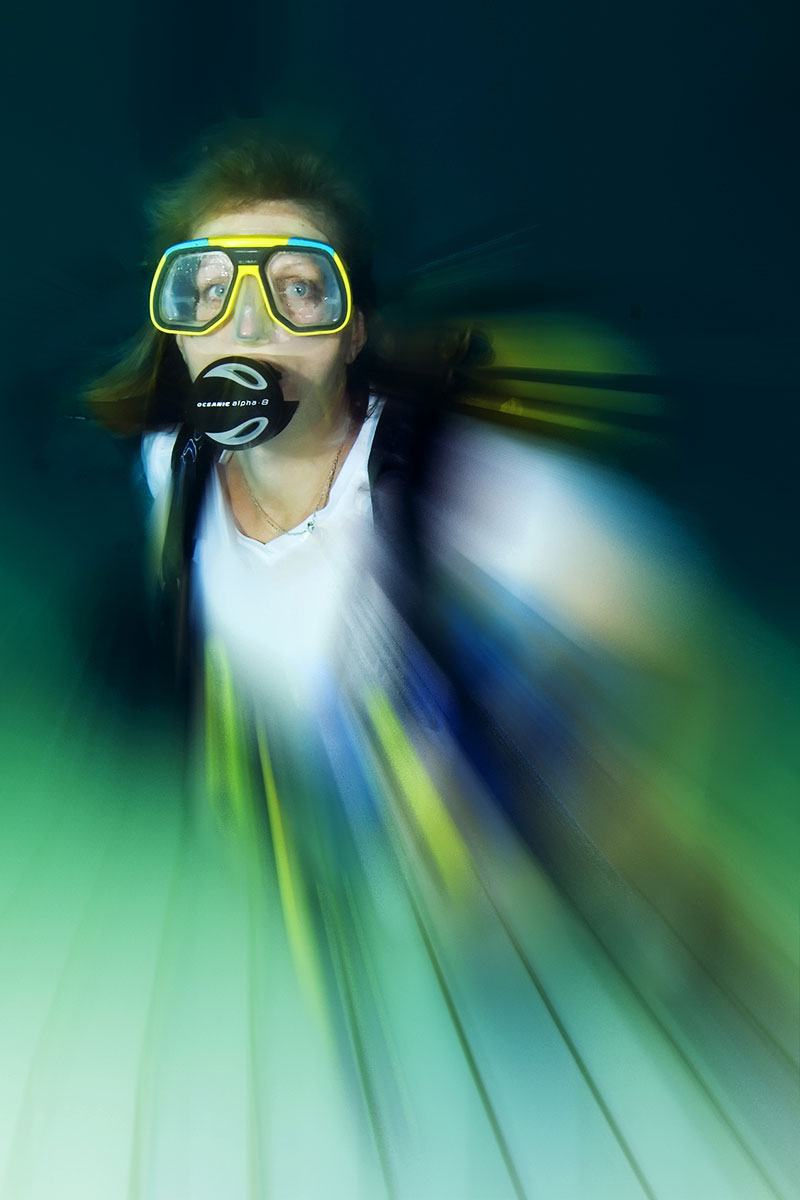
I do it by making a duplicate layer, applying the blur filter, then adding a black mask over the in-focus area, smoothing the edges with grey tones to get a partially blurred effect.
Photoshop cheating, of course.
Tim
-
Hi,
Loved the orginal so had to give it a try and copying is the highest form of flattery, so here goes.
Orignal

Photoshop version

Cheers,
Richard B.
-
Here's a couple more.

Fun with Nemo !

Mantis Shrimp from Wakatobi !


