I've been studying raw converters, color spaces, and the proper selection of working spaces recently. I've gathered three dominant opinions on working color space: (1) choose a really big one and always work in 16 bit, (2) choose one that is large enough for your output device and no larger, and (3) choose one optimized for the colors contained in your image. These three approaches trade off color safety for quantization losses. There are people who do none of the above, but they are optimizing for things other than image quality.
The problem with (2) is that it assumes you will always know what your output device is. Advocates of this approach seem very connected to the printing side of photography. There apparently have little appreciation for "the future".
The problem with approach (3) is that it doesn't lend itself to an automated workflow. It requires careful choices for each and every image. If you want an example of how far this can be taken, go look here. I have to admire anyone who takes this approach, but it does seem to me to be more worthwhile when all you have is 8 bit.
That leaves (1). Advocates of this approach typically say choose ProPhoto and be done with it. Others advocate better large spaces like DCam 4 or BetaRGB but the idea is the same. Make sure your gamut is large enough to fit and then use enough bits to ensure your data is preserved.
Both Lightroom and Aperture are implemented with the large space mentality. Both packages hide the internal working space from the user, but in the case of Lightroom it is well known. Lightroom uses a variant of ProPhoto for its internal processing. Computations are gamma 1.0 and displayed values are gamma adjusted and shown as percentages. Apple is more secretive about theirs, though. All they say is that they use a large internal working space and you are supposed to trust them. 
I imported a variety of tagged and untagged images to Aperture to verify that color space conversions were being performed properly, then I used tagged ColorChecker reference files to verify that Apple uses its own internal working space for all images (not just raw ones). I also verified that Aperture's RGB data provided in the loupe is independent of proofing setting. It is, so I set out to determine what the working space is based on the ColorChecker numbers Apple provides through the loupe.
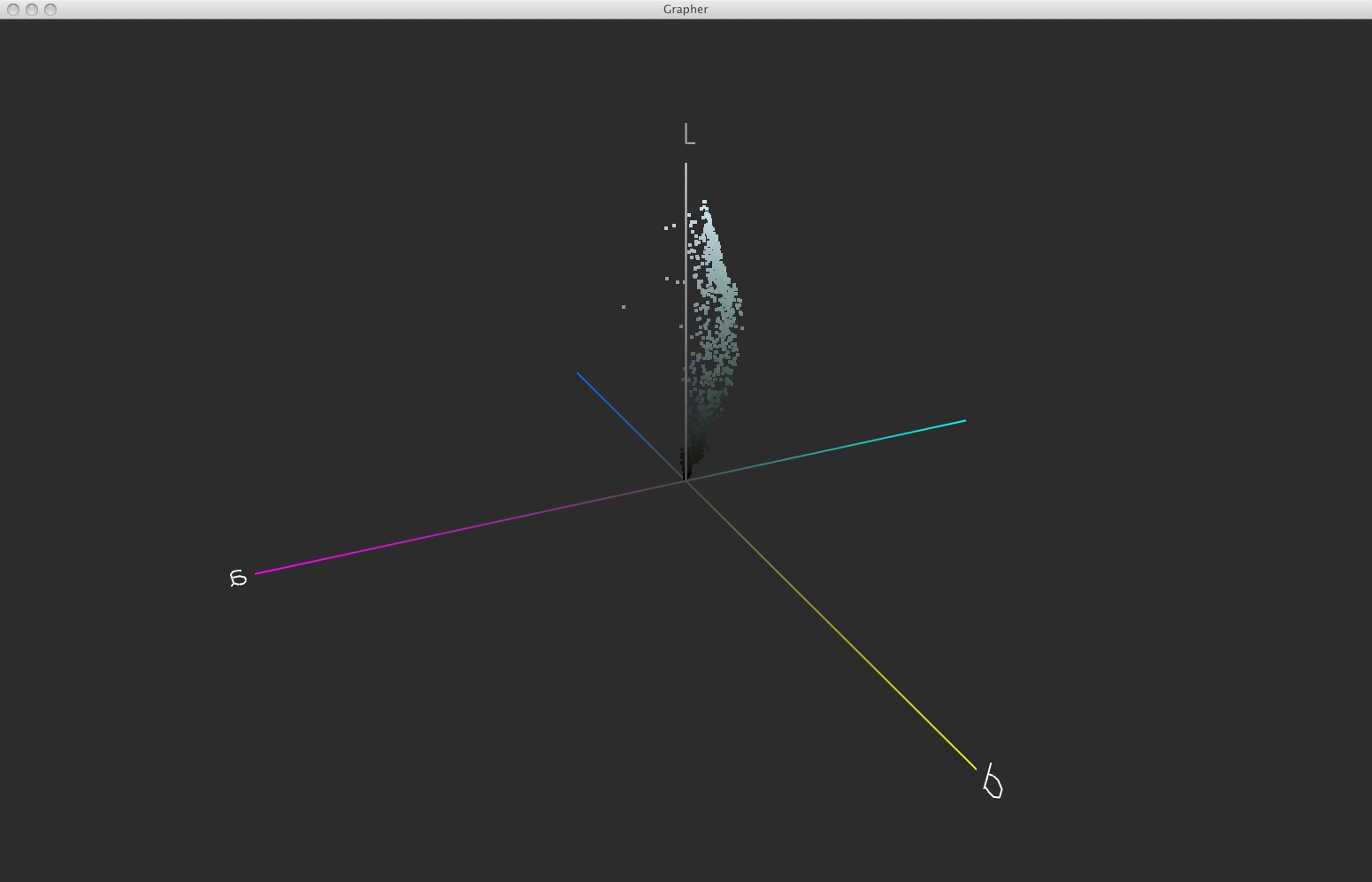
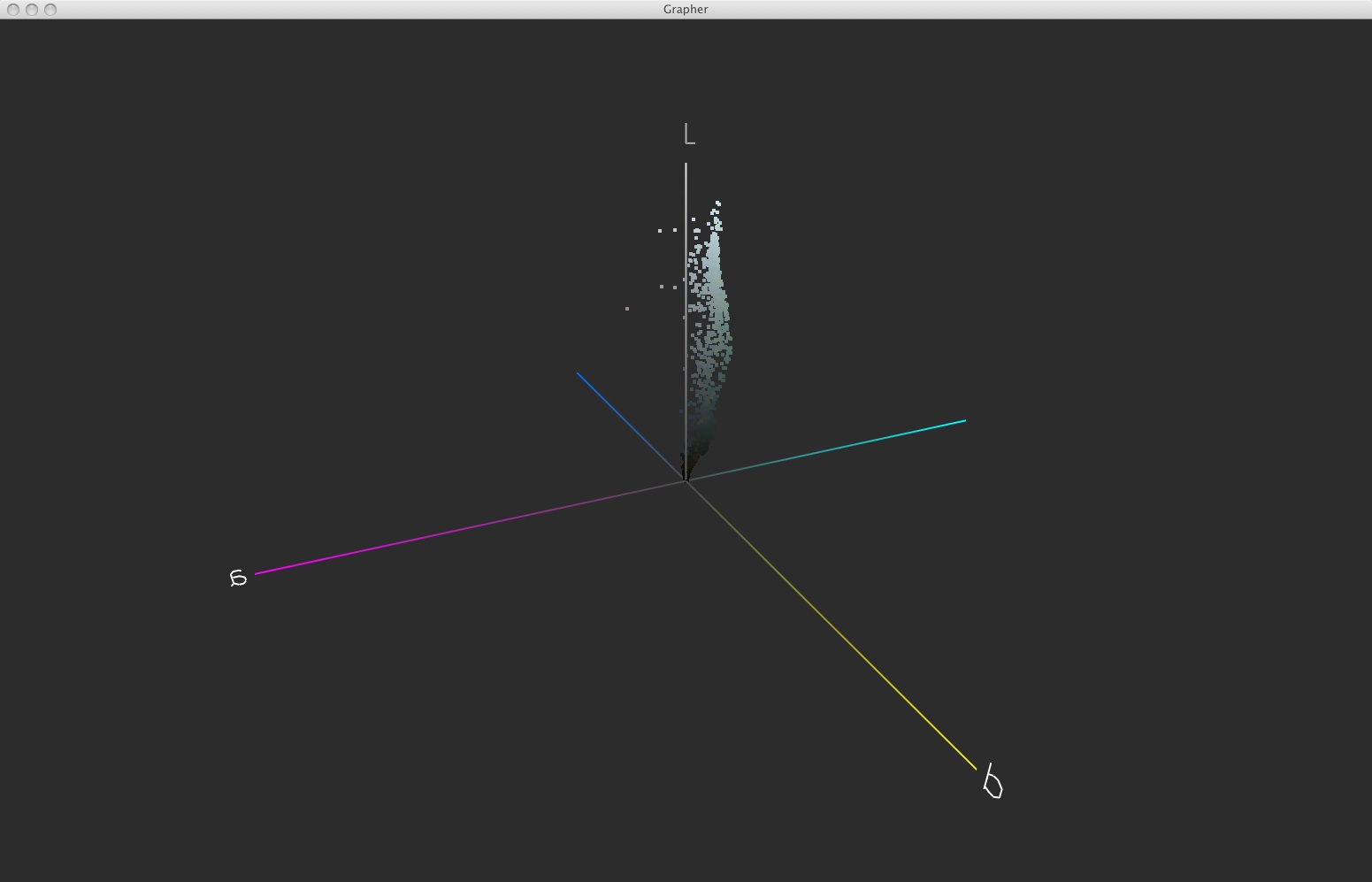
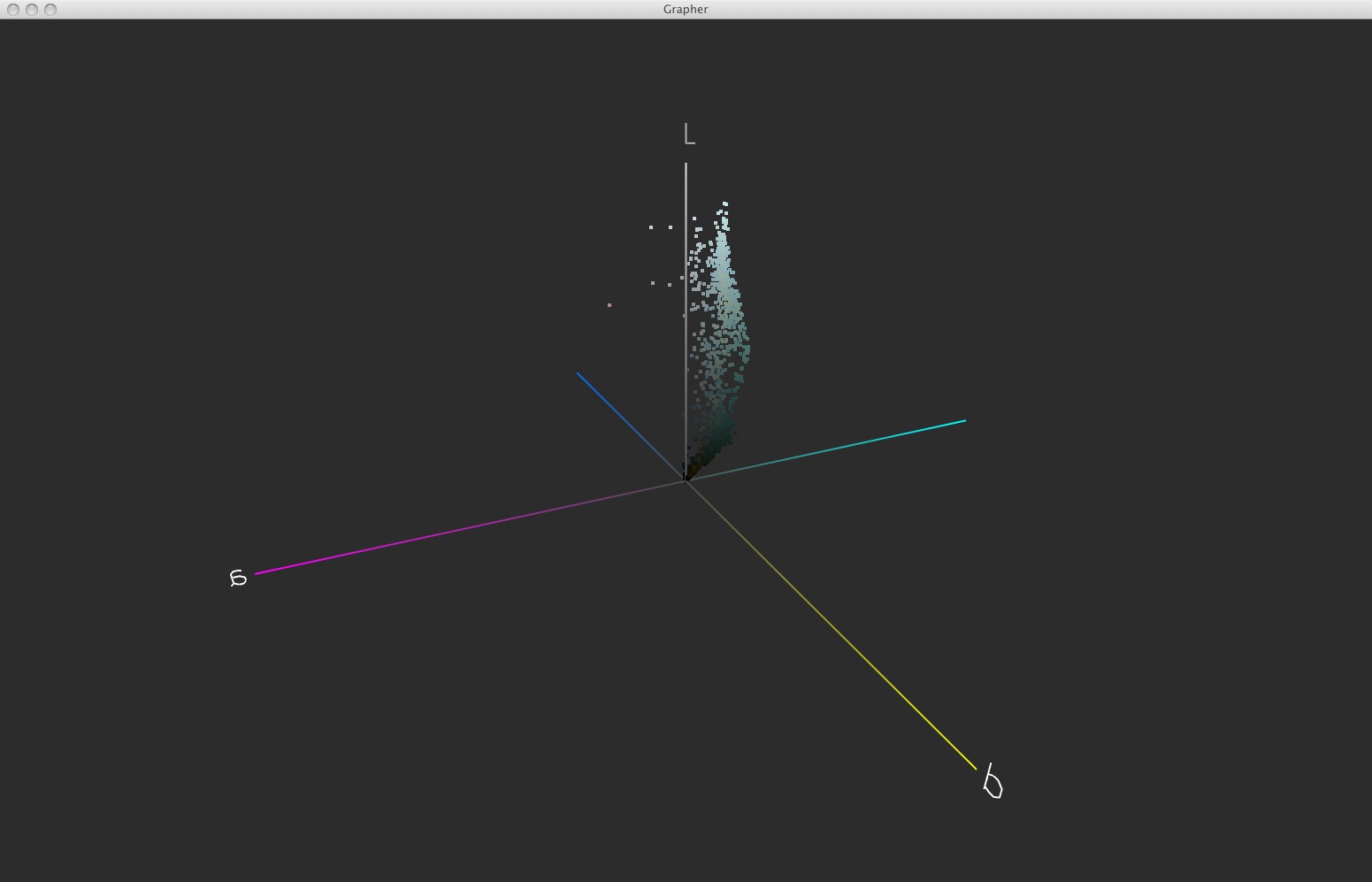
I recorded the RGB values for each of the 24 patches according to the Aperture loupe, created a synthetic, unmanaged ColorChecker chart using those values in Photoshop, then profiled the result. The profile I produced was remarkably similar to AdobeRGB.
Going online, I came across this thread: http://lists.apple.com/archives/Colorsync-...l/msg00520.html
Andrew Rodney says or at least said at the time, that he believed Aperture uses some form of AdobeRGB for its internal working space. That appears to me to be true.
Of course, these are only displayed loupe numbers that Aperture provides and they could convert those to AdobeRGB if they wanted to. Why would they?
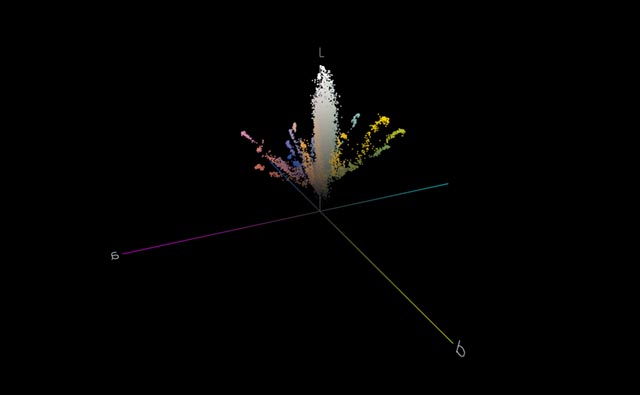
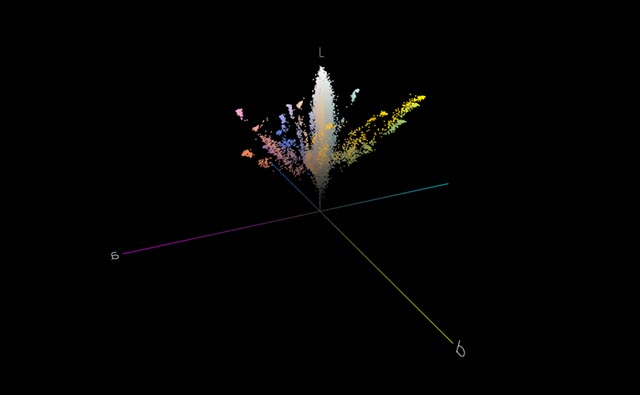
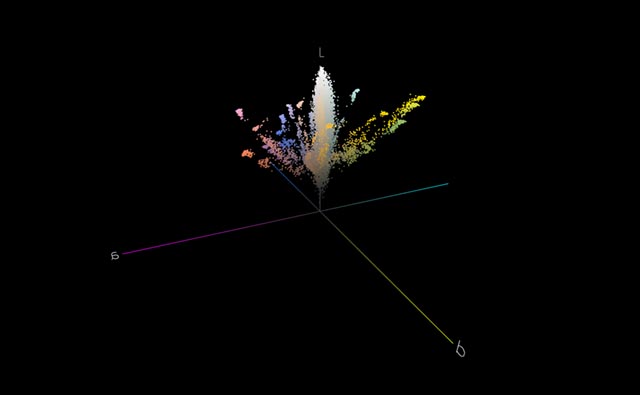
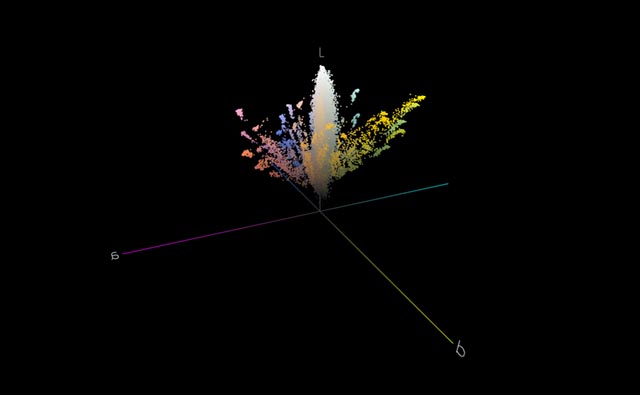
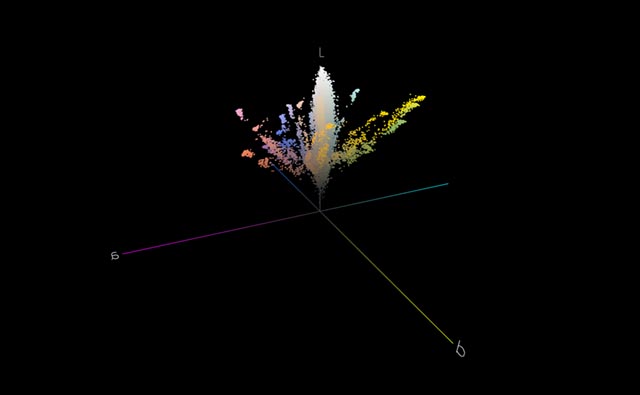
The point of all this is that AdobeRGB isn't a particularly large color space and I have underwater images that won't fit in it.
How many of you that understand and believe in the virtues of ProPhoto are using Aperture? Have any of you looked to see if you ever got a color out of Aperture that was outside the AdobeRGB gamut?
 Cant' get too distracted on a weekday.