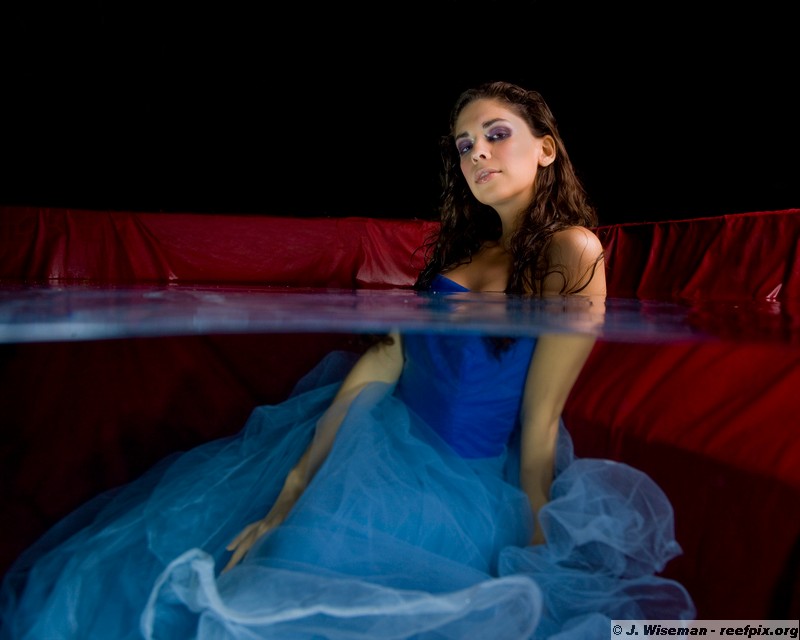
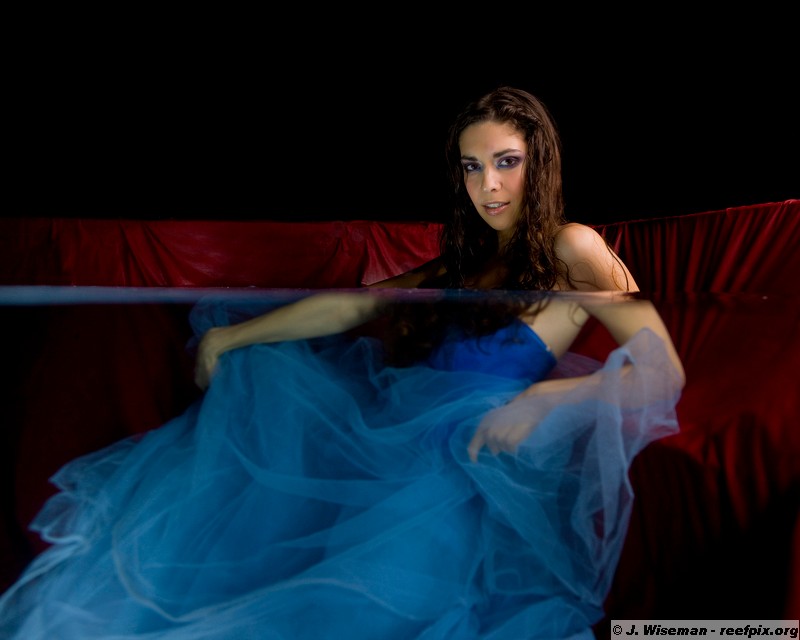
This is one of my favorite series from a fashion shoot I did yesterday. I was able to way underexpose the background, and then just burn out some plants and stuff that were behind. Also, check that red background - I love it w/ this dress!
Lighting is one underwater slave, one kicker on the camera for fill, and a softbox.
Did you use a fairly slow shutter speed to get the dress slightly blurred uw...or did you have her move it slightly?
Hi Bruce,
Thanks! I used a fast shutter speed to darken the above water background (1/250th). The dress is blurry because I set my focus on the model's face and the dress in inside the DOF. Good thing it still looks good.
Here's a fully underwater shot:
I don't like it as much as some others but it's the model's favorite. Go figure.
Cheers
James
I prefer the 1st 2 photos too... Eh, she looks a little strange in the last...





 I prefer the 1st 2 photos too... Eh, she looks a little strange in the last...



