



Got these two around Phuket in Thailand.
Anyone got any ideas as I cant seem to find them.
Thanks in advance
Spen


Read-only discussion
Got these two around Phuket in Thailand.
Anyone got any ideas as I cant seem to find them.
Thanks in advance
Spen
Perhaps the ray is Himantura imbricata or Himantura walga a type of Whip Ray. Looks like it's lost it's whip tail though.
That's a handsome ray, Spencer.
Brian
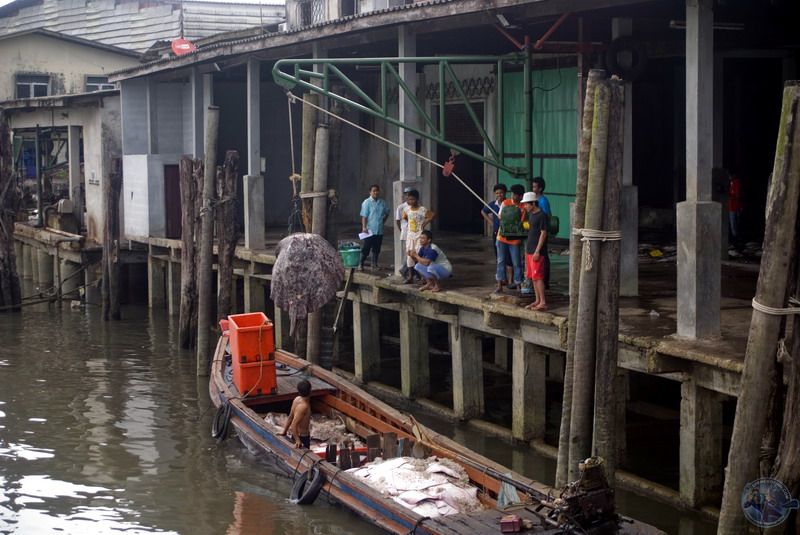
You are right and it also looks to me like the tail is missing a chunk and some marks on the top. Which also leads me to think that it could me a whip ray/mangrove ray as is common practice here for the fisherman to cut off the tail, so they dont get a Steve Irwin. This one may have hopped off the boat and ended up lost, just a theory, as I have seen it before. They also put rope through the gills so they can winch it up from the boat like this one. Eg attached.
I also cant ID the spotted stingray, I assume it's some sort of Mangrove ray. This was one longtail boat and when it arrived it was full, they have unloaded all of the sharks and guitar rays already, so sad to see.
Alex/Brian any suggestions?
Spen


Spen, have you got a close up photo of the spotted ray, or can you post a crop of it here?
Brian
Here is a crop of the spotted ray, please close your eyes and don't look at the mountain of dead bodies behind it, the mountain inside was twice as big and already tagged for sale.
Spen

Judging by it's size and markings I think it's a Honeycomb Stingray (Himantura uarnak) http://www.fishbase.org/Photos/ThumbnailsSummary.php?ID=5507
Another possibility is a Honeycomb Whipray (Himantura fava) http://www.fishbase.org/Summary/speciesSum...peciesname=fava
Since this only gets to be 1.2m, I've ruled it out unless that guy on the dock holding the ray is a midget.

Terms of Use Privacy Policy Guidelines We have placed cookies on your device to help make this website better. You can adjust your cookie settings, otherwise we'll assume you're okay to continue.

A worldwide community for underwater imaging.
