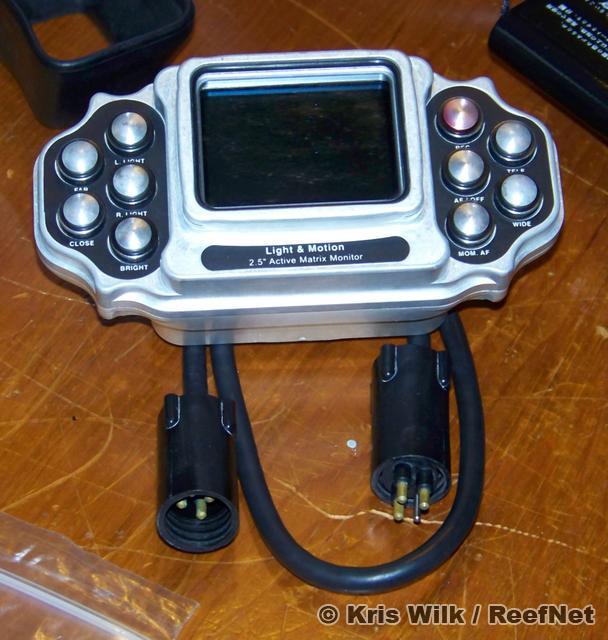
Despite being the industry's finest remote-control video monitor, the L&M Remote Monitor is no longer being manufactured (WHY, oh WHY, L&M??). The remote monitor mounts atop your housing and offers fingertip control of all camera functions, as if you were at the housing itself: zoom, start stop, manual focus, lights, etc. An amazing accessory.
My remote monitor has just been serviced: the batteries were replaced and all parts tested. It is functionally BRAND NEW. The monitor is in perfect working condition, has never flooded, and includes wet-connect cable, rubber hood, mounting hardware, and charger.
You can see the monitor HERE (also attached to this post).
I also have the 50 foot umbilical cord that lets you set the camera up to 50 feet away to capture tough subjects like garden eels, gobies, blennies, etc. This is where the remote control features come in particularly handy!!
The remote monitor will connect to any Light and Motion housing with a compatible monitor port (i.e. most housings except the latest with monitor backs).
Before being discontinued, the suggested retail price was $1799 USD for the monitor and $300 USD for the 50 foot umbilical. REMEMBER...you cannot buy this new anymore...the only ones available are those being parted with by their owners. They will only get harder to find, and more precious.
Please send offers for either item (or both) directly to me: wilk AT reefnet DOT ca
Kris