



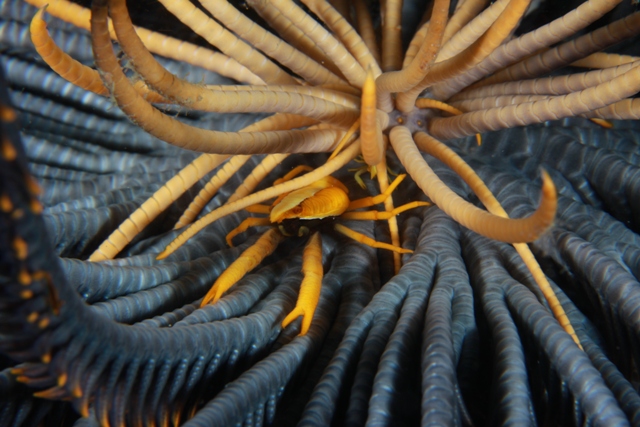
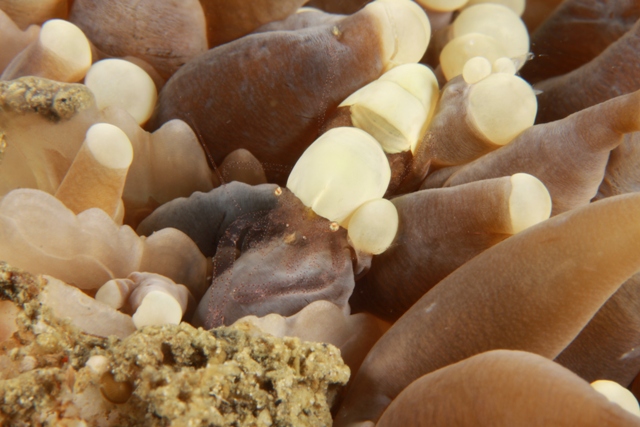
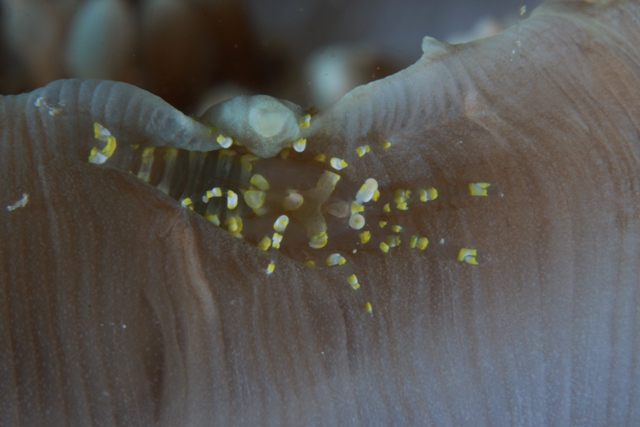
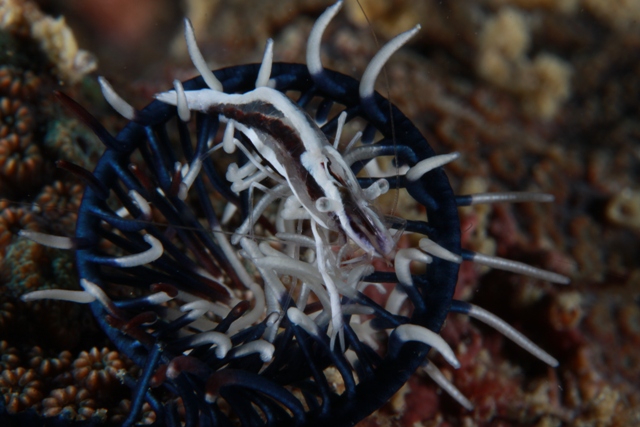
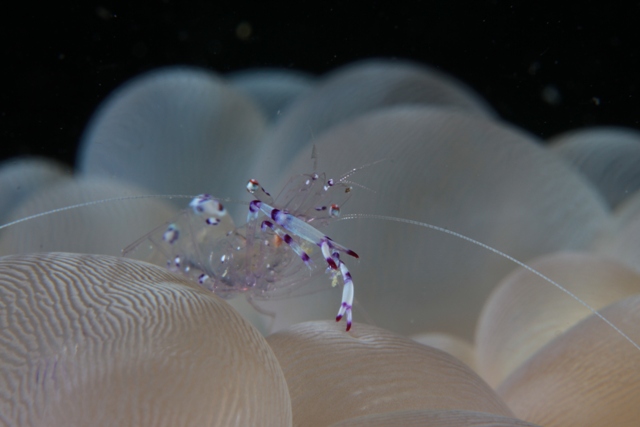
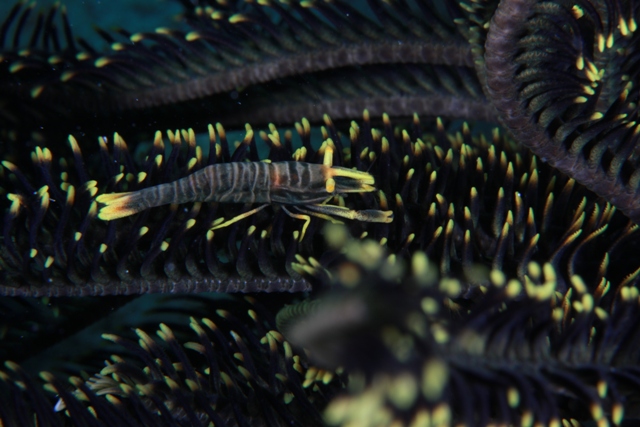
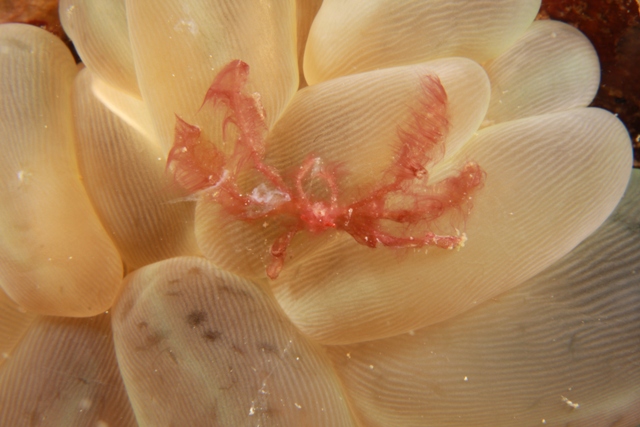
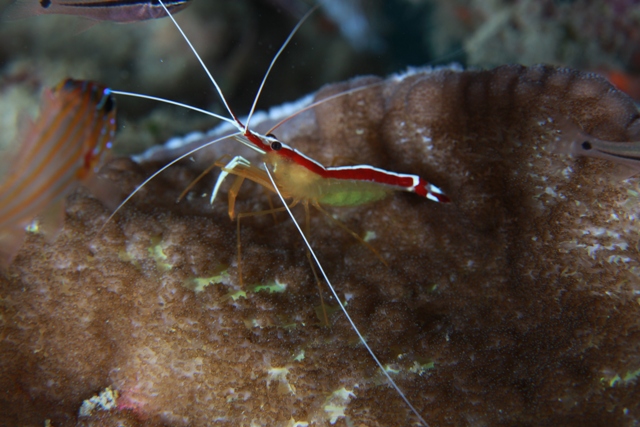
My recent diving trip, and taken some of the shot by Canon 50D with 60mm lens.. Just want to share and looking for some comment, no editing work being carry out yet....
Read-only discussion
My recent diving trip, and taken some of the shot by Canon 50D with 60mm lens.. Just want to share and looking for some comment, no editing work being carry out yet....
Part 2
Part 3
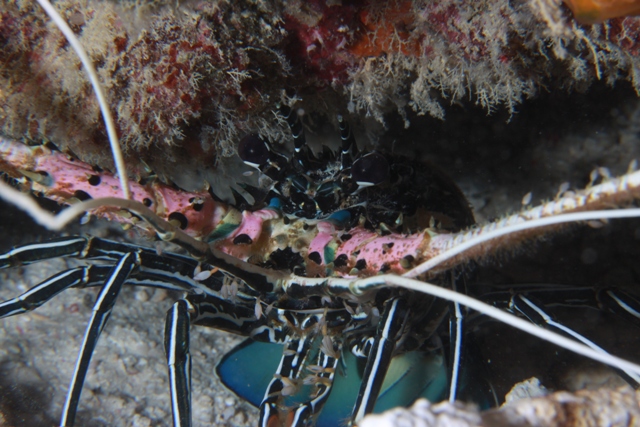
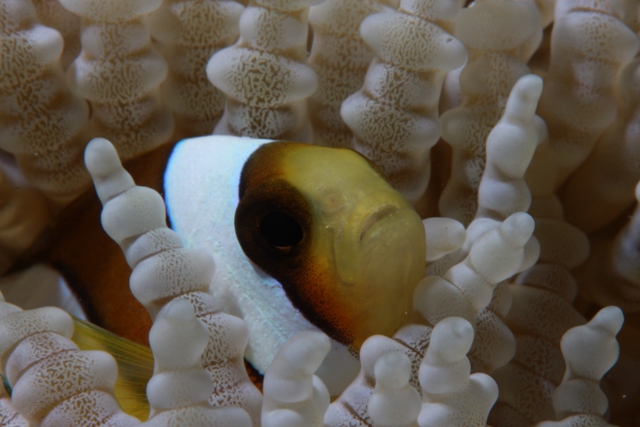
Part 4
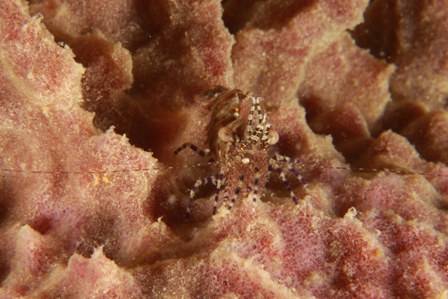
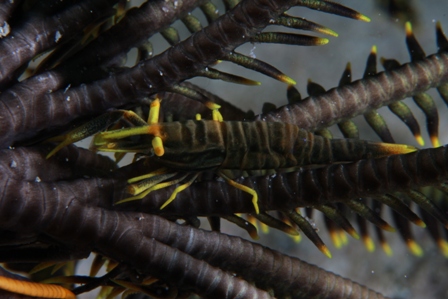
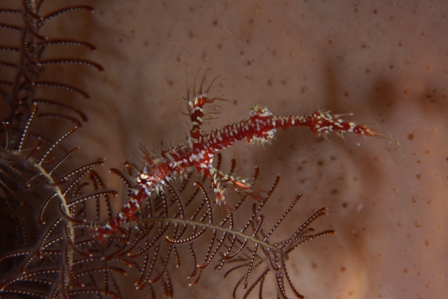
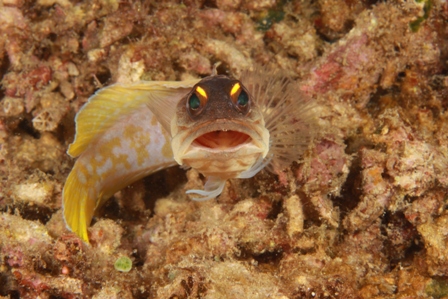
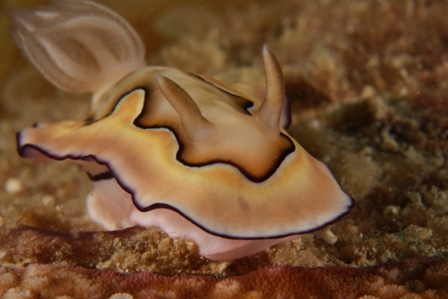
Tawau, East Malaysia...
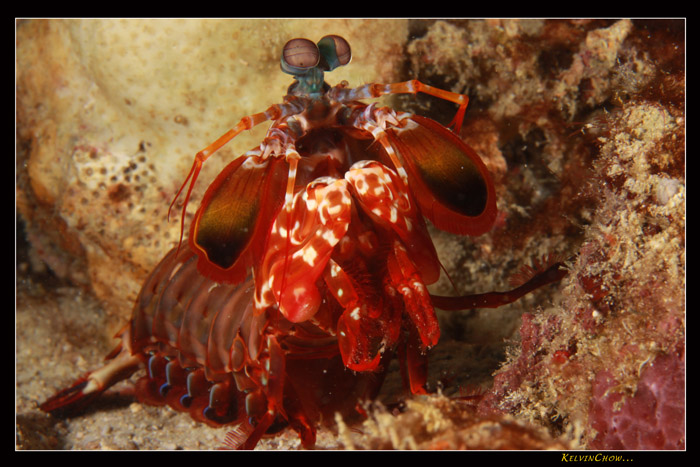
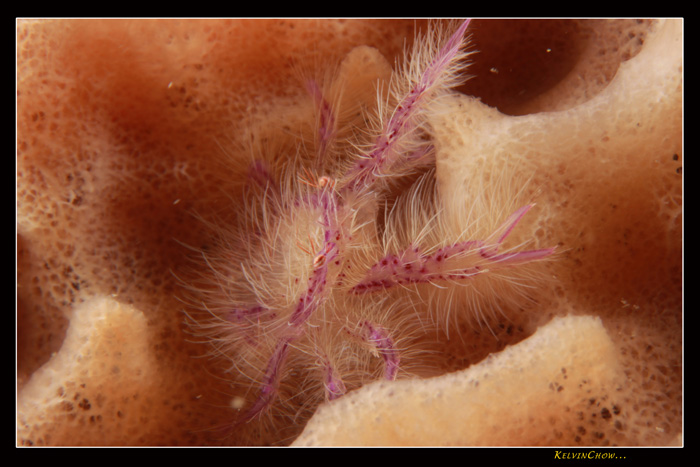
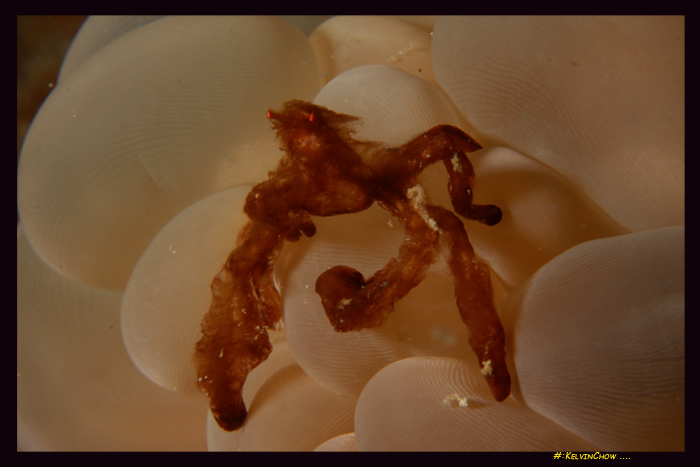
Tawau, East Malaysia...
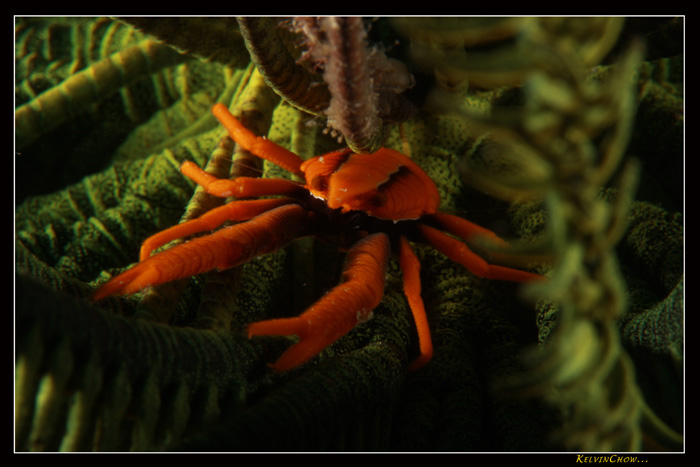
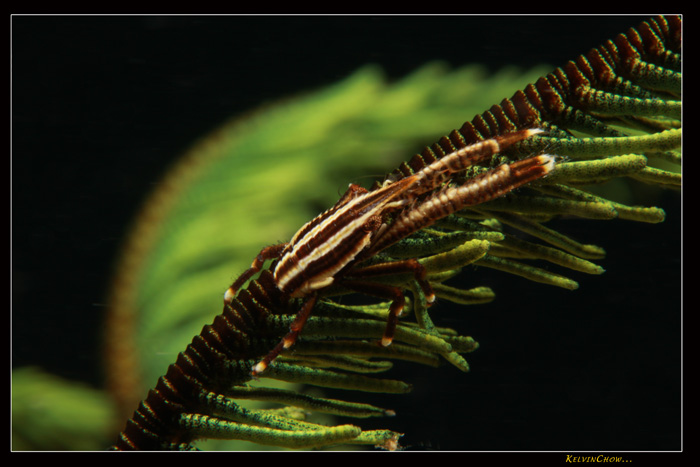
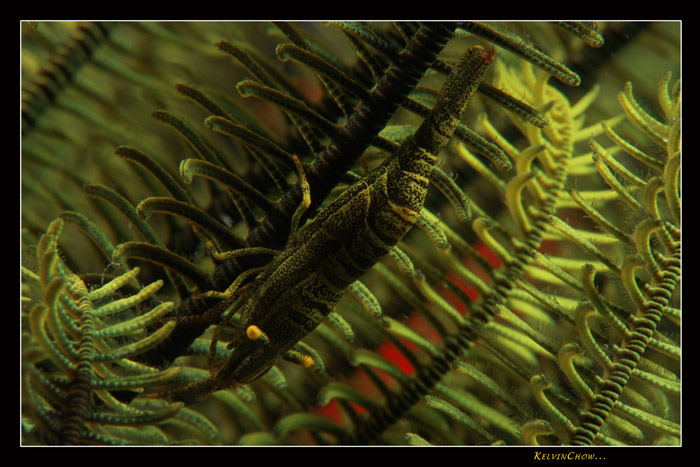
First underwaterpics with a 50D I have seen so far, very nice results! The Lobster and Goby are my favs!
Which housing/flash are you using?
Can't wait till the water is back to a reasonal temperature overhere and take my 50D under 
First underwaterpics with a 50D I have seen so far, very nice results! The Lobster and Goby are my favs!
Which housing/flash are you using?
Can't wait till the water is back to a reasonal temperature overhere and take my 50D under
Thank you, my current set up is the Ikelite Housing and dual Ikelite strobe DS125, also some time dual Inon Z240......

Terms of Use Privacy Policy Guidelines We have placed cookies on your device to help make this website better. You can adjust your cookie settings, otherwise we'll assume you're okay to continue.

A worldwide community for underwater imaging.
