



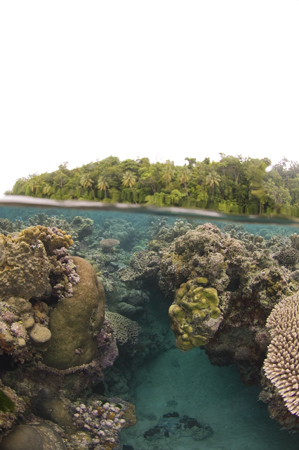
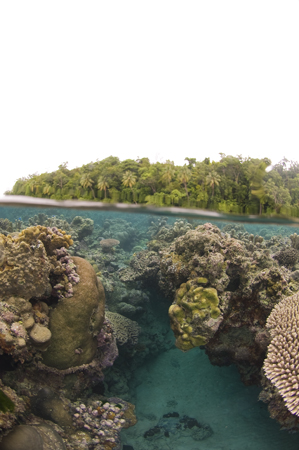
I have a series of ou shots taken on an overcast day. Can anyone show me how to make the sky blue?
Read-only discussion
I have a series of ou shots taken on an overcast day. Can anyone show me how to make the sky blue?
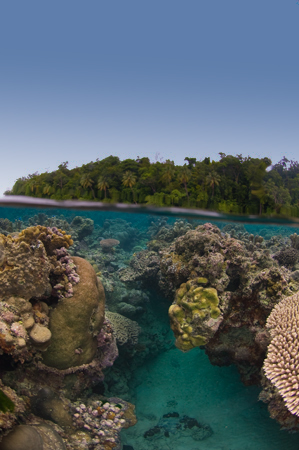
The simplest fix is to apply a graduated filter using either photoshop or now lightroom. I used lightroom. Took about 30 seconds and you can adjust to taste.
imasleeper
Thanks. I dont have lightroom, and I'm kind of a computer idiot. Could you give me more details of the technique?
In Photoshop using a new adjustment layer apply a photo filter. In this case I used deep blue, but you can experiment to find one you like. Next apply a gradient filter to the mask such that the photo filter is only applied to the upper part of the picture. Again some experimenting may be necessary to get the look you wish. Below is a screen shot of the picture with adjustment and the photoshop snapshot giving you the details of what I did.
Imasleeper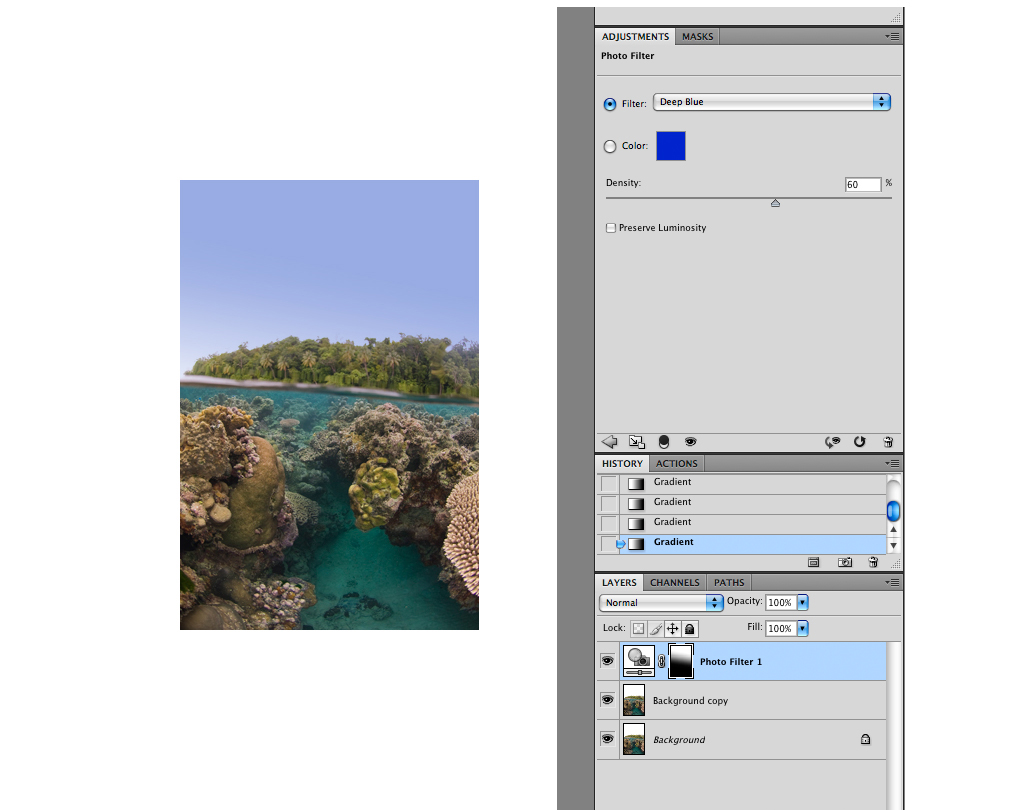
Thanks! I'll try it. Are there any good free photoshop tutorial sites?
hey Vazu,
One suggestion, just go to any Borders or Barnes & Noble and grab a few photoshop books, look for titles like "Photoshop for photgraphers" or "Photoshop for nature photographers", peruse them for a little while and buy one that you like. It will be worth the money.
btw, the photo might look even better with a couple reef sharks in the water, maybe imasleeper can add them to the photo for you 
Scott
Thanks! I'll try it. Are there any good free photoshop tutorial sites?
I'm sure You have allready checked http://tv.adobe.com ?!
Scubamoose

Terms of Use Privacy Policy Guidelines We have placed cookies on your device to help make this website better. You can adjust your cookie settings, otherwise we'll assume you're okay to continue.

A worldwide community for underwater imaging.
