



No, not the Honda, nor to be confused with the D-2000 (which is completely different). Does anyone know if these strobes are available yet - or when they are likely to be available. They have been saying soon for what seems like a year now.


Alex
Read-only discussion
No, not the Honda, nor to be confused with the D-2000 (which is completely different). Does anyone know if these strobes are available yet - or when they are likely to be available. They have been saying soon for what seems like a year now.
Alex
Not yet... but soon 
The Japanese site says they started shipping Dec 28, but none have landed in the US yet to my knowledge.
A few asian sites have them for sale
http://www.uwdigitalcamera.com/goods_detail.php?goodsIdx=287
http://www.enzomarine.com/catalog/product_...roducts_id=1127
and a post by someone on digital diver states his wife has some and likes them
they are out there !
I'm really interested in this strobe. Has anyone had a chance to try one out?
Ron L.
One of the guys on my workshop in Cayman had one, which he got from Ryan.
Its a nice unit, although macro only for DSLR, IMO.
Alex
Hi,
I am using Inon S-2000 with my Nexus D300 setup. It is connected with Inon optical cable
& setup on strobe was simple. On/off switch to 'S-ttl' mode + compensation on '0' + magnet
hole empty. First thing I noticed was weight & it was like having small YS-30 but, difference was
YS-30 was aux. strobe but, S-2000 works as main strobe. Lighting was good enough for Macro
from f stop 5.6 to 32 in 1-2ft(I did not do sciantific test) & it worked as advertised which Inon
said small strobe but, it is as strong as D-2000. Recycle was very fast & I did not missed any
shot. I will highly recommand it if your housing has optical port & you wet sync cable/connector
2-3 times and a year and you are looking for small/comapct/light weight strobe for Macro work.
Price was 2/3 of Z-240.
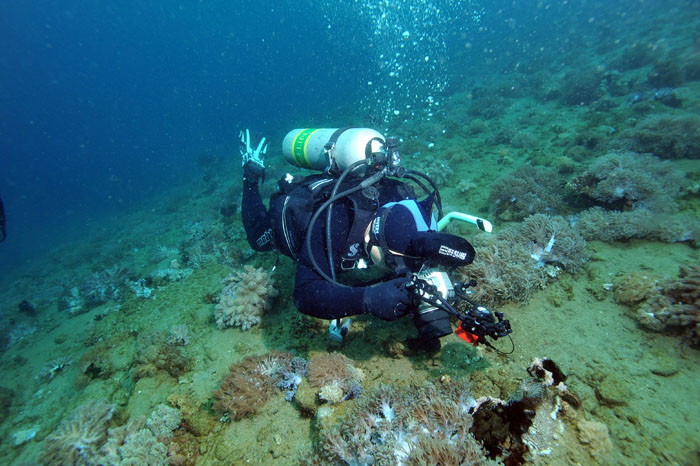
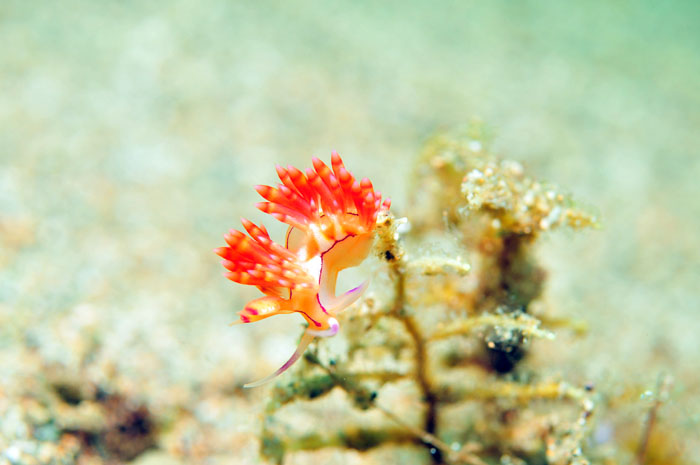
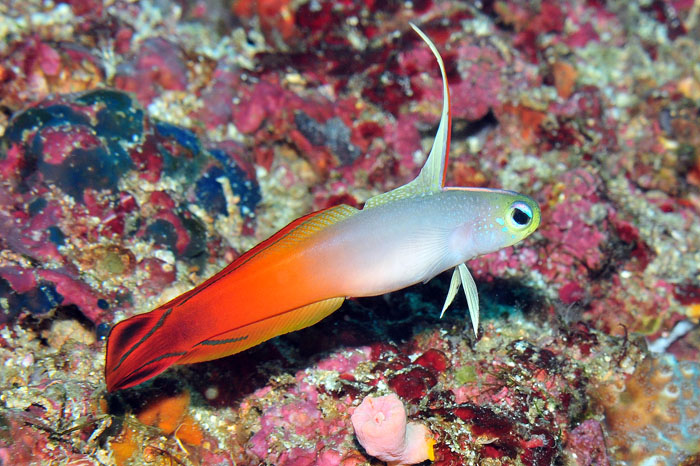
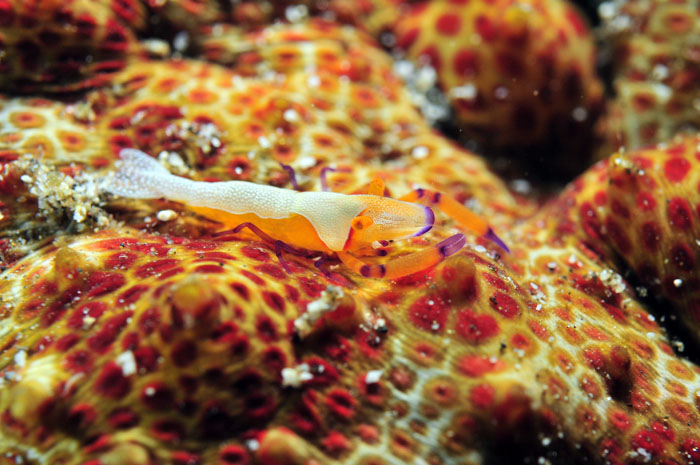
Here is picture of me using it + few sample pics.
Sam

Terms of Use Privacy Policy Guidelines We have placed cookies on your device to help make this website better. You can adjust your cookie settings, otherwise we'll assume you're okay to continue.

A worldwide community for underwater imaging.
