



Hi all
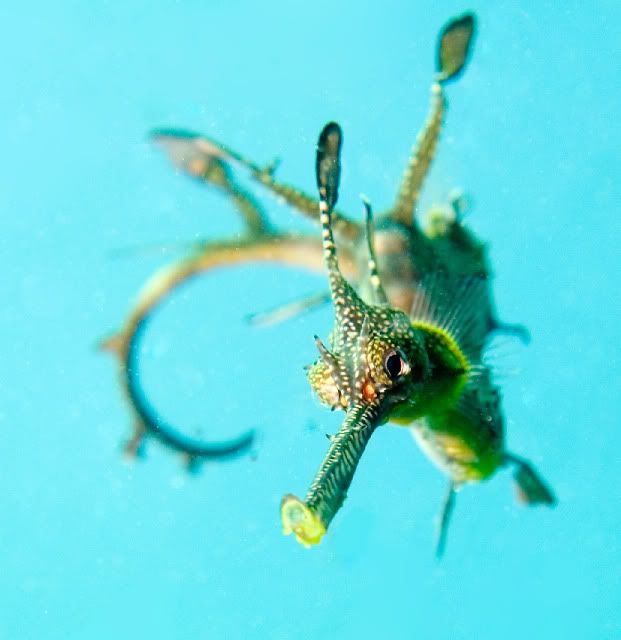
I took this photo yesterday in about 5mts of temperate water -I think its a killer shot -BUT its full of BS -can anyone help me clean it up to an acceptable standard for show and tell at my local photo club
thanks a million
Dave
Read-only discussion
Hi all
I took this photo yesterday in about 5mts of temperate water -I think its a killer shot -BUT its full of BS -can anyone help me clean it up to an acceptable standard for show and tell at my local photo club
thanks a million
Dave
Hey,
Great shot!
The image isnt that badly affected to start with.
I'd run it through noise reduction software like noise ninja. I'd then do a bit of spot healing. I'd also increase the dark areas and lower the overall brightness of the image.
Cheers
Cal
How about trying it as a black and white. Since the water is over exposed - use this to your advantage and have the subject against a very white background:
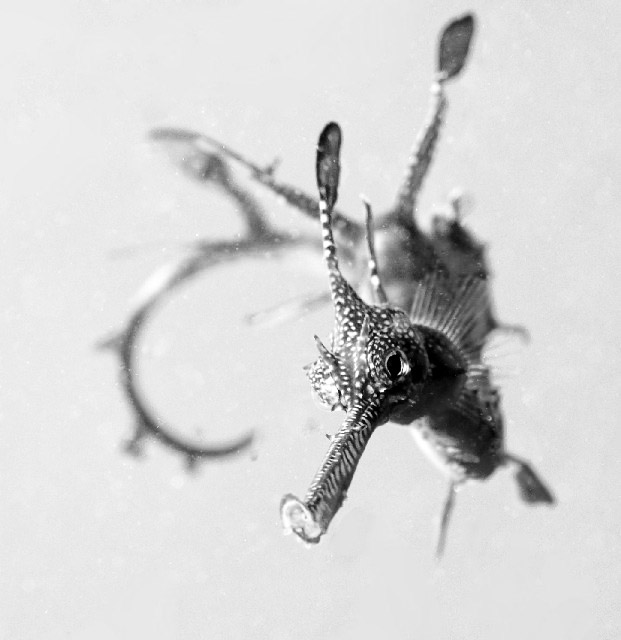
This is just a quick conversion. With a little more care I think it could be a very interesting result.
Alex
Hi Dave,
I can not see too much BS. But this is perhaps due to the small size of the pic here...
Anyway, what I tried with your pic is as follows:
- create a mask of the bright blue water (by selecting that color) and invert this mask to protect the sea dragon
- run a filter as "Remove noise" on the blue water (sorry I am not sure what that filter is called in the english languafe version of PS and I do not have even PS. I use a lowcost software PL32 which has that filter, so I guess that PS has got something equivalent). That already should remove most of the backscatter in the blue.
- edit the mask again: only protect now the sharp head of the sea dragon
- now run some noise reduction filter (noise ninja)
- and in the end you perhaps can tweak a little your tonal curves to a slightly lower brightness
(I hope it is okay to edit your photo and enter it into my reply  )
)
Bye,
Fred
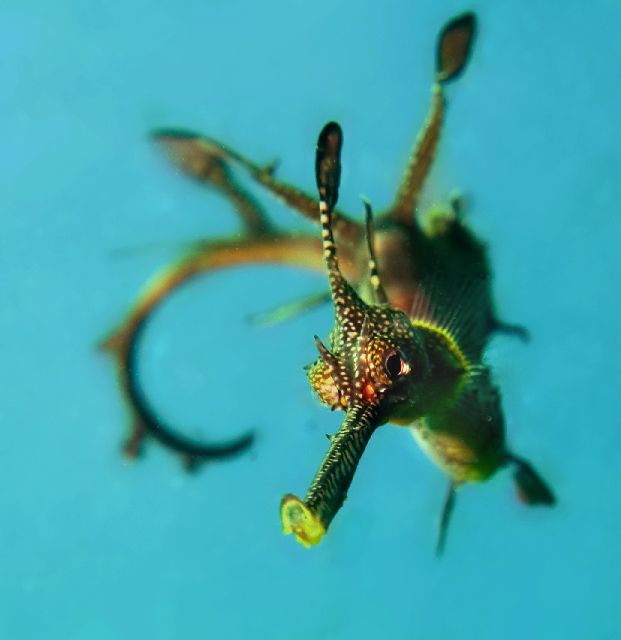
Black and white -thanks Alex will go that way !!! thanks to all for the input -is noise ninja the duck guts in noise reduction ?
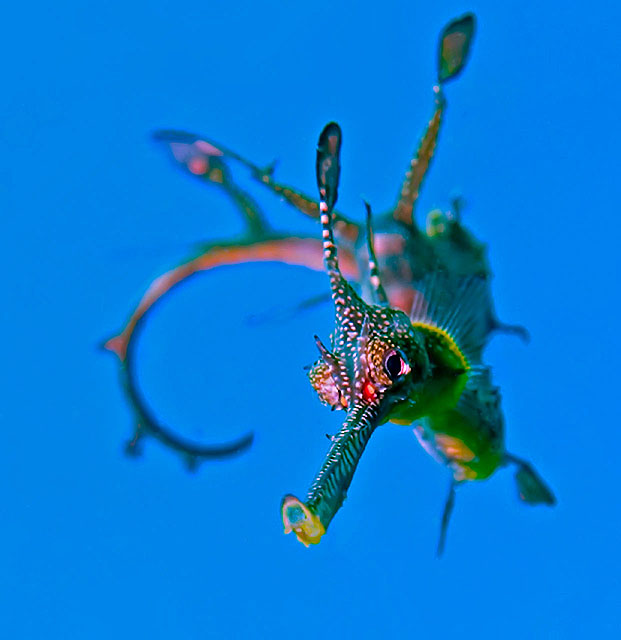
Its a great shot - so I had to have a play, which I have posted - but feel free to ignore

Very nice team effort there!
I think you should tile them all - a la Andy Warhol.
Craig, you can fix my photos any time.
Craig, what techniques did you use here besides colour balance changes and sharpening? My only critique of the result is the posterizing effect of the out of focus areas like the tail and chest.
My only critique of the result is the posterizing effect of the out of focus areas like the tail and chest.
I hadn't noticed that until you pointed that out. This is why I suck.
Some of that is noise filtering which I'm not sure made that much difference. I used Noiseware. I see some problems on the tail but it was a quick hack.
In addition to NoiseWare, I did white balance to the white dots, mild replace color adjustment on the water, shadow/highlight, healing brush, a burning adjustment, plus general and selective sharpening. Had I been working with the original size I would have been more careful. I think the posterization could be minimized with a full resolution image and more care.
The blue water is slightly different in sRGB than in my original. It might be for the better though.
This took 3 minutes or less. You need to make use of the median filter (selectively of course). Adjust your colour balance for the overtly cyan cast, and unsharp mask a bit. Bob's your uncle. Great capture. As for the noise, in this size rather a moot point. Deal with it in Photoshop (not great) Lightroom (no better) or additional plug ins ...kaching kaching)
Cheers,
Marli
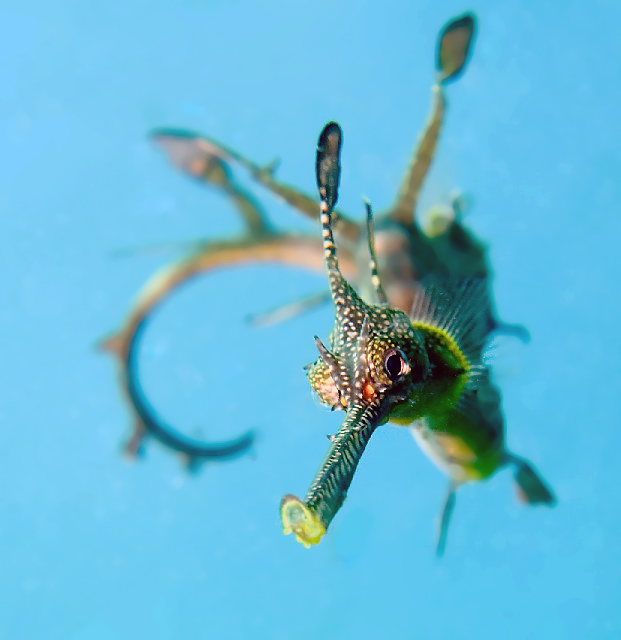
Nice one Marli ! Best one yet I think !
wow thank you all that last one is a ripper thank you Marli
Hi all
thanks re above photo it ended up being chosen as a "hot shot" for March in UWP  cheers for all input

Terms of Use Privacy Policy Guidelines We have placed cookies on your device to help make this website better. You can adjust your cookie settings, otherwise we'll assume you're okay to continue.

A worldwide community for underwater imaging.
