



Just wanted some feedback/ advice on this shot. Its probably gonna make it onto my wall but is it actually a 'good' photo. Any suggesions on how it could be improved. Shot taken with a sigma 17-70 at 70mm f5.6 1/15th sec no strobes.
cheers
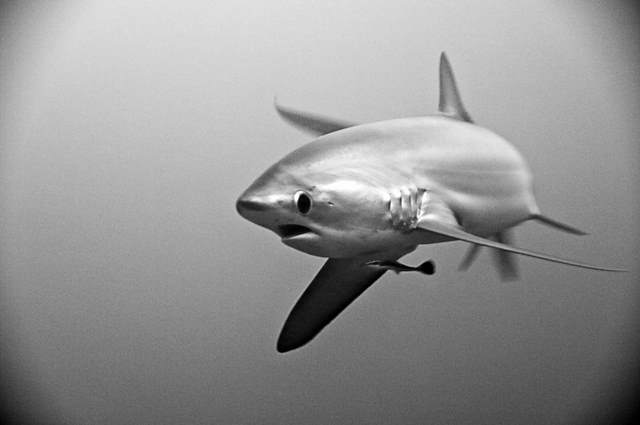
Photo / Video Showcase / Archived topic
Started by ibsroushdi ·
Read-only discussion
Just wanted some feedback/ advice on this shot. Its probably gonna make it onto my wall but is it actually a 'good' photo. Any suggesions on how it could be improved. Shot taken with a sigma 17-70 at 70mm f5.6 1/15th sec no strobes.
cheers
The eye doesn't seem quite sharp to me. I think blur in the fins shows movement and can be good. But if the eye is not sharp it detracts from the photo.
I don't like the vignetting. I can see where you might try it to "frame" the photo; but it is distracting to me.
I think the image could use a little more PS as well. More contrast perhaps??
I do like the concept of the photo. Nice framing
I like the photo. I would clone out the vignetting. You might be able to improve the image in photoshop with a noise plug in.
I think it's a really nice image but what bothers me is how bright it is. I'm not sure if adjusting the brightness is the only solution though.
I like it as well. I honestly don't care about technicalities such as sharpness. I think you timed it great. I like how you can see just a bit of it's fin in the back too. I agree with the others in that it might look better without the vignetting. As for framing, not much you can do now (unless you cheat and expand the canvas or something), I think it might have looked better with a bit more negative space ontop and in the direction the shark is facing.
thanks, had a bit more of a play and scrapped the vignetting - and yes definately better - getting rid of the noise just made the whole thing too soft tho.
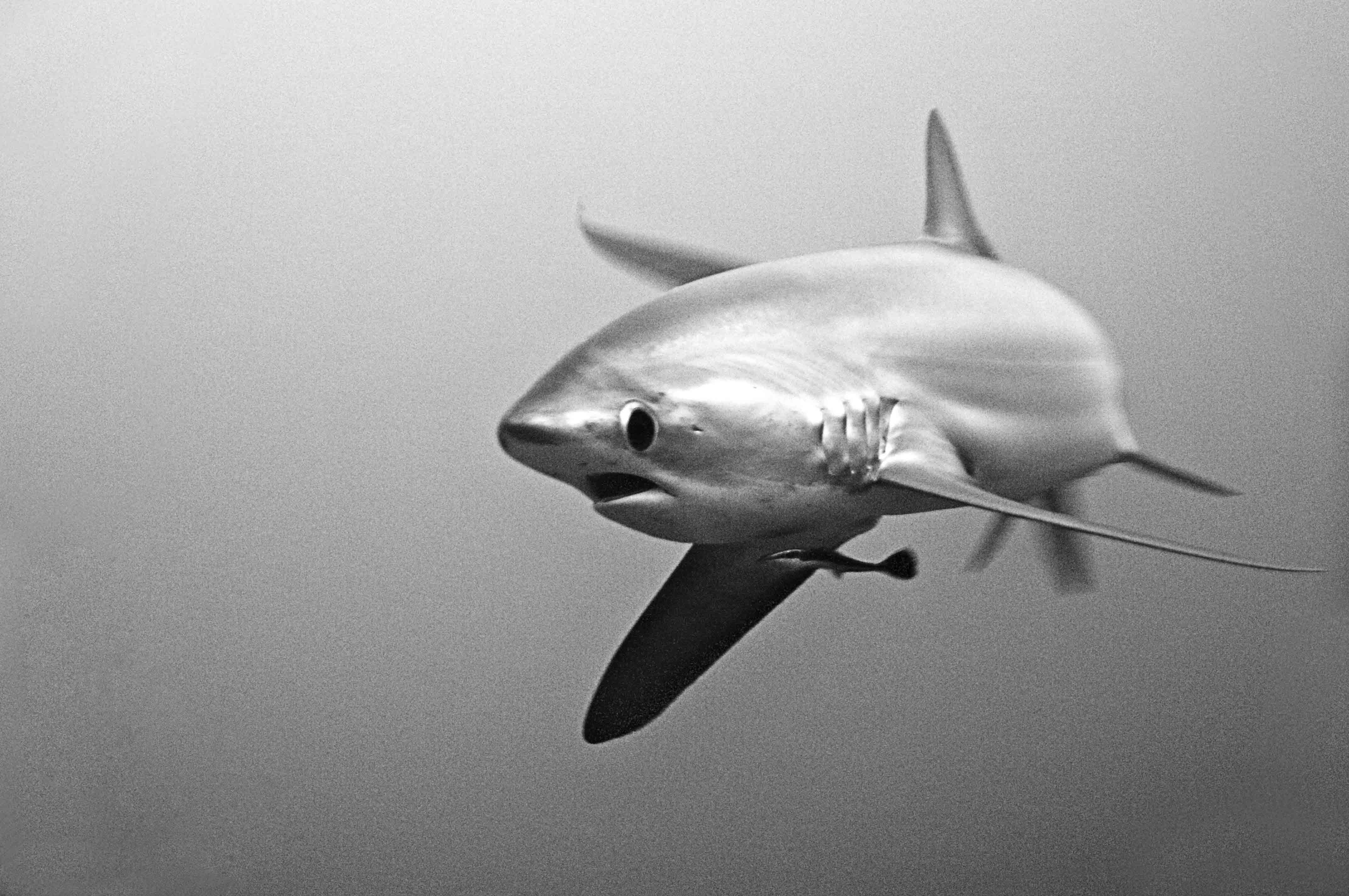
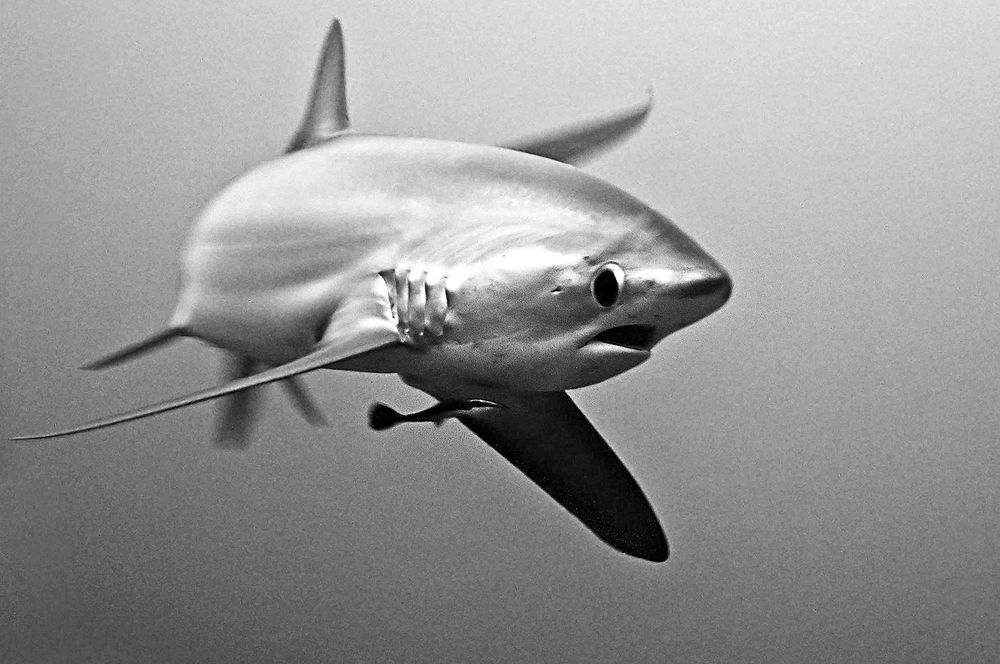
Try "Neat Image" on the original to reduce the noise. Also I would cut it a little bit different.
If you like, send me the RAW and I will look what I can do.
Cheers
Michael
If it were me, I'd just keep the noise in 
Where did you shoot this pelagic thresher, anyhow? Western Pacific?
was shot in the phillipines - malapascua
was shot in the phillipines - malapascua
And I'd heard recently that the threshers were abandoning Malapascua...
... I think that your head-on angle is very special in a rare shot of an impressive shark. There is a world of difference between the perfect technical image of a frequently photographed animal and a good image of something that isn't seen so often.
Tim

I like the vignetting.
Henke's noise reduction is just the right amount. Don't get rid of it all, but it does need a touch of noise reduction.
... I think that your head-on angle is very special in a rare shot of an impressive shark. There is a world of difference between the perfect technical image of a frequently photographed animal and a good image of something that isn't seen so often.
Tim
I think Tim is right. The technical imperfections of the image are, in a way, the perfect embodiment of the fleeting, rare nature of this encounter. It looks like this animal came out of the blue, appeared briefly, and then vanished. If it were a "perfect" image, one might look at it and assume that you spent an hour with this shark, or that it's not unusual to see this species. I love it.
The vignetting give the impression you are observing through a porthole, safe behind the glass.
Without, and you are in the water with the thresher.
I would darken the mid tones somewhat but not worry about noise.

Terms of Use Privacy Policy Guidelines We have placed cookies on your device to help make this website better. You can adjust your cookie settings, otherwise we'll assume you're okay to continue.

A worldwide community for underwater imaging.
