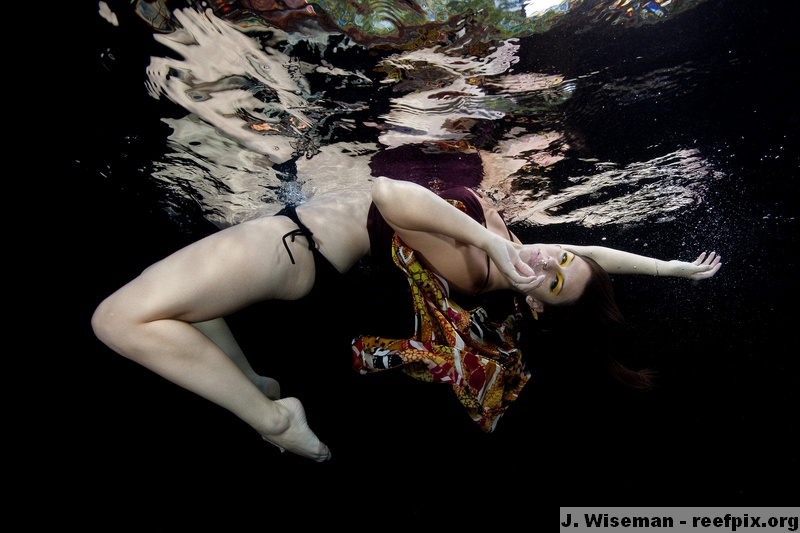
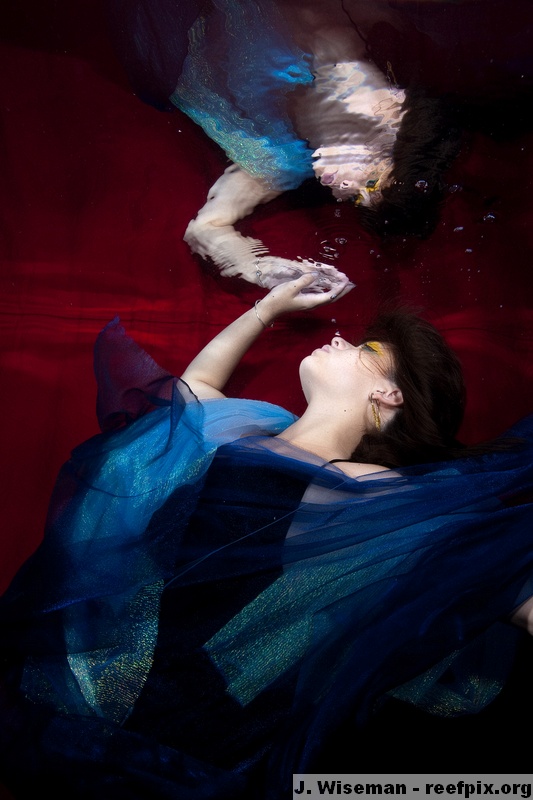
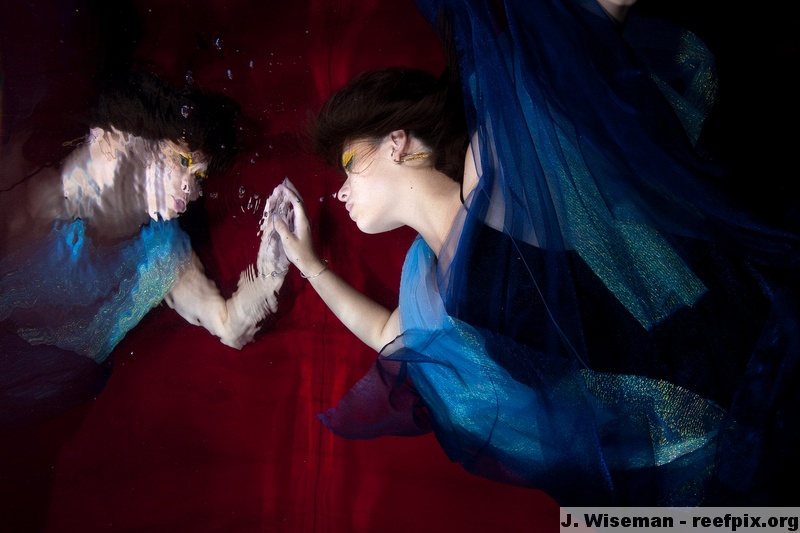
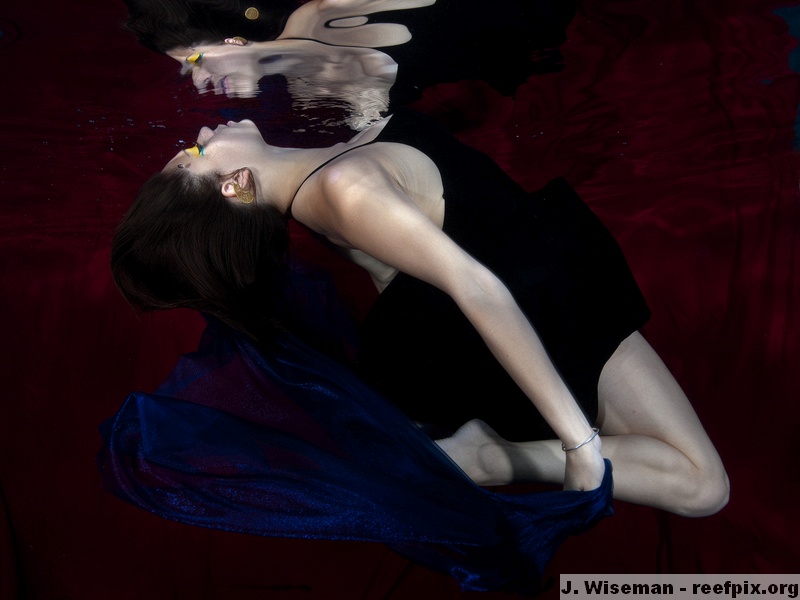
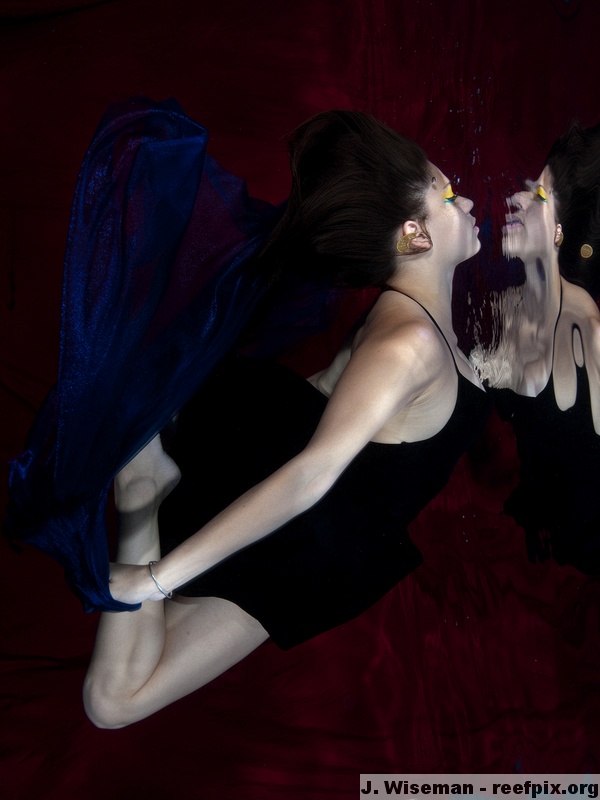
I have seen some fantastic reflection shots posted here so I wanted to try a few of my own. These are incredibly hard to do - the lighting and water surface has to be just perfect to make it happen. The lighting is the same for these - 2 underwater strobes, and one above the model out of the water.
Here are a variety of shots - I'd love some feedback as I think it really helped me improve the last shot I worked on. Thanks in advance!
James
I like the first one a lot as I said James. I think reflection shots can be planned only to a limited degree as the actual reflection is unpredictable very often - but that's part of the attraction to me. Instructing the model to be more gentle in her movements (usually means just going slower) will help keep the water surface smoother for cleaner reflections.
My concerns with the other shots is that they distort the model's face which is not attractive, either the facial reflection has to be totally unrecognizable simply acting as a graphic element as it does in the first one, or has to be a perfect reflection - hard to do. Unless of course you are purposely trying to create some sort of distortion like Cal did.
Awesome shots!
The first one is my favourite. I wonder what that would look like flipped vertically so the girl is "falling" on the water? I really like that look but thats just me.