



Just go back from a very enjoyable trip on the Turks & Caicos Aggressor II. A really fine boat and crew I might add.
I will be running a story on the trip in next issue of the Underwater Journal.
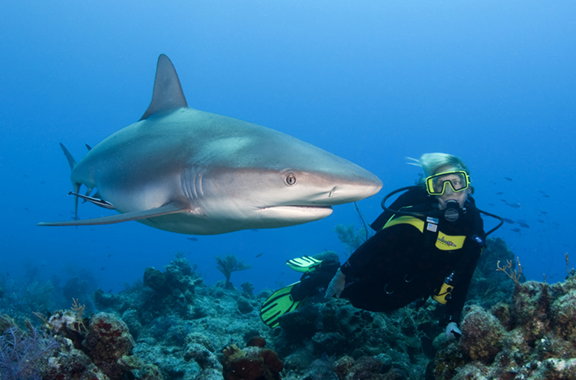
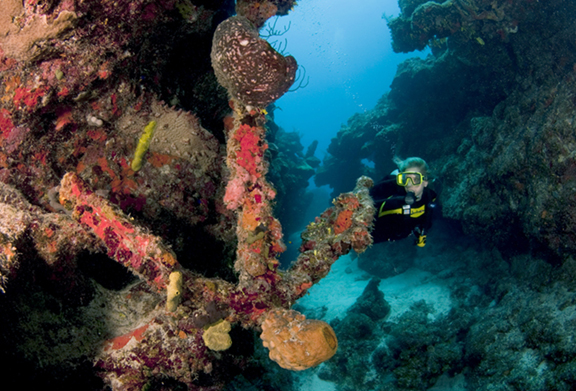
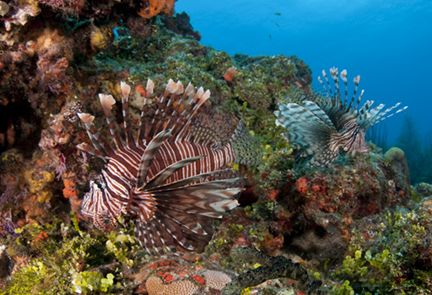
Till then, here’s a a couple sample images.
Read-only discussion
Just go back from a very enjoyable trip on the Turks & Caicos Aggressor II. A really fine boat and crew I might add.
I will be running a story on the trip in next issue of the Underwater Journal.
Till then, here’s a a couple sample images.
Brilliant shark and diver shot!
Brilliant shark and diver shot!
Ditto that.
Stew
The shark and diver shot is so publishable!
Great work!
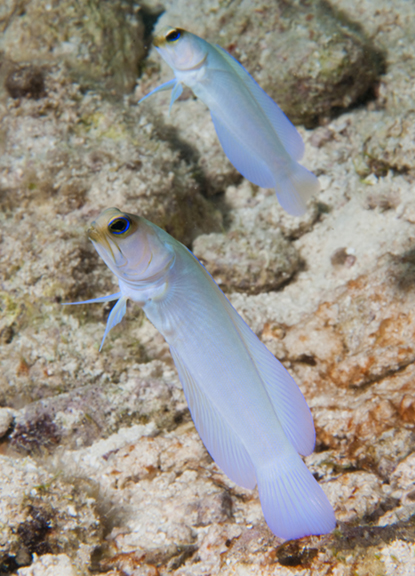
Thanks for the complement. Although I have done this quite a bit. Here are a couple more samples.
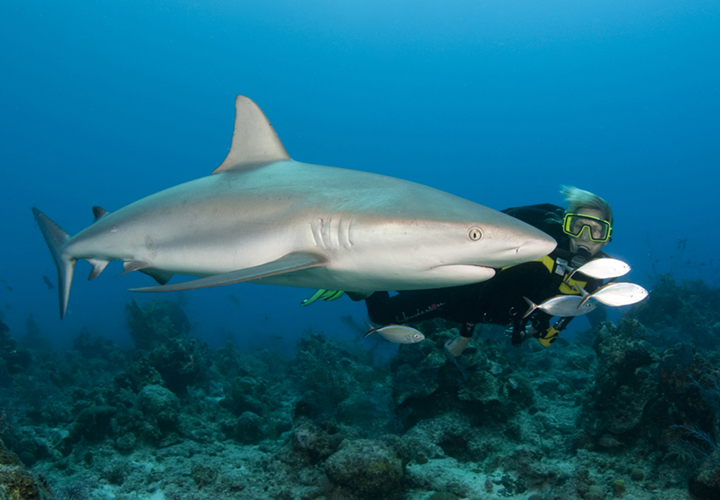
Great stuff Walt! And Karen makes a great model. I guess working together for >20 years helps!
Doug
The first shot is fantastic! Very good composition!
Karel
going to T&C end of December. what lens should i take? I usually shoot wide angle and use my 17-40L, but i also have a 100mm macro. I'm thinking a 60mm macro might be right. I don't know what to expect there...
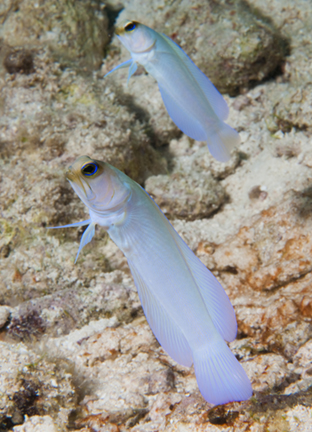
With the 5D, the 17-40L, will cover 95% of your wide angle opportunities - wall, sharks, the anchor, etc. A 15mm fisheye might be fun now and then, but it would be an easy one to live without there. The 100mm macro will be a must for things like the Jawfish, The 60mm could be useful for small fish and fish portraits.
Great shark shots. Great detail. The first shot almost looks photoshopped because they are so close.

Terms of Use Privacy Policy Guidelines We have placed cookies on your device to help make this website better. You can adjust your cookie settings, otherwise we'll assume you're okay to continue.

A worldwide community for underwater imaging.
