



Skip to content

Photo / Video Showcase / Archived topic

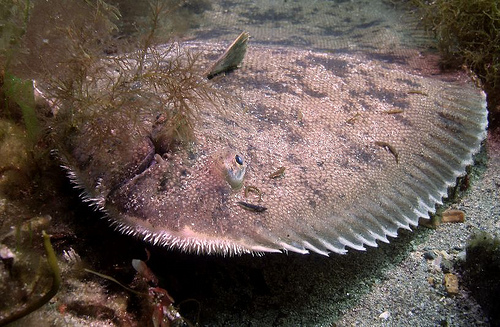
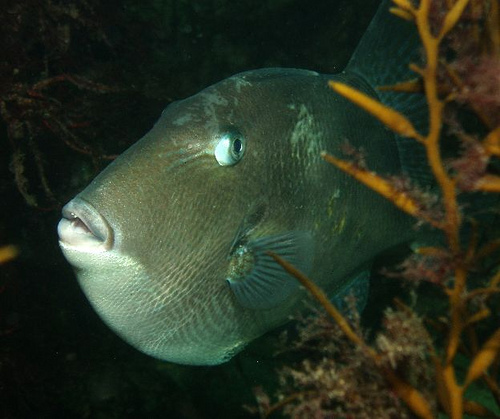
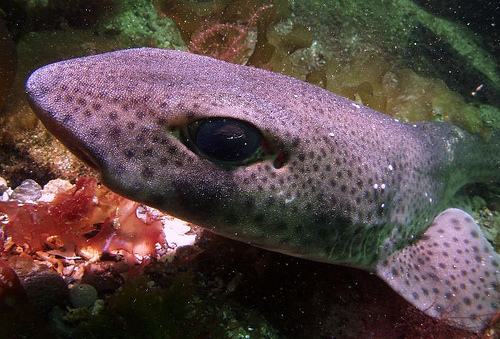
and a few more du malinbeg

Started by Damo ·

  • 1Posts
  • 1Replies

Read-only discussion

and a few more du malinbeg

1 posts
  1. doh..

    post-18600-1253866204.jpg

    post-18600-1253866211.jpg

    post-18600-1253866219.jpg

Isotta

Account

Navigation

Search

Search

Configure browser push notifications

Chrome (Android)
  1. Tap the lock icon next to the address bar.
  2. Tap Permissions → Notifications.
  3. Adjust your preference.
Chrome (Desktop)
  1. Click the padlock icon in the address bar.
  2. Select Site settings.
  3. Find Notifications and adjust your preference.

