



A little more harsh; what do folks think?
Read-only discussion
A little more harsh; what do folks think?
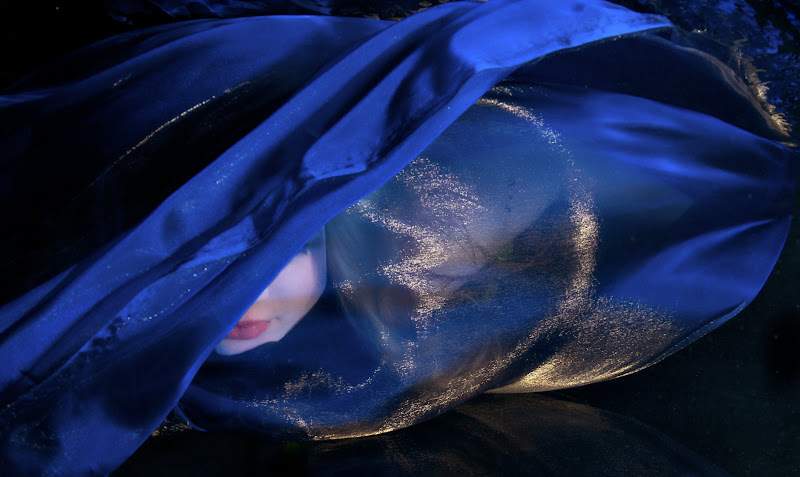
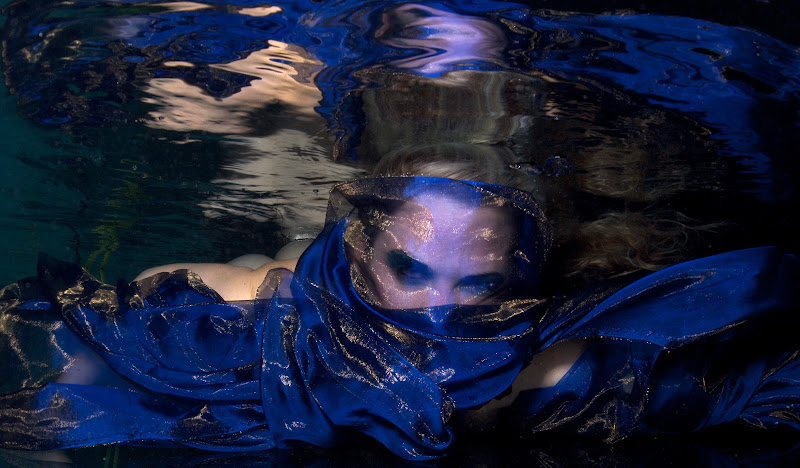
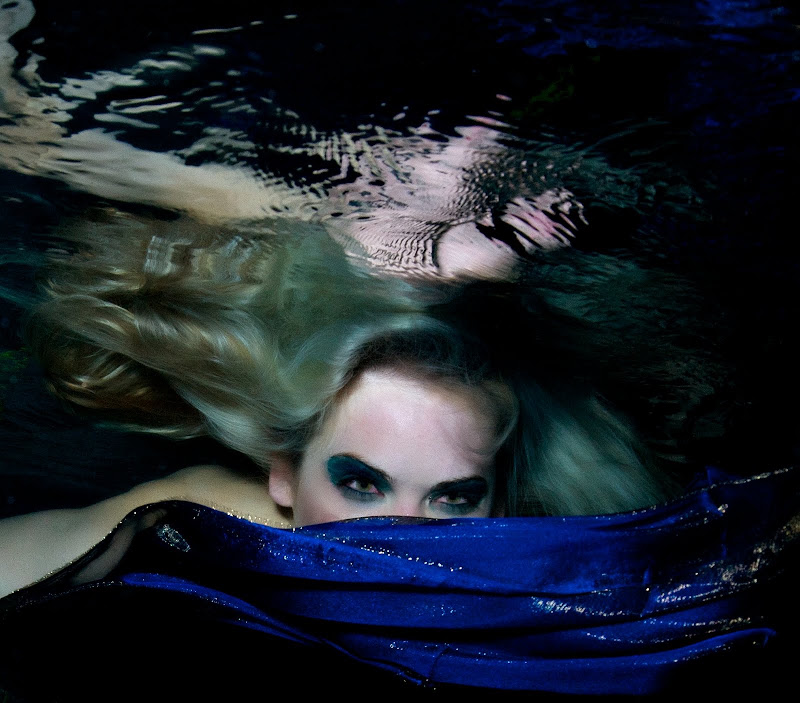
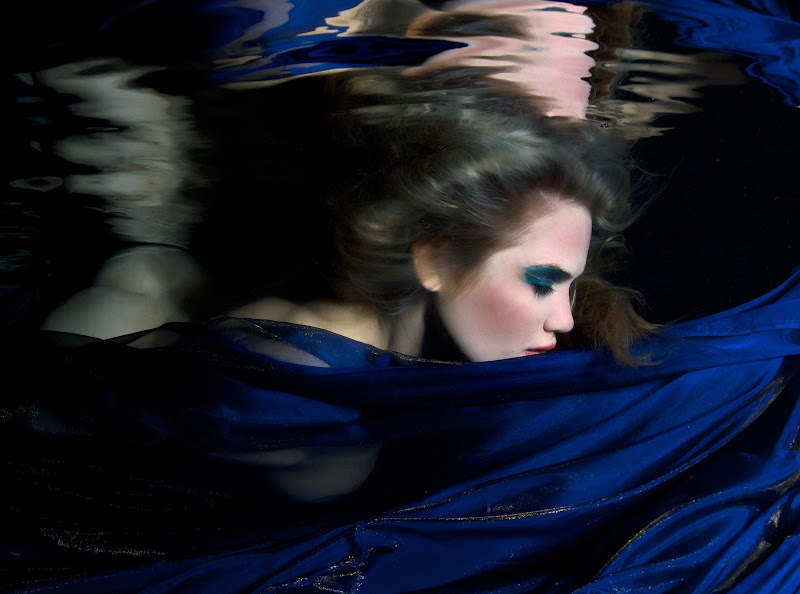
Whoa, number 4 grabbed my eye right away and wouldn't let go. Shooting her face through the thin fabric with the gold fleck is amazing. If it was me I'd play with the whites of her eyes in 5. The red eyes and green hair is spooky.
Cheers partner,
Steve
If it was me I'd play with the whites of her eyes in 5. The red eyes and green hair is spooky.
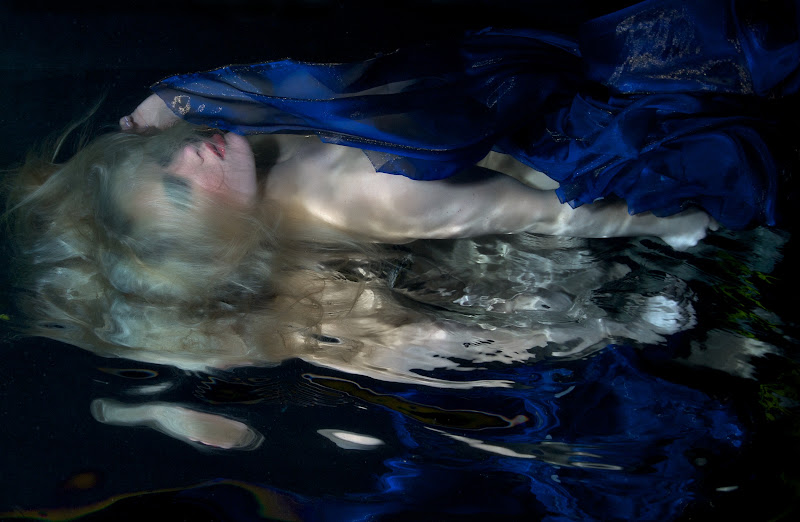
These were taken at the end of the shoot; so by 3-4 hours in the water we have some red eyes and green tinged blonde hair. (Chlorine was low, but not as low as usual)
The model and makeup artist of course love the spooky stuff.
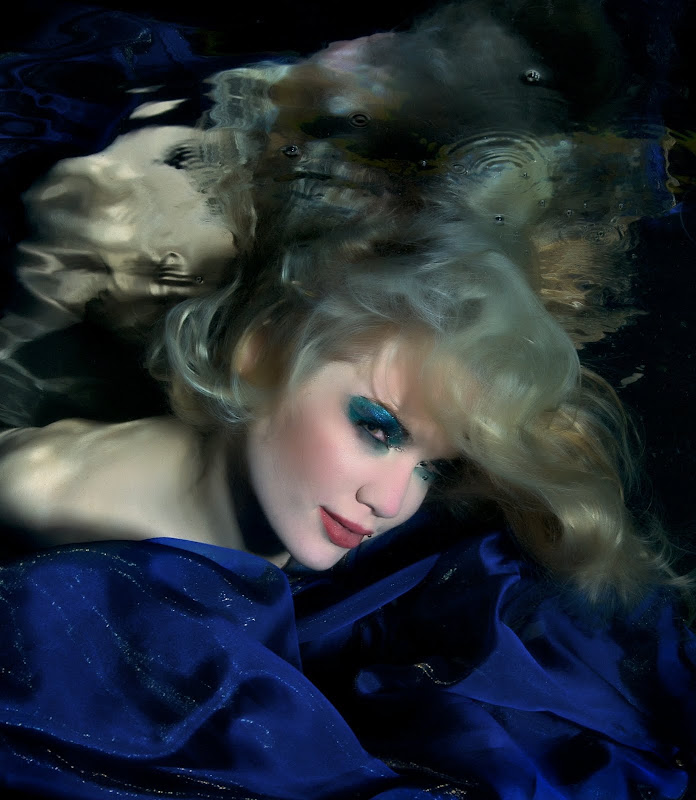
Very interesting set - and great mood. I like 2 the best.
Alex
Hey Jeff
I believe these are some of the best I have ever seen! Excellent!
Mike
Nice Work again……
Working with that material is beautiful, great model, great poses. I think number 4 is my favorite.
Are you shooting RAW or Jpeg? My only negative comment is the skin tones, which is something that I struggle with myself, I'm more of a fan of warmer more natural skin tones. What are you using for the softening effect of the over all image? I personally would like to see more detail (sharper) in the eyes, hair and lips, but that me. Take a look a OnOne Skin Tune and or Imagenomic Portraiture both of those plugins are fantastic.
With that said Jeff I really like where you are going with you images, very experimental, fun and creative.
I hope to have more images posted either today or tonight.
Mark
I like them - kind of mysterious...
No.4 gets my vote too.
Nice Work again……Working with that material is beautiful, great model, great poses. I think number 4 is my favorite.
Are you shooting RAW or Jpeg? My only negative comment is the skin tones, which is something that I struggle with myself, I'm more of a fan of warmer more natural skin tones. What are you using for the softening effect of the over all image? I personally would like to see more detail (sharper) in the eyes, hair and lips, but that me. Take a look a OnOne Skin Tune and or Imagenomic Portraiture both of those plugins are fantastic.
With that said Jeff I really like where you are going with you images, very experimental, fun and creative.
I hope to have more images posted either today or tonight.
Mark
Thanks folks.
I shoot RAW, mostly use Aperture for conversion; unless I want to take the time for a large print in which case I may redo it with NX2. I agree skin tones is personal taste to some degree, I think in the water they do appear cooler, I go back and forth on these and find that I vary skin tone a bit depending on the image.
I use Portraiture after I have done my regular sharpening steps. This set of images probably involved 5 min of post per image, I agree I could spend more time modifying the Portraiture masks etc and not just use default settings. This particular model, the skin texture with makeup was very rough. Softening skin and keeping the rest sharp is always a delicate balance to keep a natural unretouched look - the type of look one gets with Gaussian Blur and masking techniques very frequently. Portraiture does apply some softening to hair etc for a more blended look. These were shot with the 16mm and 1.4TC, so are cropped a fair amount. It was late and I was too lazy to change to the 17-35 which would have been a better lens choice. Even with DE filters in my pool, I find too much sharpness and resolution brings out some granularity in the water, so I avoid oversharpening more than water clarity allows, and improving water clarity is an ongoing work in progress in my poolboy studies.

Terms of Use Privacy Policy Guidelines We have placed cookies on your device to help make this website better. You can adjust your cookie settings, otherwise we'll assume you're okay to continue.

A worldwide community for underwater imaging.
