Skip to content

Photography Gear and Technique / Archived topic

New Nikon 70-200 f2.8 VRII

Started by loftus ·

  • 6Posts
  • 6Replies

Read-only discussion

New Nikon 70-200 f2.8 VRII

6 posts
  1. Just picked up my new 70-200 at the store. My little Black Friday gift to myself. Took a few pics with it mounted on my D700 in the store, and boy this lens is SHARP, edge to edge! And the VR is obviously very effective.

    This is a central 150% crop, available light handheld at 200mm, 1/40 sec, f5 ISO 400, at minimum focusing distance just over 4 feet.

    So any full frame Nikon shooters who lust after this lens, I think Nikon has produced a winner.

    Not an underwater lens, but will work in my surf housing.

    I'll post more pics after playing more this weekend.


    Emily2009-11-2628953.jpg

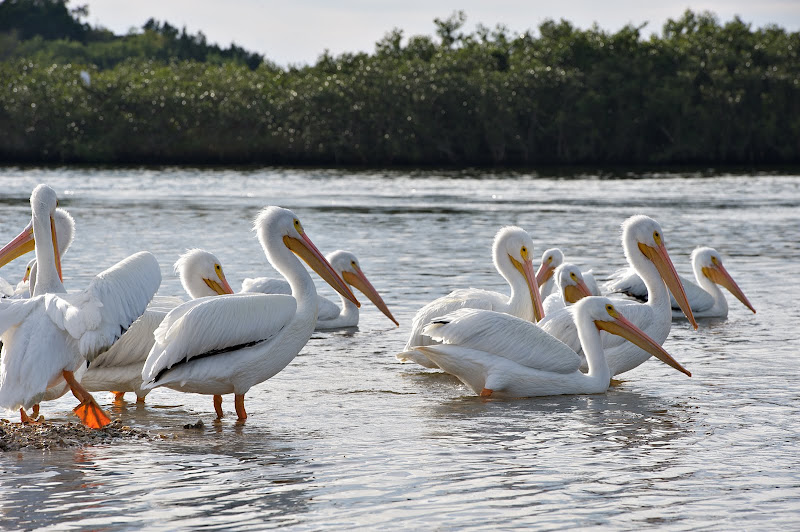
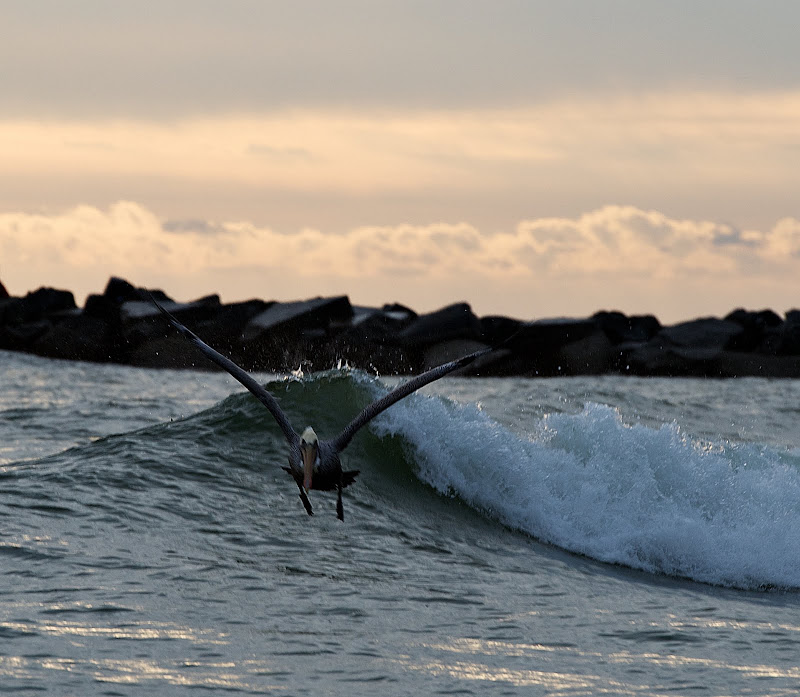
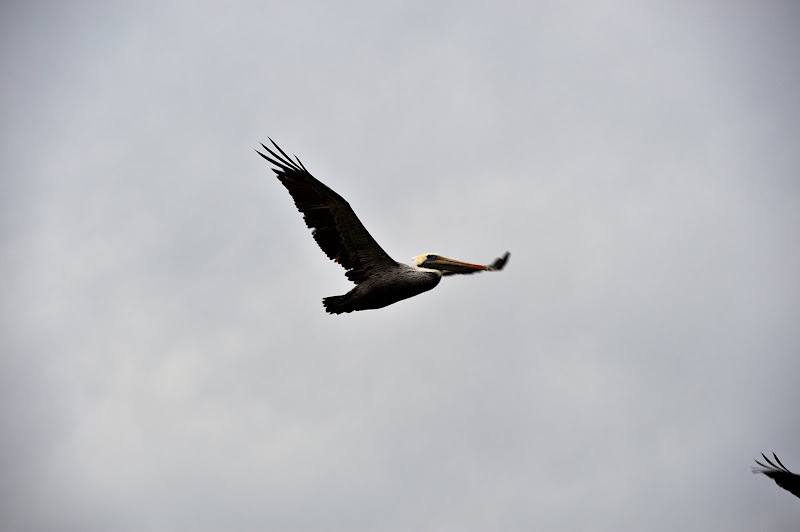
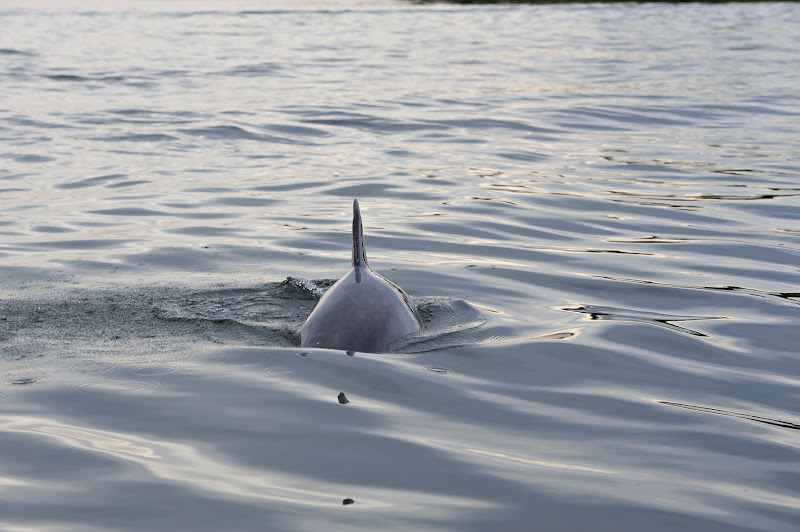
  2. Just a few follow up pics taken off the jetski this morning. Really like this lens!

    Hand held, VR is excellent

    Edge to edge very sharp as shown by this uncropped image.


    Dominica2009-11-2831377.jpg


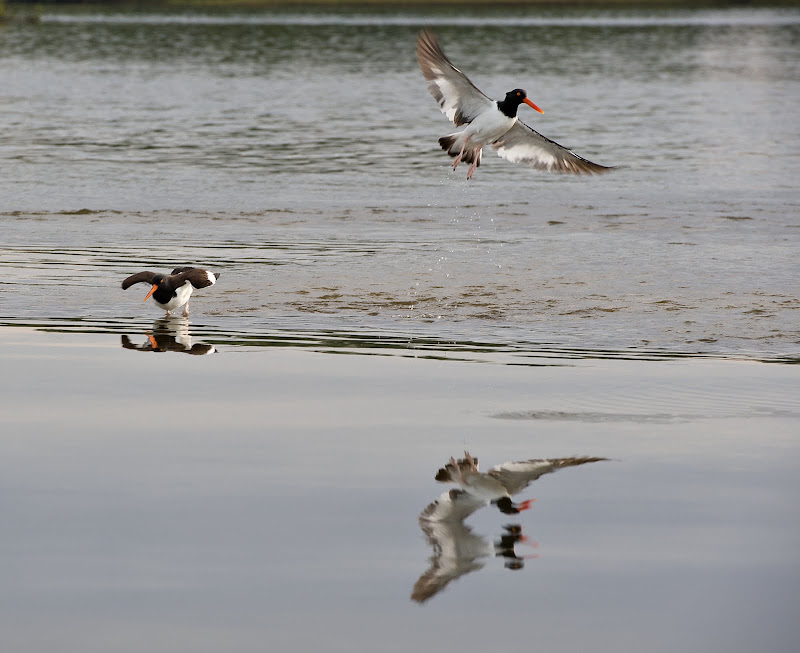
    Grabs focus really fast as shown by the bird images and dolphins jumping within feet of the jetski.

    First two cropped significantly, last two uncropped.


    Dominica2009-11-2831176.jpg


    Dominica2009-11-2831350.jpg


    Dominica2009-11-2831191.jpg


    Dominica2009-11-2831289.jpg

    Edited by loftus
  3. Gear lust stisfied? Never, but the images look great. Really like the second image in the second set.

  4. I like the Oystercatchers Jeff. Oh and the lens is nice too :-)


    Cheers

    James

  5. so is the satisfied gear lust the lens or the jetski? :wacko:

  6. Congratulations for your new toy , you deserve it man!


    You will use it a lot to shoot at surface from the boat in your next trip.


    I love your shoot of the oystercatchers , really good


    Hasta la vista


    JA

Sea & Sea

Account

Navigation

Search

Search

Configure browser push notifications

Chrome (Android)
  1. Tap the lock icon next to the address bar.
  2. Tap Permissions → Notifications.
  3. Adjust your preference.
Chrome (Desktop)
  1. Click the padlock icon in the address bar.
  2. Select Site settings.
  3. Find Notifications and adjust your preference.