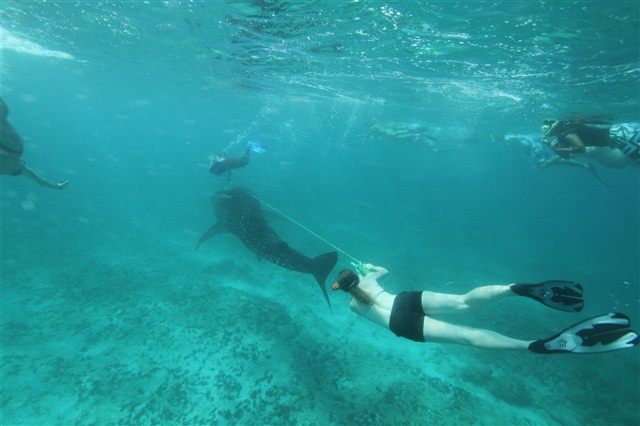
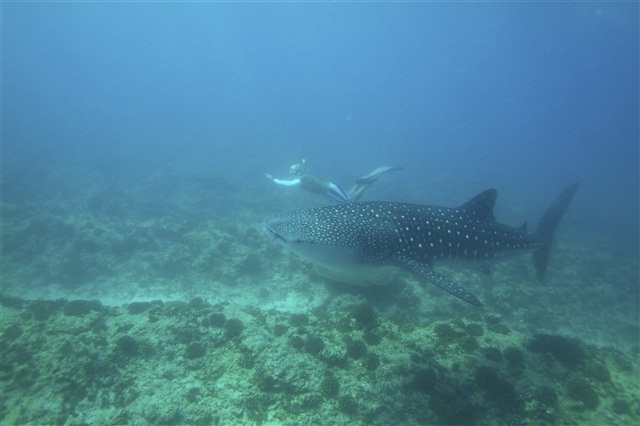
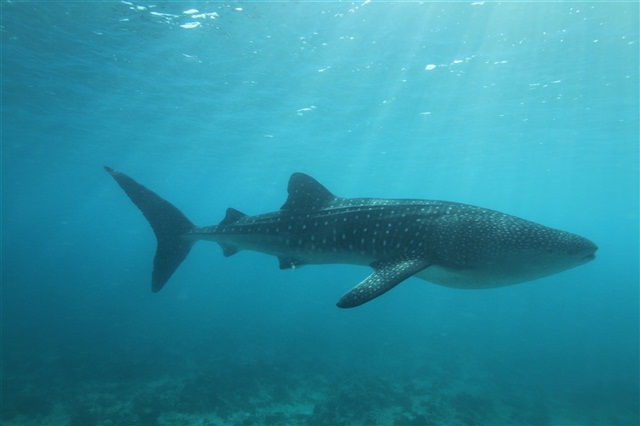
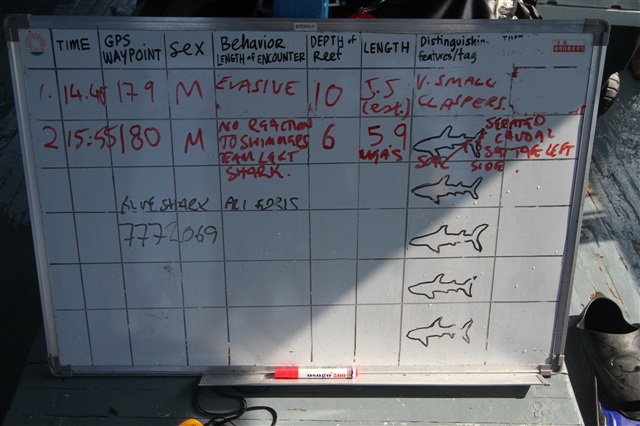
I figured I'd share this here as well, since it's probablyof interest to a lot of folks here. I was lucky enough to spend a day with the Maldives Whale Shark Research Programme late last week, while in the Maldives. Unlike a typical tourist trip, this one was all research, and aimed at gathering data for that purpose. So I got a bit of a behind the scenes look at everything. I also go into detail about the team, and how you can help out (either in person, or from afar).
But here are a couple of pictures to act as a trailer...
Wow!
I am off to the Maldives in 2 weeks so I do hope that they are a year round visitor! I note from their webpage that there is a concern over unrelated dive boats; I shall be on Filitheyo and diving with Werner Lau - I hope that as a permie dive center they will be aware of the issues....
Wow!
I am off to the Maldives in 2 weeks so I do hope that they are a year round visitor! I note from their webpage that there is a concern over unrelated dive boats; I shall be on Filitheyo and diving with Werner Lau - I hope that as a permie dive center they will be aware of the issues....
You may want to ping the team via e-mail - they go to other islands to do chats and talk about the research they are doing.
The group publishes a bit of a qiuck guide for how far to stay from the shale sharks, as well as the boat speeds that the operators should use in the area dependent on the distance from the shark and/or area.