



Great opportunity to score a dSLR + underwater housing for a reasonable price!
- * I am selling a used Sea & Sea DX-D70 underwater housing w/ NX dome port, which is in good condition and completely functional.
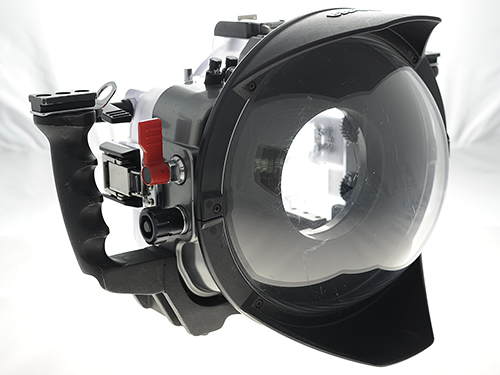
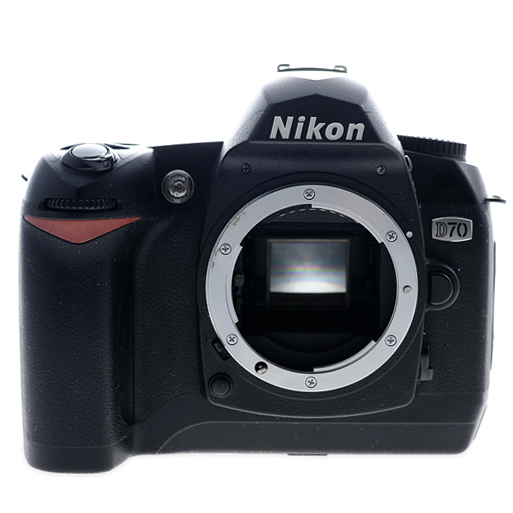
- * If you don't have a Nikon D70 dSLR (for which this housing was made), I am also selling the D70 (with all essential accessories) which I used with this housing. Therefore, I am selling everything one would need (except for a lens) to get into advanced underwater photography, for a fraction it would otherwise cost.
- * I have created a Buy It Now listing on eBay which includes all the information on what I am selling:
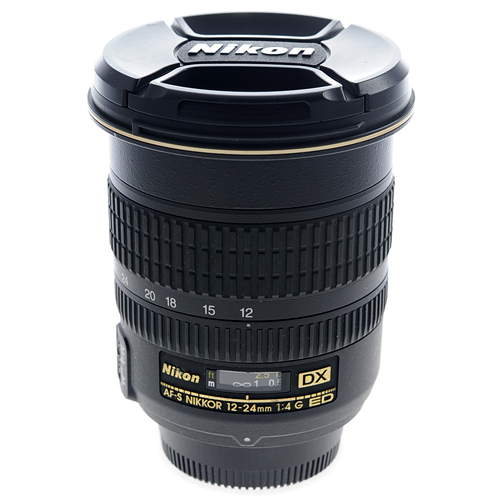
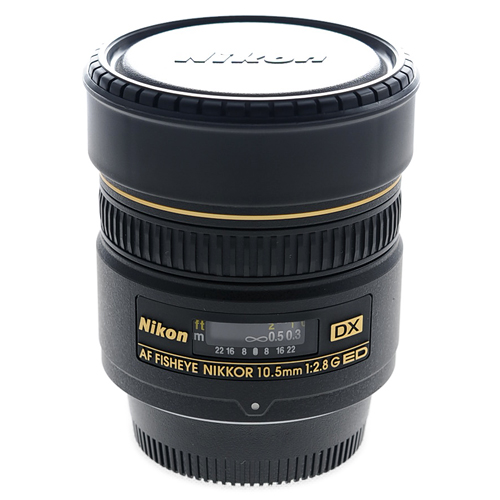
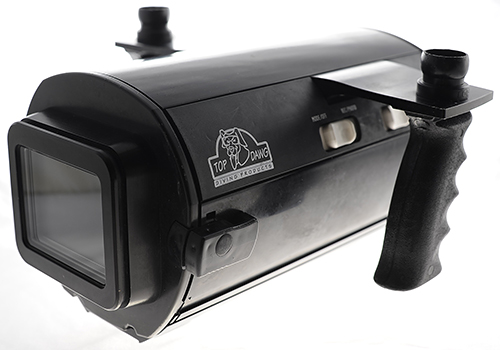
- * If you're interested in this housing, you'd probably be interested in several of the other things I'm listing: numerous popular Nikon lenses (including 12-24mm and 10.5mm fisheye I used with this rig), Sea & Sea zoom gear for 12-24mm and other Sea & Sea accessories, Top Dawg II underwater video housing (along with Sony HDR-HC3 I used with it), etc.
- * If you are unfamiliar or uncomfortable using eBay, I can either walk you through the simple process or just as well sell to you directly.
- * All offers will be considered.
The only reason I'm parting with my rig (with which I've taken a LOT of great photos) is because I'm finally upgrading, to a Nikon D700 + Sea & Sea housing. 


