



Is it possible to aid in the identification of these three shrimp?
I apologize for the quality of the photos, are crop, blurry and badly lit.
Photos taken at Walea in Indonesia.
Shrimp 1

Shrimp 2
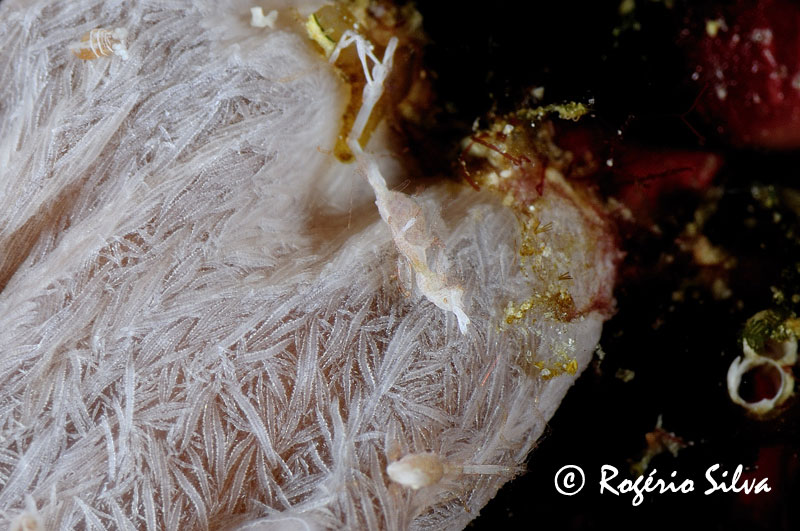
Shrimp 3
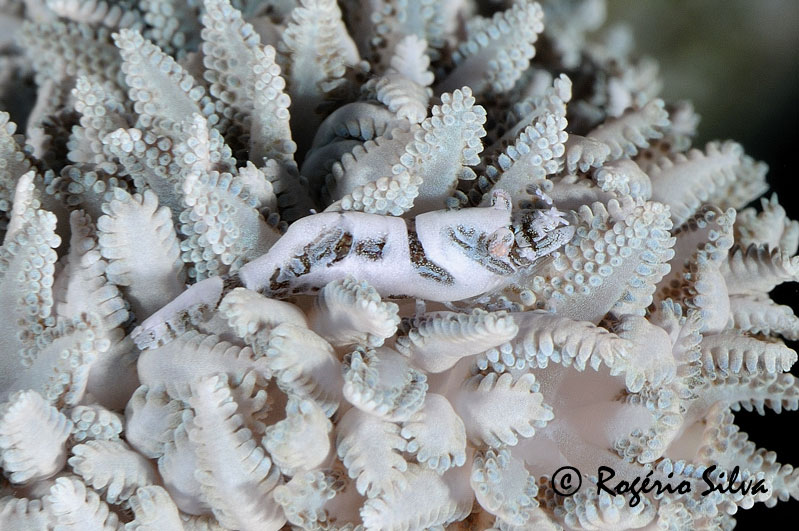
Thanks in advance,
Tigershark
Read-only discussion
Is it possible to aid in the identification of these three shrimp?
I apologize for the quality of the photos, are crop, blurry and badly lit.
Photos taken at Walea in Indonesia.
Shrimp 1
Shrimp 2
Shrimp 3
Thanks in advance,
Tigershark
The first one is a hippolytid, the third is commonly identified as Hippolyte commensalis. 2nd one I haven't seen before. There are two other crustaceans in the 2nd shot - right below the shrimp is what seems to be a cumacean and another pod at about 10:30. Would you mind cropping & enlarging the 2 others? I'd like to have a better look at them.
Hi Leslie,
Thanks for the help.
The definition is not very good, but it was the best I could in these crops.
Hope that helps.

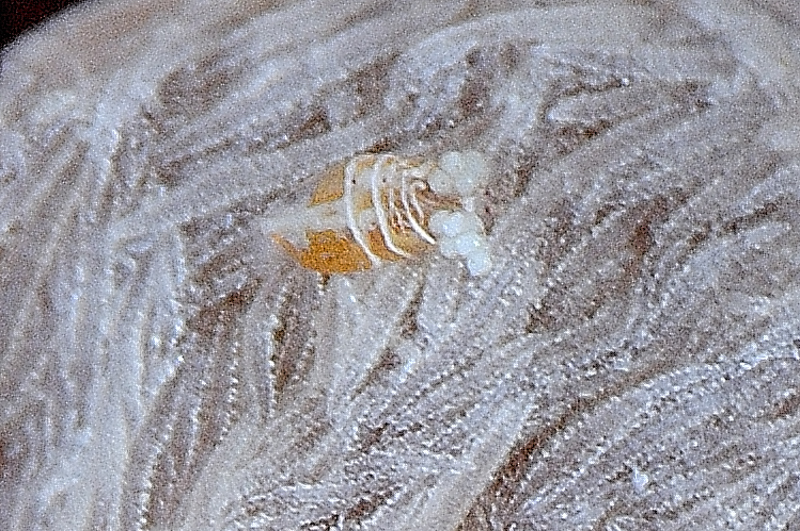

Thanks! The first is definitely a cumacean, the second is a copepod with 2 clumps of eggs attached to its posterior, and the third is a femlae caprellid amphipod (commonly known as skeleton shrimp). The caprellid is bent backwards; its hind legs are at the top, the head with 1 yellow eye showing is at the bottom, and inbetween is the brood pouch with eggs.
Cumaceans are small crustaceans with a very characteristic body shape. The anterior part of the body is large compared to the abdomen which is reduced to a jointed cyclinder. See http://www.flickr.com/photos/olafial/211822907/ or

Terms of Use Privacy Policy Guidelines We have placed cookies on your device to help make this website better. You can adjust your cookie settings, otherwise we'll assume you're okay to continue.

A worldwide community for underwater imaging.
