Skip to content

Photography Gear and Technique / Archived topic

Nikon 16-35 f4 VR pool tests

Started by loftus ·

  • 4Posts
  • 4Replies

Read-only discussion

Nikon 16-35 f4 VR pool tests

4 posts
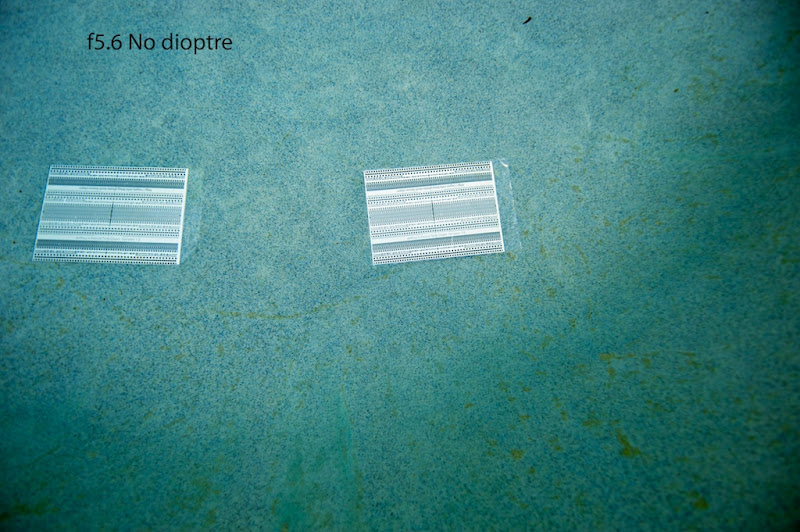
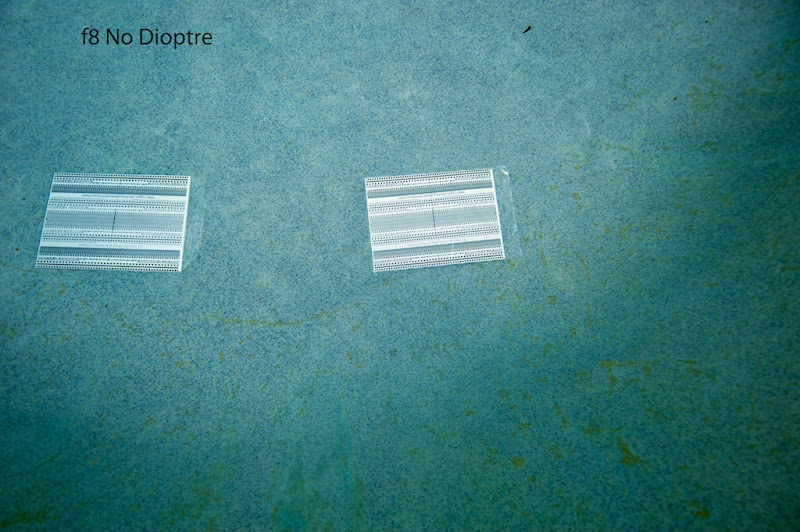
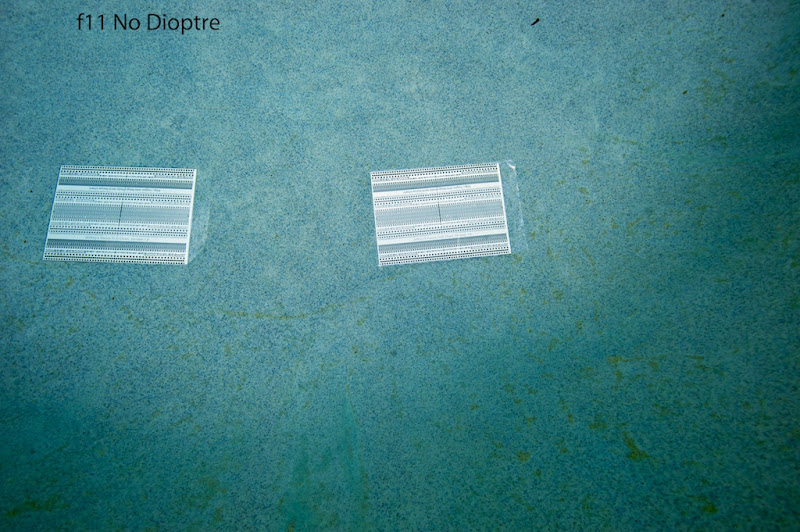
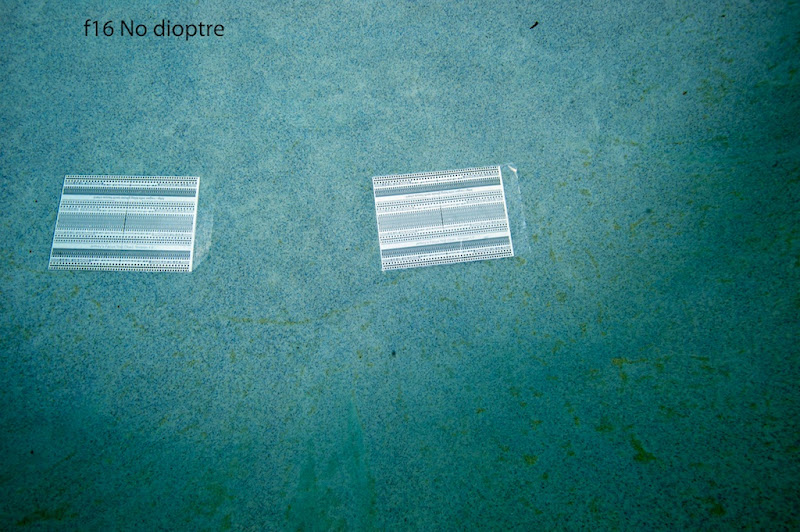
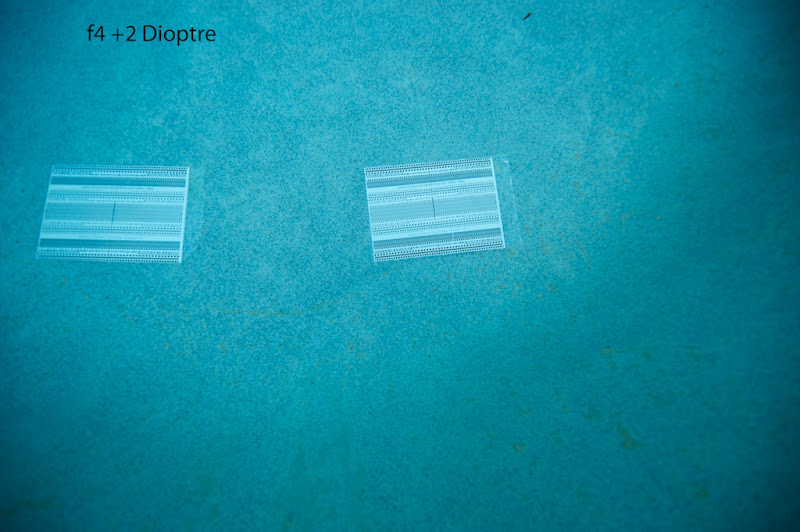
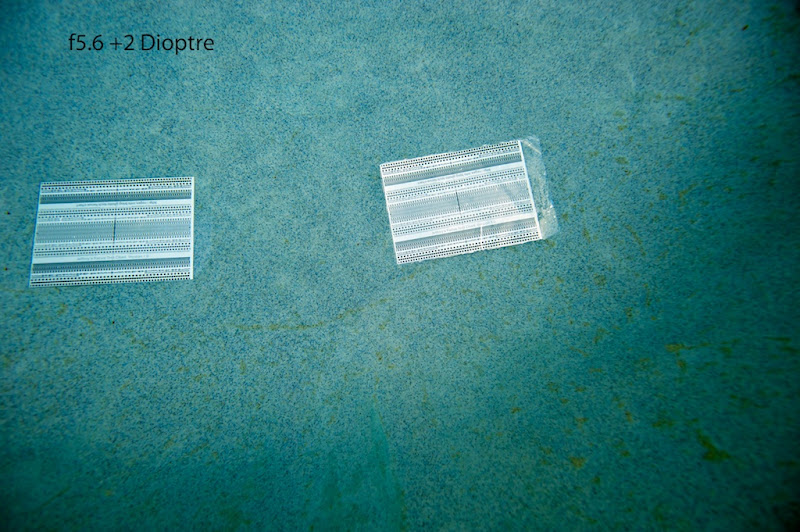
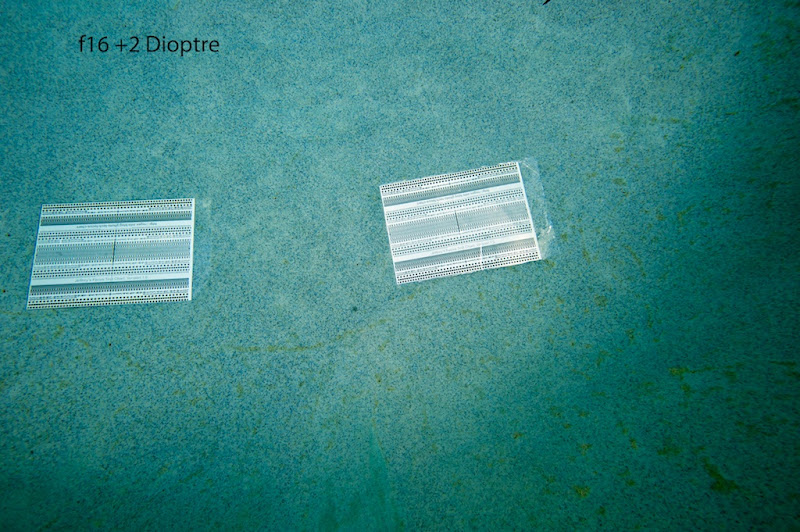
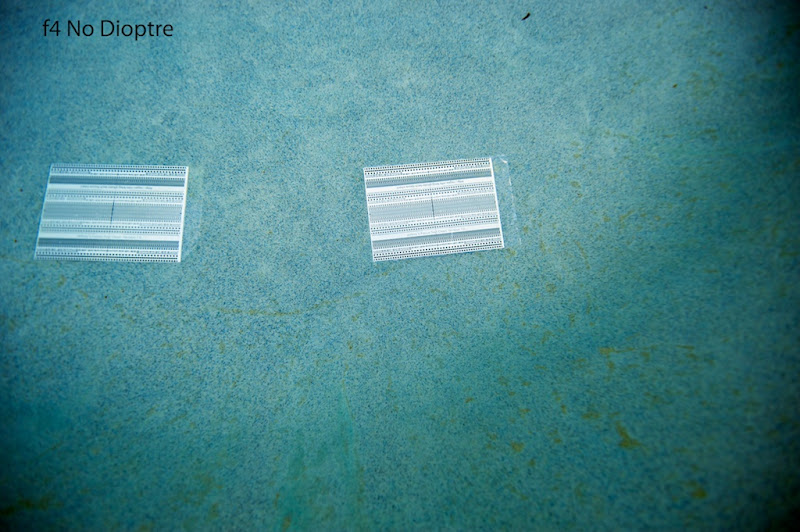
  1. Did some down and dirty pool tests today with the Nikon f4VR 16-35. Overall this lens appears to be very sharp. As expected f4 edge sharpness is lacking, f5.6 begins to show improvement with very acceptable sharpness particularly with a +2 dioptre. Ignore the softness of the pool background at the bottom as the pool wall begins to slope upwards here.

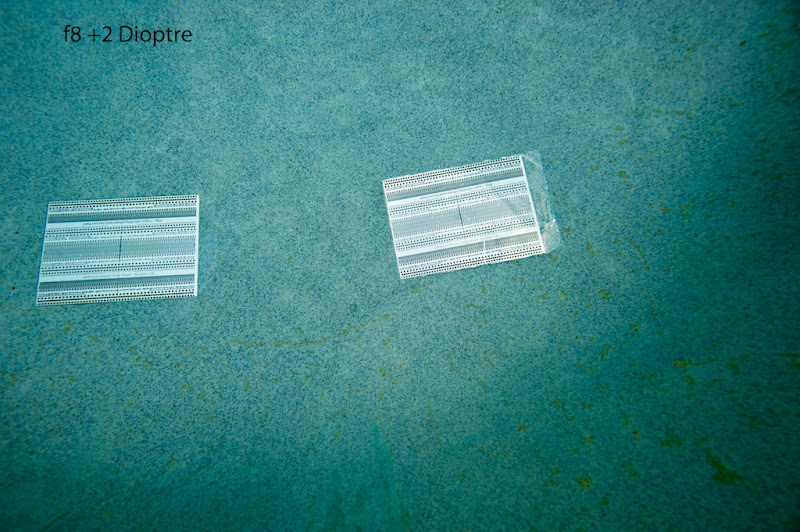
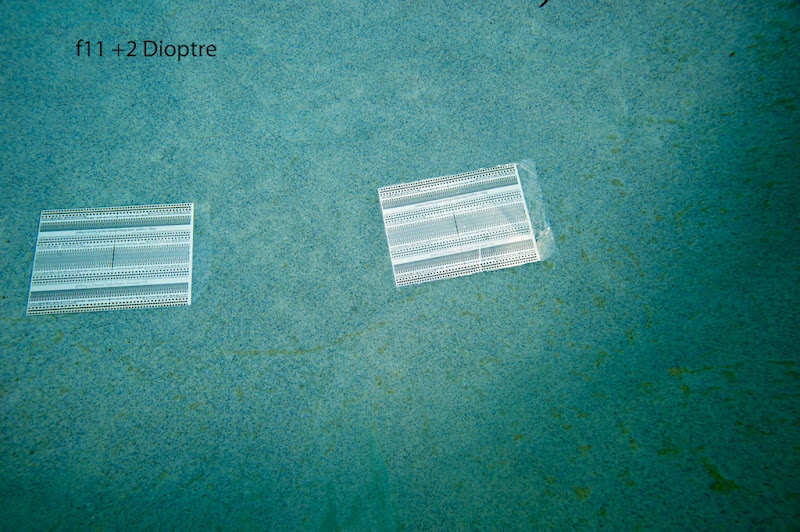
    All images shot at 16mm. f8 shows good sharpness across the frame, no significant improvement noted with +2 dioptre except possibly f5.6 sharpness improved.

    Tests done with D700, Subal FE2 Domeport and 7cm extension.

    This lens appears to perform nicely on FX with very acceptable sharpness beginning at f5.6 with or without a dioptre, and even f4 is not horrible. My impression is that this lens gives better edge to edge performance than the 17-35. Anyone interested in higher % crops, I can provide the files.

    First the series without dioptre.
     

    _JMH8252.jpg


    _JMH8249.jpg


    _JMH8246.jpg


    _JMH8244.jpg


    _JMH8242.jpg

    Edited by loftus
  2. Second post with +2 dioptre


    _JMH8254.jpg


    _JMH8258.jpg


    _JMH8261.jpg


    _JMH8264.jpg


    _JMH8268.jpg

  3. Thanks for posting these Jeff. Would you recommend this lens over the older 17-35 from a quality perspective?


    Cheers

    James

  4. From my first initial impression, I'd say yes James. I have both, so when I get some time I'll do some similar testing with the old lens for comparison and post here. My impression is that at f4 this lens is definitely better, particularly without a dioptre. The loss of edge sharpness at f4 and f5.6 also seems to be less objectionable, just being less sharp and not as much of a 'smearing' appearance.

Scuba.com

Account

Navigation

Search

Search

Configure browser push notifications

Chrome (Android)
  1. Tap the lock icon next to the address bar.
  2. Tap Permissions → Notifications.
  3. Adjust your preference.
Chrome (Desktop)
  1. Click the padlock icon in the address bar.
  2. Select Site settings.
  3. Find Notifications and adjust your preference.