Skip to content

Photo / Video Showcase / Archived topic

Marilyn Monroe Poolshoot

Started by loftus ·

  • 15Posts
  • 15Replies

Read-only discussion

Marilyn Monroe Poolshoot

15 posts
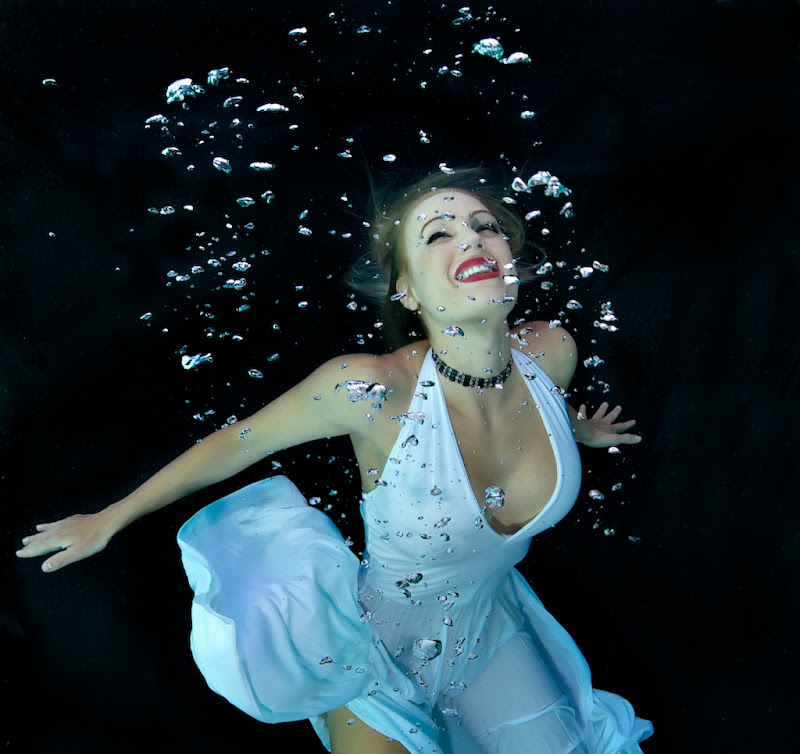
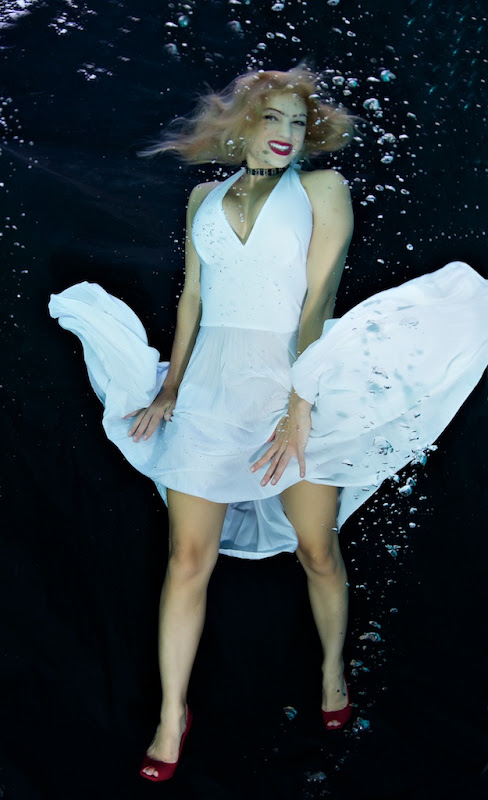
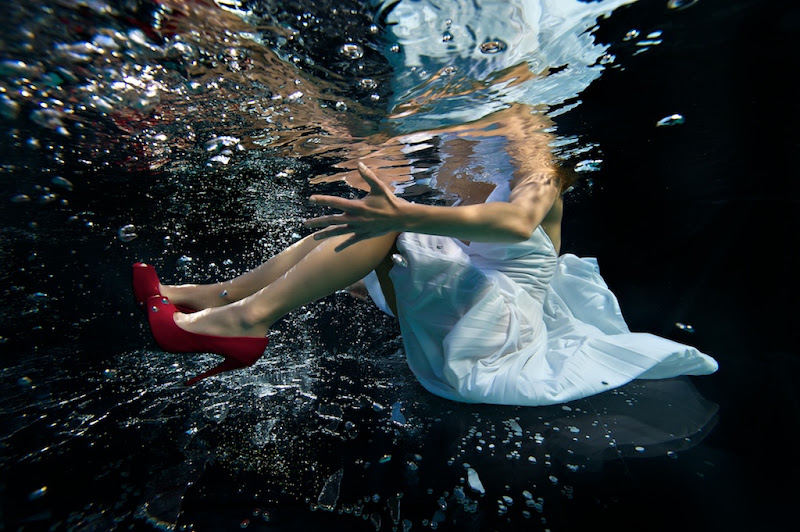
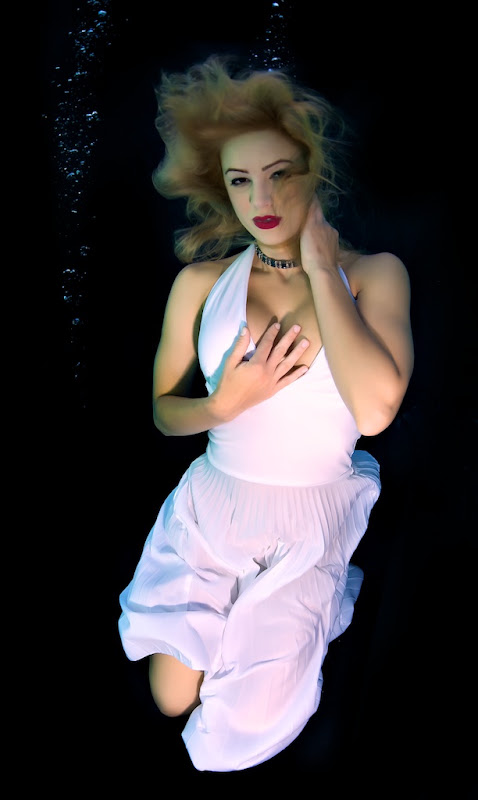
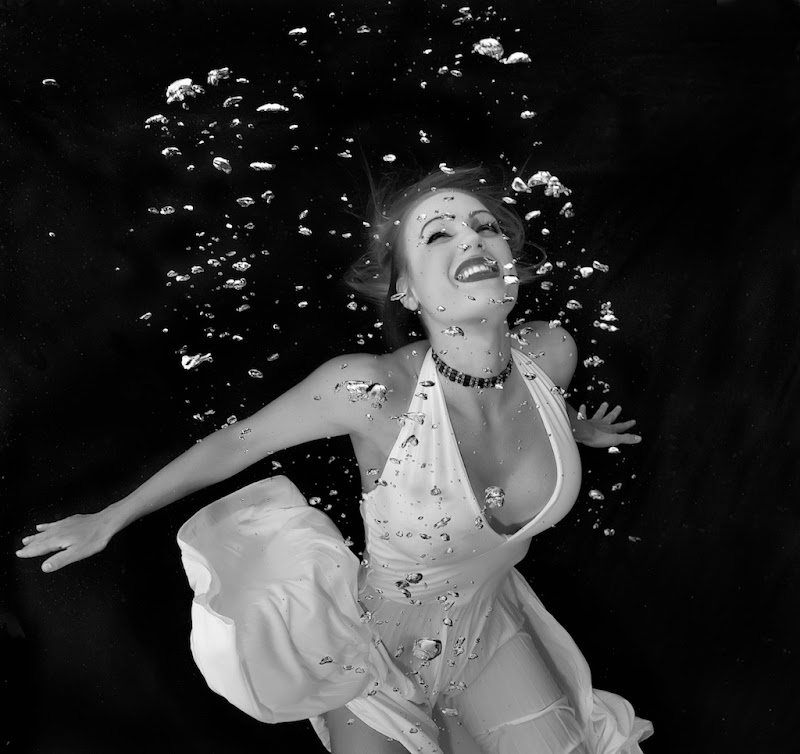
  1. It was great to get back in the pool finally after so many delays; mostly due to lousy weather earlier in the year. I've started working on an extended Hollywood glamour project and where better to start than with Marilyn Monroe. Here are a few teaser images from yesterday working with my wonderful model Elizabeth; tons more to work through.

    Interested to hear if folks prefer the color or B&W of the first one.
     

    Elizabeth%202010-04-17139.jpg


    Elizabeth%202010-04-17139%20-%20Version%202.jpg


    Elizabeth%202010-04-17133.jpg


    Elizabeth%202010-04-17765.jpg


    Elizabeth%202010-04-17556%20-%20Version%202.jpg


    Elizabeth%202010-04-17760.jpg

    Edited by loftus
  2. Great shots as usual.


    I like the B&W one. Could be because I think of the shots as B&W (the ones that influenced you ;) ) even though they may have been in color and the dress in color seems to take away from the impression. Maybe adjusting the highlights on the dress in the color more towards white like in the other shots?
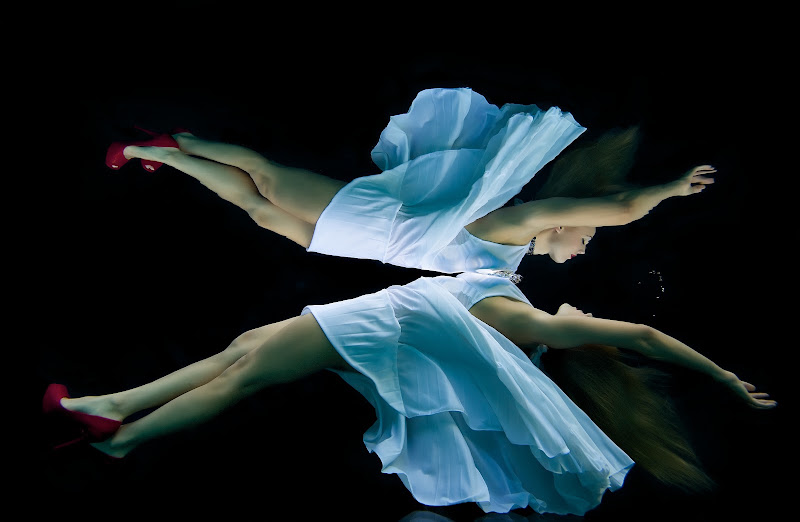
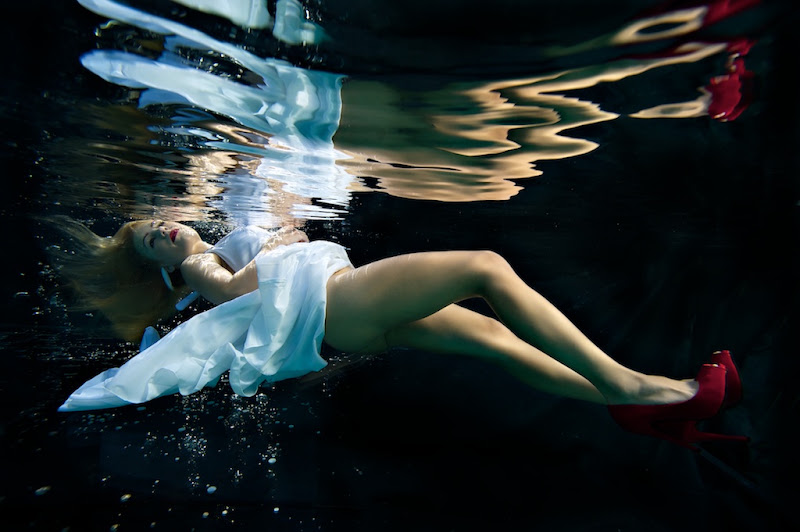
  3. Wow - what is the background in that last shot Jeff???? It looks like shattered glass - very cool.


    Cheers

    James

  4. Wow - what is the background in that last shot Jeff???? It looks like shattered glass - very cool.


    Cheers

    James

    That's what bubbles do when moving under and over a piece of clear acrylic. :D

  5. B+W: I think the lipstick is a bit overpowering, and the red dominates Elizabeth's face: it gives nice shade contrast in the B+W image, though. I can see how it might play off the shoes, but it doesn't quite work for me.


    Tim


    :D

  6. Very cool. I think Tim might have a point to try the shot in B&W. Was the original a b&w image?


    Alex

  7. Very cool. I think Tim might have a point to try the shot in B&W. Was the original a b&w image?


    Alex

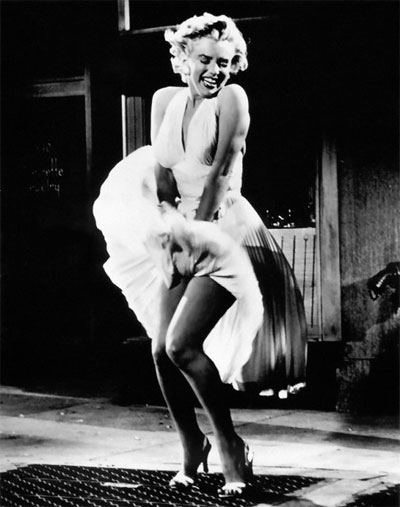
    Much of her stuff was in B&W, so I think as I work through this I'll mix it up some. The original concept did start with B&W though, looking at some of the 'Seven year Itch' movie photos like this one

    post-5478-1271621177.jpg

  8. I usually prefer color, but the black and white shot is really great.


    But, I do tend to prefer color.


    Great photos. Thanks for posting.


    Please accept my pre-order for your coffee table book. (I am serious )

  9. I usually prefer color, but the black and white shot is really great.


    But, I do tend to prefer color.


    Great photos. Thanks for posting.


    Please accept my pre-order for your coffee table book. (I am serious )

    Appreciate the support; yes I hope to get enough material together this year for a book.

    Here's one more I like.


    Elizabeth%202010-04-17467%20-%20Version%202.jpg

  10. Very nice Jeff! I really like this last photo.

    Mike

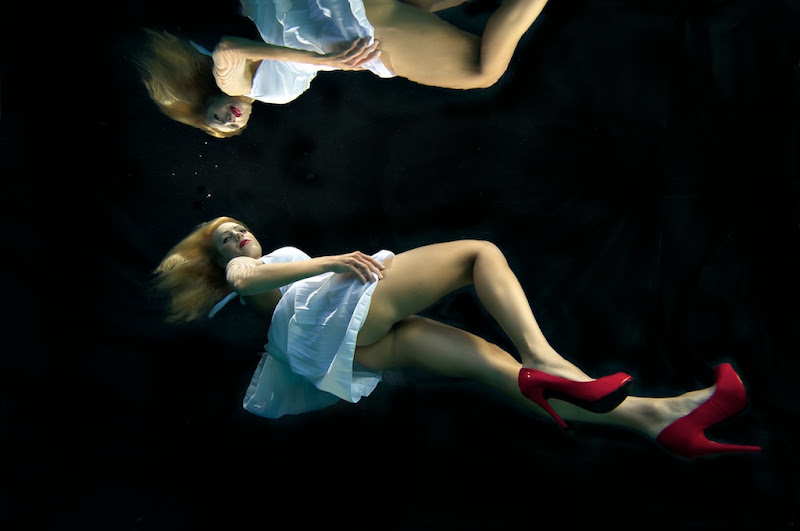
  11. One last one from the shoot. This one the hair cooperated and the hair light hit where I wanted it to.


    Elizabeth%202010-04-20.jpg

  12. A great series, well done!


    For the first 2 images I would vote for a B&W version, if you want to go with the colour version I would suggest on colour correcting for the face skin tones look good and let the colour cast occur in the rest of the body.


    Your last shot posted I think has an awsome colour balance to it. So perhaps going B&W with the first two images and using the last image as the colour version.


    As a general rule when I do the post on my images I attempt to make the face tones correct in an attempt to make the model look ... umm living. Having a blue colour cast on the face can have a negative effect in my mind.


    Again, a great series, very well done.


    Cheers

    Ben

  13. A great series, well done!


    For the first 2 images I would vote for a B&W version, if you want to go with the colour version I would suggest on colour correcting for the face skin tones look good and let the colour cast occur in the rest of the body.


    Your last shot posted I think has an awsome colour balance to it. So perhaps going B&W with the first two images and using the last image as the colour version.


    As a general rule when I do the post on my images I attempt to make the face tones correct in an attempt to make the model look ... umm living. Having a blue colour cast on the face can have a negative effect in my mind.


    Again, a great series, very well done.


    Cheers

    Ben

    Thanks Ben; I agree they need a little more work. I use a Wacom Cintiq, and I do find it difficult to get consistency across monitors both in color and luminence. I'm finding more and more I need to check on my Eizo before producing the final image. Cal pointed out to me that some of the background on these pics looks unevenly burned in. On my Cintiq looks fine, when I check on the Eizo it's obvious. Another issue is the different color temperature of my outside studio strobes vs my subtronic which is much warmer, as is evident in the last image where the Subtronic is more dominant. Just gave me the idea that I might start gelling my outside studio strobes.

    Edited by loftus
  14. yo!


    Noooooo - I had a model lined up to do the same thing haha!


    That last shot is astounding!


    judging from the reflection - i'm guessing the 'shattered' glass look is from your new acyrlic base?


    Awesome work!!!

  15. Really great imagery!


    I prefer the black and white in underwater pool work, it really accentuates the reflections, bubbles, etc.


    Can't wait to see more!

    ~abi

Ultralight Control Systems

Account

Navigation

Search

Search

Configure browser push notifications

Chrome (Android)
  1. Tap the lock icon next to the address bar.
  2. Tap Permissions → Notifications.
  3. Adjust your preference.
Chrome (Desktop)
  1. Click the padlock icon in the address bar.
  2. Select Site settings.
  3. Find Notifications and adjust your preference.