Skip to content

Photo / Video Showcase / Archived topic

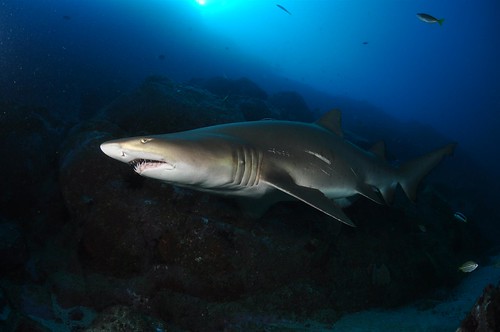
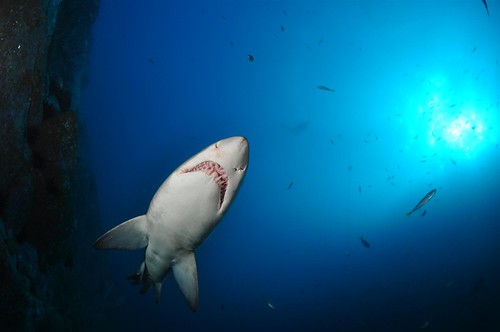
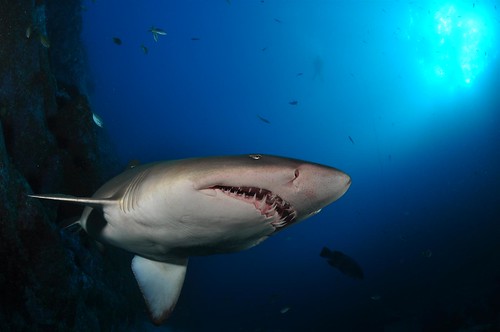
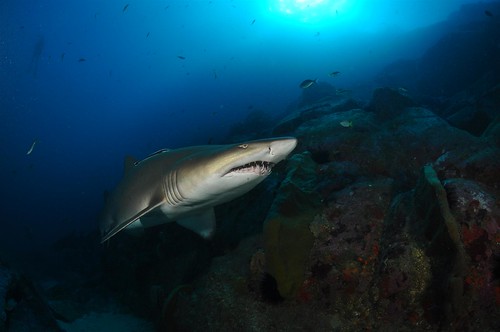
South West Rocks, Grey Nurse Sharks

Started by Aussiebyron ·

  • 5Posts
  • 5Replies

Read-only discussion

South West Rocks, Grey Nurse Sharks

5 posts
  1. Last Friday a small group of friends and I went for a road trip down to South West Rocks and enjoy some of the best diving on the East Coast of Australia.


    We stayed and dived with Peter and Kevin Hitchins from South West Rocks Dive Centre (http://www.southwestrocksdive.com.au/) and their crew. As always we were looked after by the lads and their professional staff.


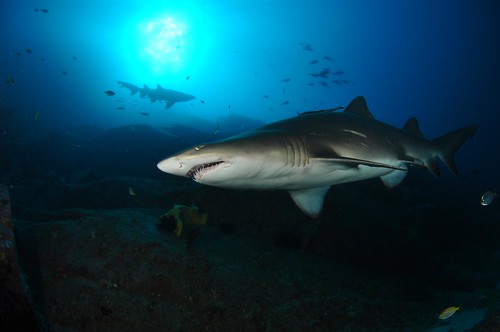
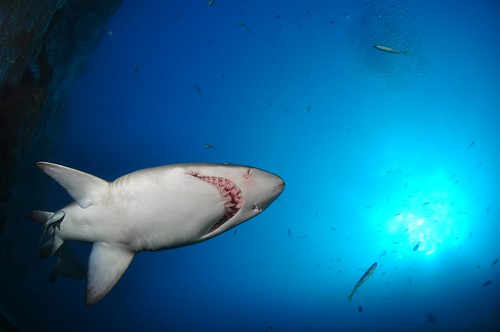
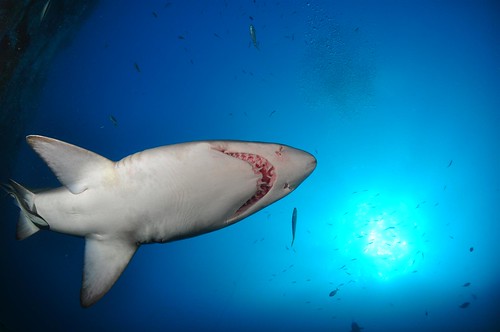
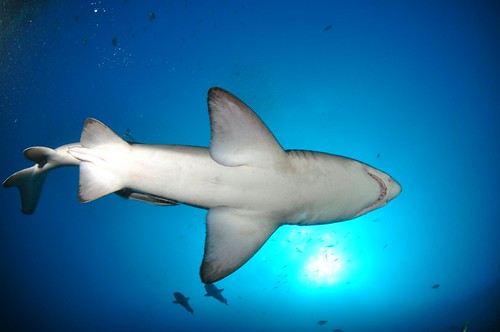
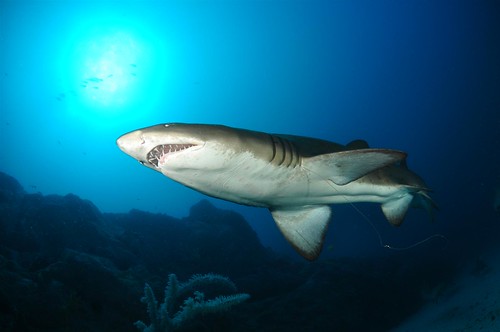
    Here are some of the collection of GNS shots from the first dive at Fish Rock. Basically I had to come up as I ran my strobe batteries dead and was getting close to deco with 33% Nitrox mix. Any I was happy with the results.
     

    4871001188_66474923c0.jpg

    Showing the effects of recreational fishing.


    4870394295_b7f706acec.jpg


    4871015114_dd8db2ff6b.jpg


    4871015792_cef1bc160f.jpg


    4870406775_e6a2fde271.jpg


    4870409279_6ffabed2c6.jpg


    4870418017_b9e7549eef.jpg


    4870422595_fcb41d8c51.jpg


    There are plenty more pics: http://www.flickr.com/photos/22898788@N04/


    Regards Mark
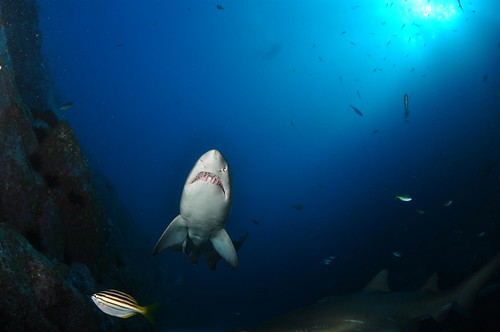
  2. Love number 5 & 8!

  3. Great shots. Looks like you had some awsome vis. Its a shame about the fish hooks and line attached to the sharks though. All to common at a critical habitat site on the East Coast of NSW unfortunatley.

  4. Lovely shots. Like 5 and 8 most!

  5. 4871015650_1124c611d8.jpg

    4871015792_cef1bc160f.jpg

    4870406029_149115362c.jpg

    4870406171_ae1698054c.jpg

    4870406313_e4e502dd60.jpg


    I like this sequence, plus I am playing with the new settings for uploading off flickr.


    Regards Mark

Turtle

Account

Navigation

Search

Search

Configure browser push notifications

Chrome (Android)
  1. Tap the lock icon next to the address bar.
  2. Tap Permissions → Notifications.
  3. Adjust your preference.
Chrome (Desktop)
  1. Click the padlock icon in the address bar.
  2. Select Site settings.
  3. Find Notifications and adjust your preference.