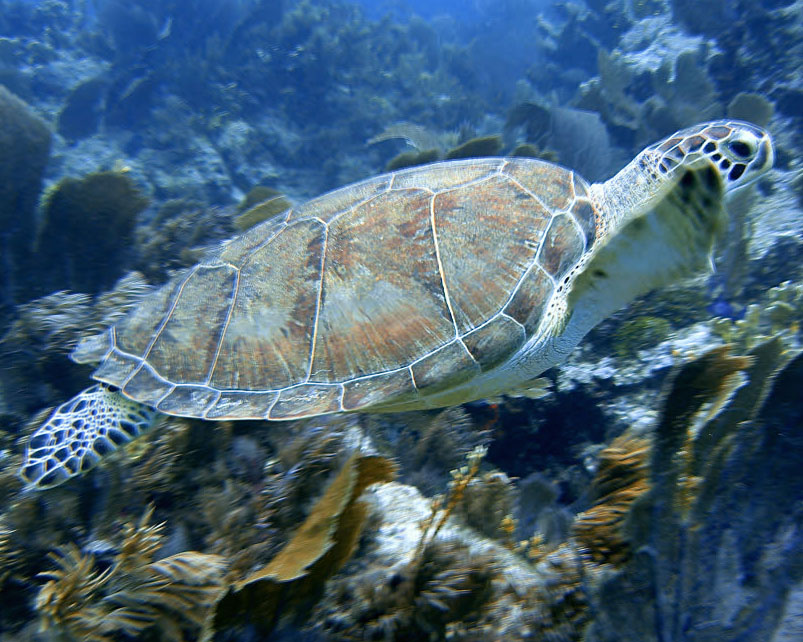
Hi,
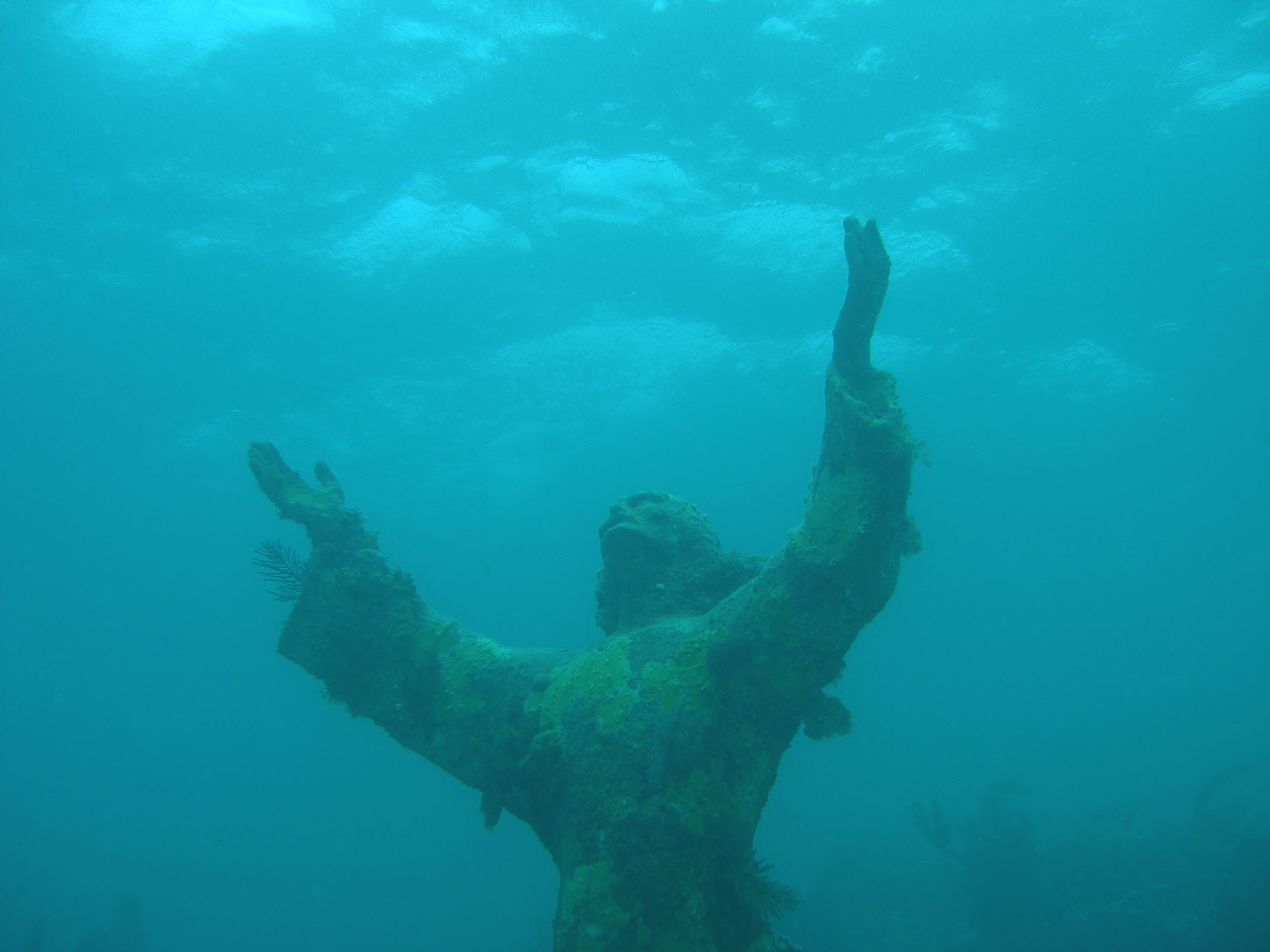
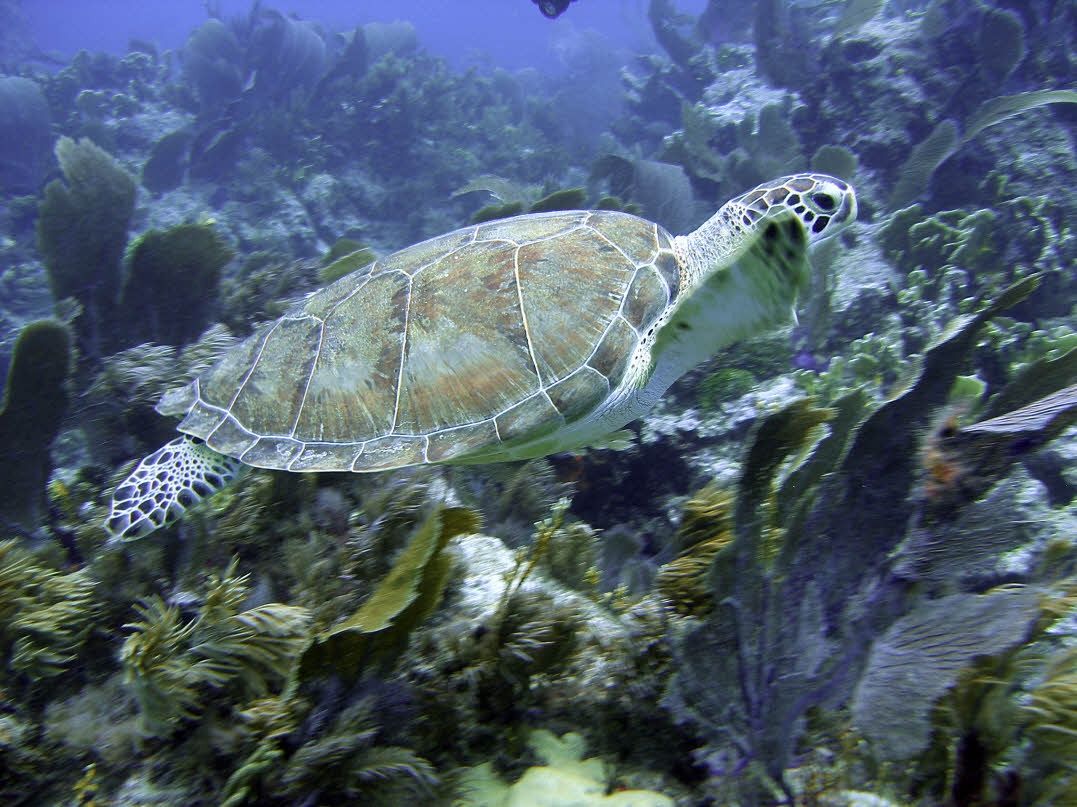
I have this problem all the time. On post processing I use the popular Photoshop action to put the reds back in the image. The problem is that it pretty much eliminates all the blue.
When I see the coolest photos in the magazines, they manage to keep some of the blue of the background while optimizing the subjects.
- Is there a better solution than just running the red-correction photoshop action?
- What would be a better process to keep some of the blue?
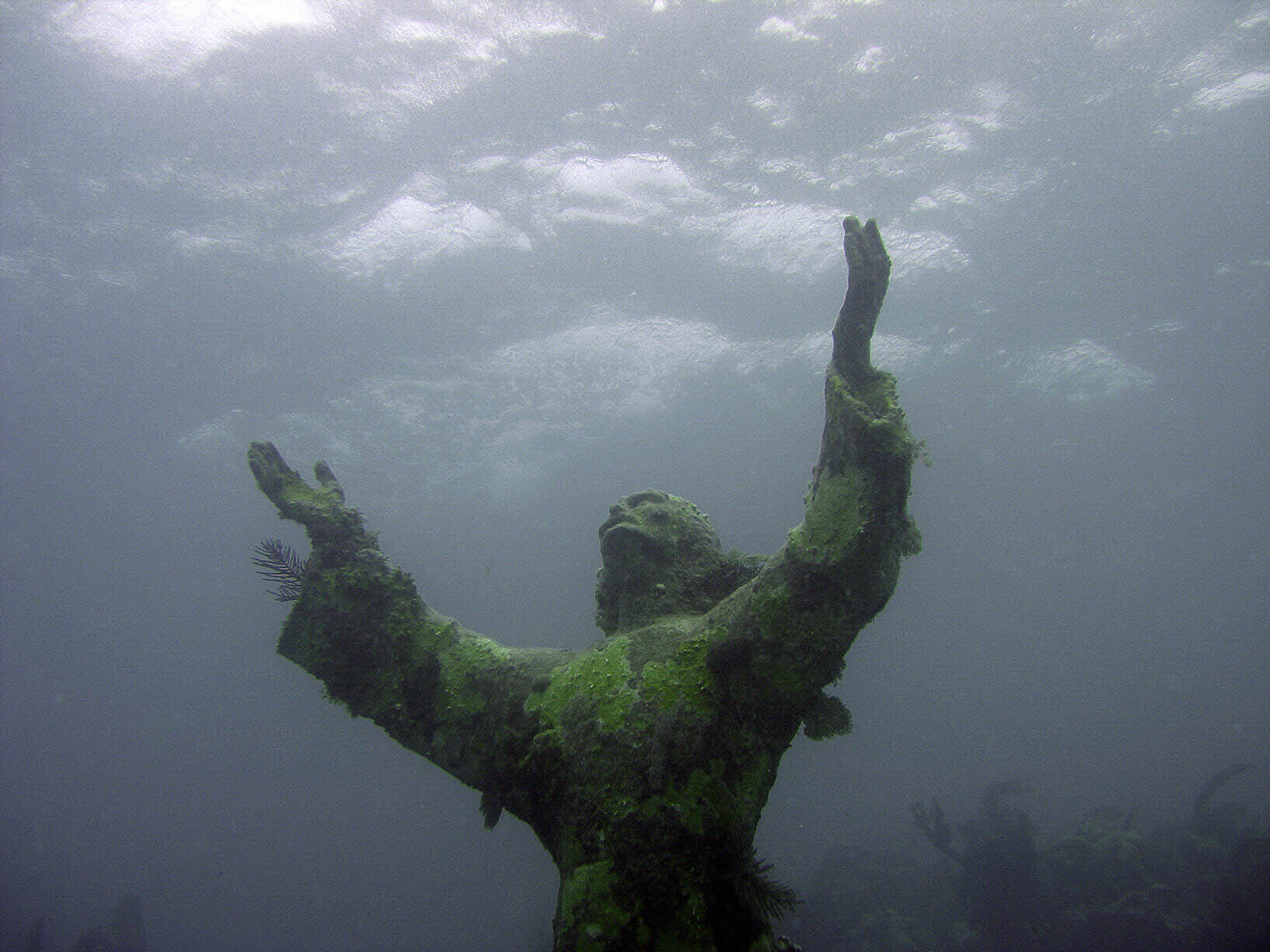
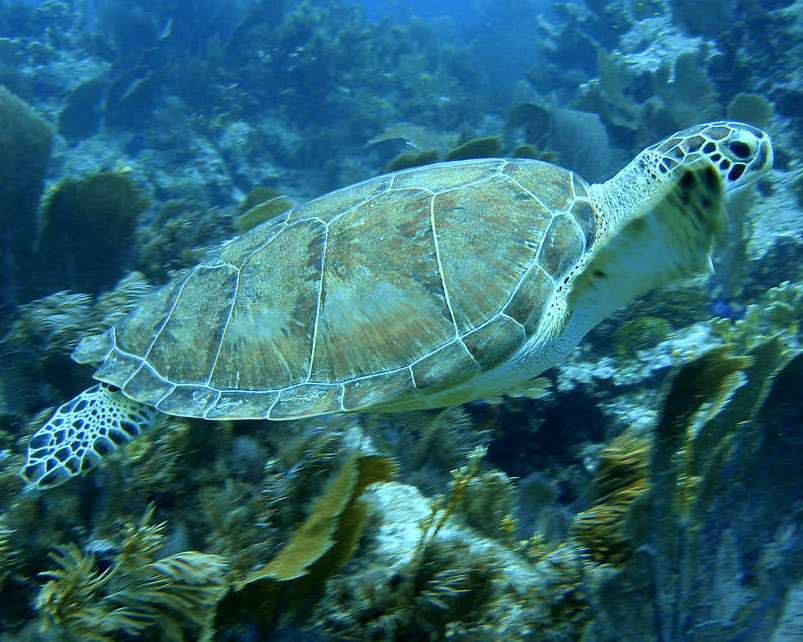
See the before and after pictures attached and let me know if it could have been done better.
Thanks so much!
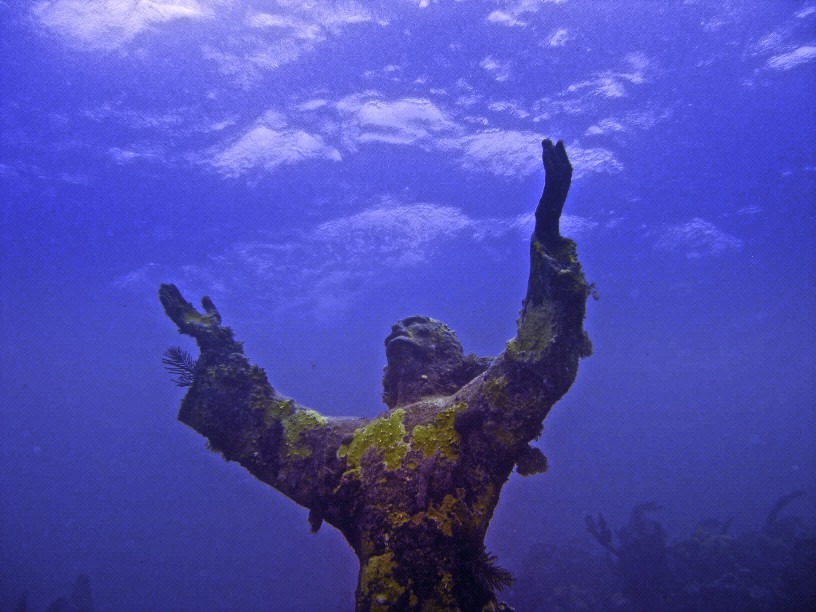
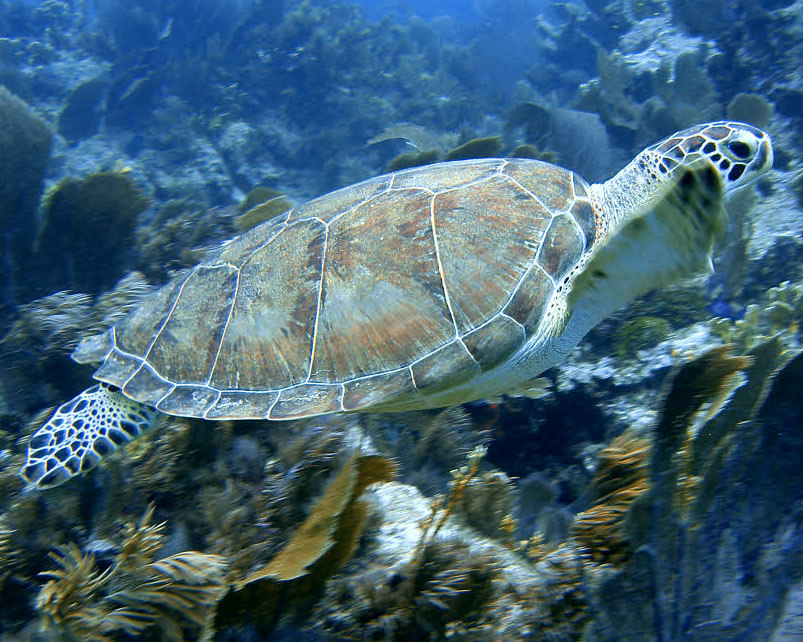
As mentioned, strobes will help alot. Will put together something for you to look at with some more details, but you can get it looking like this pretty quickly. If the original was a RAW file, the results would be better.
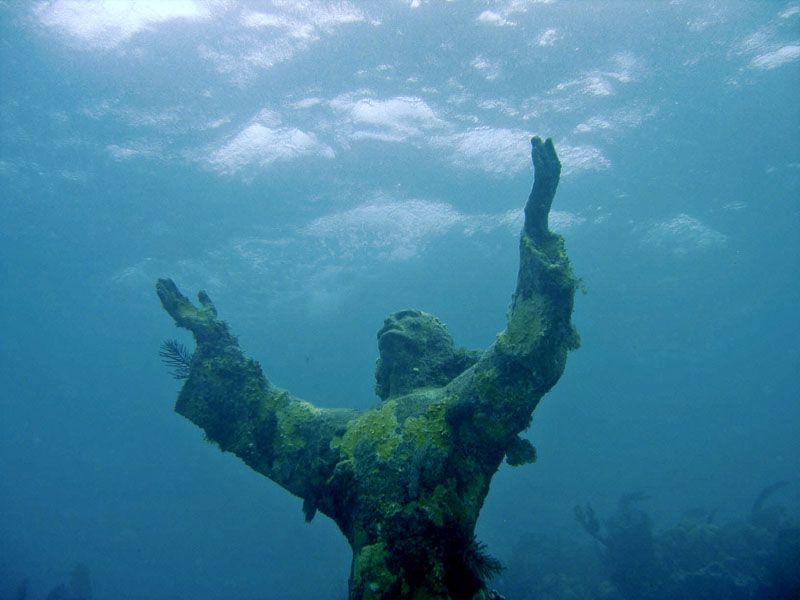
Will give you the steps in a bit. My Photoshop got glitchy 
Here you go. More of the concepts as opposed to the exact steps each time, they will change. The first thing you will see is that the Red Channel is bought back a bit by Apply Image technique, then various sliders to adjust and tweak things. There are many ways to approach it and you will see some of them. The final image in the movie looks like this:
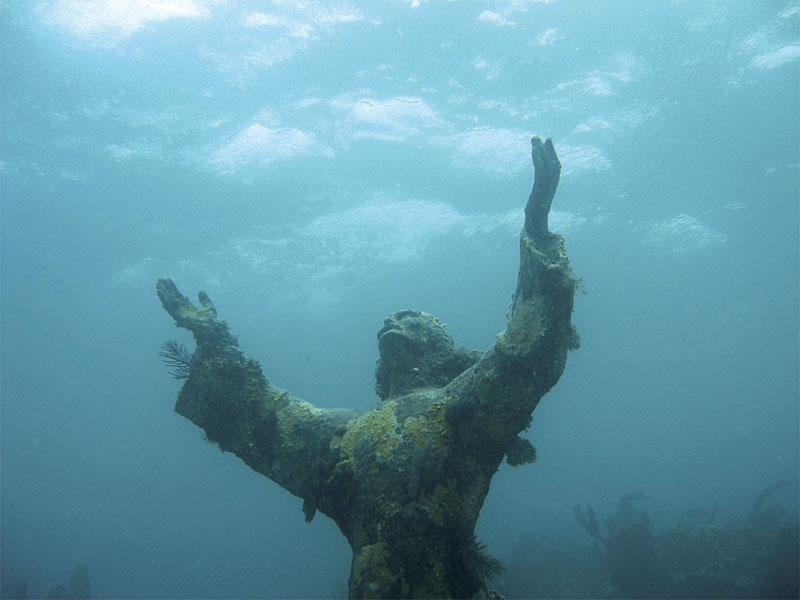
The video is real time, no sound. Including my fumble fingers/under or over coffee infused mind, takes under 3 and a half minutes to do this.
This is the YouTube post
If the YouTube is too small or not loading, click this to see the video.
Also I will pull the image and video if you like, not trying to steal it  Figured it was good though to show your photo. HTH.