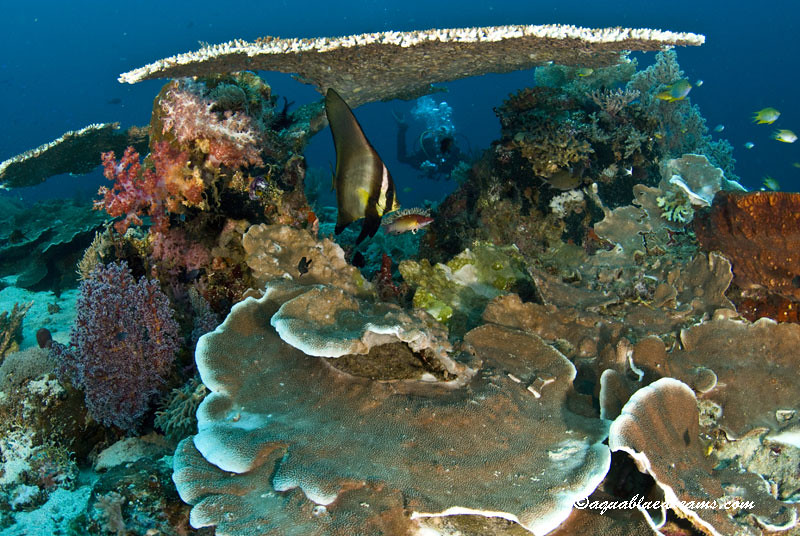
So a few from our recent trip on the Komodo Dancer. It really is a great destination. Some fantastic variety, green water to blue, chilly water to bathtub warm, black sand macro to mantas.
Sadly worked out only had one dive to play with the floro filters
I really like shot of the Flatworm swimming. Well done
Regards Mark
Wonderful. I like the worm and the green coral cu.
Jack
Really glad you guys had a great time. Beautiful work!
So who was behind the camera M or J ?
Cheers,
Steve
beautiful shots! great lighting.
Thanks all. J (aka the Mrs.) Has no interest in shooting stills and shoots the majority of the video. At this point when I just hint I would like to shoot some video I get "the look" thus my other thread about wanting to upgrade to a DSLR that shoots video. But come editing time that could open up a whole new can of worms, lol.
Really cool shots! #1 is my fav.
Thanks for sharing!
Cheers
Karel
Wonderful pictures! I love the last shot... almost didn't notice the emperor shrimp. What a great find.
Nice shots! - Really like the green coral polyp with black background. Eye popping colors.
Thanks for sharing - DiverPam
Great shots Martin, really wonderful colors. And that last nudi shot is brilliant!! And the green thing with the mouth in the center, just perfect!






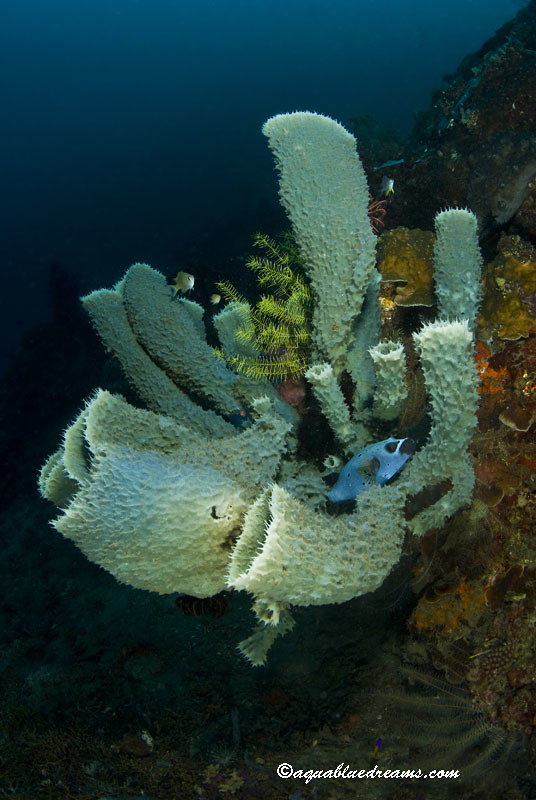
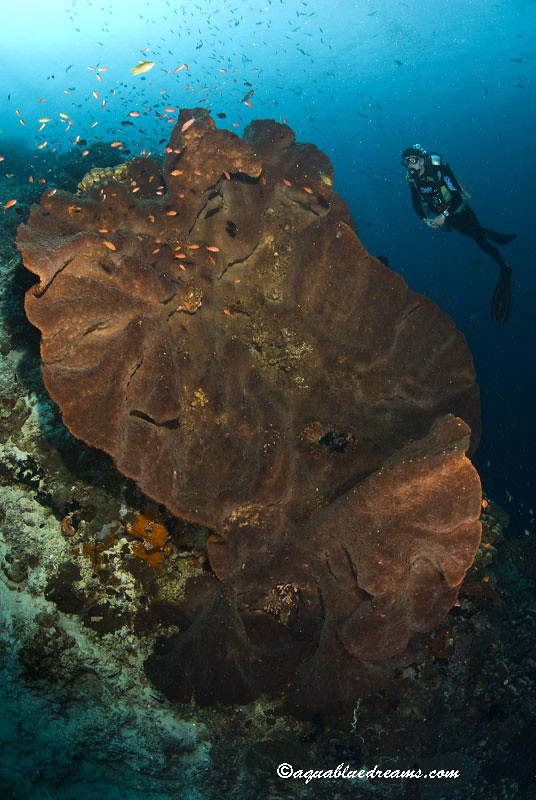
 beautiful shots! great lighting.