Into the Dragon's Lair: Clip from Discovery/Animal show
Started by Drew ·
9Posts
9Replies
Read-only discussion
Into the Dragon's Lair: Clip from Discovery/Animal show
9 posts
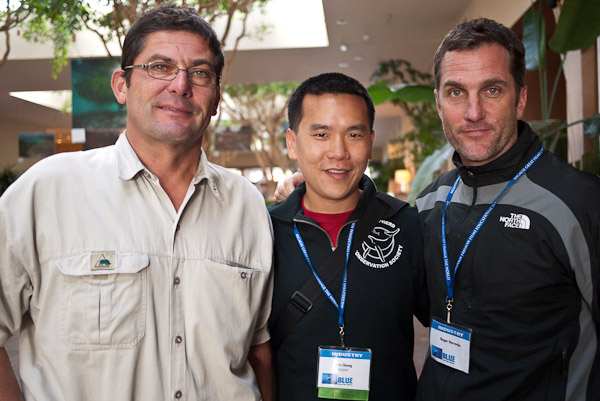
I totally forgot to put this on. My buddies, Didier "Ze Jokar" Noirot and Roger "Porn Star" Horrocks, shot this reality exploration documentary as they both went to Botwana's Okavango Delta to shoot the Nile Crocodile. Into the Dragon's Lair is one of the finalists at Blue Ocean Film Festival for Best Broadcast Documentary, Best Underwater Cinematography and Best Original Music Score. Good luck guys!
Wow, great footage, great trailer. When will this be broadcast? Interesting housing he was using. What the heck was that?
Steve
Holy cow. That made my heart race. I was sure one of them was going to get eaten!
I viewed this yesterday at the Blue Ocean Festival. It was riveting.
I could not help but wonder though to what lengths people will go to film the next big undiscovered/undocumented/unphotographed thing. I joked with my wife afterward that we should go dive with hippos.
-Brad
Thoughts:
AWESOME!!!!
Green water filter???
Those housings are bleeding heavy!!!
Good post
Dive safe
DeanB
Saw the film and loved it! Great adventure...
Belated congrats to Didier for winning Blue Ocean's Best UW Cinematography award.
Fantastic.
"The huge crocodile has stirred up the sediment" - looked more like the cameraman (understandably) stirring up the sediment to me - as it was coming from behind the camera!
Alex
Awesome!! Sounds a bit scary to swim in bad vis with crocks, but hey - they are still alive and got the footage!!