



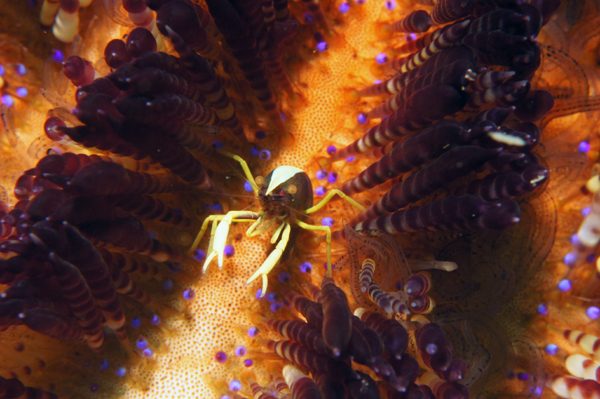
Here is samples;
NEX-5 in Nauticam housing, using Nikonos 80mm Macro+2.0diopter.
Camera in P-mode. f-stop 16-22. Manual focuse.

Read-only discussion
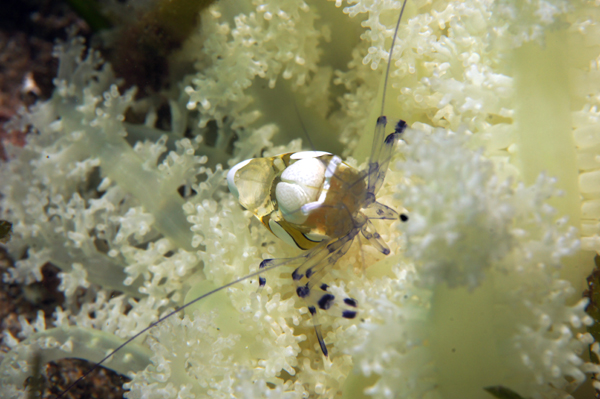
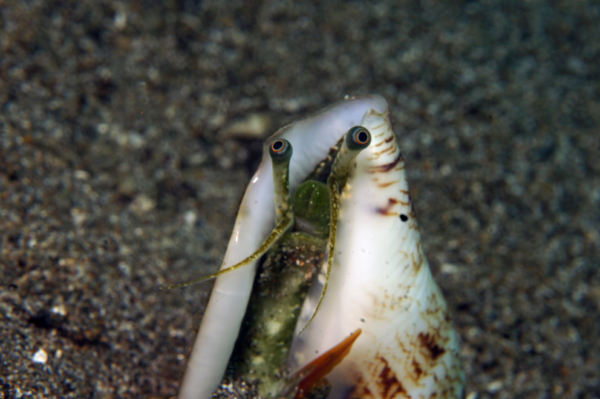
Here is samples;
NEX-5 in Nauticam housing, using Nikonos 80mm Macro+2.0diopter.
Camera in P-mode. f-stop 16-22. Manual focuse.
More
More Nikonos 15mm pics will be posted tomorrow.
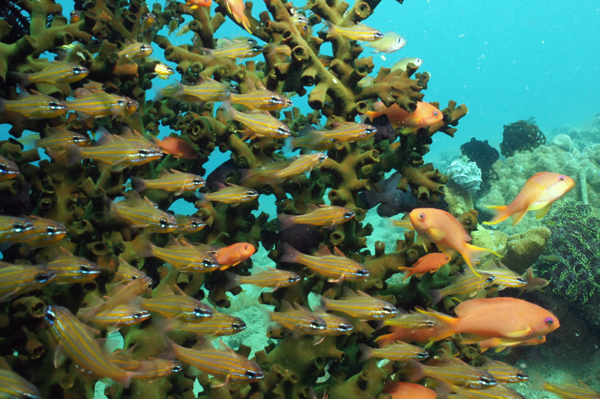
what kind of strobe you use?
Single Inon Z-220 via fiber optic cable. pre-flash cancelled. Manual control.
Sam
More Nikonos 15mm pics will be posted tomorrow.
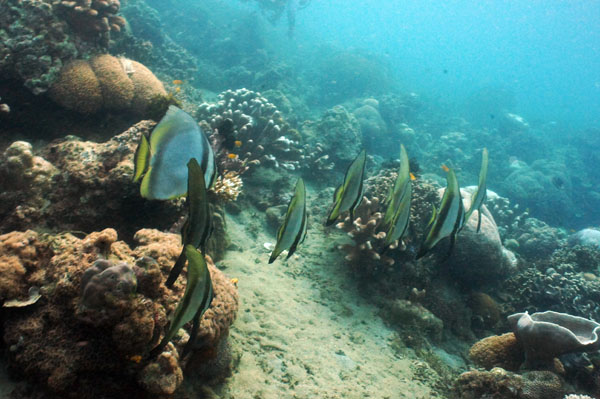
Here is more Nikonos 15mm pics. Visibility was not good for WA but, I tried.
Sam
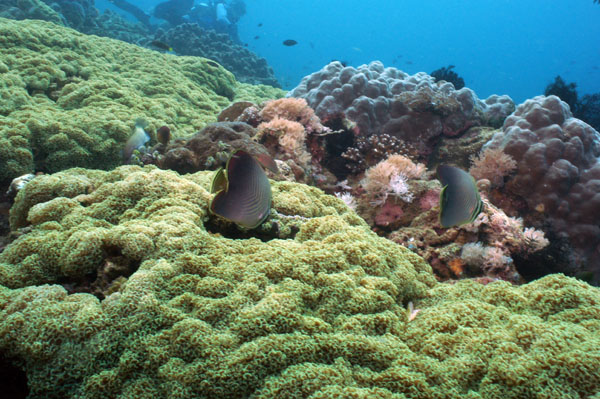
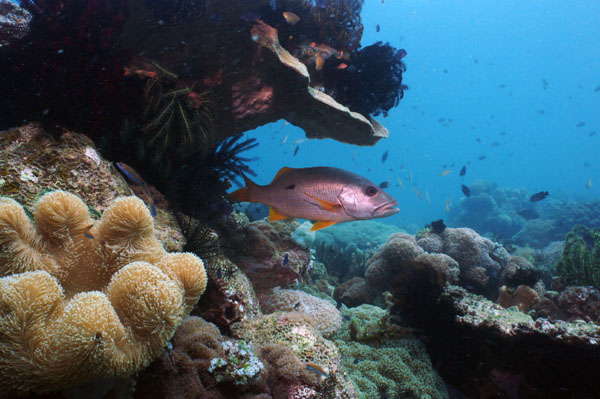
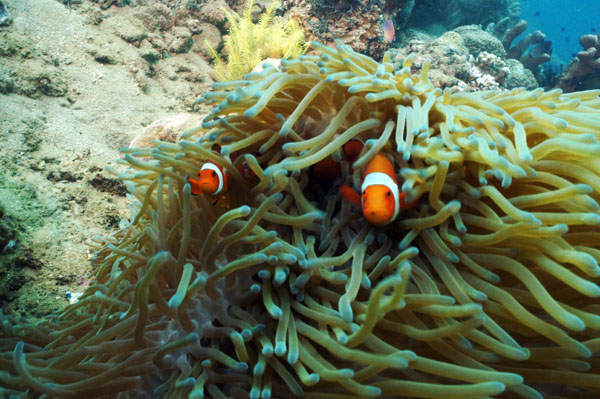
2 more. I think I need focus little differently next time.
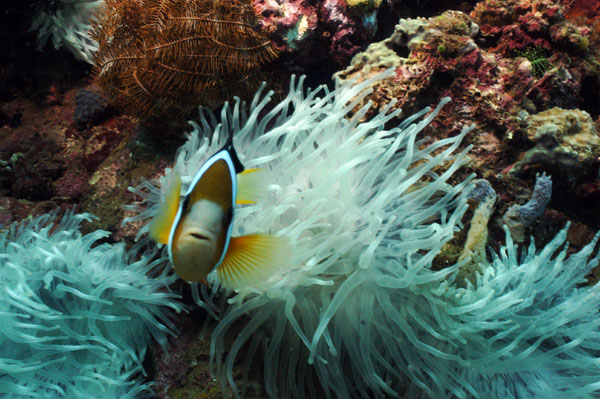
Thanks for posting these Sam. What did you think of rangefinder manual focusing? I actually used to have a NikV and have tried it - ugh!
Cheers
James
Hi James !
It was not easy on Macro but, O.K. with 15mm. I was glad to see Nik lenses really working
on a digital camera.
Sam
Thanks for posting these Sam. What did you think of rangefinder manual focusing? I actually used to have a NikV and have tried it - ugh!
Cheers
James
Really James?
I still think the Nikonos with the 15 mm lens was the best and easiest way to get high quality wide angle.

Terms of Use Privacy Policy Guidelines We have placed cookies on your device to help make this website better. You can adjust your cookie settings, otherwise we'll assume you're okay to continue.

A worldwide community for underwater imaging.
