



Hi,
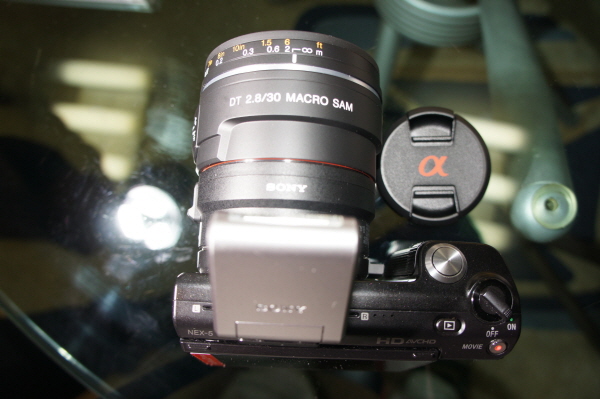
Sony Alpha 30mm/f2.8 Macro SAM lens works good with Sony NEX-5.
Recently updated firmware allows AUTO FOCUSING through LA-EA1 Alpha-mount adapter.
I try to put into Nauticam 18-55 port but, it was too small in dia & need new port.
Sam
Read-only discussion
Hi,
Sony Alpha 30mm/f2.8 Macro SAM lens works good with Sony NEX-5.
Recently updated firmware allows AUTO FOCUSING through LA-EA1 Alpha-mount adapter.
I try to put into Nauticam 18-55 port but, it was too small in dia & need new port.
Sam
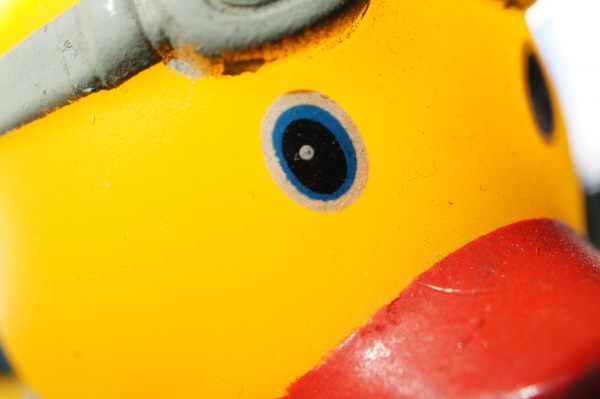
Macro shot.
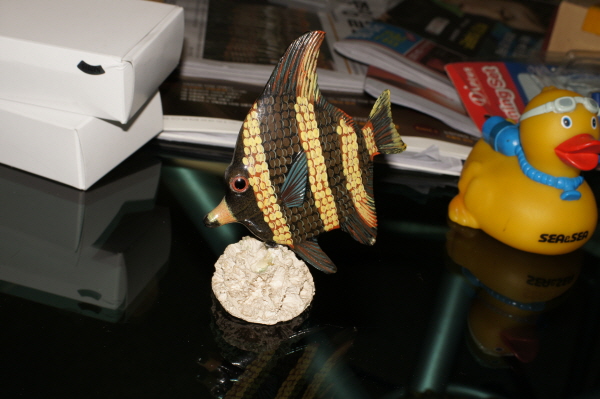
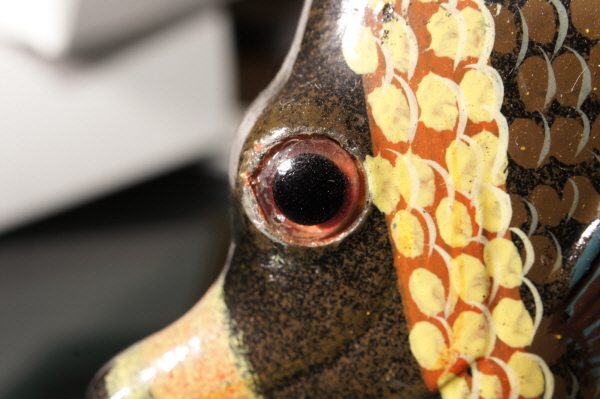
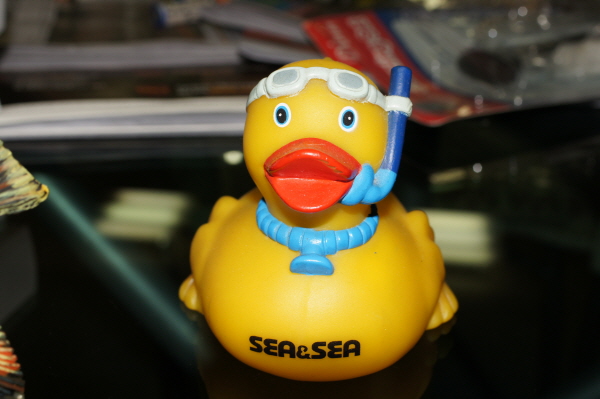
Duck...
Anyone have an idea of what the effect on effective focal length and magnification is of putting a lens like this on the Sony Nex with the LA-EA1 adapter. Does the adapter act as an extension tube, effectively giving more magnification than the lens would normally have on a regular Sony SLR?
I have a Nex 5 and the adapter and am anxiously awaiting Ikelite to make a housing for it.
SD
Hi,Sony Alpha 30mm/f2.8 Macro SAM lens works good with Sony NEX-5.
Recently updated firmware allows AUTO FOCUSING through LA-EA1 Alpha-mount adapter.
I try to put into Nauticam 18-55 port but, it was too small in dia & need new port.
Sam
We intend to support this setup. Don't have a date for you yet though.
Cheers,
Cp
Anyone have an idea of what the effect on effective focal length and magnification is of putting a lens like this on the Sony Nex with the LA-EA1 adapter. Does the adapter act as an extension tube, effectively giving more magnification than the lens would normally have on a regular Sony SLR?
I have a Nex 5 and the adapter and am anxiously awaiting Ikelite to make a housing for it.
SD
It should remain 30mm, so it will work like a 30mm lens on aps-c. The adapter doesn't act like an extension tube.

Terms of Use Privacy Policy Guidelines We have placed cookies on your device to help make this website better. You can adjust your cookie settings, otherwise we'll assume you're okay to continue.

A worldwide community for underwater imaging.
