



Hi All,
I recently tested the glowdive filters (for which I have to say I am a stockist) in Egypt. I was quite surprised to see that anemones glow too.
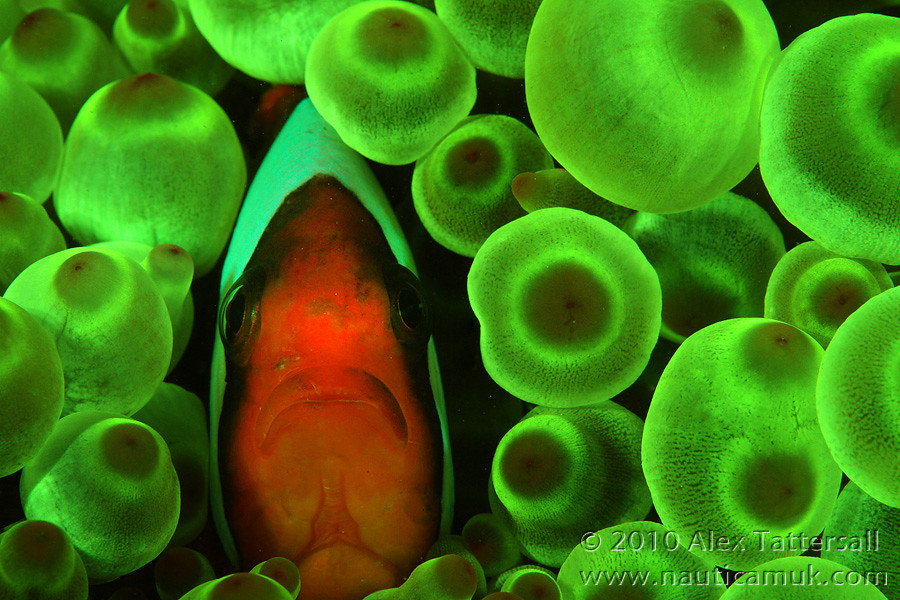
and a few coral shots
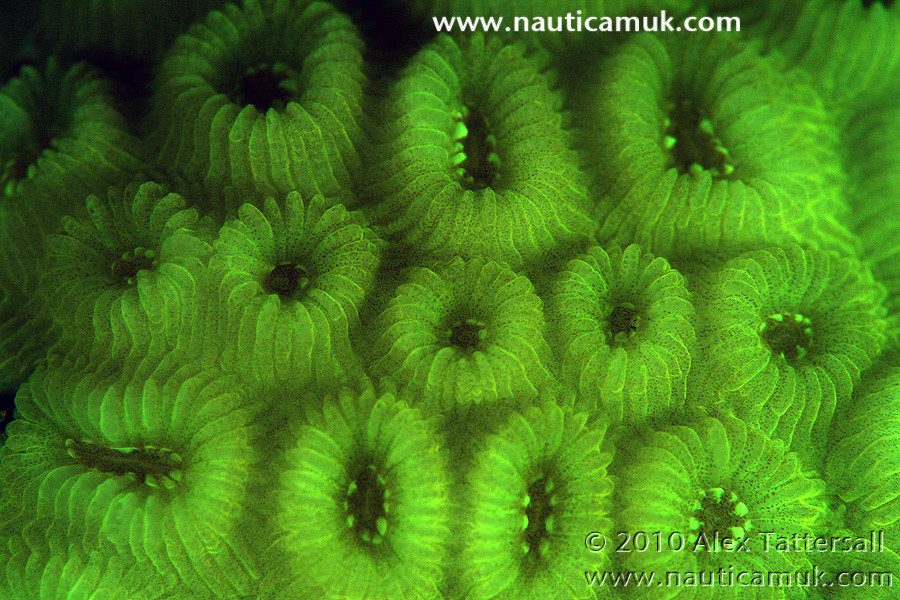
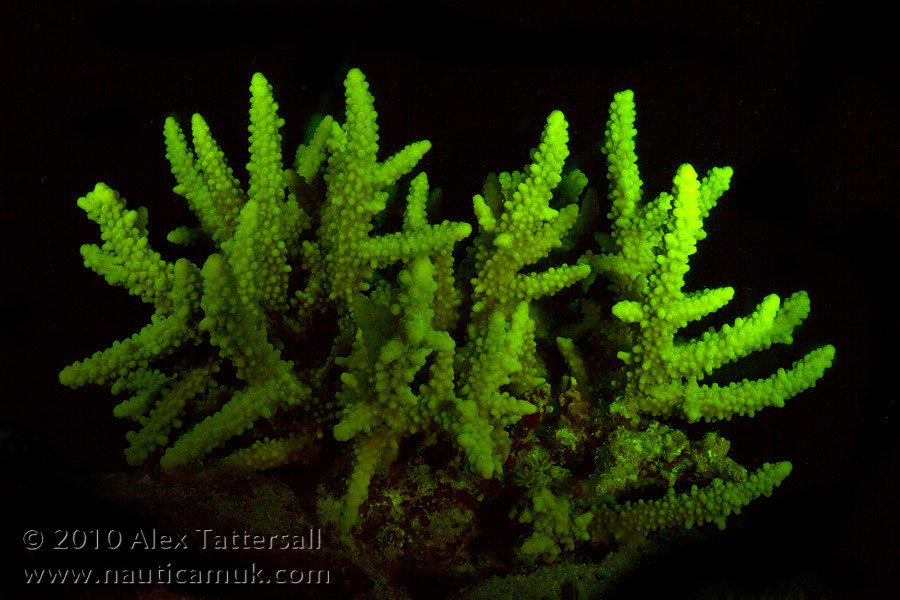
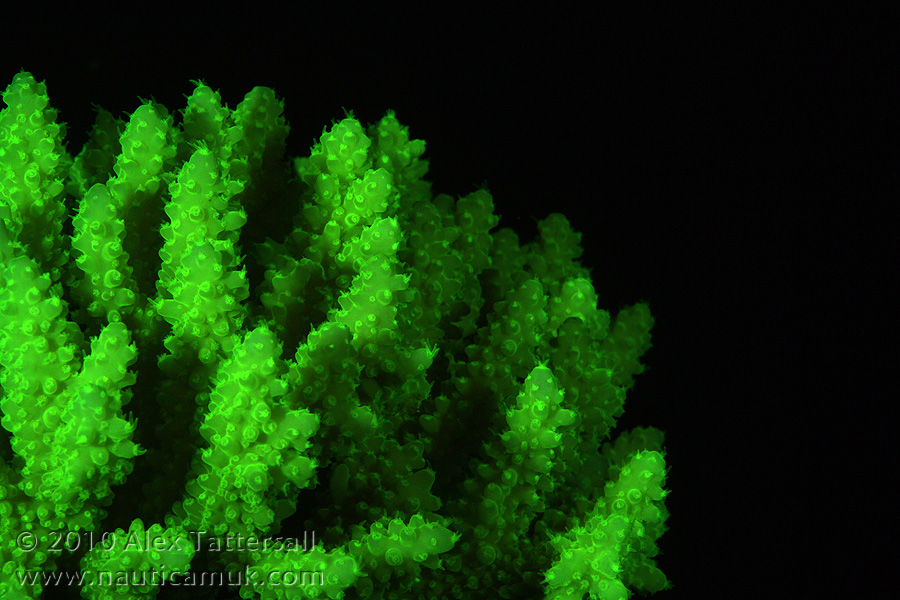
Interesting effect
Read-only discussion
Hi All,
I recently tested the glowdive filters (for which I have to say I am a stockist) in Egypt. I was quite surprised to see that anemones glow too.
and a few coral shots
Interesting effect
Sorry moderators, can I have this thread moved to the Image Showcase, I'm in the wrong section!!
hi alsky
for the 3rd & 4th shot, did you use snoot to get the black background?
thanx
Hello,
These were taken on a night dive hence the black backgrounds
Hello,
These were taken on a night dive hence the black backgrounds
i see..
no wonder
wauw....
I got a set of these from Alex/Carlos and they really are great fun. This is a wide angle (double exposure) I took with my D700 and 16mm FE, trying to do something a little bit different with them:
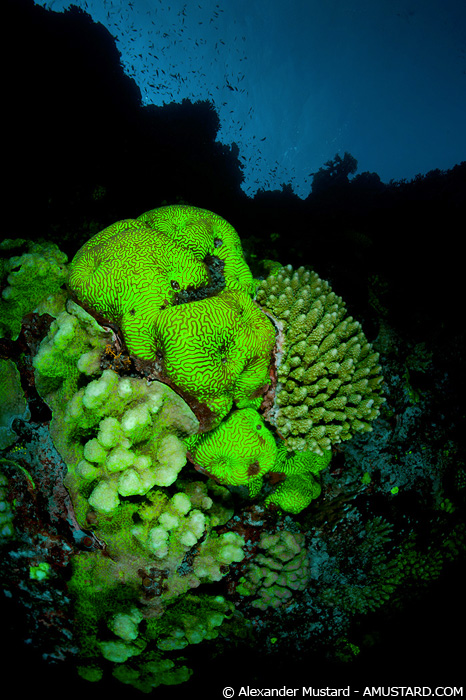
Was planning to write a short review about them in the next few weeks.
Alex
Cool shot Alex! Those double exposures can work well.
Hi Aley,
I realise its resurrecting an old post, but what settings did you use to get the coral/anemone shots? ISO, Shutter speed, Aperture and white balance would be a great help. I have made myself a set of fluorescent filters from spare scientific parts, but havent had much success with them so far, but would like to have another go in Lembeh in a couple of weeks time
Mooseman

Terms of Use Privacy Policy Guidelines We have placed cookies on your device to help make this website better. You can adjust your cookie settings, otherwise we'll assume you're okay to continue.

A worldwide community for underwater imaging.
