 I am regrettably selling my compact underwater camera and housing as a package, the reason for the sale is because I have upgraded my camera and housing hence I am keeping the strobe and arms. The whole setup has pretty much been used for fresh water mainly and I can assure you the picture quality is great, many reviews on the Ixus 980
For Sale:
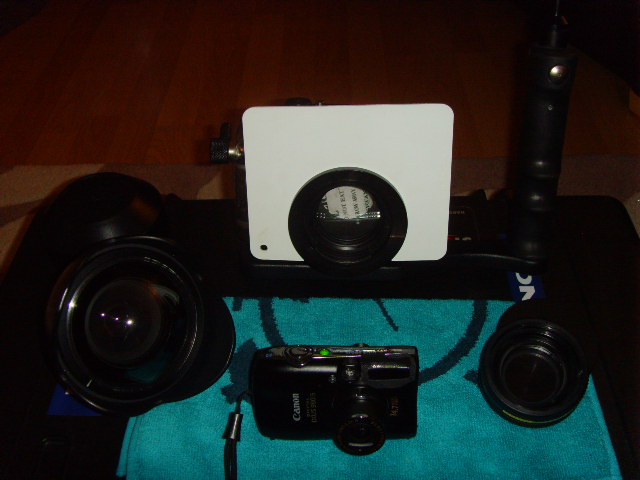
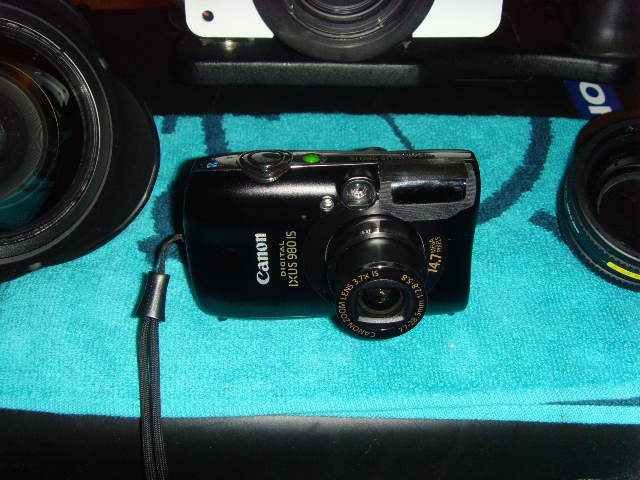
Canon Ixus 980 – Great camera suited for underwater with custom buttons to set white balance and an overall excellent camera!
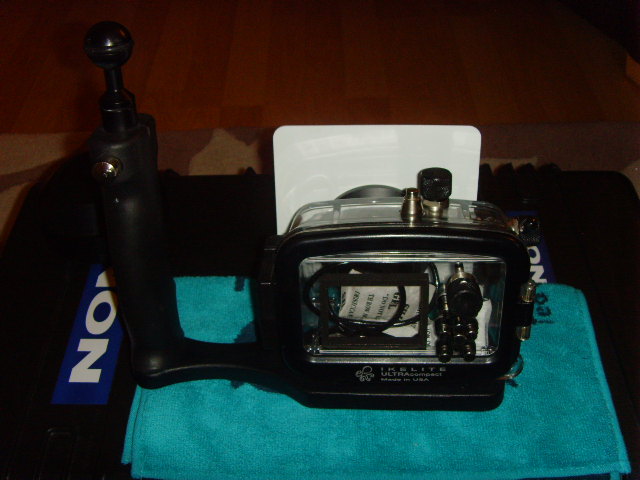
Ikelite Housing – I opted for the ikelite housing due to it being more rugged than Canons own and ideal for deeper diving. Also included is the Inon mount base adapter with diffuser RRP 45.99
Tray – Attaches to the housing with the Inon attachment incorporating the ball joint RRP £65.99
Spare O seal for the housing
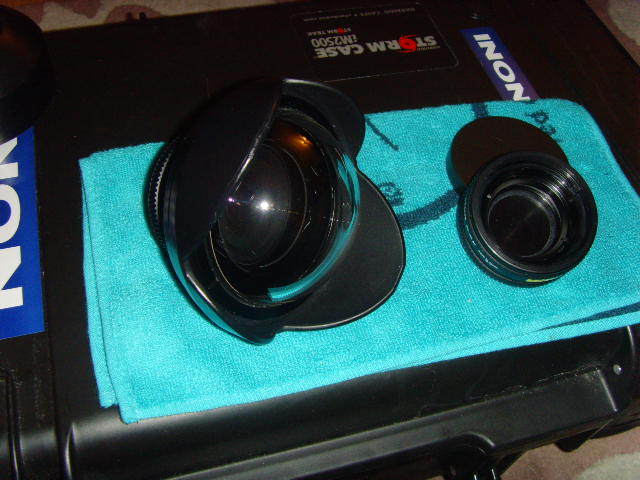
2 x wet lenses!
I have the Inon UFL-165AD Fisheye conversation lens (minor scratches on the front however no affect on picture quality) RRP £424.99
Inon UCL-165AD Close up lens (Never been used!) RRP £149.99
This is a great start-up package and would make an amazing xmas present!
The Peli case is not included
I want to sell this as a whole package, sensible offers only please. Many thanks