Hope to get a few images of this beautiful little fish this year...and I know they are very small..hence the name.
Just want to know would I get away with using a 105mm Nikon macro lens to photo this little guy- or do I absolutely need to add to this lens via a dioptre/teleconverter ?? etc.
Any thoughts/advice deeply appreciated.
Tanx a mill
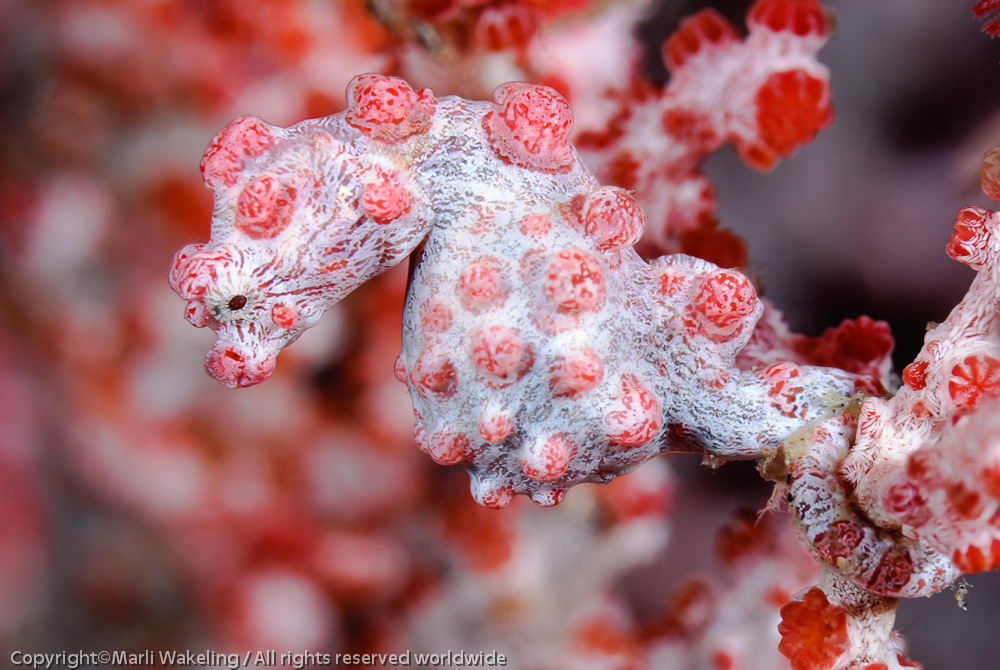
It is entirely possible to shoot H. bargibanti with a 105mm. You just need to be at minimum focusing distance, and be patient. (If you are shooting DX format) Other species will be a bit of "Where's waldo?", due to their size. It really helps to have a guide point out where the critter is, as although you see if quite clearly, parallax results in the "where the heck did it go ?" moment as soon as you put your eye to the viewfinder. That being said, please be gentle. Limit your shots as the strobes must surely be stressful...but that is a whole other thread. This is uncropped with a 105mm.
Good luck; they are amazing critters.
Marli
I use a 60mm lens and get good captures.
Even my old Oly P&S got good ones
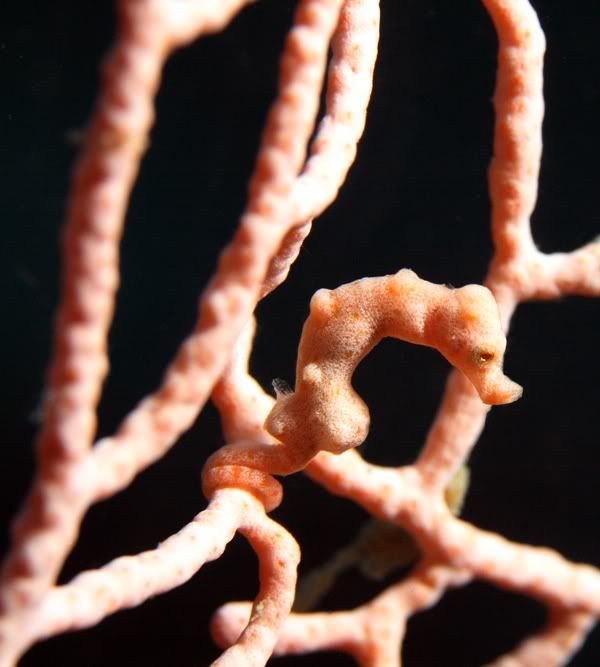
This was a BABY bargibanti. So small I could barely see it.
Brilliant stuff!!
Thanks so much gals-
Bargibanti is the one I'm after- and I would be so awed to see one- and even more awed to pull the shutter on one.
They are just beautiful.
Here's hoping.
Dam
ps. I hear what you say re: overdoing the flash Marli.
Be rest assured- I will respect the little guys if I am lucky enough to find them.