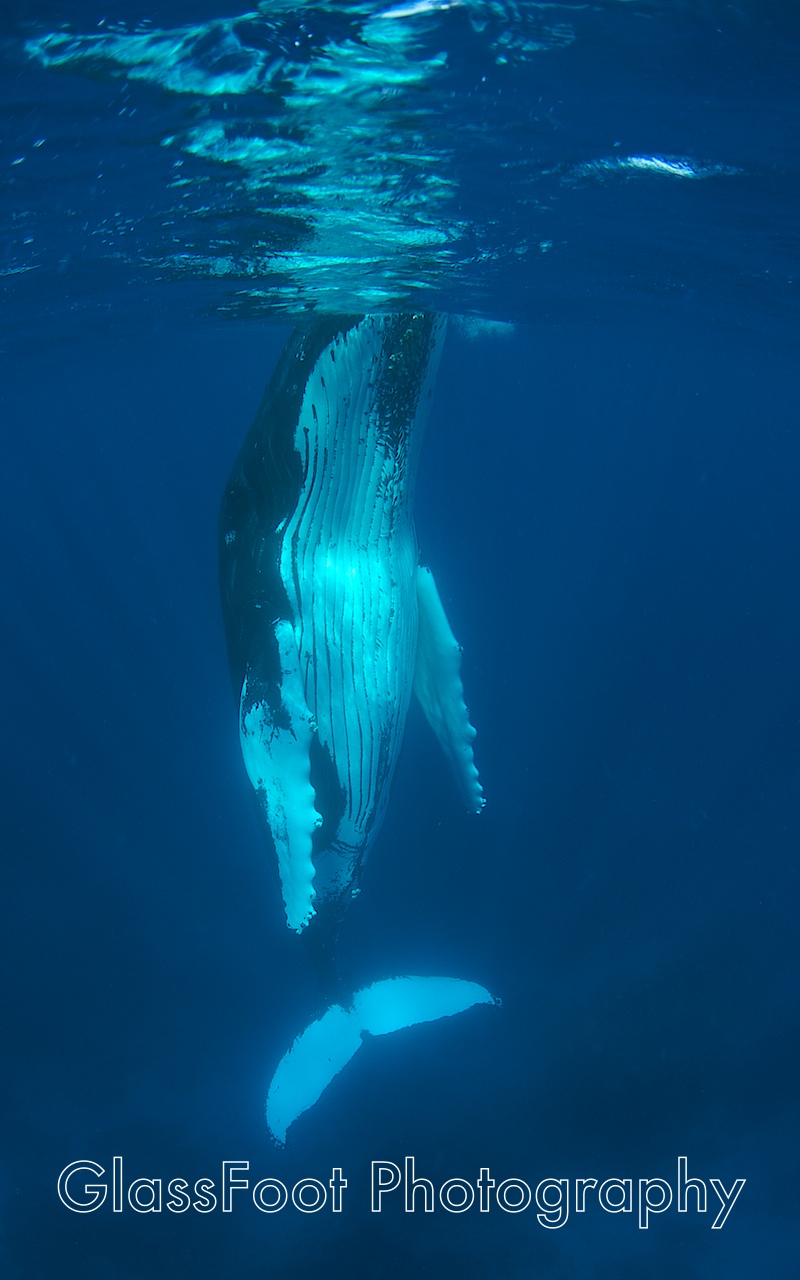
Hi Everyone. My name is Melissa and I am hoping to use this great forum to help introduce my new website to the world. I have compiled a collection of some of my underwater photographs from a variety of places and put them at http://www.glassfootphotography.com. This is my first website and if you have any suggestions on how to make it more visible to the world I would love to hear from you. I hope you enjoy!
Hi Melissa,
Welcome to Wetpixel! Very nice website, especially for your first attempt. Everything seemed to work as you'd expect, nicely done. Just one potential improvements you may want to think about. You mention that your images are for sale but I missed seeing how someone would identify to you which one they wanted. You may want to add a file number or name to each image.
Getting your site out for all the world to see is an interesting question. Some folks will have a Flickr page with a few images and a link back to their site. Facebook is another obvious way to make people aware of your site. It never hurts to post an astounding image here for folks to see. Of course not that many folks here buy other peoples pictures, we've spent all our money on equipment.
Have fun,
Steve
Great Steve -- thank for the advice.. Good point about naming the images... I'll see what I come up with.