



A few from a couple of weeks ago:
Put through a RAW convertor and white balanced. Not much else editing wise.
Thoughts welcome.
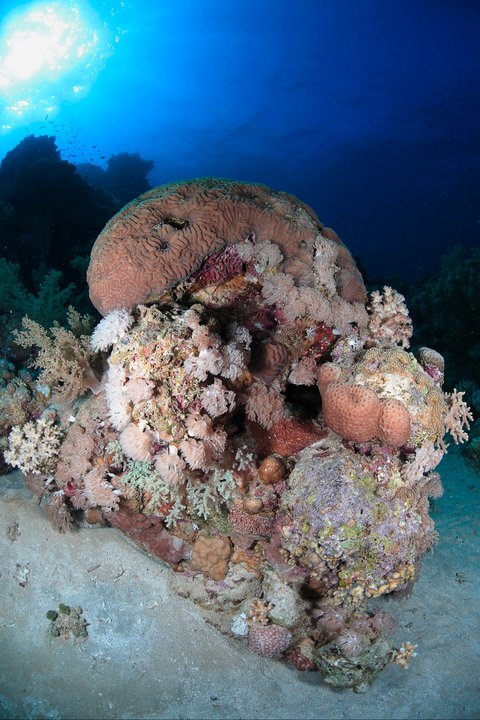
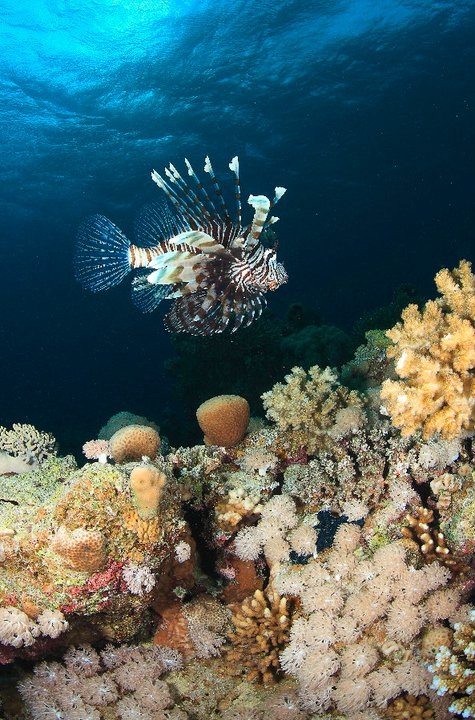
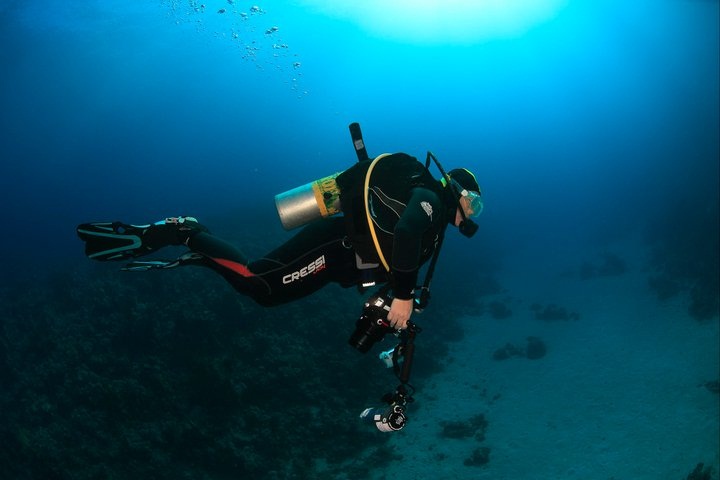
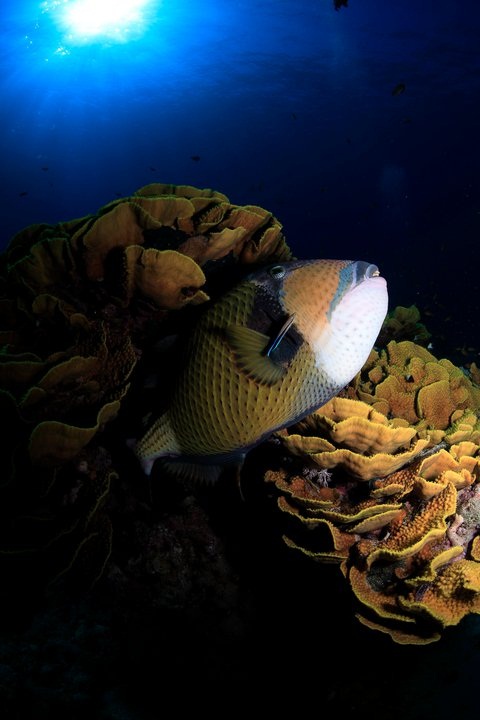
Photo / Video Showcase / Archived topic
Started by euphoticzoneimaging ·
Read-only discussion
A few from a couple of weeks ago:
Put through a RAW convertor and white balanced. Not much else editing wise.
Thoughts welcome.
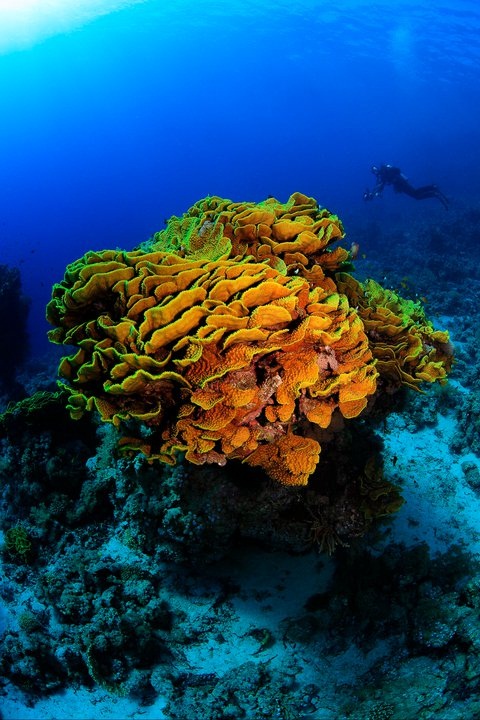
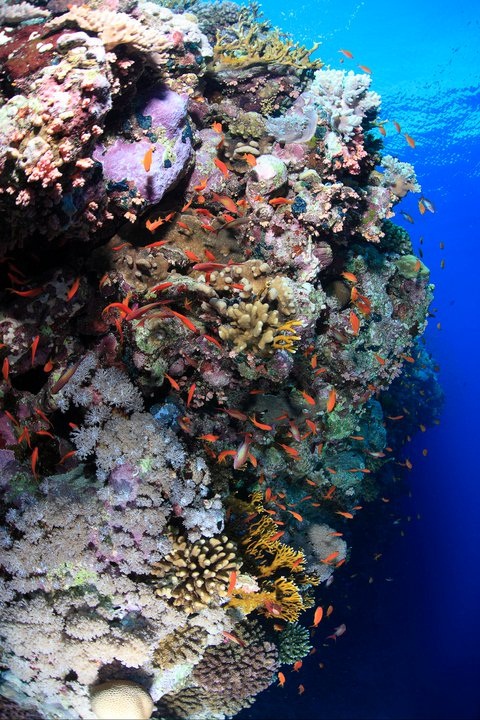
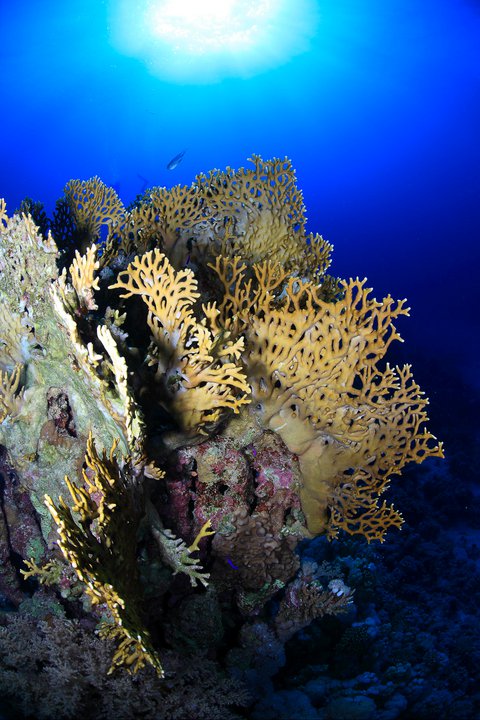
Nicely done partner, Welcome to Wetpixel.
Cheers,
Steve
Welcome, indeed!
What camera/strobe(s) are you using? The lighting is very good.
Were you on a photographers' trip, or fighting with your buddy and guide as they swam past each subject that you found to shoot? I find that moving around the coral heads and trying several angles, as well as getting the sun behind the coral, often leads to interesting images. The other big thing is the dawn or dusk dive, when the natural light improves dramatically.
My last Red Sea trip:
http://www.flickr.com/photos/timsdiving/se...57625477844588/
Tim

Hi guys,
I was doing a few days diving out of Naama Bay in Sharm with Emperor Divers. I was using the Canon Mark2 on this trip with S&S YS 250's. I love these strobes for wide angle.
E
Hi guys,
I was doing a few days diving out of Naama Bay in Sharm with Emperor Divers. I was using the Canon Mark2 on this trip with S&S YS 250's. I love these strobes for wide angle.
E
The S&S YS 250's seem to be a popular choice....

Terms of Use Privacy Policy Guidelines We have placed cookies on your device to help make this website better. You can adjust your cookie settings, otherwise we'll assume you're okay to continue.

A worldwide community for underwater imaging.
