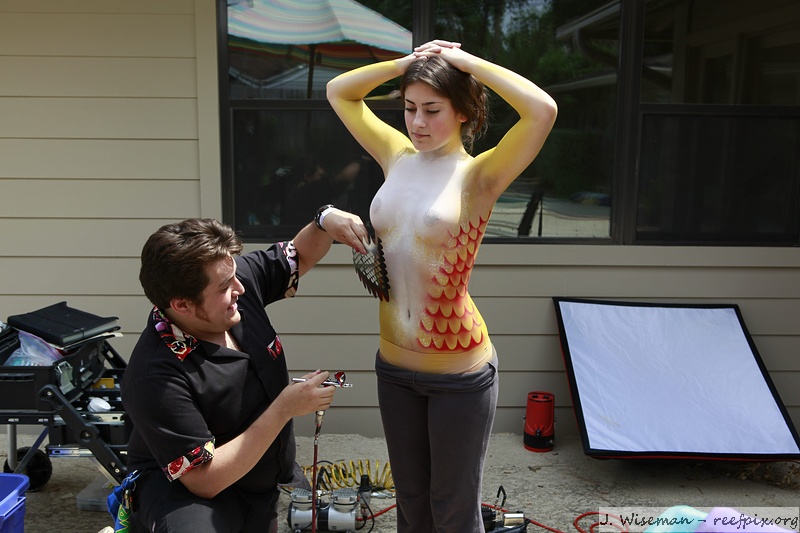
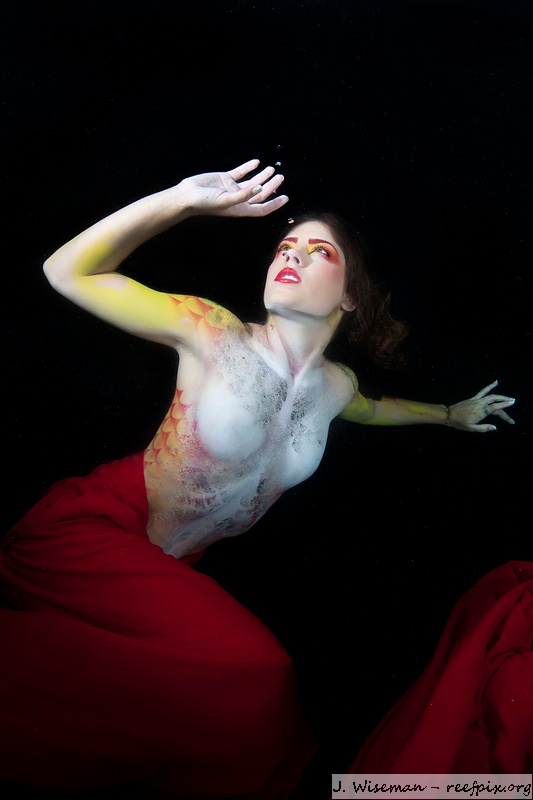
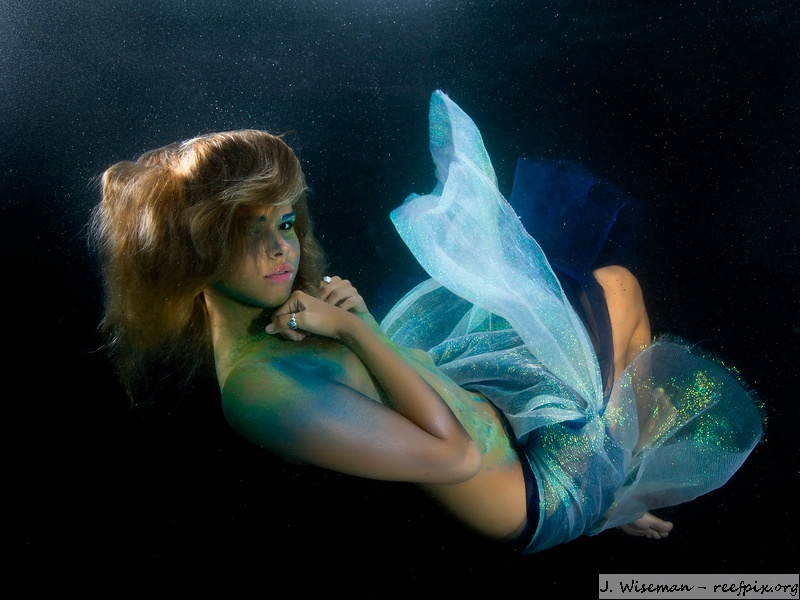
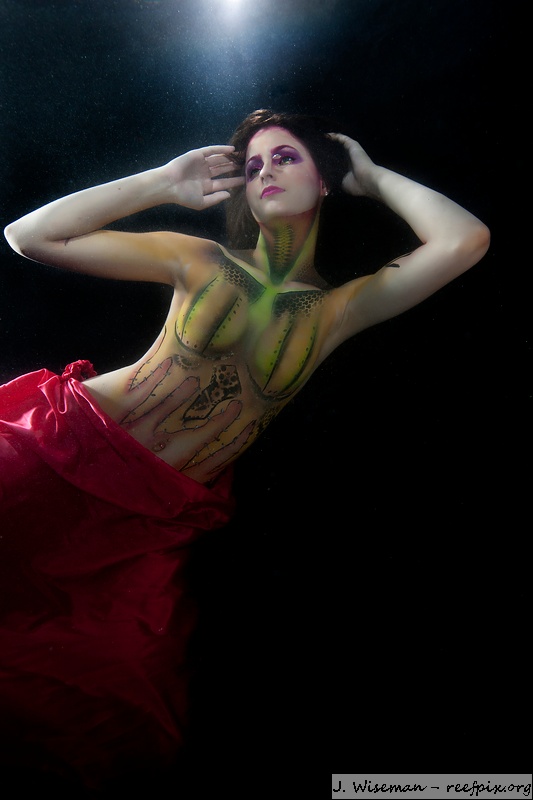
Here are a few photos from a shoot I did last weekend. W/ a baby coming in a few weeks, my diving and travel is EXTREMELY limited - but I'm still having fun staying in town. This was a pretty big shoot to organize - there were 3 models, 2 makeup artists, and a bodypainter. I wanted to make one of the models into a dragon and another into a mermaid. The other design is just something the bodypainter wanted to try out.
I lit the photos w/ one or two flashes on the housing (SS200's - long live the big red Ikes) and one or two off camera flashes.
Let me know what you think!
Cheers
James
Lovely shots, very very nice
Love them James, well done. The first UW image is my favorite, though I really love the touch of light in the last image ... really adds to it.
Also congrats on the upcoming addition to the family. Every year at Christmas people ask me what I want, my simple reply "time". I do hope everything goes well when the big day arrives.
Cheers
Ben
I'm in love with the mermaid James. The eye contact is wonderful. Nice to see you've found a great way to spend you're time waiting for the new one to arrive.
Cheers,
Steve
Thanks folks. And thanks Steve - I'll pass on your amorous sentiments to the mermaid ;-)
Cheers
James
Great job on the lighting!
Personally I want to see more "dragon" in the models character.