



....will make you crazy!
Read-only discussion
....will make you crazy!
Fantastic as always!
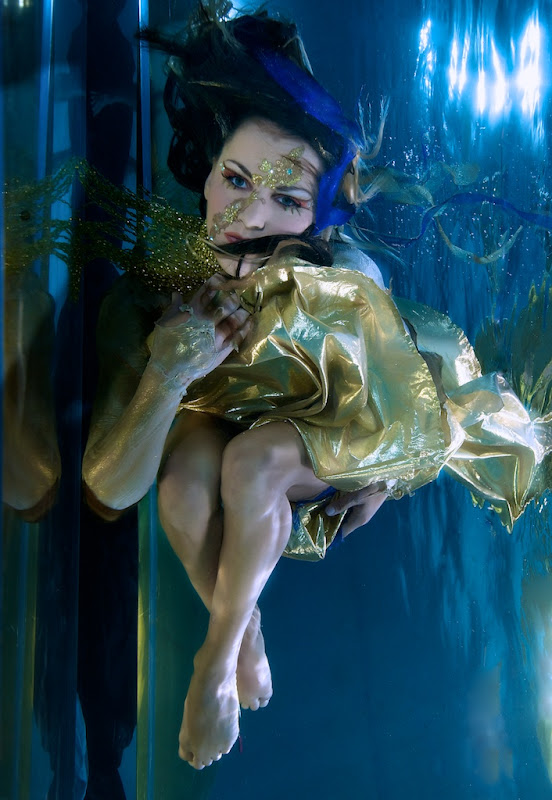
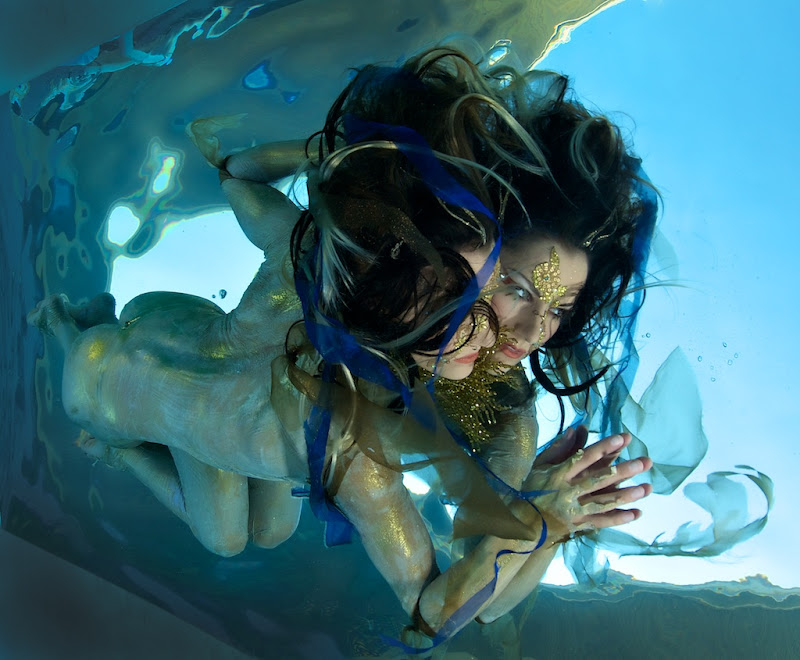
For me my fav image was the last one ... followed quickly by the first image.
Cheers
BC
Stunning, just stunning!
Cheers
Markus
Awesome ! Love the makeup and costumes.
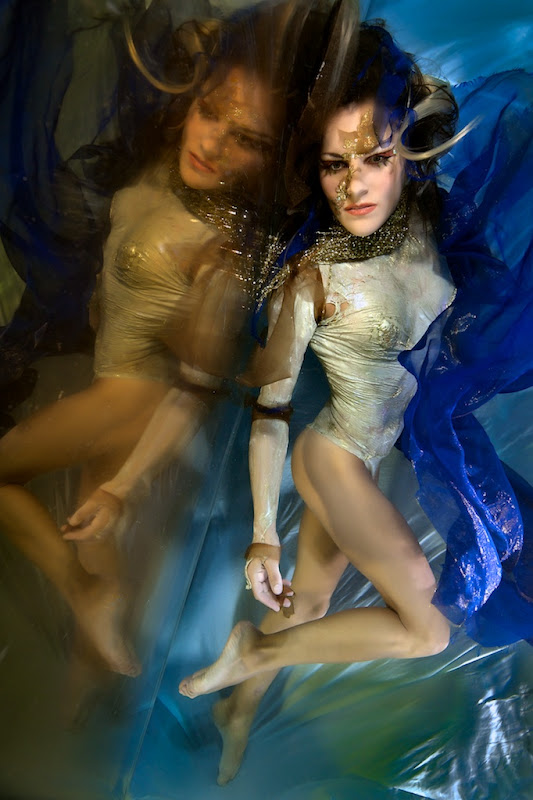
I've had some mirror ideas up my sleeve as well!
Very cool work!
Gonna chime in and agree that the last one is the most stunning of a great set.
Thank you folks. Mirrors introduce one more variable to the underwater mix; endless possibilities......
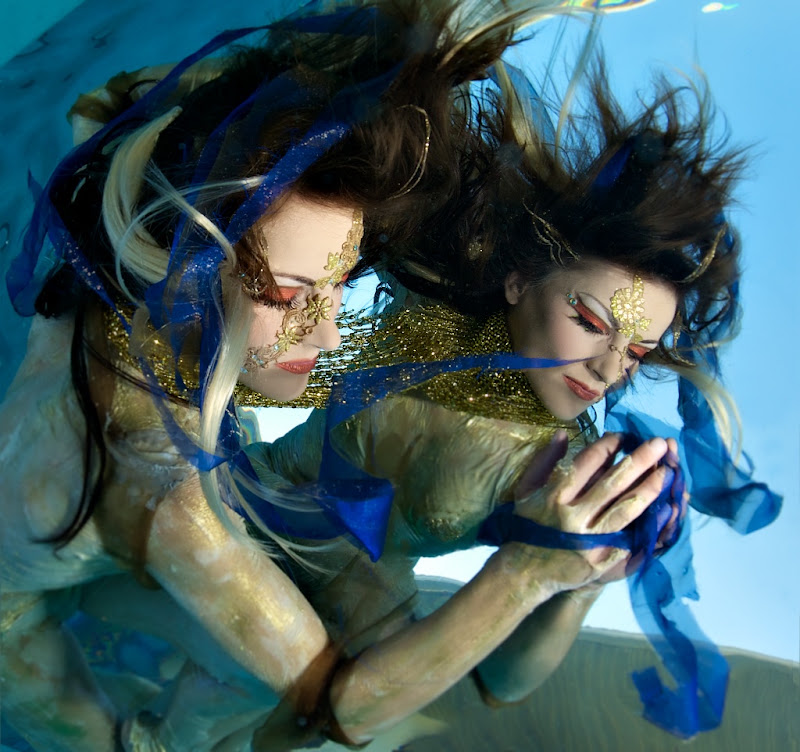
I always find it interesting how people prefer different images, the third is my favorite of the group.
Cooollll !! 
the third is my favorite of the group.
Three is a great image, the only thing stopping it from being my top pick was the closed eyes.
Cheers
BC
Not my usual type of photography, but I found it very interesting.
I like the last best
Once again your creativity is impressive!
Mike
Once again your creativity is impressive!
Mike
Thanks Mike; but as the saying goes, 1% inspiration, 99% perspiration.
These are amazing shots. as we all have come to expect from you. Well done
3rd one is really superb one for me...
The last one is really awsome.
I love the idea of mirrors! Very cool!

Terms of Use Privacy Policy Guidelines We have placed cookies on your device to help make this website better. You can adjust your cookie settings, otherwise we'll assume you're okay to continue.

A worldwide community for underwater imaging.
