



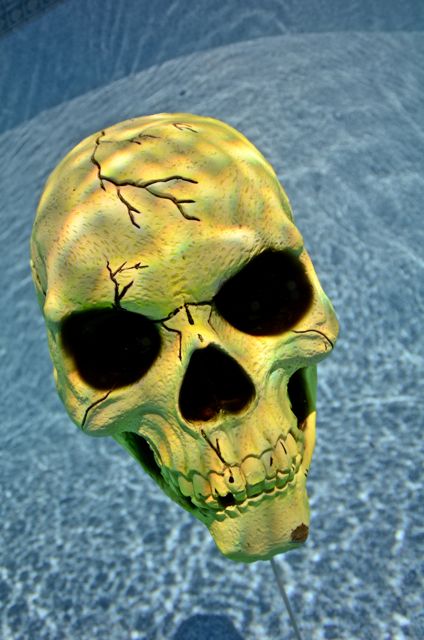
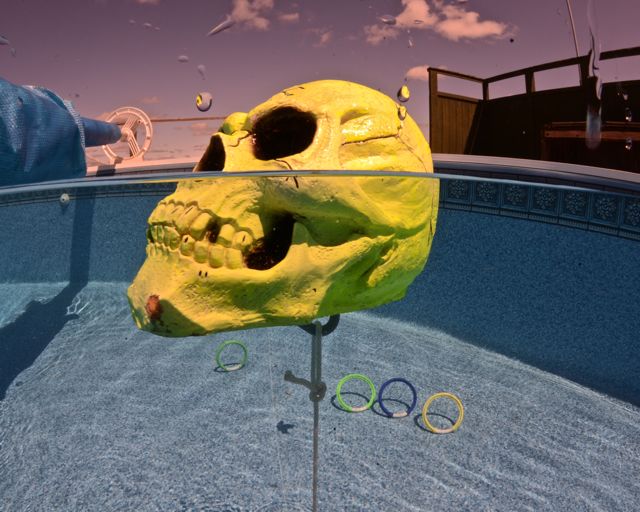
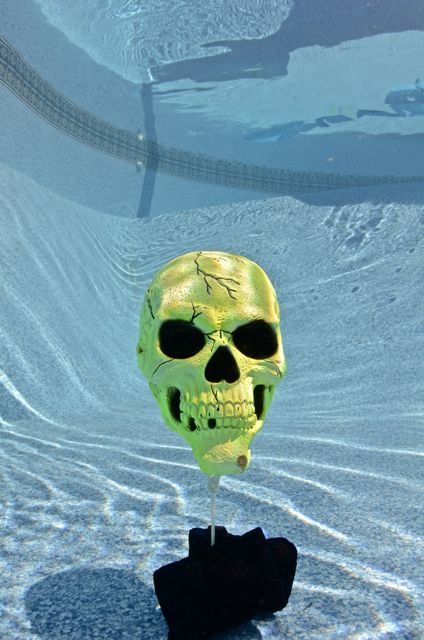
I got my new AD7000 yesterday from Backscatter. Took my buddy to the pool for some practice. Tokina 10-17 with 8" dome port. Happy so far, I am going to have to figure out how to trim weight the dome, it wants to float dome up.
Read-only discussion
I got my new AD7000 yesterday from Backscatter. Took my buddy to the pool for some practice. Tokina 10-17 with 8" dome port. Happy so far, I am going to have to figure out how to trim weight the dome, it wants to float dome up.
Go to your local tyre (tire for you maybe;)) shop, and get some stick on wheel weights (they balance wheels with them). They use them for alloy wheels. They come in nice small multiples (Probably around 1/2oz - we get 10 grams) and are very very sticky. A few of those on the lower edge of the dome shade can work wonders.
Tire weights is what I was thinking, I saw a post on WetPixel about that. I saw where the poster put them on the back side of the dome, I was wondering if the bottom edge of the dome shade would be better.I figure on sticking a few on and trying it in a tank and adding more as needed. Diving an old wreck in Lake Michigan tomorrow and giving the Green water Magic Filters a try.
here is my solution
http://uwcamerastuff.com/dyi_dome_port_weights.htm
The weights need to be on the outside of the shade so they don't reflect into the picture.
Bllecap, A dome port lock for the from dome to port extension would make me really happy, mine moved a little today while I was diving, not far but I ended the dive because I thought I might turn it the wrong way. No leaks but it's going to happen someday.
I dove today and tried out my new Green Water Magic filters. For my first time out I am pretty happy. Not a real exciting wreck, more of a wreck of a wreck then anything,30 feet/ 10 meters or so deep. Lots of drifting snow looking particulate in the water. I shot everything at 800 ISO, maybe to high but it gave me a chance to try a bunch of different F stops. No surprise F/8 to F/11 seamed the best.
I have a few shots below for criticism. Be brutal, really...
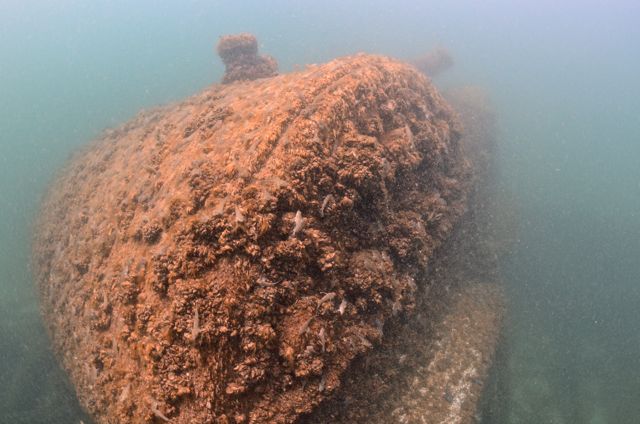
1/90th @ f/5.6
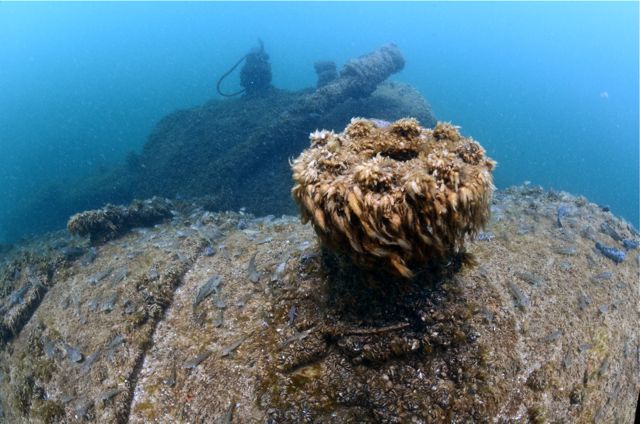
1/45 @f/9.5
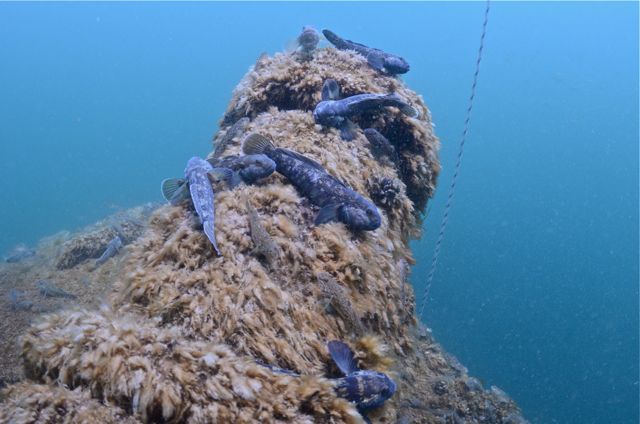
1/60th @ f/9.5
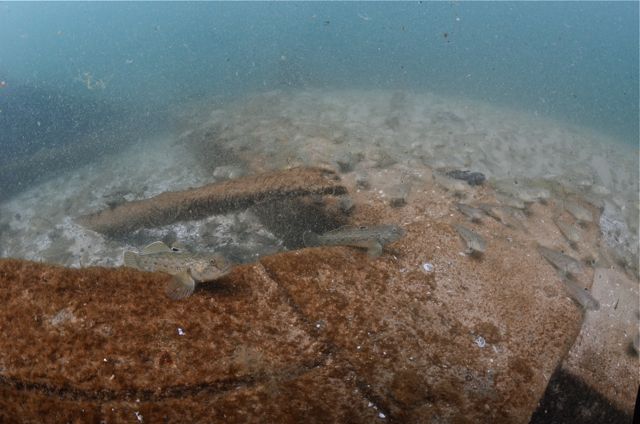
1/45 @ f/11
.jpg.857dbbfbdc4d79d9c6ebf7b4ba96ed1b.jpg)
Terms of Use Privacy Policy Guidelines We have placed cookies on your device to help make this website better. You can adjust your cookie settings, otherwise we'll assume you're okay to continue.

A worldwide community for underwater imaging.
