



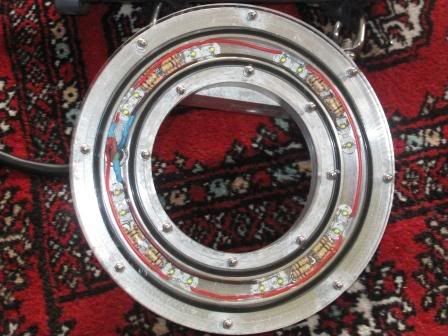
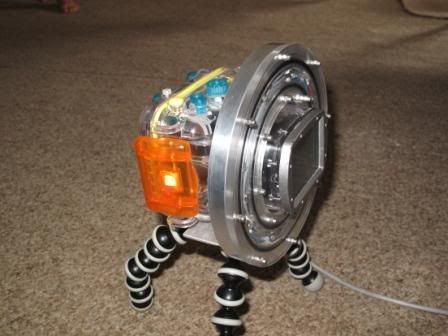
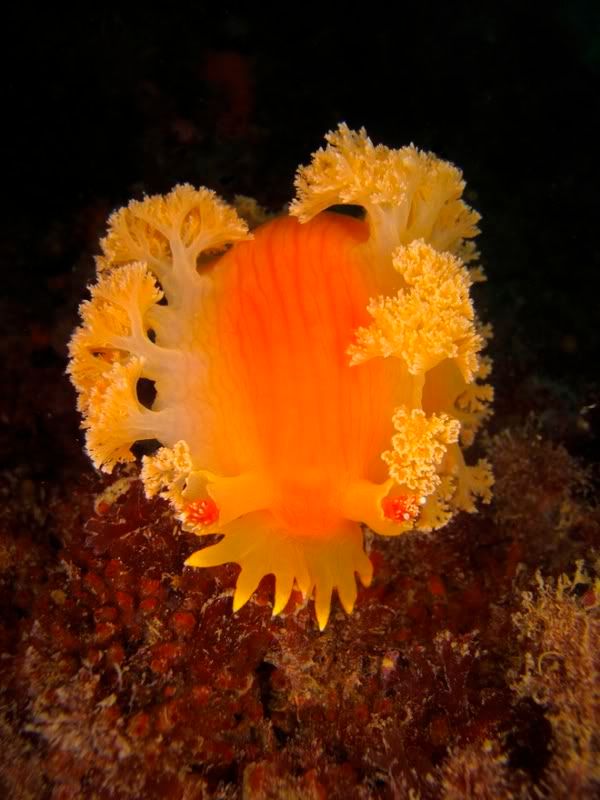
Made this macro LED light system some time ago.
It has 16 Cree XP-G LEDs producing about 4000 lumen.
Its powered by a separate battery cannister that hange below it ( not pictured)
Camera is a G11 Canon.
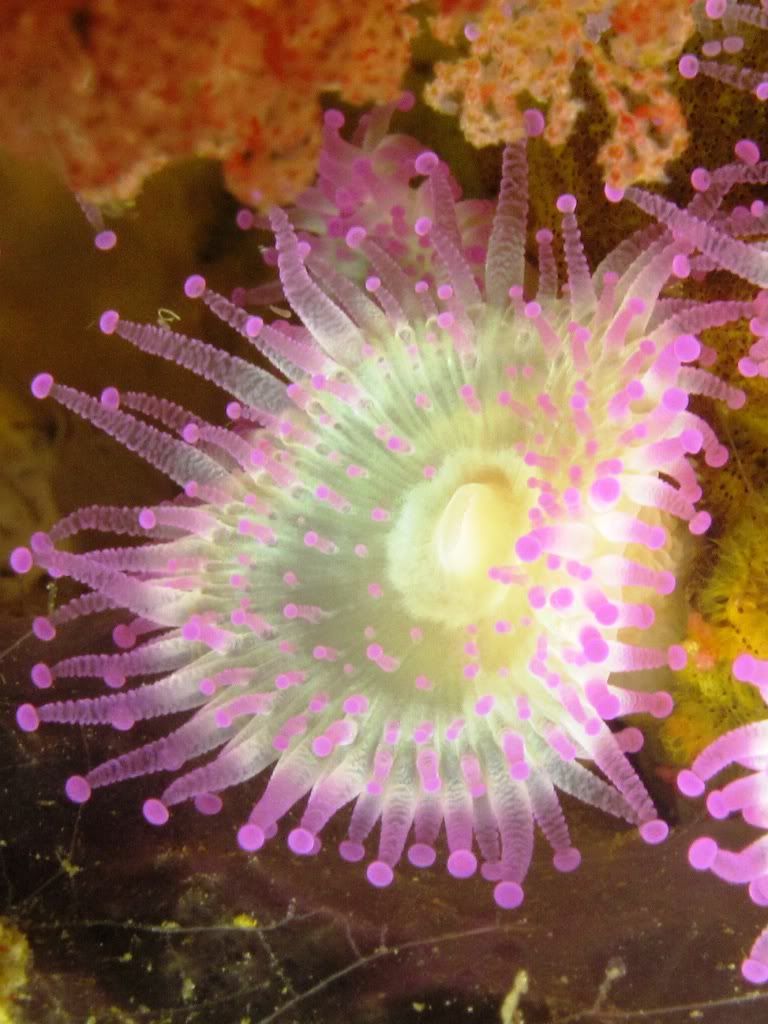
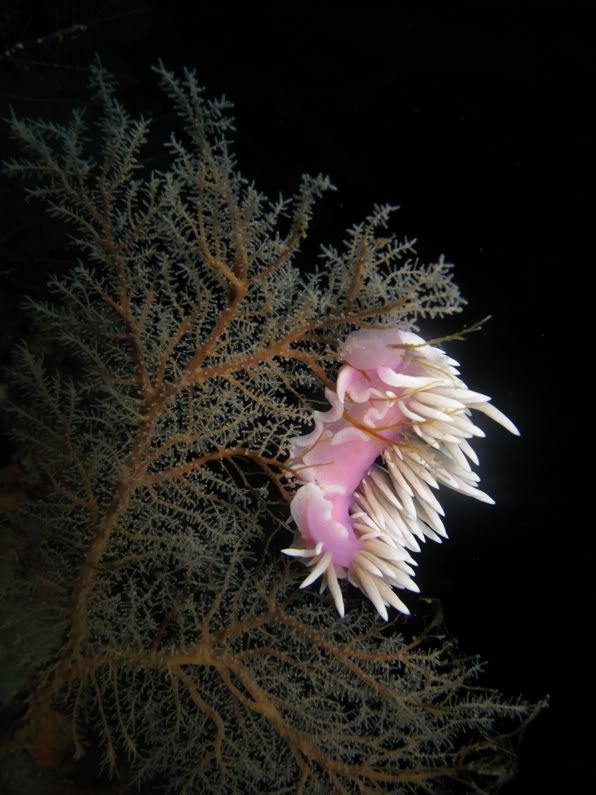
Some images....

Read-only discussion
Made this macro LED light system some time ago.
It has 16 Cree XP-G LEDs producing about 4000 lumen.
Its powered by a separate battery cannister that hange below it ( not pictured)
Camera is a G11 Canon.
Some images....
Cool!
Cool!
Thanks. Whats the fish in your avatar? Looks like a John Dory http://en.wikipedia.org/wiki/John_Dory
Thanks. Whats the fish in your avatar? Looks like a John Dory http://en.wikipedia.org/wiki/John_Dory
Indeed, Zeus faber (John Dory).
You can find the bigger version here:
http://www.flickr.com/photos/21017948@N06/.../in/photostream
Cheers
Marcell
Due to a camera upgrade this is now for sale.
email me at gwilson(at)ihug(dot)co(dot)nz
Rather cool.
Is it heavy?
Rather cool.
Is it heavy?
I never really thought it was, but I have now modified it for use with my Oly EPL3 and added a plate and handles. Its quite negative now.

Great results though.
What ISO, shutter and aperture settings are you using for that moray?
Packhorse,
Great project.
I have been inspired to start my own version.
Rod
Great results though.
What ISO, shutter and aperture settings are you using for that moray?
f 3.5
ISO250
1/160th
14mm ( 14-42mm lens)
No flash
Packhorse,
Great project.
I have been inspired to start my own version.
Rod
Go for it! My advice is to use as many LED's as possible as they will never match a strobe for light output.
Here is another I took. Focus isnt nearly as sharp.
This was with my G11 after a partial flood. It wouldnt allow me to control anything so it was set in auto.
f4
1/125
ISO160


Terms of Use Privacy Policy Guidelines We have placed cookies on your device to help make this website better. You can adjust your cookie settings, otherwise we'll assume you're okay to continue.

A worldwide community for underwater imaging.
