Skip to content

Photography Gear and Technique / Archived topic

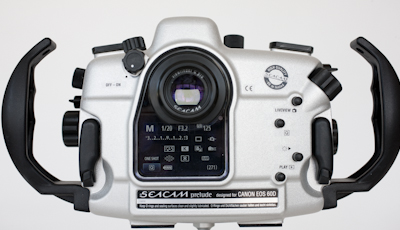
SEACAM Prelude for Canon 60D

Started by StephenFrink ·

  • 2Posts
  • 2Replies

Read-only discussion

SEACAM Prelude for Canon 60D

2 posts
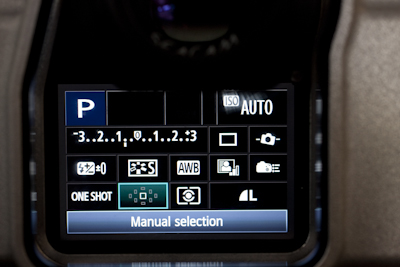
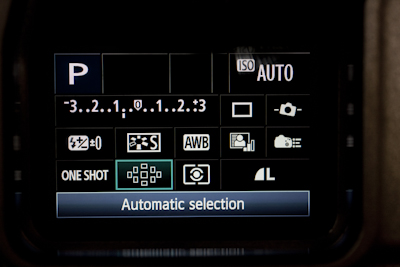
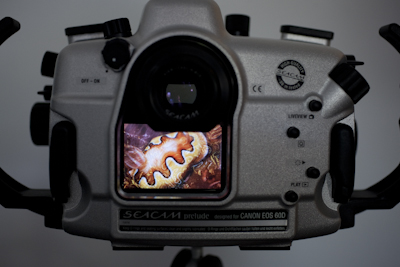
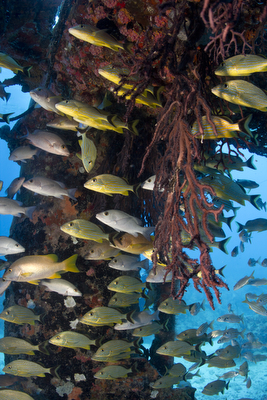
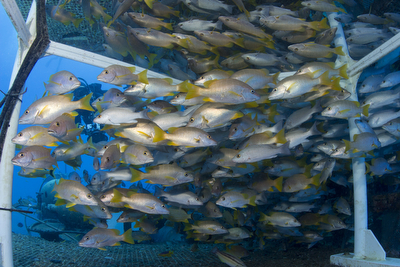
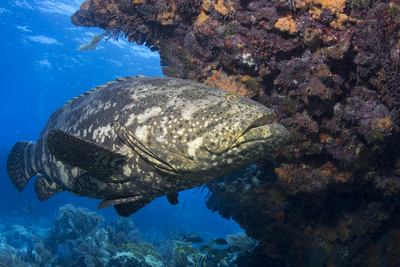
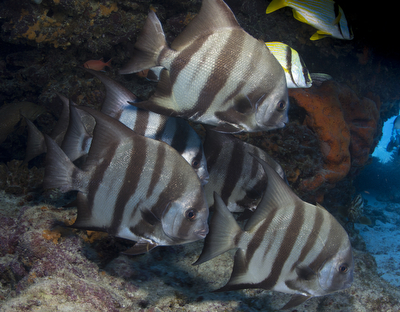
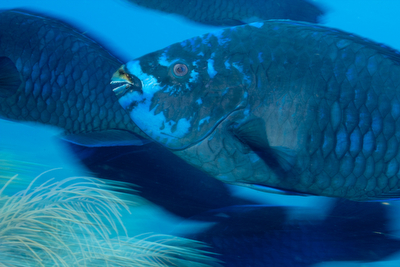
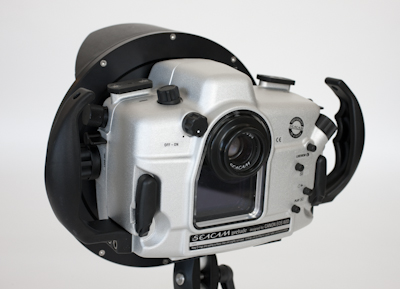
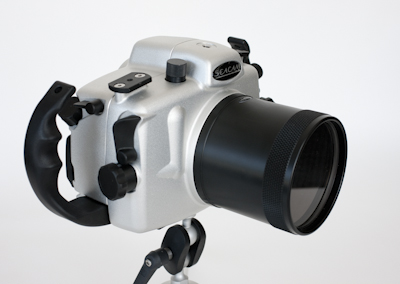
  1. I taught one of my Digital Masters photo courses here in Key Largo last week and had my first time in the water with the new SEACAM Prelude and the Canon 60D. I'm very pleased to report that ALL controls are accessible through this housing in combination with various push buttons and wheels. I was most concerned with zone of auto-focus, but that was easy to navigate as well. I'm not intending for this to be a review of the housing, and I'll do my best to respond to questions if they arise. But, I just wanted to post a few photos and to report my satisfaction with the functionality and navigation.


    I thought the camera's automatic selection of zone of AF was pretty brilliant. It would pick out the appropriate subject in even non-center weighted compositions almost all of the time. I was surprised how accurately it performed. That's new technology sophistication with this camera that definitely does not exist on my 5DMKII. Actually, I was very happy with the level of performance on the camera, as well as the housing.
     

    post-630-1308087679.jpg


    post-630-1308087698.jpg


    post-630-1308087710.jpg


    post-630-1308087723.jpg


    post-630-1308087733.jpg


    post-630-1308087746.jpg

    Edited by StephenFrink
  2. Here are a few 60D photos from last week, Key Largo, 60D/SEACAM:


    post-630-1308090521.jpg


    post-630-1308090532.jpg


    post-630-1308090544.jpg


    post-630-1308090556.jpg


    post-630-1308090568.jpg

    Edited by StephenFrink
Reef Photo & Video

Account

Navigation

Search

Search

Configure browser push notifications

Chrome (Android)
  1. Tap the lock icon next to the address bar.
  2. Tap Permissions → Notifications.
  3. Adjust your preference.
Chrome (Desktop)
  1. Click the padlock icon in the address bar.
  2. Select Site settings.
  3. Find Notifications and adjust your preference.