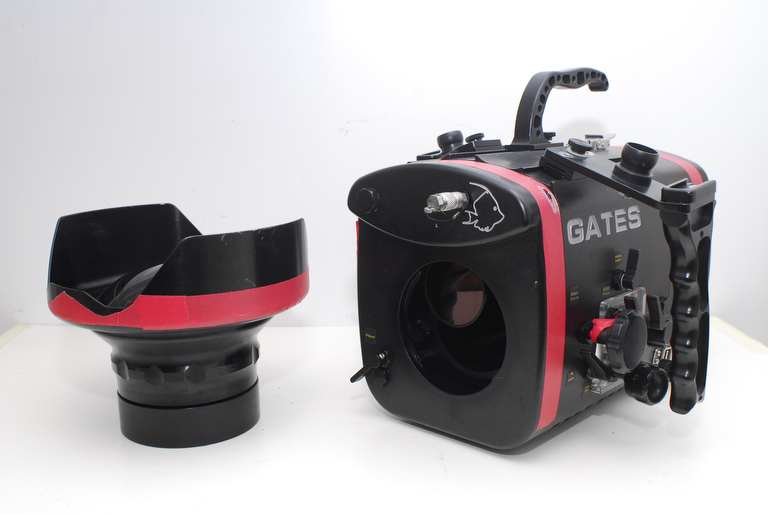
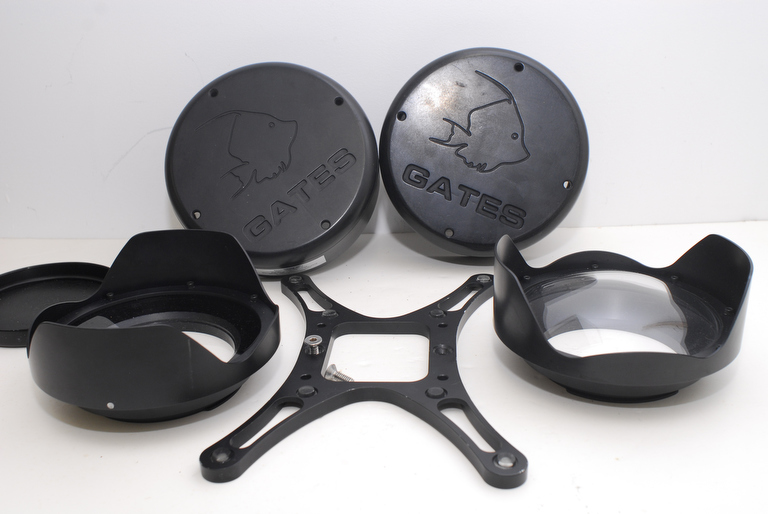
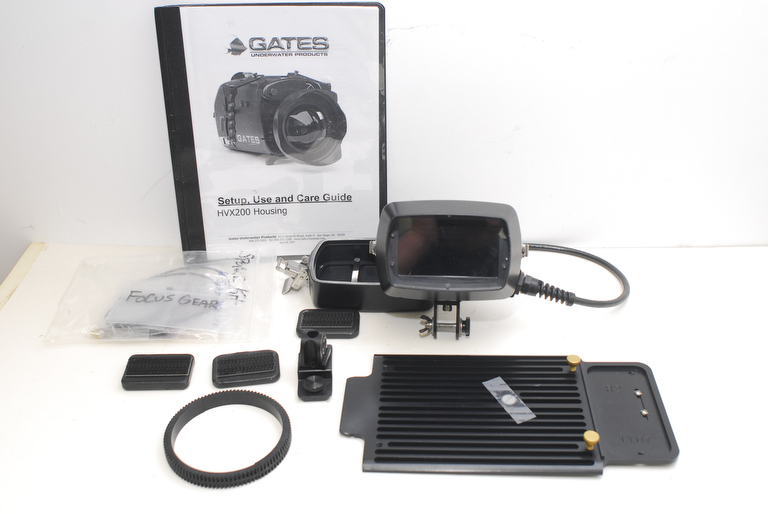
Gates underwater housing for the Panasonic HVX-200 camera with high-def EM43 monitor, Fathoms SWP44 Super Wide port, flat port, all accessories. All were used for less than 60 hours.
The housing is in perfect working condition. The port glass is clear, clean and scratch free.
Complete underwater video system for professional results. Just add a Panasonic HVX-200 camera and you are ready to go.
More images:
www.norbertwu.com/nwp/stuff-for-sale/gates-hsg-web/index.html
The sale includes:
Gates HVX200 Housing
SWP44 Super Wide port
Gates EM43 HD monitor
Price: $6500 US.
Note: I do not believe that the HVX200A will work in this housing, but I could be wrong. Feel free to contact Gates to ask if this housing can be modified to fit the HVX200A camera.
If you are interested, please contact Norbert Wu at temp1_at_norbertwu.com. Please no phone calls. I am happy to entertain other offers. I can accept credit cards, Paypal, money orders, and personal checks. Money orders and personal checks will have to clear my bank before the product is shipped; which can take up to three weeks. Shipping will be at buyer's expense (at actual cost) and will be UPS Ground, Fedex Ground, or USPS Priority Mail (all of which give tracking of packages). If we conclude a deal, I'll give you a quote for shipping via one of the above methods.
Thanks!
Norbert Wu