



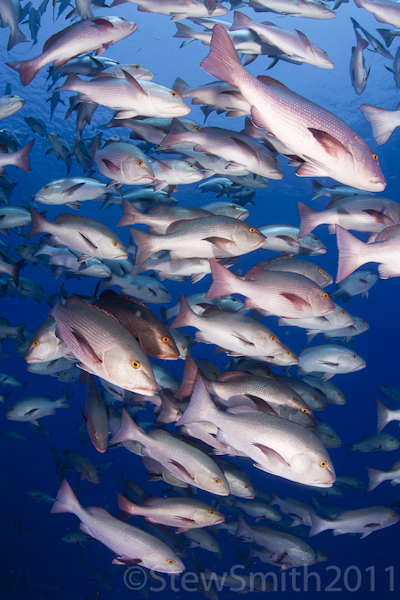
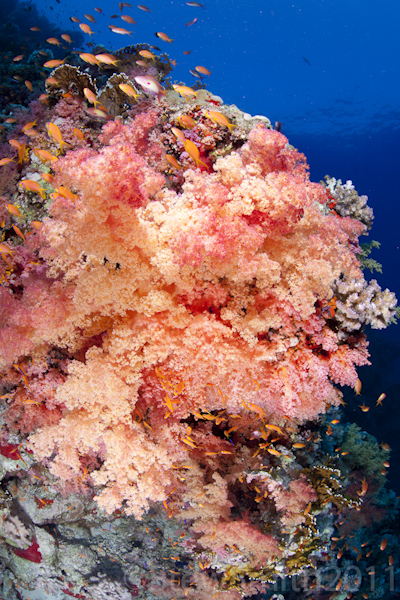
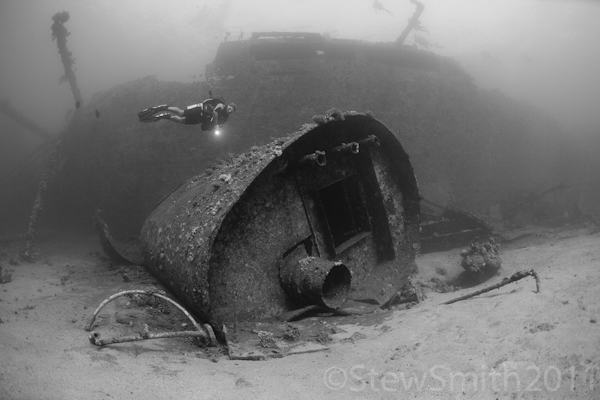
Spent a few days diving with DuncanS of Red Sea Snapper and 3 days on a mini safari with Alex Tattersall. Heres a few from some amazing days diving. Trip report and more photos to follow soon.
Read-only discussion
Spent a few days diving with DuncanS of Red Sea Snapper and 3 days on a mini safari with Alex Tattersall. Heres a few from some amazing days diving. Trip report and more photos to follow soon.
3 more
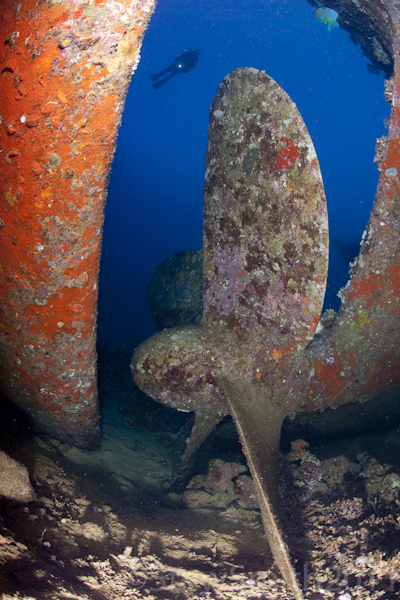
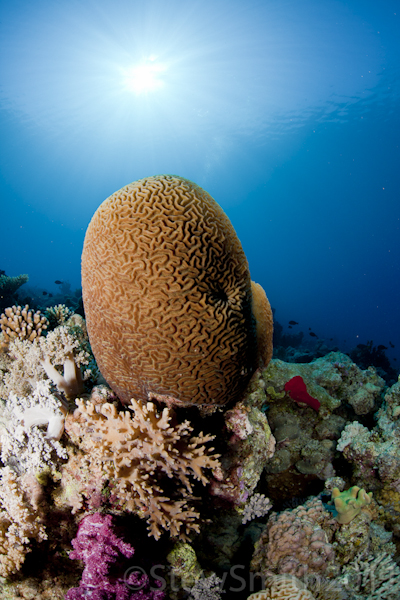
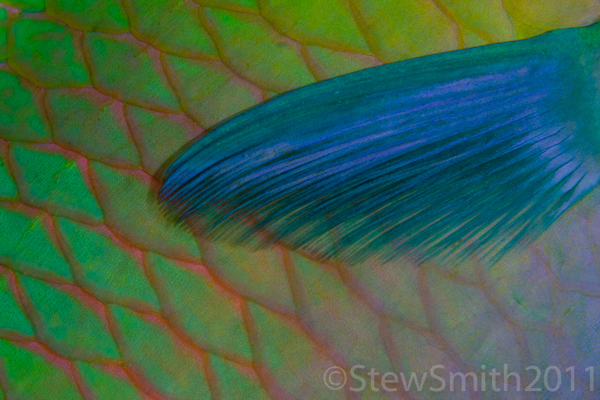
and another 3
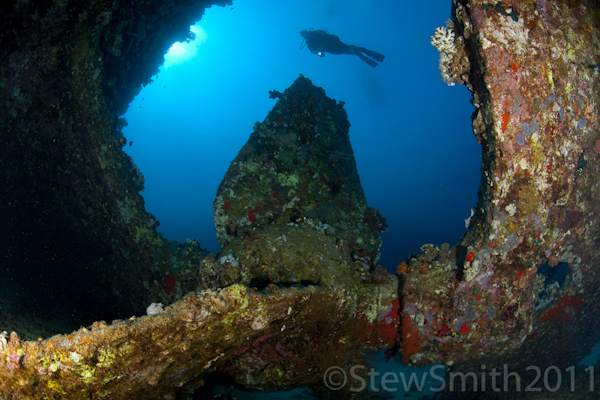
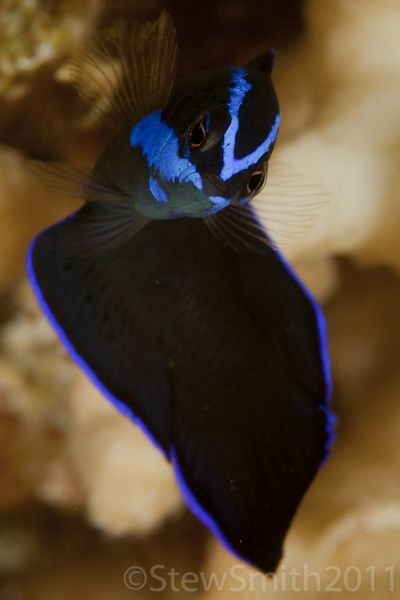
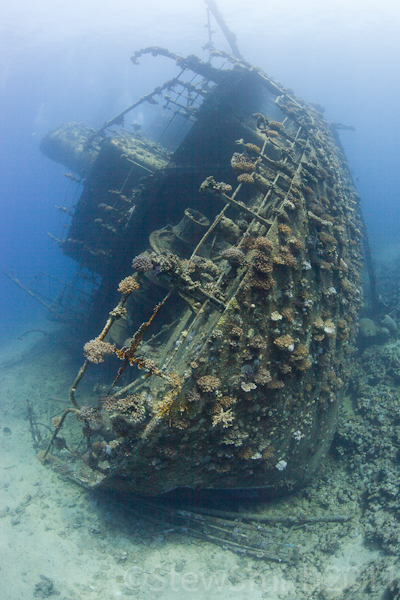
Nice Stew!
I like the fish shots and the B&W the most.
Great pics as usual Stew!!
See you soon
Duncan
Great B&W on the fist post Stu - which wreck ? I don't recognize it.
Paul C
Great B&W on the fist post Stu - which wreck ? I don't recognize it.
Paul C
From memory it was the Marcus. ( Wreck of the tiles ) Dont quote me on that though. I am sure Mr Spencley will correct me if I am wrong.
Stew

Have you checked your wallet, Stew?
Alex has a  sneaky
  way of extracting money from the unwary, even if they have seen their friends succumb...

Tim

Have you checked your wallet, Stew?
Alex has a
Tim
Luckily I am a Sea and Sea man through and through so didn't part with any cash. My loyalties will remain with them unless I have issues with any of their products that I buy. Having said that the boat did look like a Nauticam showroom and Alex's business card was always somewhere to be seen.
Stew

Terms of Use Privacy Policy Guidelines We have placed cookies on your device to help make this website better. You can adjust your cookie settings, otherwise we'll assume you're okay to continue.

A worldwide community for underwater imaging.
