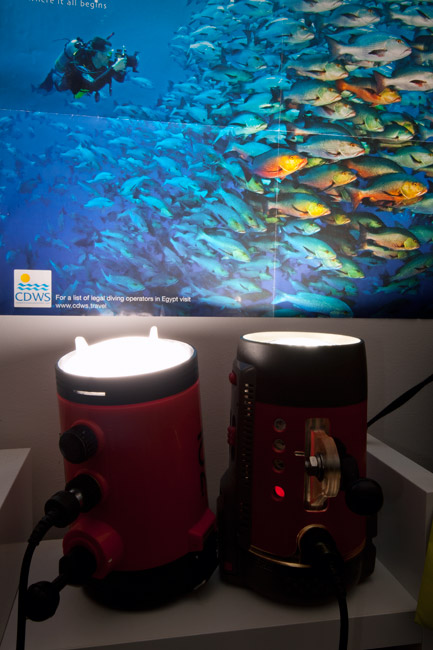
I have couple of old SB105 strobes does any one know the distance i can place these away from my main strobes for them to sense the light and fire.
Also if I go down the road with a remote sensor which one do you recommend and will they work on the SB105.
Cheers
Alex
I have tested the triggerfish with my SB-104 and it works well. Will test the SB-102 too, when I have a minute. I am very confident it will work with that and you SB-105.
Alex
I have tested the triggerfish with my SB-104 and it works well. Will test the SB-102 too, when I have a minute. I am very confident it will work with that and you SB-105.
Alex
They (triggerfish) work with the SB105. Have had confirmation from two users.
grtz, Hedwig.
Here is the test of the SB104 and SB102 - both triggering off the Triggerfish - no problem.
Alex
Thanks for that guys will look at getting a trigger fish.
Cheers
Alex
If Hedwig doesn't have any left the HW sensors also work with 105s. I think the triggerfish are much better at dealing with ambient light if you are using them in the ocean - the HW sensors don't like it at all.
If Hedwig doesn't have any left the HW sensors also work with 105s. I think the triggerfish are much better at dealing with ambient light if you are using them in the ocean - the HW sensors don't like it at all.