



For sale: Motorola 9505a Iridium satellite phone
- comes with charger, data serial interface, USB to serial adapter (one that is confirmed to work with Mac OS X Lion, Snow Leopard and Leopard), magnetic antenna with long cable, and stand (useful for data).
$750 plus shipping for the phone and all accessories.
Iridium satellite has worked everywhere I've been, including extremely remote places like Antarctica. Coverage maps are available, if you're interested.
Obviously, you can use this phone for voice and SMS (incoming SMSes are typically free), but I used it quite a bit for data with my MacBook Pro. With the right email software and service (e.g., Xgate), you can get as many as 10 emails per minute of data time. Without the right email software and service, it functions as a very slow modem.
My prepaid plan still has about 450 minutes on it, but it expires on Tuesday, November 29. If you purchase this phone and buy more minutes, you'll get all the minutes still on the prepaid card along with your extension. My prepaid cards are purchased through Roadpost. You can see rates and expiry periods at their website: http://www.roadpost.com/Standard-Iridium-P...s-P706C323.aspx
If you do purchase this and renew the plan, the phone becomes very cheap. 
If you do not purchase more minutes, it will just be a satellite phone; you can purchase a prepaid card or subscribe to a plan at any time.
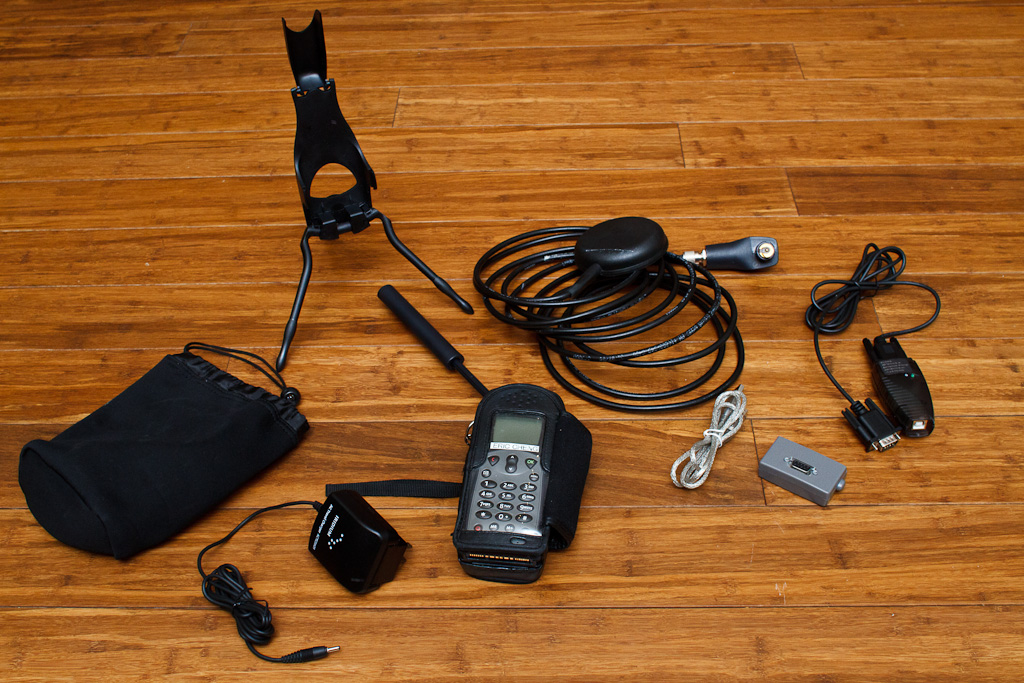
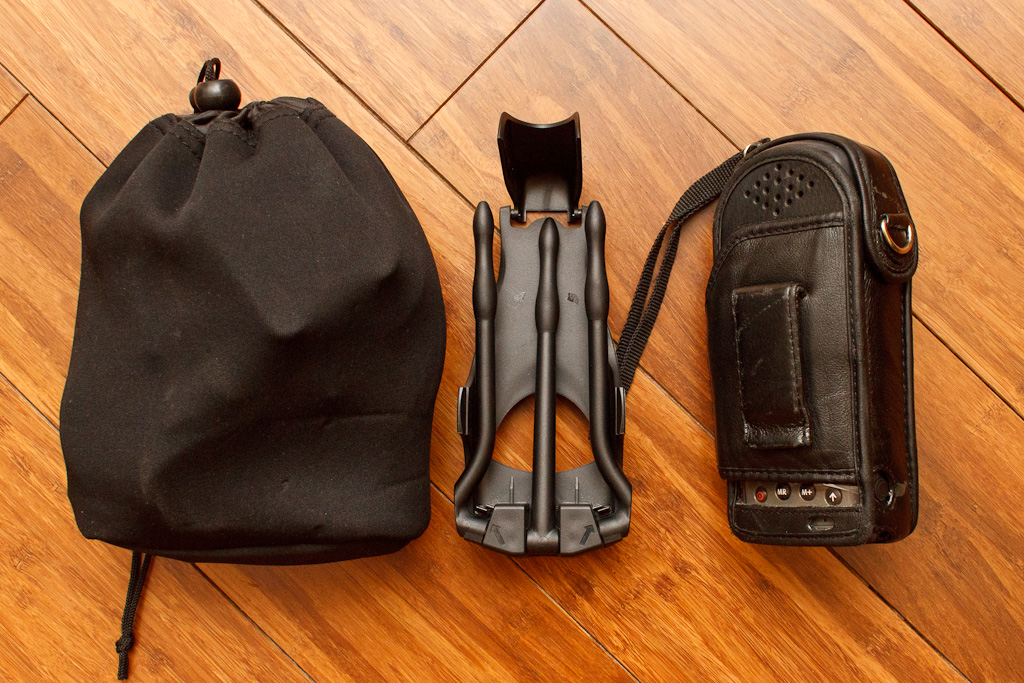
Here's how you travel with it, assuming you want to bring all the accessories (the middle stand is optional—I never bring it). Data works without the big antenna, as well, so that part is also optional (although it does help with signal).
Please contact me privately at http://wetpixel.com/contacteric if you are interested.


