Skip to content

Shooting Technique, Workflow and Editing / Archived topic

DVD Architect Pro 5.0

Started by wagsy ·

  • 10Posts
  • 10Replies

Read-only discussion

DVD Architect Pro 5.0

10 posts
  1. Hi

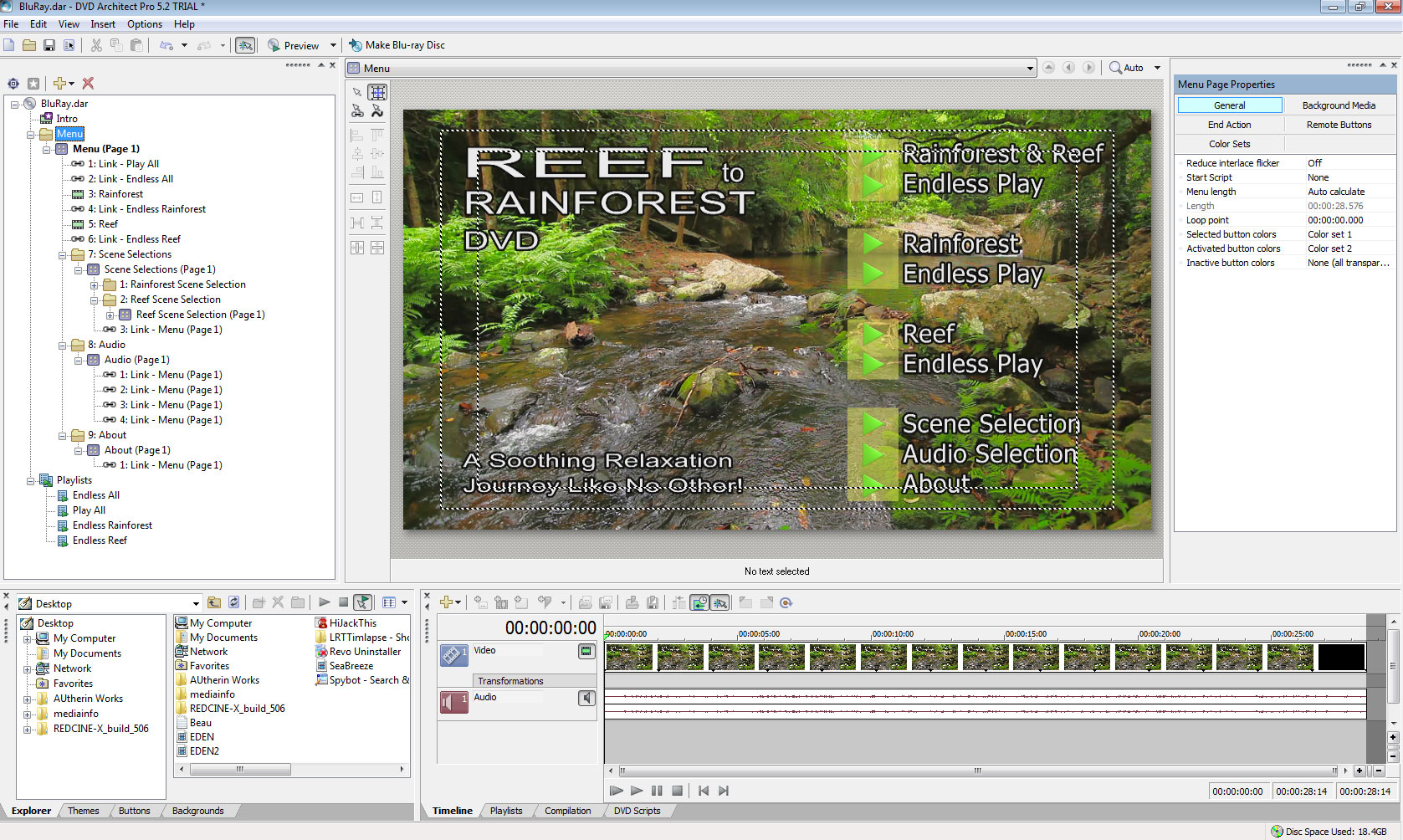
    After some trial and error I found DVD Architect Pro 5.2 works pretty good in authoring Blu_Rays.

    Even though you can download a 30 day trial, it cannot be purchased as a stand alone program, you have to buy Vegas?


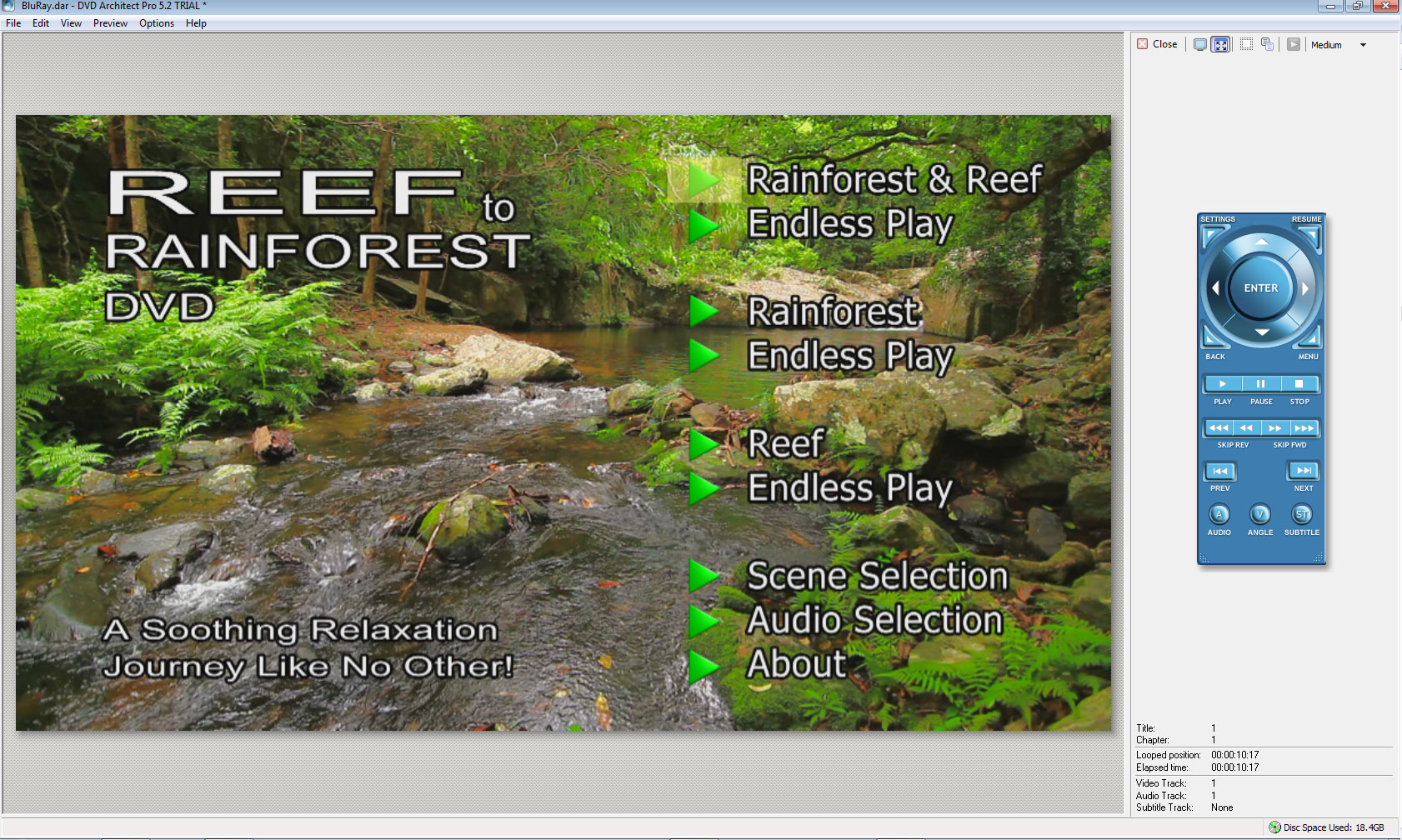
    I used it to author my new 90 minute project with audio tracks, motion menu, scene selection, play all and endless play options.

    It can even preview the project on a secondary monitor to test before compiling and burning.


    It can burn straight to disk or you can compile and save as an ISO file

    Then you can use WinRAR to unpack the ISO file and test on your computer with Blu_Ray software and then burn to Disk.


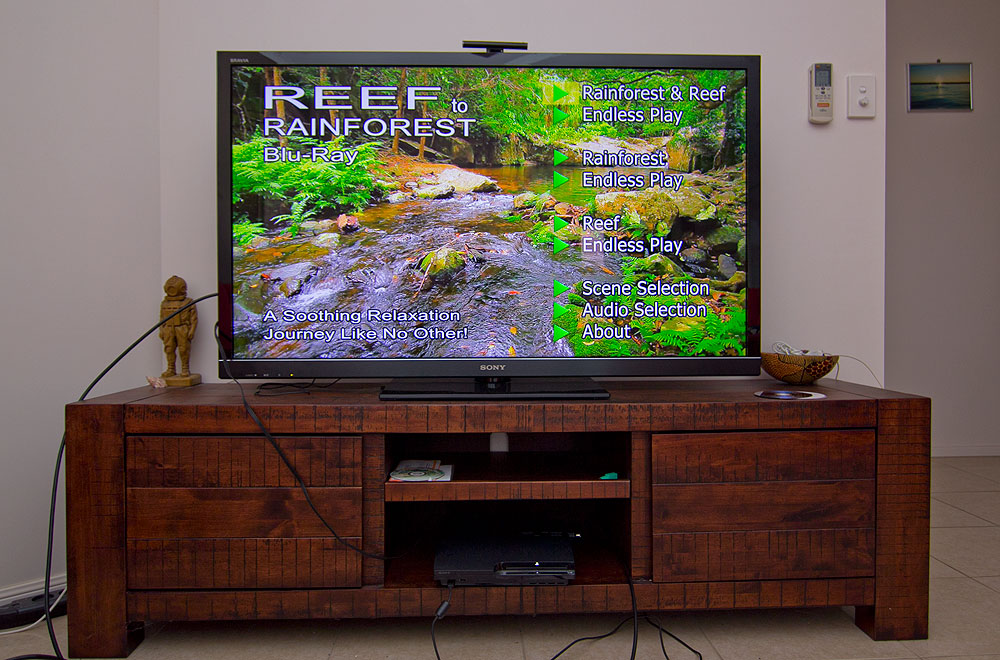
    Watching it on my 55 inch Sony TV looks really neat.

    All in all pretty impressed, but why can I not buy it as a stand alone program?

    PS: Yes I know I have to change the word from DVD to Blu_Ray on the motion menu :)


    post-4240-1323636441.jpg


    post-4240-1323636483.jpg

  2. Gee that site is suss, in the USA or something lol


    Yes that's DVD Architect™ Studio.

    It seems to be a dumb down version of Pro

    Will download it and see anyhow.

    Cheers.

    EDIT found the difference.

    Have to have Pro :-(


    https://www.custcenter.com/app/answers/deta...d-architect-pro

    Edited by wagsy
  3. Yeah I found it while searching the net for a copy of Vegas.

    One of the many websites I found for cheap software.

    Havnt used them so can't comment.

    Cheers pete.

  4. Well my 90 minute Reef to Rainforest relaxation Blu-Ray looks fantastic.

    Plays excellent on the PS3.

    Its the first Blu-Ray I have ever made, good thing I was using a PC :-)

    Very happy with DVD Architect Pro.

    Now to make NTSC versions.


    post-4240-1323677890.jpg

  5. So where do we order a copy wagsy??????

    Cheers Pete.

  6. Ha ha, that's what I like to hear Pete :-)

    Well its like this, I am going to get glass pressed replicated PAL DVD's made up to sell to the tourists around Cairns here but its just cost too much for glass pressed replicated Blu_Rays done as I have a mortgage now :-)


    So I will burn either NTSC or PAL Blu_Ray copies off them on request.

    Also toying with the idea of having 1080p version available as downloads as H.264 or wmv and maybe versions for the apple and android tablets.

    User pays via pay pal then automatically they get sent an encrypted limited downloads link that expires after a period of time...... Fully auto kind of thing :-)


    Should have things sorted more by the end of this week.

  7. Looks like I may be your first customer then wagsy!

    Let me know when to place an order, I'll probably order a bluray version.

    Cheers pete.

  8. It's simple Wags, ditch that EDIUS garbage that you use and get the whole Vegas Pro / DVDA package :)


    DVDA is pretty good. It has advantages over TMPGEnc Authoring Works such as the ability to do more than 2 subtitles tracks and the ability to do a "resume" on the menu. But there is one big downer with it. It always recompresses HDV, no matter what you do. That's fine if you have fx, titles etc., but if you have vanilla HDV footage and don't want it messing with, then DVDA is lossy. HOWEVER, the genius "Malowz" in this thread on the Sony Vegas Pro forum developed a free patcher to get around the problem. Previously to that you could only use TMPGEnc DVD Authoring Works or Adobe Encore to smart render the HDV and then dig the files out of the Blu-ray folders and drop them into DVDA.

Ultralight Control Systems

Account

Navigation

Search

Search

Configure browser push notifications

Chrome (Android)
  1. Tap the lock icon next to the address bar.
  2. Tap Permissions → Notifications.
  3. Adjust your preference.
Chrome (Desktop)
  1. Click the padlock icon in the address bar.
  2. Select Site settings.
  3. Find Notifications and adjust your preference.