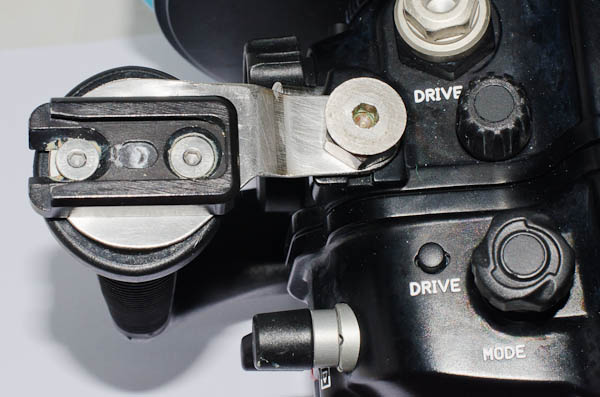
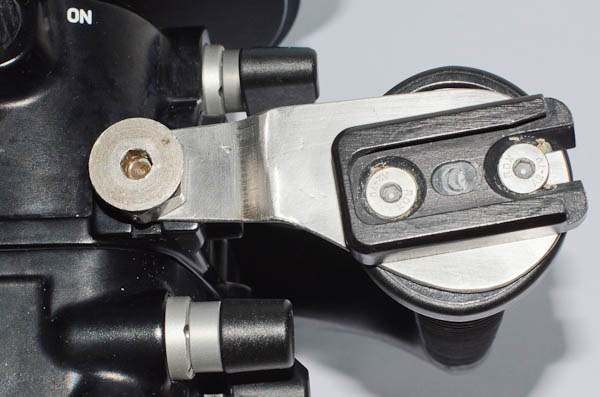
The Nauticam NA D7000 housing has provision for flash ball attachment on top of the handles and on the housing itself. I use a Peli 1550 case about 20cm deep and did not want to increase the height of the housing unnecessarily by attaching ball fittings on top.
Ultralight dovetail base plates can be screwed to the top of the handles, but the M5 holes provided don't allow the base plate to be attached parallel to the back of the housing, only perpendicular to the back or at an angle. This makes the arms difficult to position with the angled dovetail adaptors I have. (I could have avoided this modification had I originally bought male dovetail base adaptors which are not angled!)
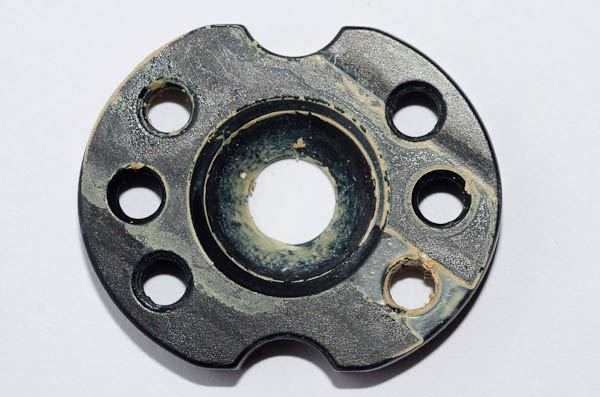
A machine shop filled the dimples in the handle top-plates with weld metal and drilled and tapped two new M5 holes (25mm between centres) parallel to the housing back. They also made two 316 stainless brackets which support the top of the handles.
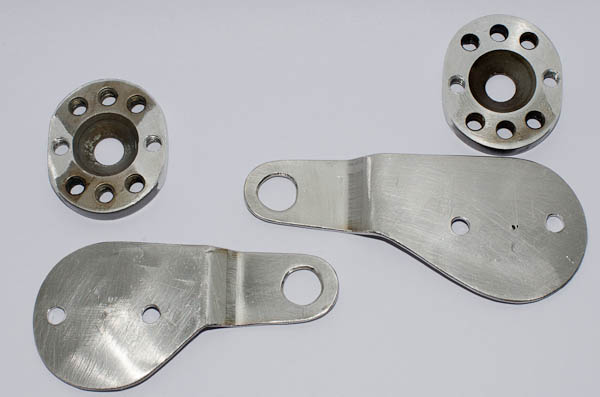
They are not as pretty as the Nauticam product but were a third the price. The thread in the housing is 10 x 1 (1 is the thread pitch), which are hard to find.
I assembled the bits with plenty of Duralac anti-seize compound to inhibit electrolytic action between the dissimilar metals.